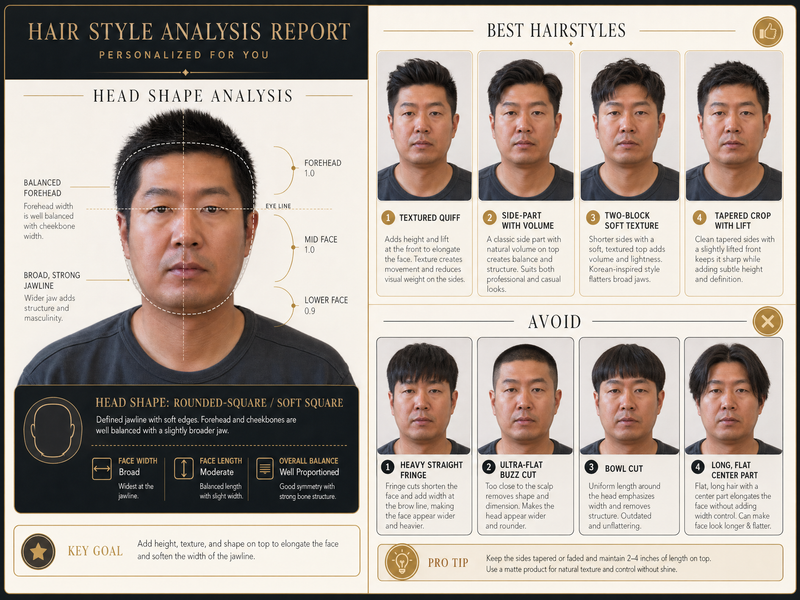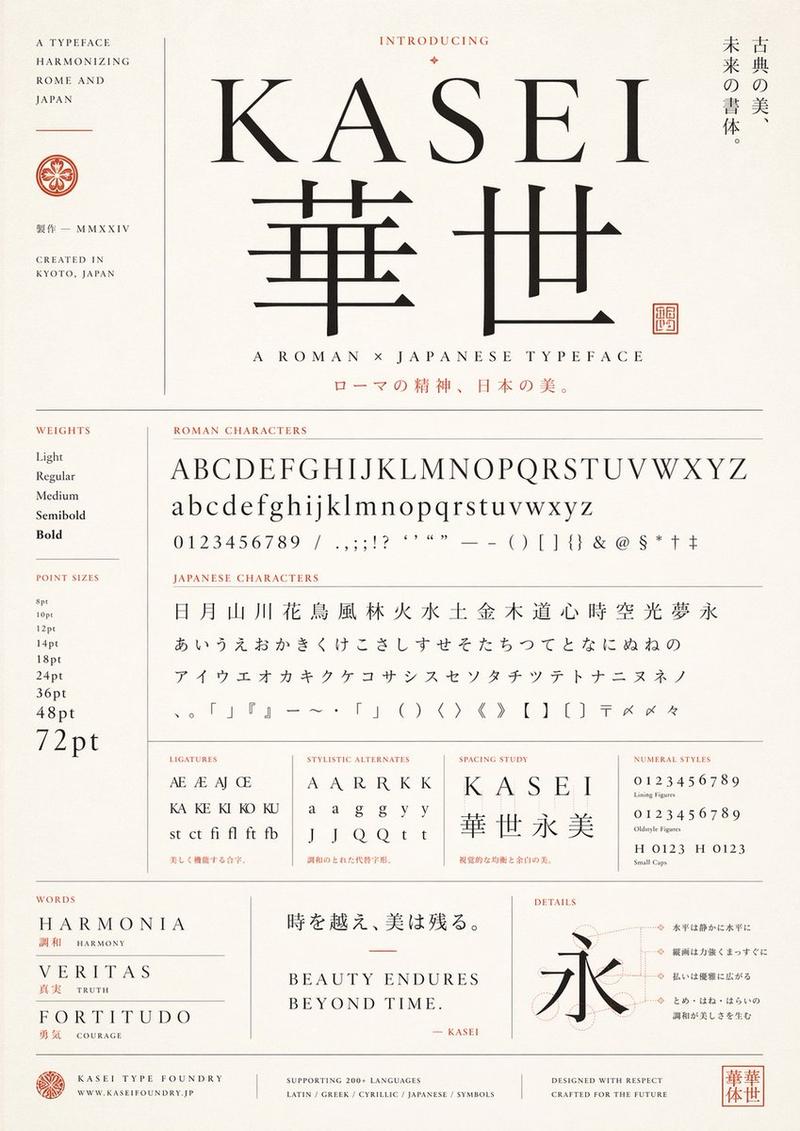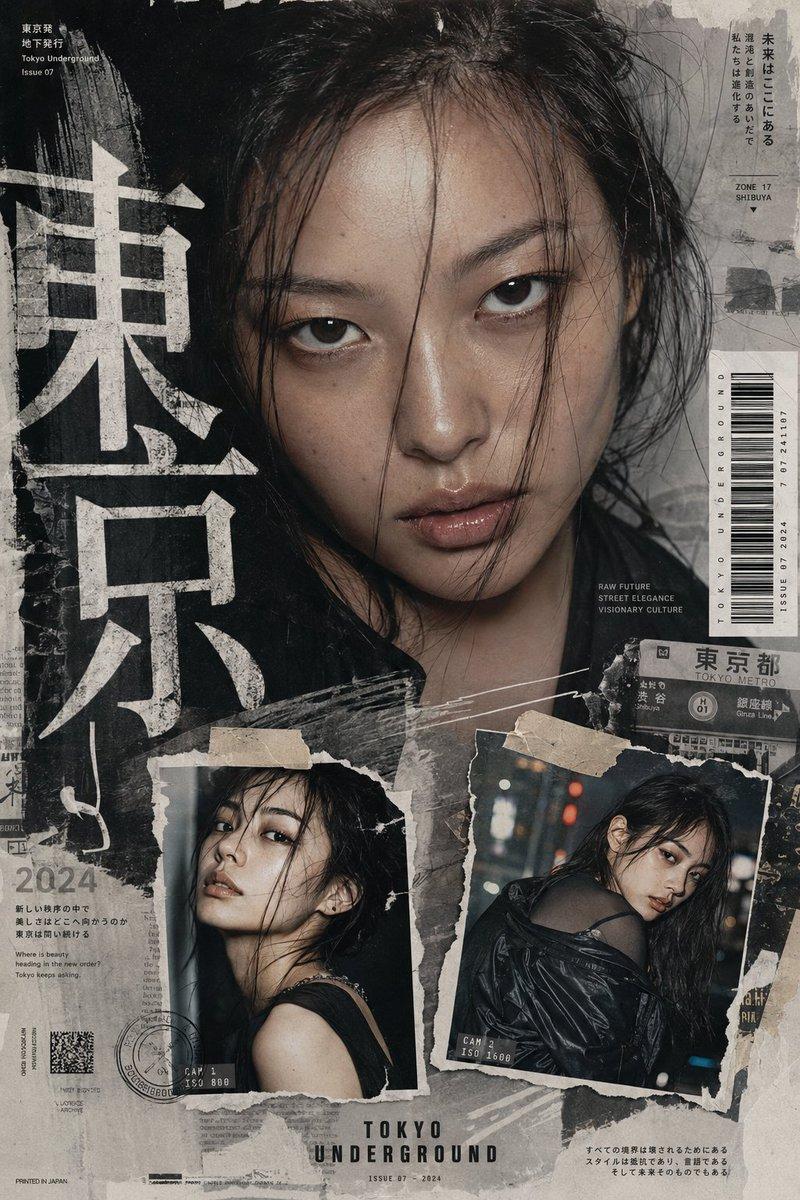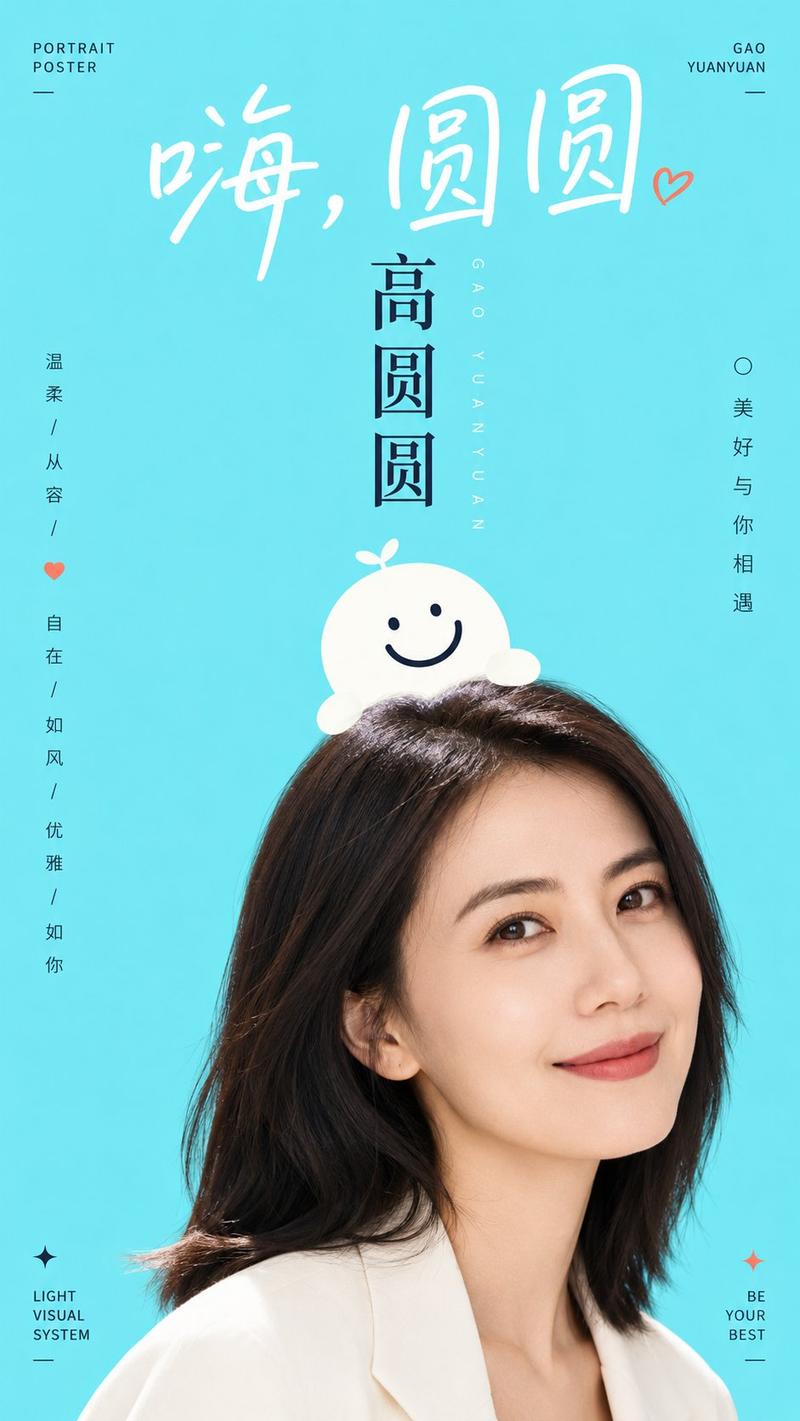
清透秩序感双焦点人文讲座海报设计
Prompt
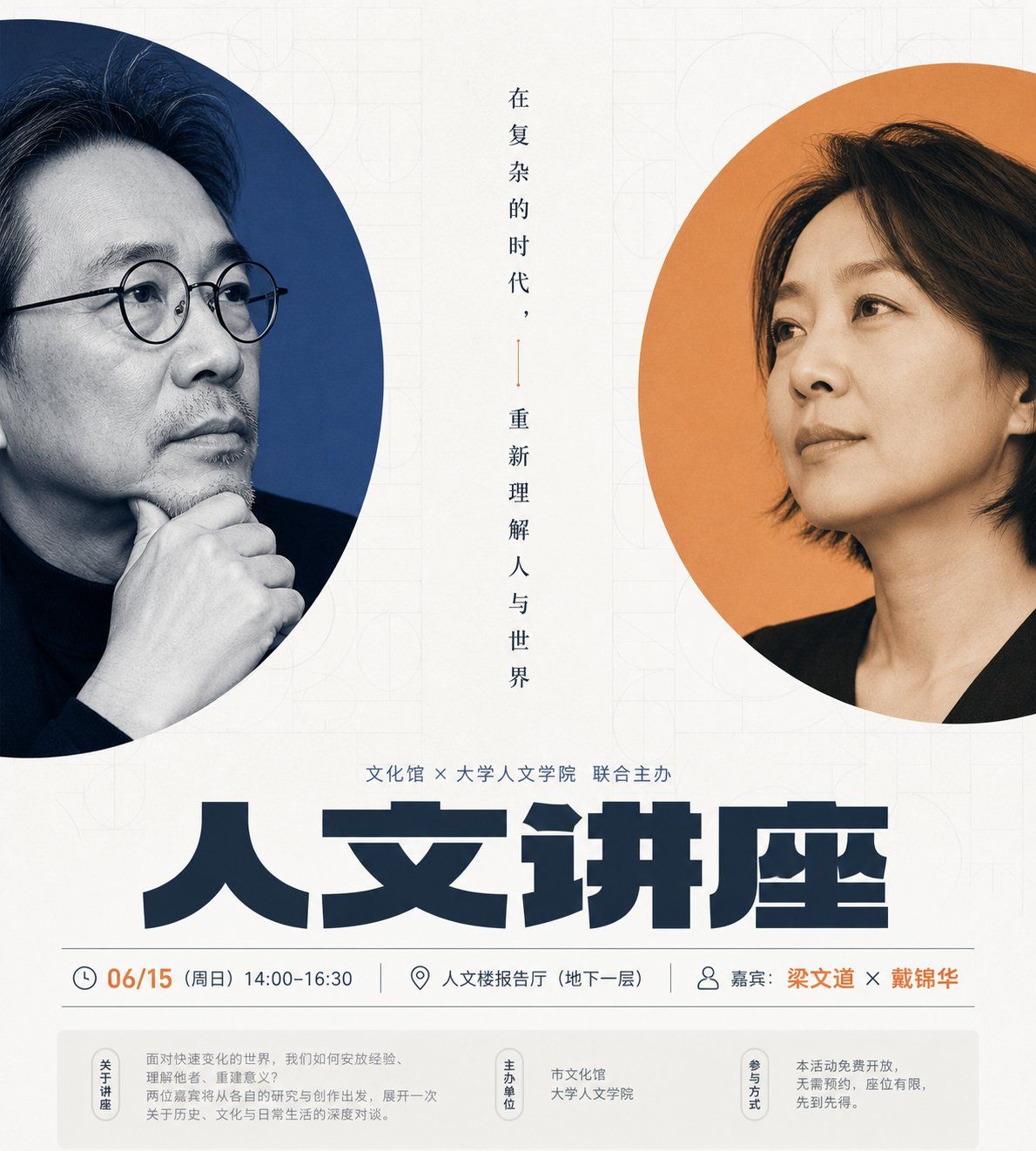
Generate a clear, highly orderly visual information display centered around any subject. The image first reveals two tall, rounded rectangular color blocks in the center, acting like cropped windows, each carrying a core focus of the subject. These focuses can be extracted from the subject's characters, products, symbols, or material forms, using close-up cropping and edge exposure to create a dual-focal dialogue. The two windows are staggered left and right, similar in size but different in posture, with a narrow and quiet white space axis in the middle for a small amount of slender vertically aligned text or phrases, connecting the two focuses like a book spine. The background maintains a large area of bright high-key base color, incorporating extremely faint, low-contrast repetitive geometric textures that provide a sense of culture, order, and slight paper-like layering without overshadowing the main subject. The title area uses heavy, wide, and flat, tightly arranged bold fonts, becoming the strongest visual weight below. Above the title, use medium-sized fonts for event or theme descriptions; below the title, use thin information strips to house sub-headlines, time, location, or supplementary information. Finally, a light-colored information bar at the bottom holds secondary data, making the reading path flow from the dual focal points to the main title and then to the details. Colors are extracted from the materials, emotions, and cultural signals of the subject itself, maintaining a relationship between a large bright clean base color, a small amount of saturated and clearly bounded accent colors, a dark text skeleton, and light information backings. The overall feeling should be clear, quiet, bright, clean, and sharply contrasted, with accent colors concentrated only in the focal windows and key information, avoiding dirty grays, vintage yellowing, or excessive decoration. The final product should look like a restrained public cultural event visual, with ample white space, precise hierarchy, and an interlocking of images and text, rather than a simple collage or a crowded flyer.

——————
Activity Direction: Humanities lecture or filmmaker dialogue poster, keeping the dual-character windows and the central axis vertical phrases.
Publishing Scenes: Can be used directly for campus WeChat public accounts, cultural center event previews, and on-site guidance.
Text Content: Main title says "Humanities Lecture", with time, location, and guest names placed below.
Aspect Ratio: Vertical 9:10
- Category
- Charts & Infographics
- Model
- ChatGPT
- Creator
- @xiaoxiaodong01
- Source ID
- 17058
- Published
- Jun 29, 2026
Views27