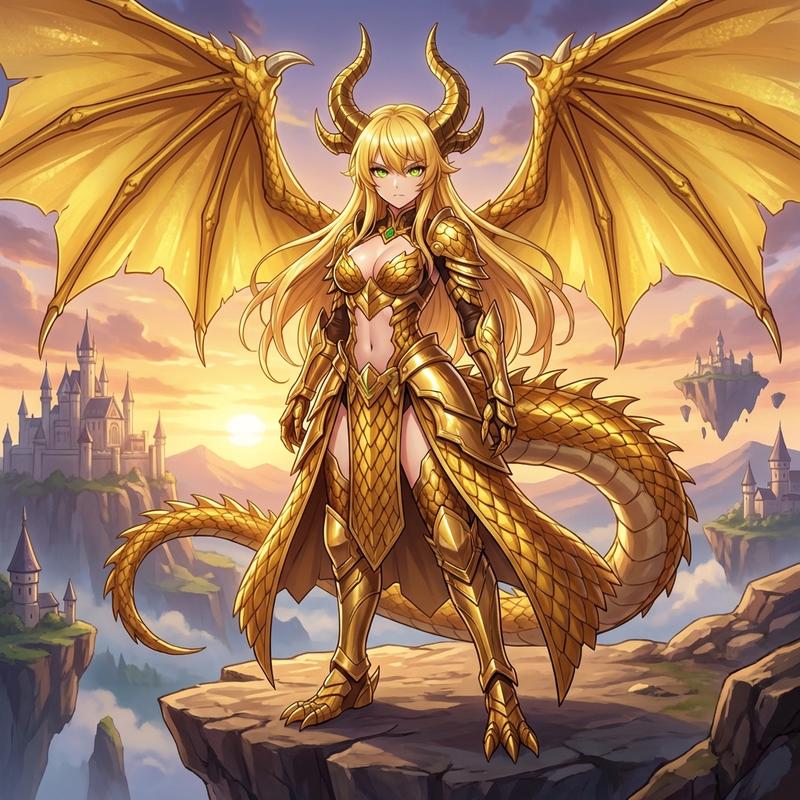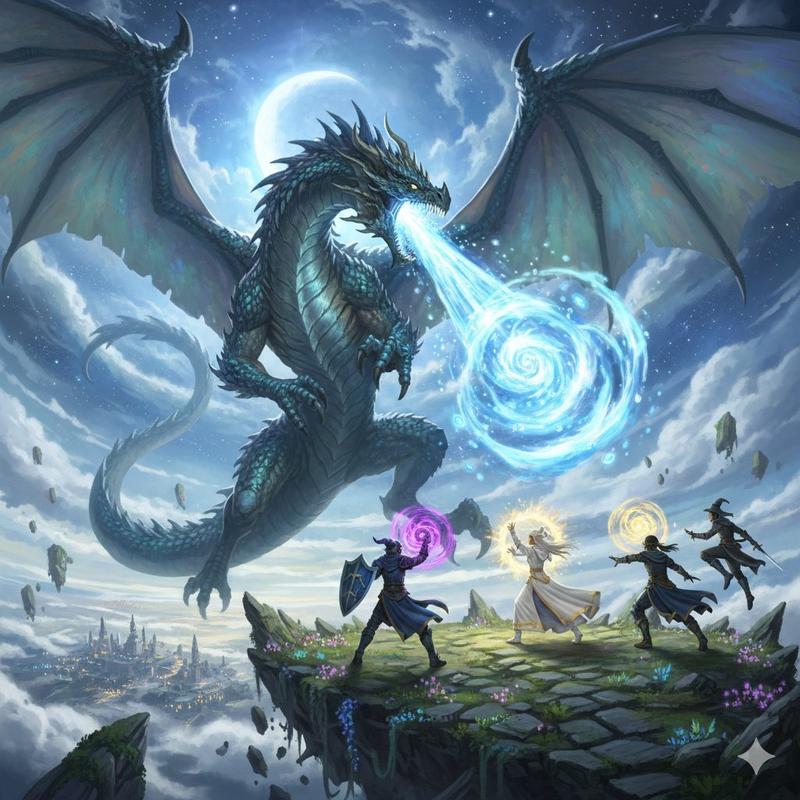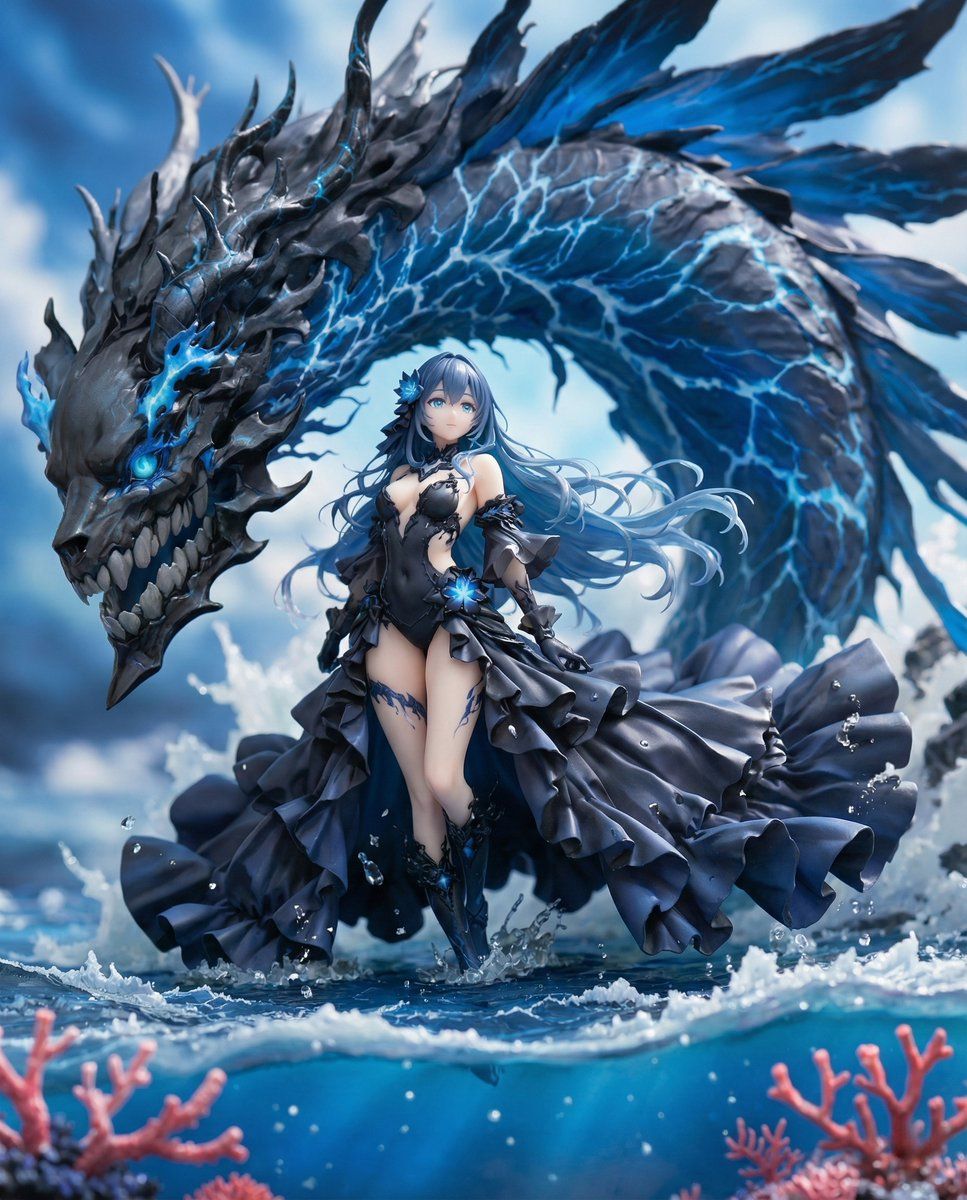
完美复刻商业级手办模型渲染指南
Prompt
■ COMPOSITION_MODE: Composition and Angle Faithful Framing: Maintains the zoom ratio and composition of the original illustration 'as is'. Full-Body: Even if the original image is only upper body, it completes the feet to render a 'full-body figure'. High-Angle View: Forcibly switches to a 45-degree high-angle 'overhead (bird's-eye) view'. ■ ENVIRONMENT_TYPE: Background Construction Auto: AI analyzes the original image and automatically selects 'Diorama' if there is a detailed background, or 'Studio Background' if it is simple. Force Diorama: Even if the original image has a white background, it forcibly constructs an elaborate miniature set (cityscape, nature, interior, etc.). Force Studio: Eliminates any background and replaces it with a clean photographic backdrop or acrylic sheet. ■ ASPECT_RATIO: Screen Ratio Inherit: Same ratio as the original image. Square: 1:1. For SNS posts or icon-style compositions. Portrait: 9:16. For smartphone wallpapers or dynamically showing standing figures. Landscape: 16:9. For showcasing wide diorama sets. ■ DISPLAY_BASE: Base Selection Simple Round: Transparent or opaque circular plastic base. Results in the most common figure appearance. Decorative: Custom base with decorations matching the character's theme (rubble, magic circles, luxurious designs, etc.). Diorama Floor: Eliminates the concept of a base, placing the figure directly on the diorama ground. None: Excludes both the base and ground details, resulting in the simplest self-standing state. ■ DENSITY: Information Density Standard: A clean, organized finish, like a catalog photo. High: Adds a large number of small objects (model grass, rubble, miniature furniture, etc.) within the diorama to maximize information density. ■ FIGURE_MATERIAL: Figure Material Texture Standard PVC: Standard plastic feel of commercial figures. Softly diffuses light. Premium Resin: Detailed molding and a high-grade resin feel with slight transparency. Texture like a garage kit. Glossy Plastic: A texture with strong reflections, like a glossy painted finish. ■ LIGHTING_STYLE: Lighting Natural: Soft natural light, like being photographed by a window. Everyday atmosphere. Bright Studio: Advertising photo style with multiple lights, minimal shadows, and clear details. Cinematic: Strong contrast and shadows to create a profound atmosphere, like a scene from a story.
- Category
- Posters & Typography
- Model
- Nano Banana Pro
- Creator
- @highsan_AIart
- Source ID
- 9586
- Published
- May 14, 2026
Views40