16

赛博朋克风伪娘变装化妆实录

Prompt
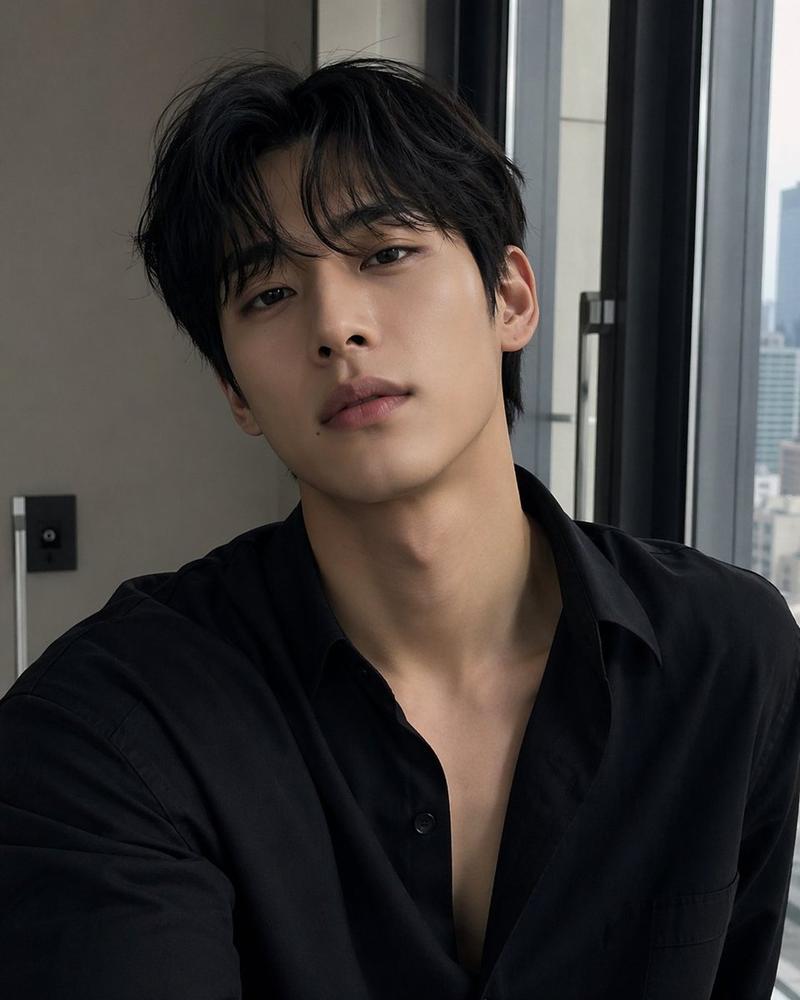
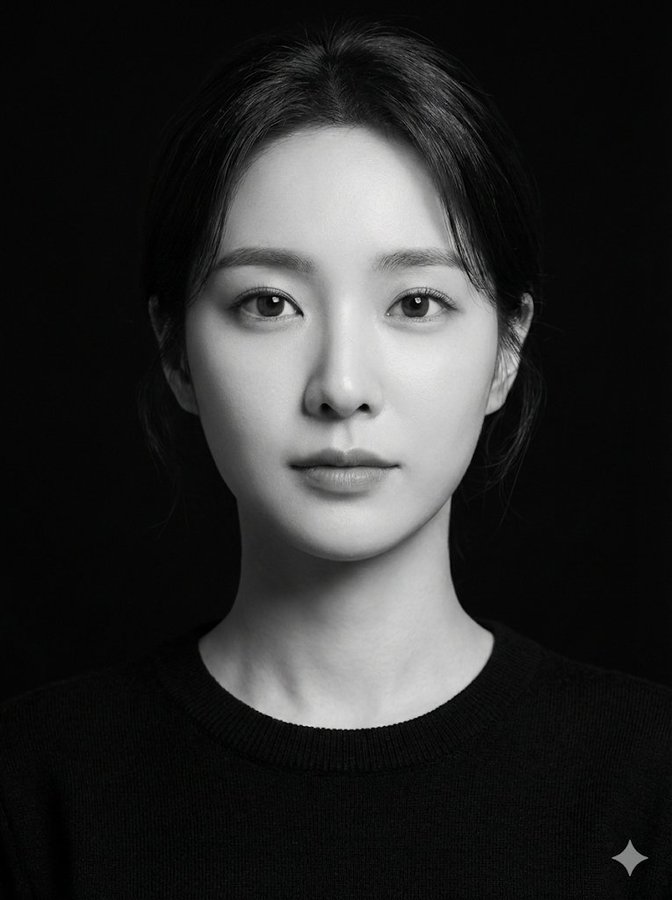
@Picture, 4K ultra-clear real person original face on camera without replacement, male to female subculture punk style heavy makeup cross-dressing full process, ins style bedroom background, light camera movement focusing on makeup details, short video fast cutting rhythm, smooth step transitions, teaching perspective + daily life narration synchronization, transparent lighting no AI feel, starting from male bare face original state, sequentially displaying foundation → facial contouring → eye makeup → eyebrow makeup → lip makeup → wearing wig → matching accessories, finally slow motion freeze frame finished product, atmosphere maxed out ### Step-by-step detail prompts 1. Foundation: Lightweight foundation even skin tone, focus on covering facial edges, forehead forehead lines, nasolabial folds, facial no fine lines flat fitting 2. Contouring: Narrow nose wings weaken big nose male features, modify mandibular angle fade facial edges, highlight female soft facial lines 3. Eye makeup: Cool tone color scheme create rebellious cold feeling, elongate eye shape enlarge eyes, strengthen feminine eye features 4. Eyebrow makeup: Soften eyebrow shape, draw thin curved eyebrows lift facial softness 5. Lip makeup: Bright bold rebellious color lip glaze layering, increase facial charm 6. Styling: Match subculture style black bangs long hair wig, adjust high cranial top, match silver exaggerated earring accessories
Category
Video Prompts
Model
Seedance 2.0
Views468
Source ID
7192
Published
Mar 12, 2026

Guide

About "赛博朋克风伪娘变装化妆实录"

What is this prompt for?

"赛博朋克风伪娘变装化妆实录" AI image prompt for Seedance 2.0 (Video Prompts). @图片,4K超清真人原脸出镜无替换,男变女亚文化朋克风浓妆变装全流程,ins风卧室背景,轻运镜聚焦化妆细节,短视频快剪节奏、步骤衔接丝滑,教学视角+生活化口播同步,光影通透无AI感,从男…

The full copyable prompt and example visuals above are ready for AI image generation or one-click recreate in Picva.

How to use this prompt

  1. Step 1

    Open the prompt detail

    Review the example visuals, category, and full prompt text for "赛博朋克风伪娘变装化妆实录".

  2. Step 2

    Copy the prompt

    Copy the prompt body from this page, or load it directly in Studio.

  3. Step 3

    Pick a model (Seedance 2.0)

    Prefer Seedance 2.0. If you switch models, keep subject and composition and tweak style terms.

  4. Step 4

    Generate and export

    Recreate the look in Picva, or export into your workflow for editing and publishing.

FAQ

What is the "赛博朋克风伪娘变装化妆实录" prompt?
It is an AI image-generation prompt for Seedance 2.0 in the Video Prompts category. This page includes the full prompt text, example visuals, and a one-click recreate path in Picva.
How do I use this prompt to generate an image?
Copy the prompt from this page, or use Generate / Studio. Paste it into a compatible image model, or recreate the look in Picva with optional reference images.
Which model is this prompt for?
This page lists Seedance 2.0. Most descriptive prompts also transfer to nearby image models such as GPT Image, Flux, or Midjourney with light style tweaks.
Can I use the result commercially?
You can usually copy the prompt for creation, but commercial use of the final image depends on the model terms, reference-image rights, and the generated content. Follow the source author and platform rules.