16

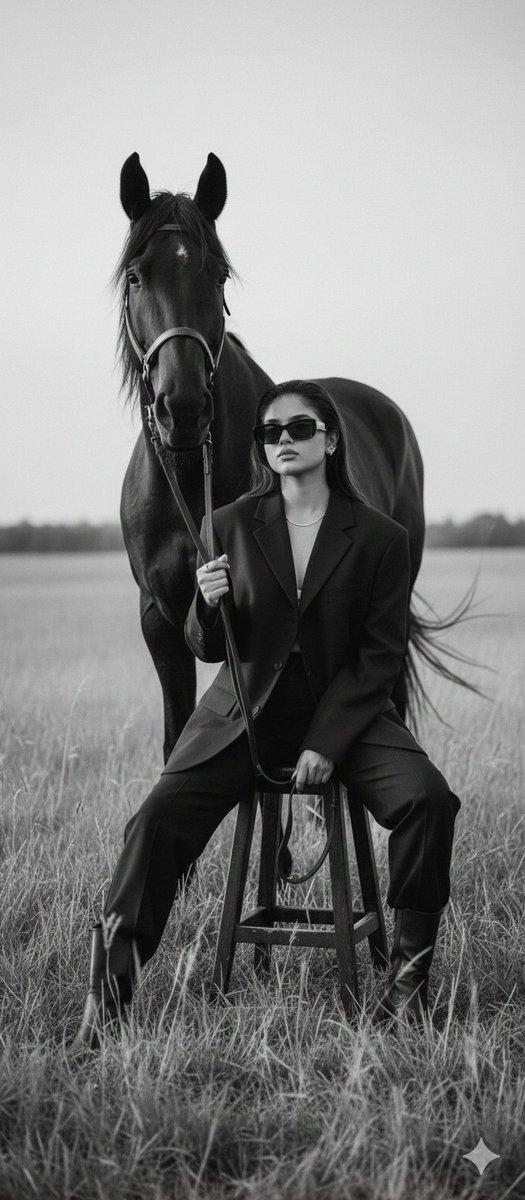
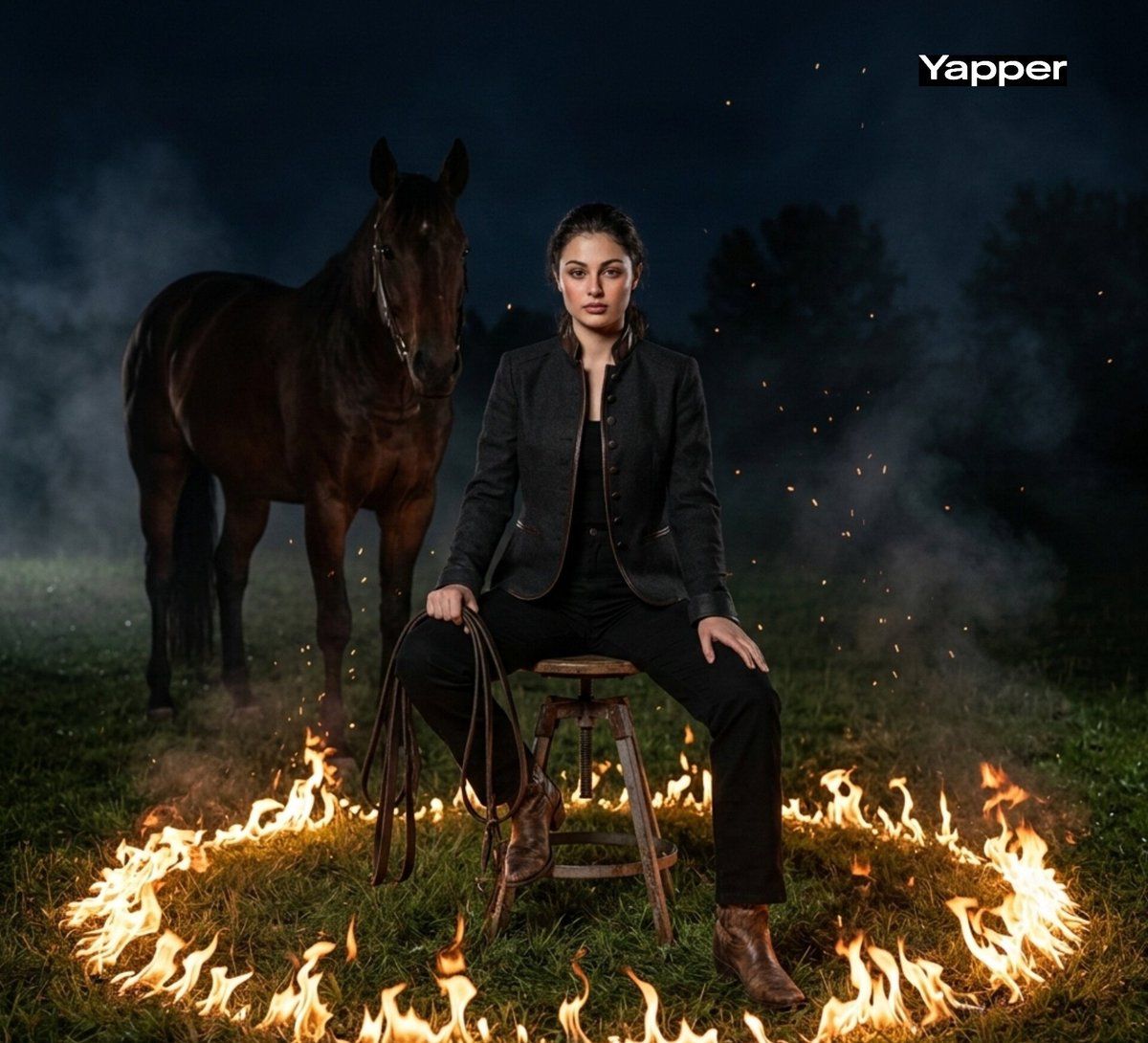
篝火映照的暗夜女牛仔
Enlarge

篝火映照的暗夜女牛仔

Prompt
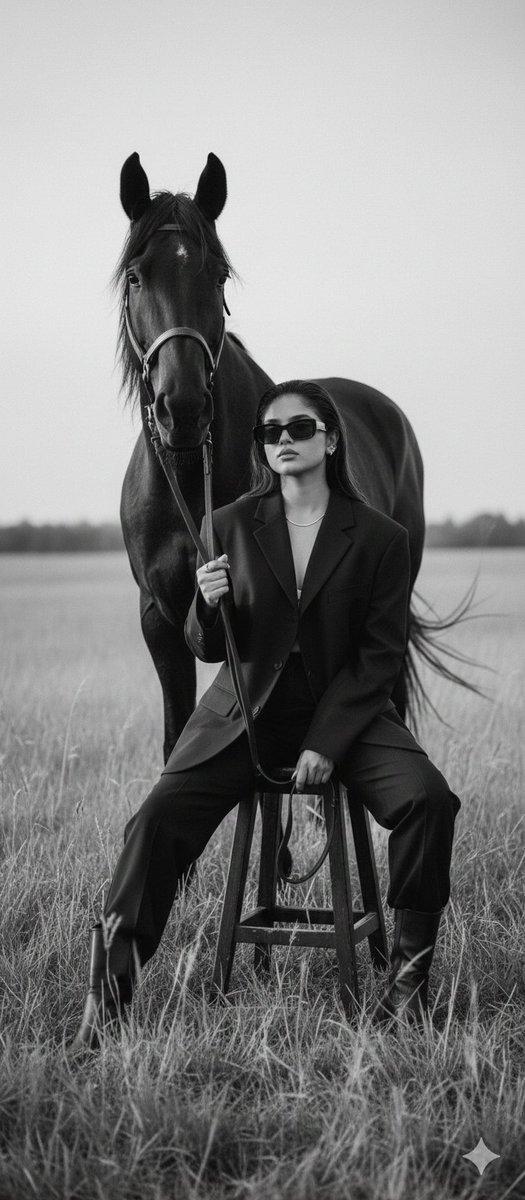
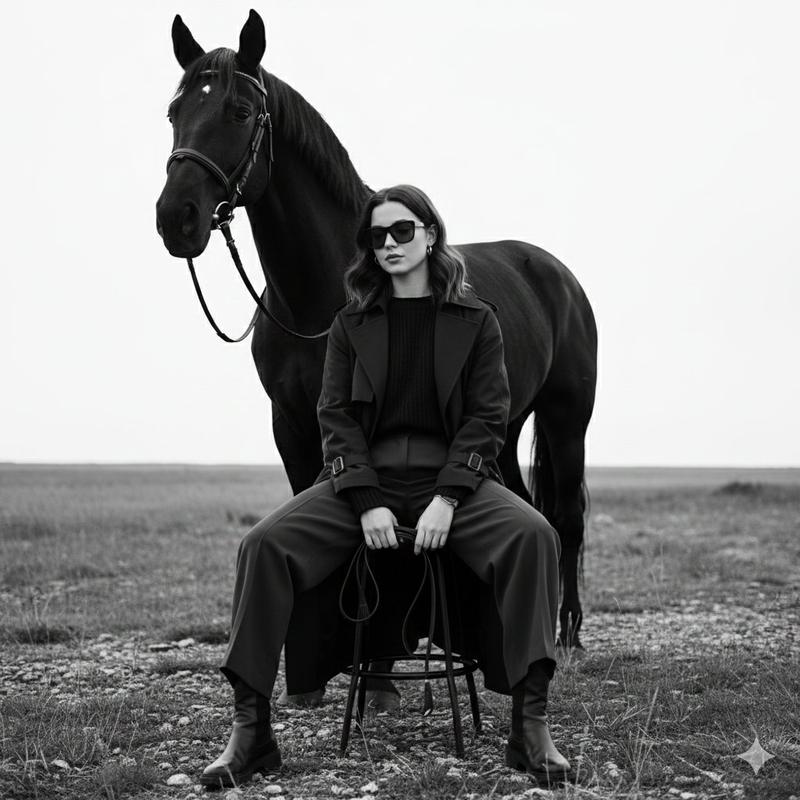
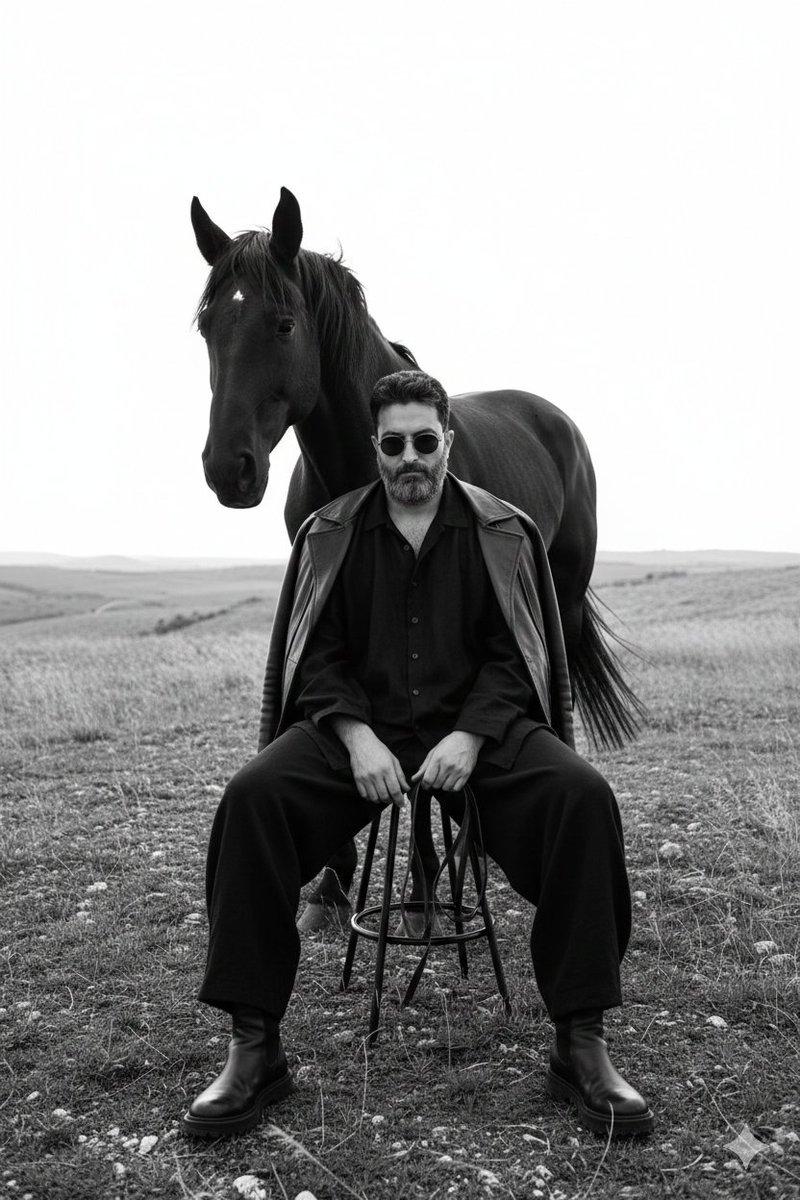
Cinematic dark western-style portrait using the face from the uploaded image but with a confident female physique, a stylish woman sitting on a metal stool in the middle of a grassy field at night. She wears a fitted dark jacket, black trousers and leather boots, elegant yet rugged western fashion, holding horse reins loosely in one hand. A powerful brown horse stands behind her in the shadows. Flames burn in a circle around her on the grass, sparks and embers floating in the air, dramatic firelight illuminating her face and outfit. Moody night atmosphere, smoke and glowing embers, strong cinematic lighting, ultra-realistic textures, shallow depth of field, editorial photography style, dark dramatic color grading, 8k ultra-detailed.
Category
Photography & Realism
Model
Nano Banana Pro
Views48
Source ID
13279
Published
Apr 3, 2026

Guide

About "篝火映照的暗夜女牛仔"

What is this prompt for?

"篝火映照的暗夜女牛仔" AI image prompt for Nano Banana Pro (Photography & Realism). 电影风格的暗黑西部肖像,使用上传图片中的面部,但身体为自信的女性体格,一位时尚女性夜晚坐在草地中央的金属凳上。她身穿修身的深色夹克、黑色长裤和皮靴,优雅而粗犷的西部时尚,…

The full copyable prompt and example visuals above are ready for AI image generation or one-click recreate in Picva.

How to use this prompt

  1. Step 1

    Open the prompt detail

    Review the example visuals, category, and full prompt text for "篝火映照的暗夜女牛仔".

  2. Step 2

    Copy the prompt

    Copy the prompt body from this page, or load it directly in Studio.

  3. Step 3

    Pick a model (Nano Banana Pro)

    Prefer Nano Banana Pro. If you switch models, keep subject and composition and tweak style terms.

  4. Step 4

    Generate and export

    Recreate the look in Picva, or export into your workflow for editing and publishing.

FAQ

What is the "篝火映照的暗夜女牛仔" prompt?
It is an AI image-generation prompt for Nano Banana Pro in the Photography & Realism category. This page includes the full prompt text, example visuals, and a one-click recreate path in Picva.
How do I use this prompt to generate an image?
Copy the prompt from this page, or use Generate / Studio. Paste it into a compatible image model, or recreate the look in Picva with optional reference images.
Which model is this prompt for?
This page lists Nano Banana Pro. Most descriptive prompts also transfer to nearby image models such as GPT Image, Flux, or Midjourney with light style tweaks.
Can I use the result commercially?
You can usually copy the prompt for creation, but commercial use of the final image depends on the model terms, reference-image rights, and the generated content. Follow the source author and platform rules.