17

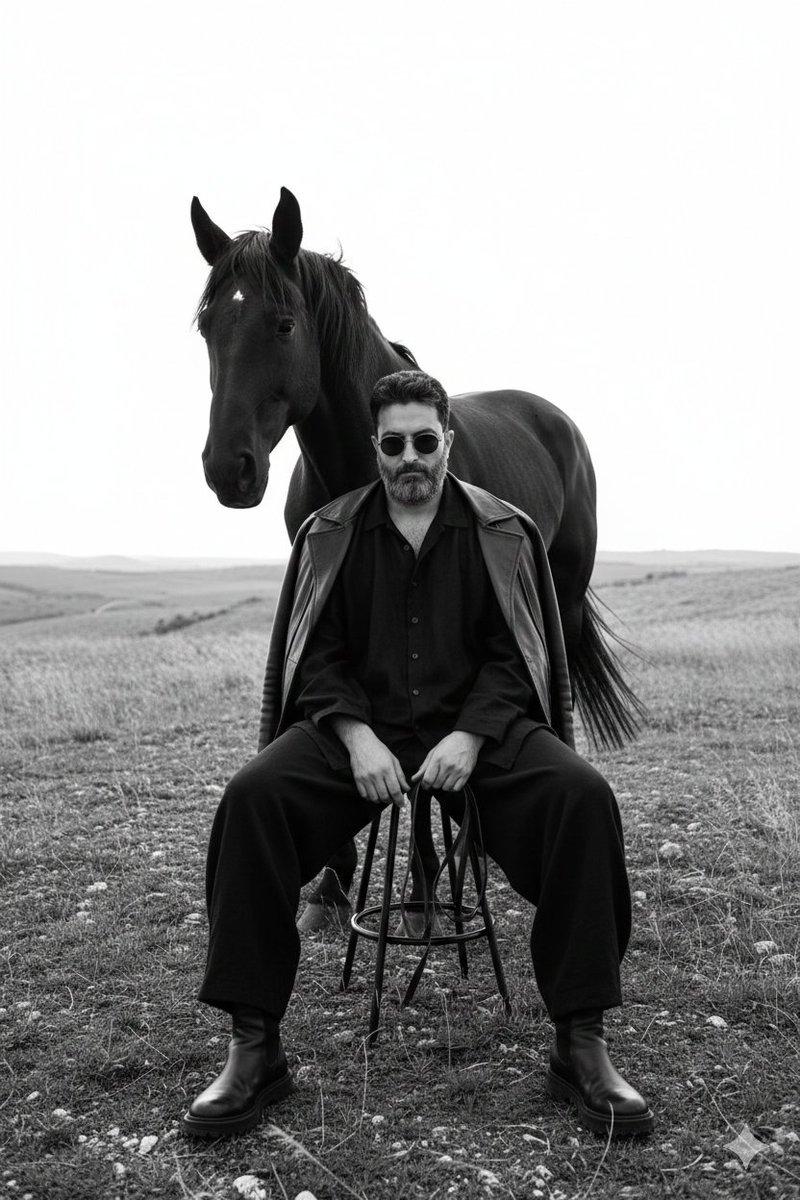
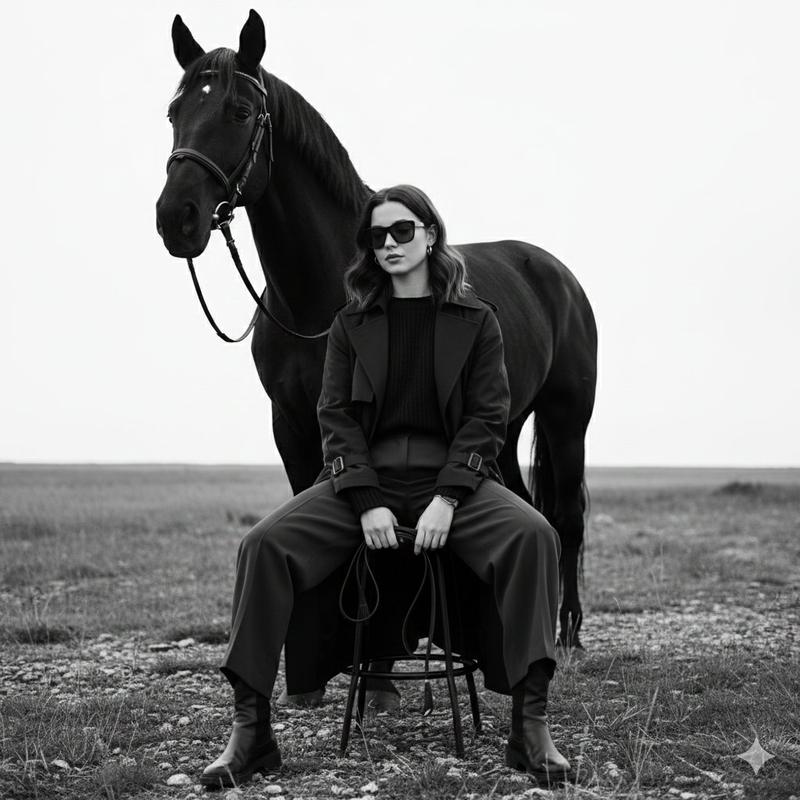
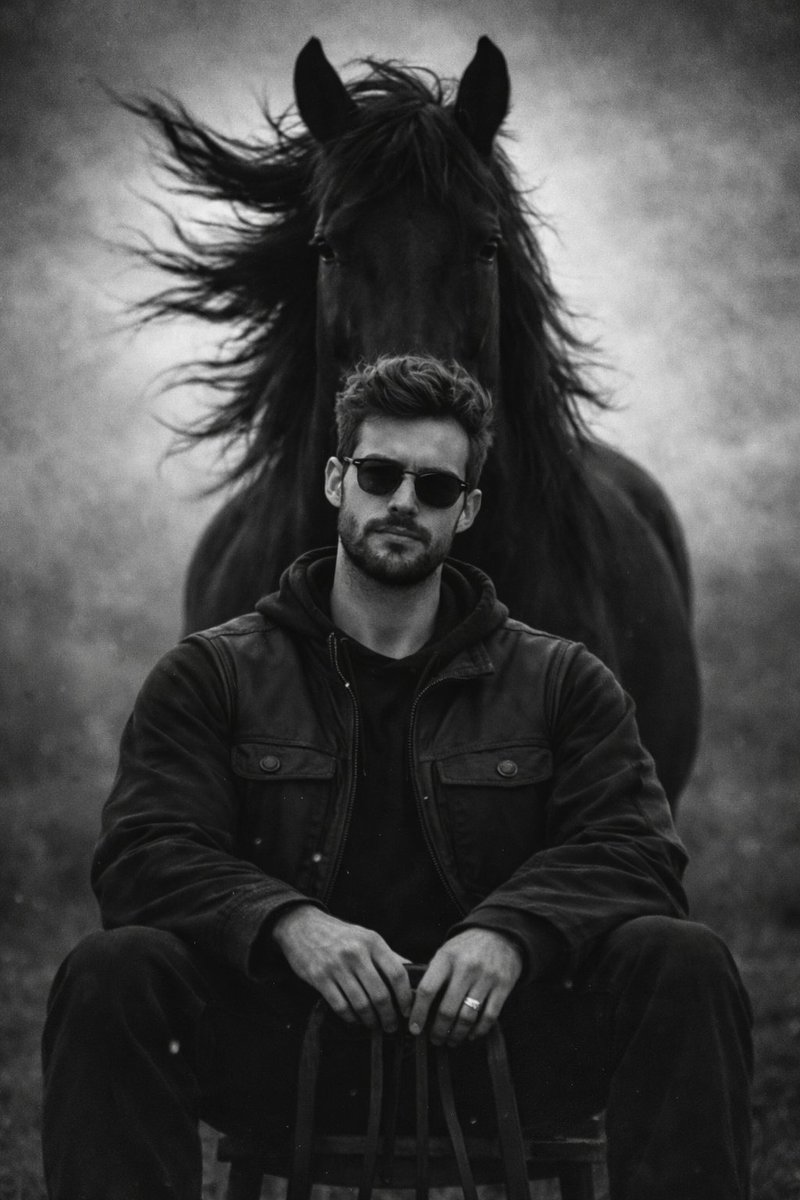
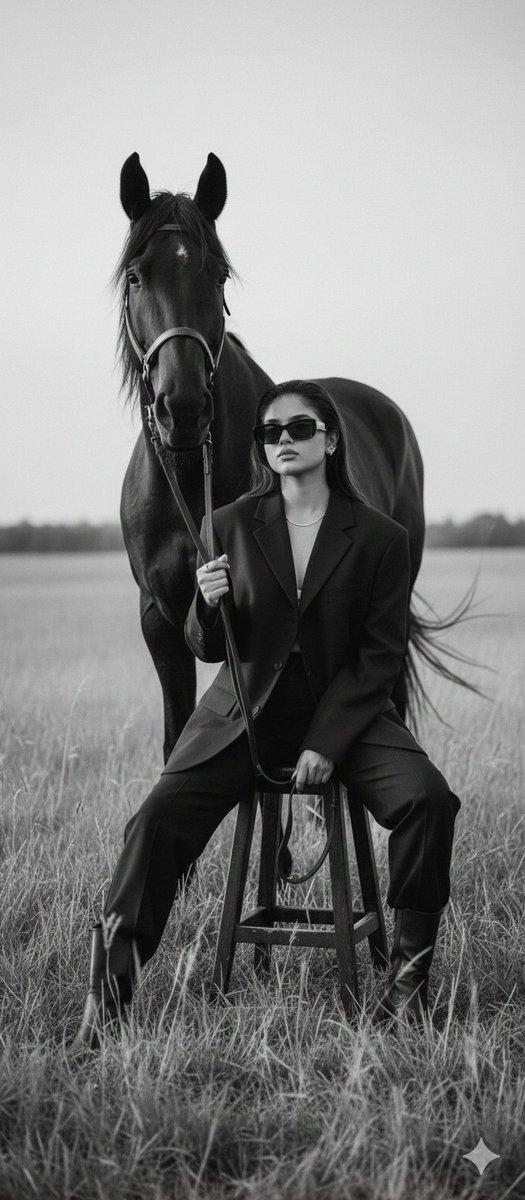
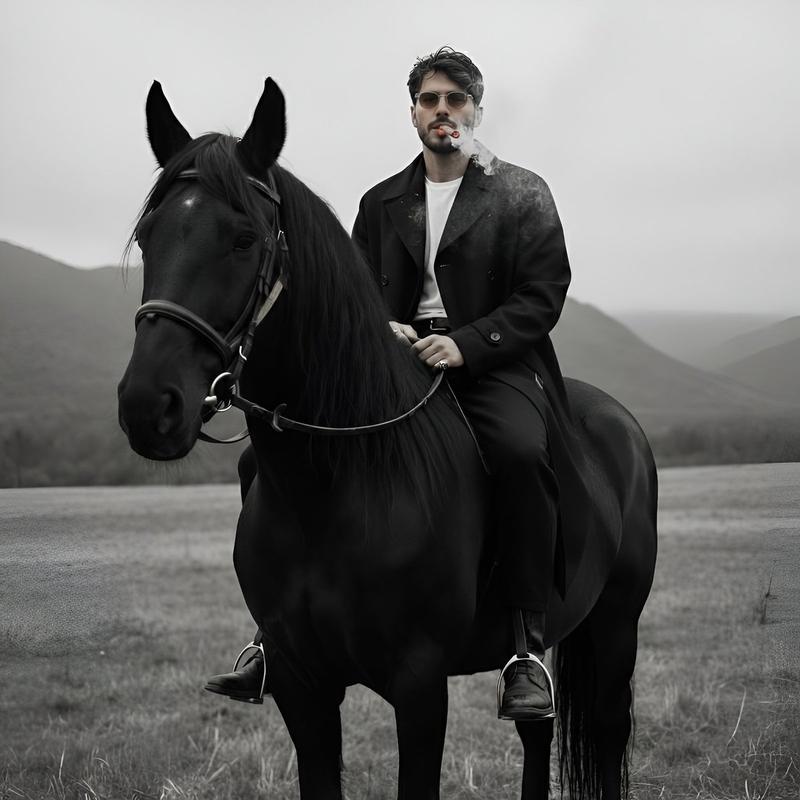
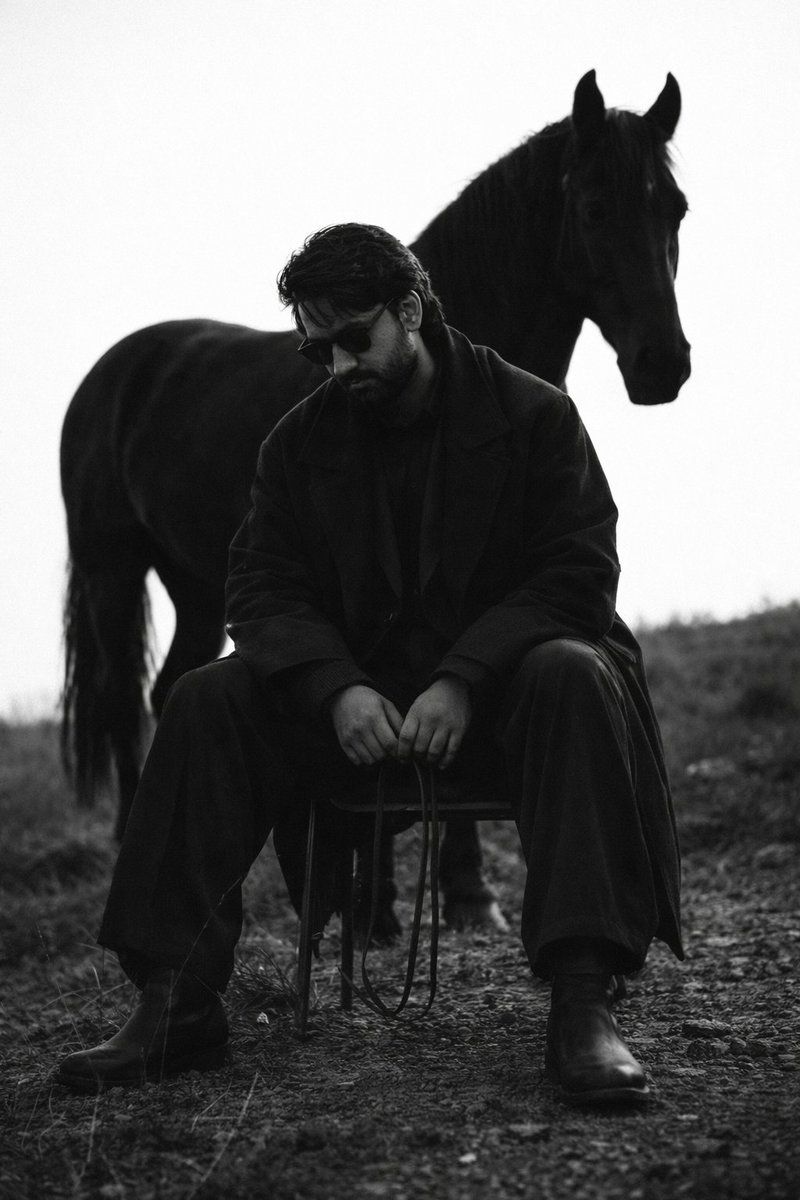
电影感黑白人马肖像
Enlarge

电影感黑白人马肖像

Prompt
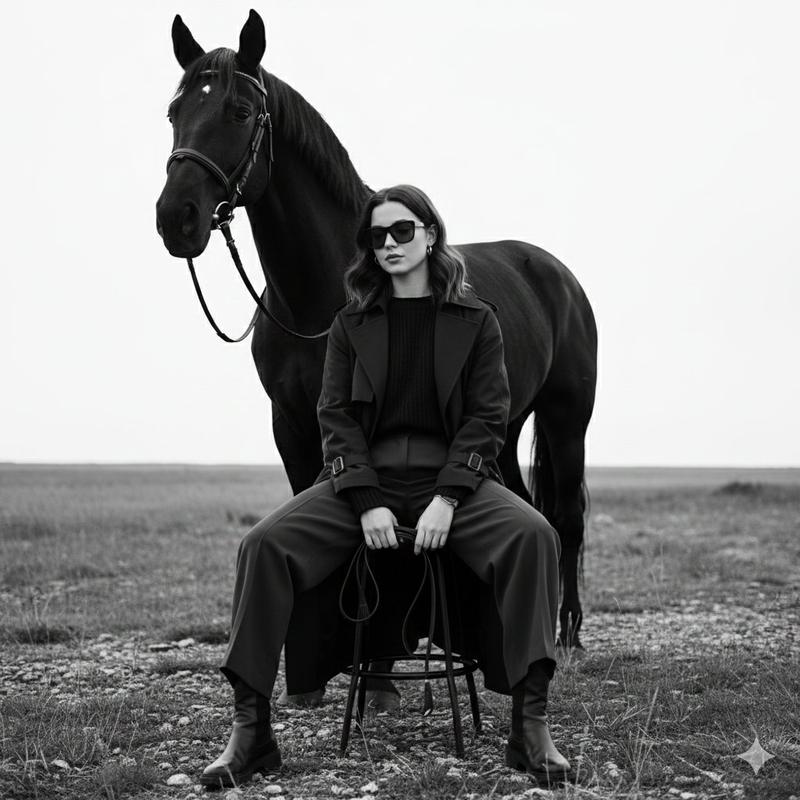
A {argument name="subject" default="bearded man with dark wavy hair"} wearing dark sunglasses, dressed in a long dark overcoat and trousers, seated on a minimalist wire stool in an open field, holding leather reins loosely in his hands, gaze directed downward in quiet contemplation. A {argument name="animal" default="large black horse"} stands directly behind him, its head turned slightly to the right, creating a powerful silhouette. Shot in {argument name="style" default="black and white"} with high contrast, moody and cinematic atmosphere. Overcast flat sky providing diffused natural light. Gritty, dark terrain ground with sparse dry grass. Editorial fashion photography style, full body frame, slight low angle. Melancholic and brooding tone. Film grain texture. Shot on 35mm, shallow depth of field, bokeh background.
Category
Charts & Infographics
Model
GPT Image 2
Views2
Source ID
24135
Published
Jun 4, 2026

Guide

About "电影感黑白人马肖像"

What is this prompt for?

"电影感黑白人马肖像" AI image prompt for GPT Image 2 (Charts & Infographics). 一个忧郁且感伤的黑白摄影提示词,描绘了旷野中的男子与马,具有高对比度和时尚杂志大片的质感。 Copy it on Picva and recreate the look in on…

The full copyable prompt and example visuals above are ready for AI image generation or one-click recreate in Picva.

How to use this prompt

  1. Step 1

    Open the prompt detail

    Review the example visuals, category, and full prompt text for "电影感黑白人马肖像".

  2. Step 2

    Copy the prompt

    Copy the prompt body from this page, or load it directly in Studio.

  3. Step 3

    Pick a model (GPT Image 2)

    Prefer GPT Image 2. If you switch models, keep subject and composition and tweak style terms.

  4. Step 4

    Generate and export

    Recreate the look in Picva, or export into your workflow for editing and publishing.

FAQ

What is the "电影感黑白人马肖像" prompt?
It is an AI image-generation prompt for GPT Image 2 in the Charts & Infographics category. This page includes the full prompt text, example visuals, and a one-click recreate path in Picva.
How do I use this prompt to generate an image?
Copy the prompt from this page, or use Generate / Studio. Paste it into a compatible image model, or recreate the look in Picva with optional reference images.
Which model is this prompt for?
This page lists GPT Image 2. Most descriptive prompts also transfer to nearby image models such as GPT Image, Flux, or Midjourney with light style tweaks.
Can I use the result commercially?
You can usually copy the prompt for creation, but commercial use of the final image depends on the model terms, reference-image rights, and the generated content. Follow the source author and platform rules.