17

沙漠时尚贵妇与猎鹰
Enlarge

沙漠时尚贵妇与猎鹰

Prompt
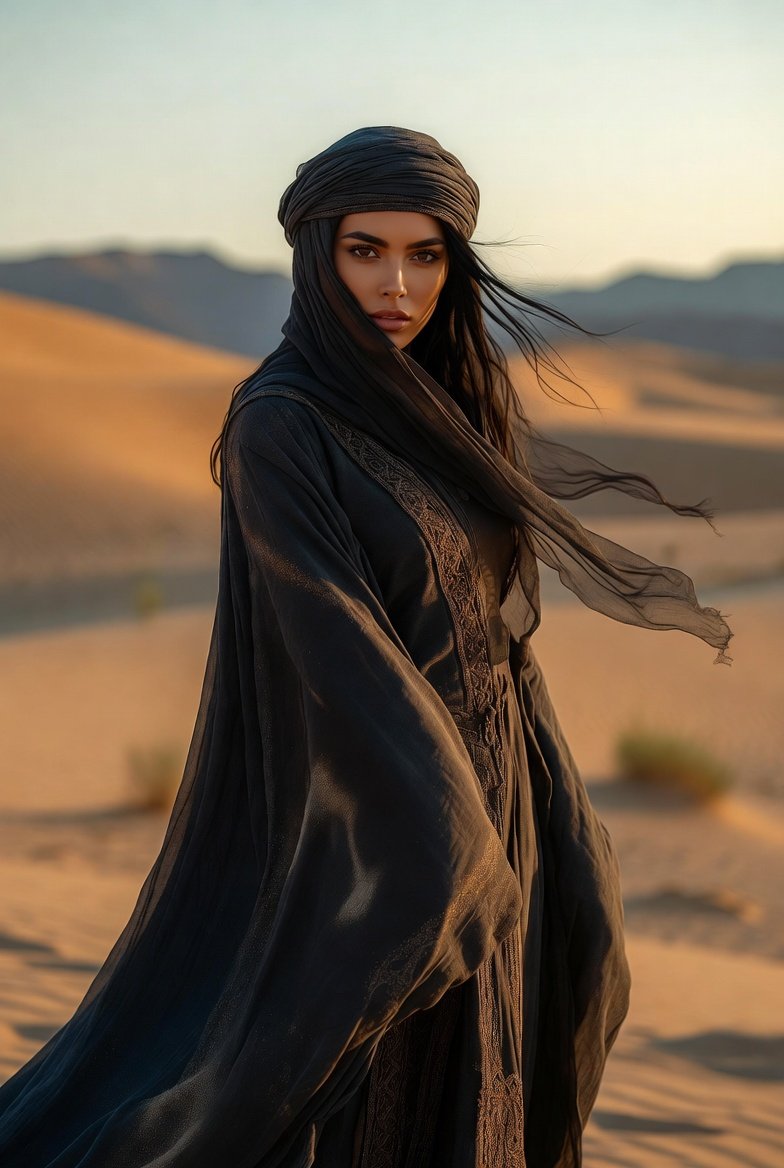
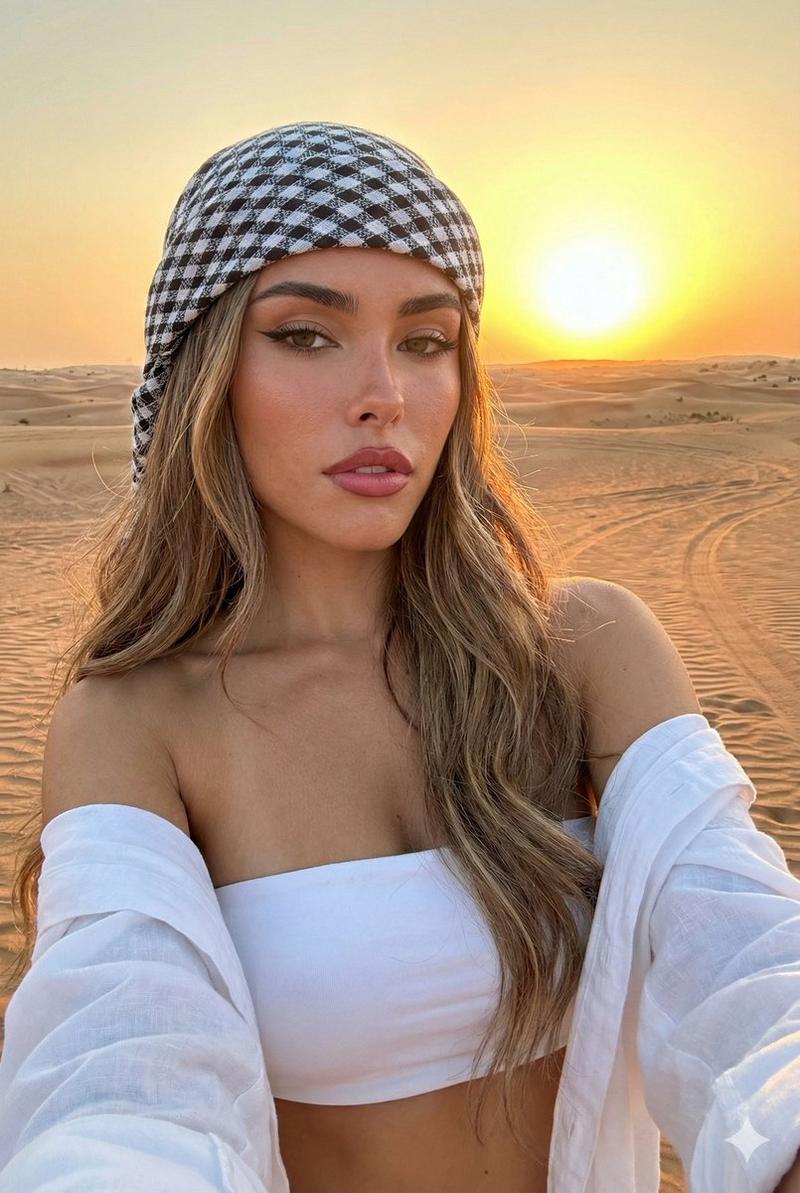
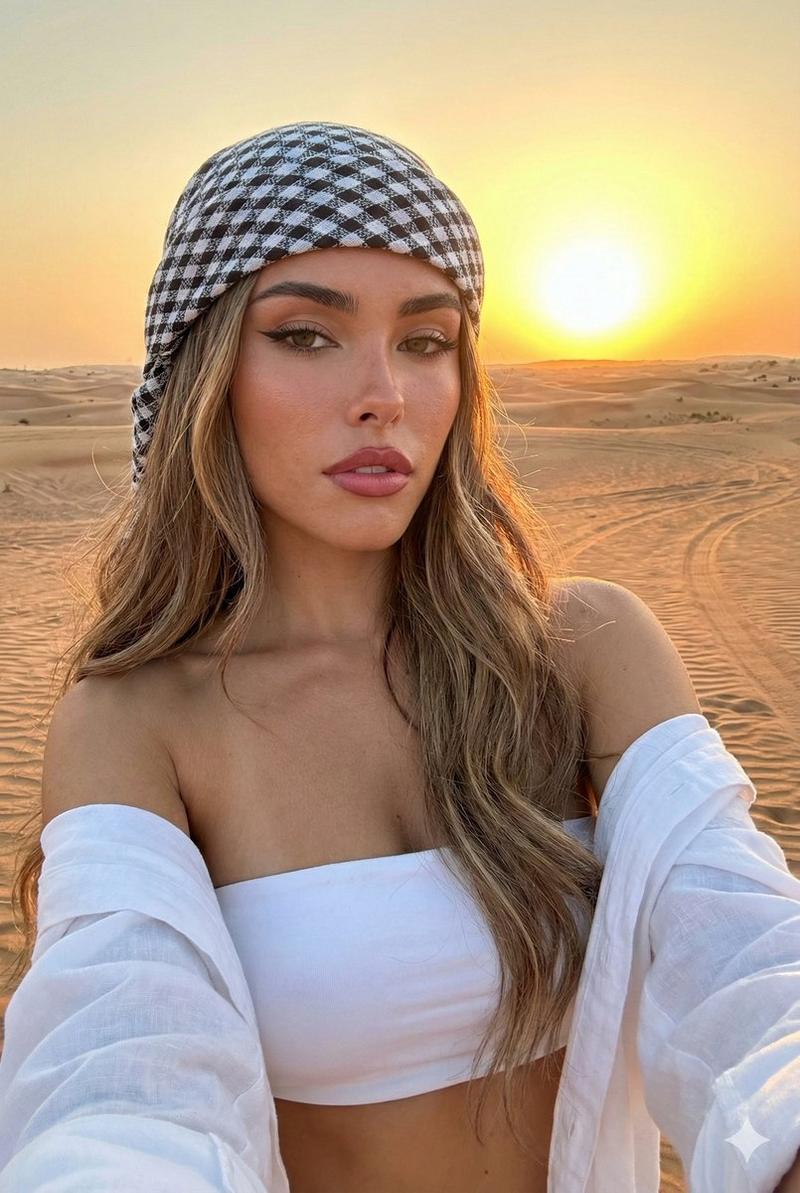
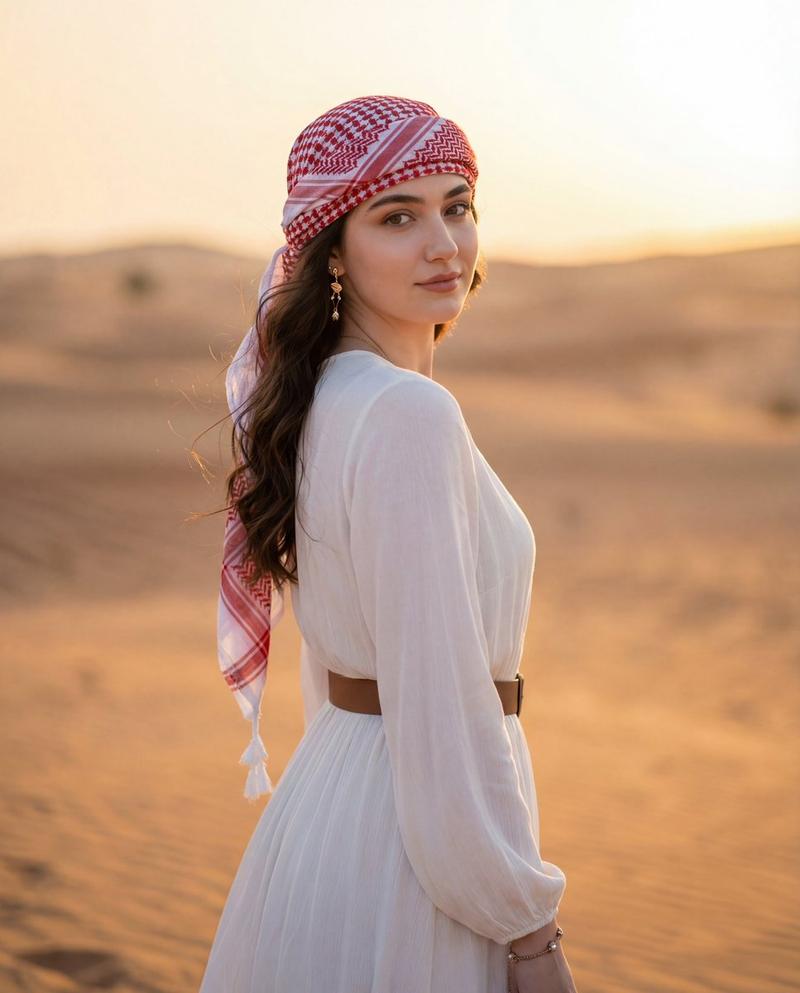
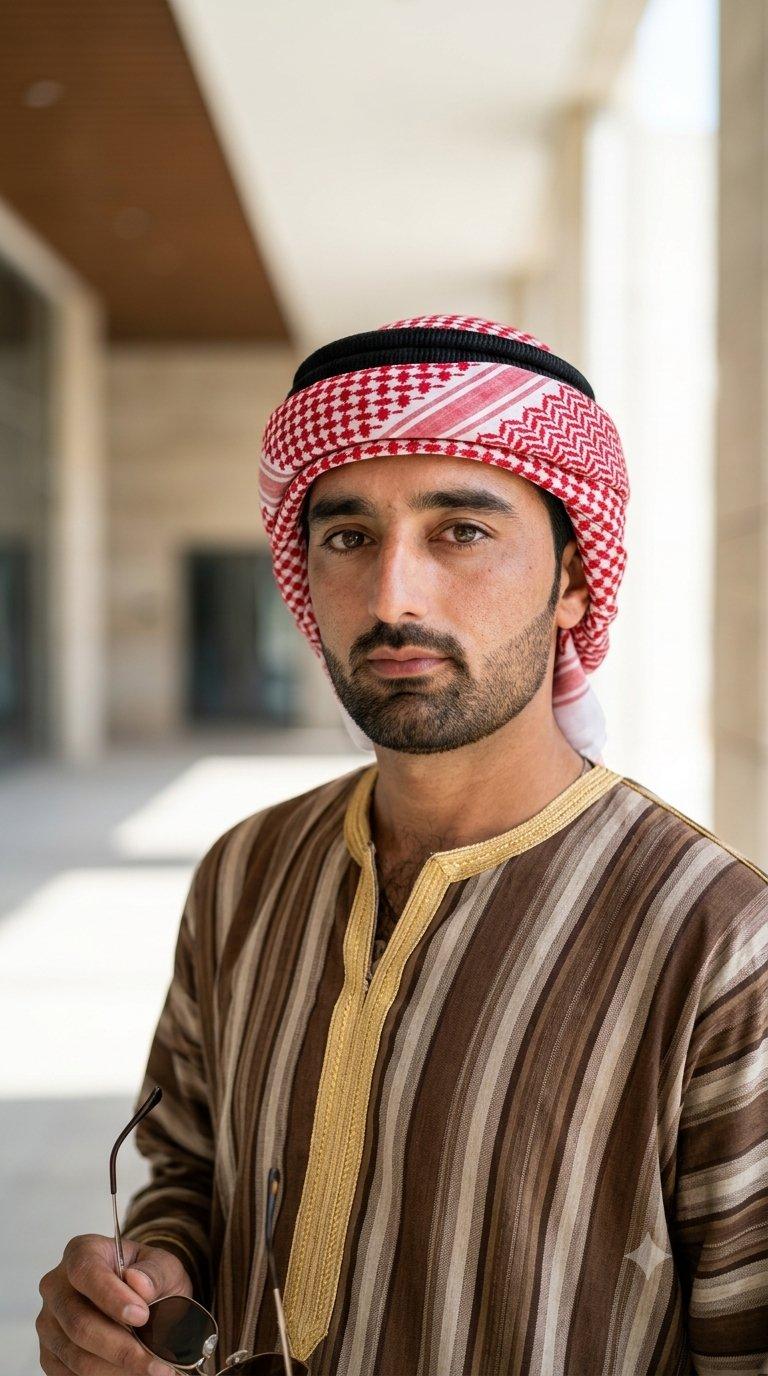
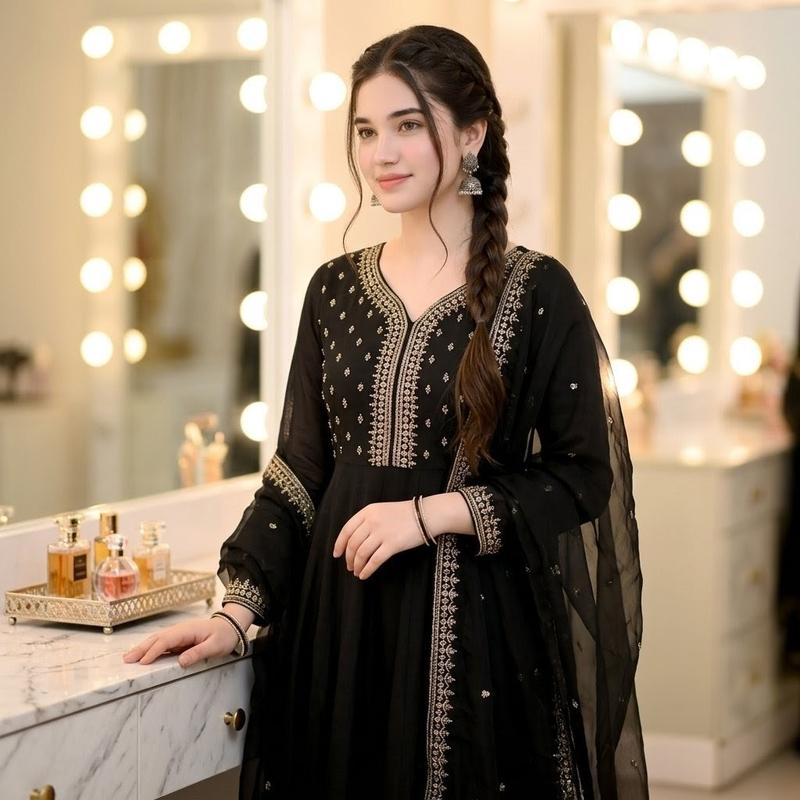
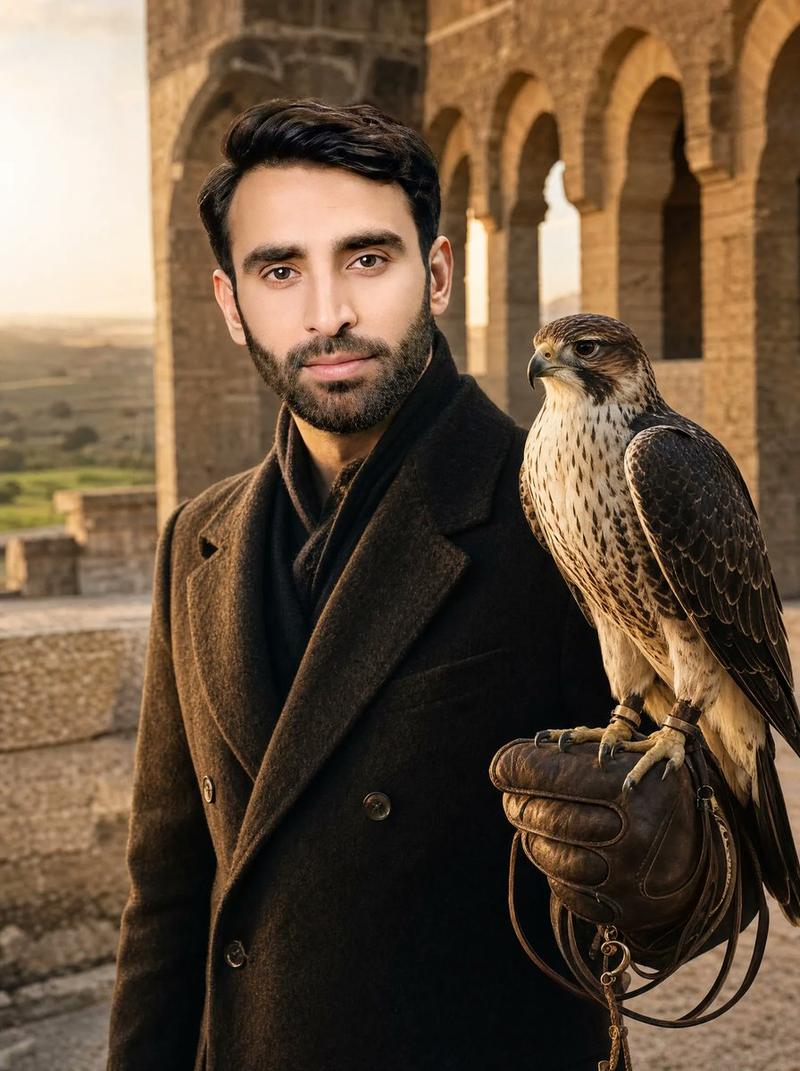
Core Description: > A high-fashion editorial portrait of a woman in a vast, golden sand dune desert. She is wearing a luxurious, flowing black bisht-style abaya featuring intricate gold beadwork and embroidery along the lapels. On her head, a stylishly wrapped red and white patterned shemagh (keffiyeh), paired with oversized designer sunglasses. Her expression is serene and confident.
​Environment & Composition:
​Background: Rolling, soft-focus sand dunes under a clear, bright afternoon sky.
​Subject: A majestic falcon perched calmly on her gloved arm.
​Lighting: Warm, golden hour sunlight creating soft rim lighting on her hair and the falcon’s feathers, with high-contrast shadows to define the desert topography.
​Technical Specifications:
​Camera & Lens: Shot on 35mm film, 85mm prime lens, f/1.8 aperture for a creamy bokeh background.
​Quality: 8K resolution, cinematic color grading, sharp focus on the subject's face and the falcon, highly detailed fabric textures.
Category
Posters & Typography
Model
ChatGPT
Views87
Source ID
13788
Published
Apr 25, 2026

Guide

About "沙漠时尚贵妇与猎鹰"

What is this prompt for?

"沙漠时尚贵妇与猎鹰" AI image prompt for ChatGPT (Posters & Typography). Core Description: > 一张高级时尚杂志风格的女人肖像,背景是广阔的金色沙丘沙漠。她身穿一件奢华飘逸的黑色比什特式阿巴亚长袍,翻领处饰有复杂的金色珠饰和刺绣。头上戴着时尚包裹…

The full copyable prompt and example visuals above are ready for AI image generation or one-click recreate in Picva.

How to use this prompt

  1. Step 1

    Open the prompt detail

    Review the example visuals, category, and full prompt text for "沙漠时尚贵妇与猎鹰".

  2. Step 2

    Copy the prompt

    Copy the prompt body from this page, or load it directly in Studio.

  3. Step 3

    Pick a model (ChatGPT)

    Prefer ChatGPT. If you switch models, keep subject and composition and tweak style terms.

  4. Step 4

    Generate and export

    Recreate the look in Picva, or export into your workflow for editing and publishing.

FAQ

What is the "沙漠时尚贵妇与猎鹰" prompt?
It is an AI image-generation prompt for ChatGPT in the Posters & Typography category. This page includes the full prompt text, example visuals, and a one-click recreate path in Picva.
How do I use this prompt to generate an image?
Copy the prompt from this page, or use Generate / Studio. Paste it into a compatible image model, or recreate the look in Picva with optional reference images.
Which model is this prompt for?
This page lists ChatGPT. Most descriptive prompts also transfer to nearby image models such as GPT Image, Flux, or Midjourney with light style tweaks.
Can I use the result commercially?
You can usually copy the prompt for creation, but commercial use of the final image depends on the model terms, reference-image rights, and the generated content. Follow the source author and platform rules.