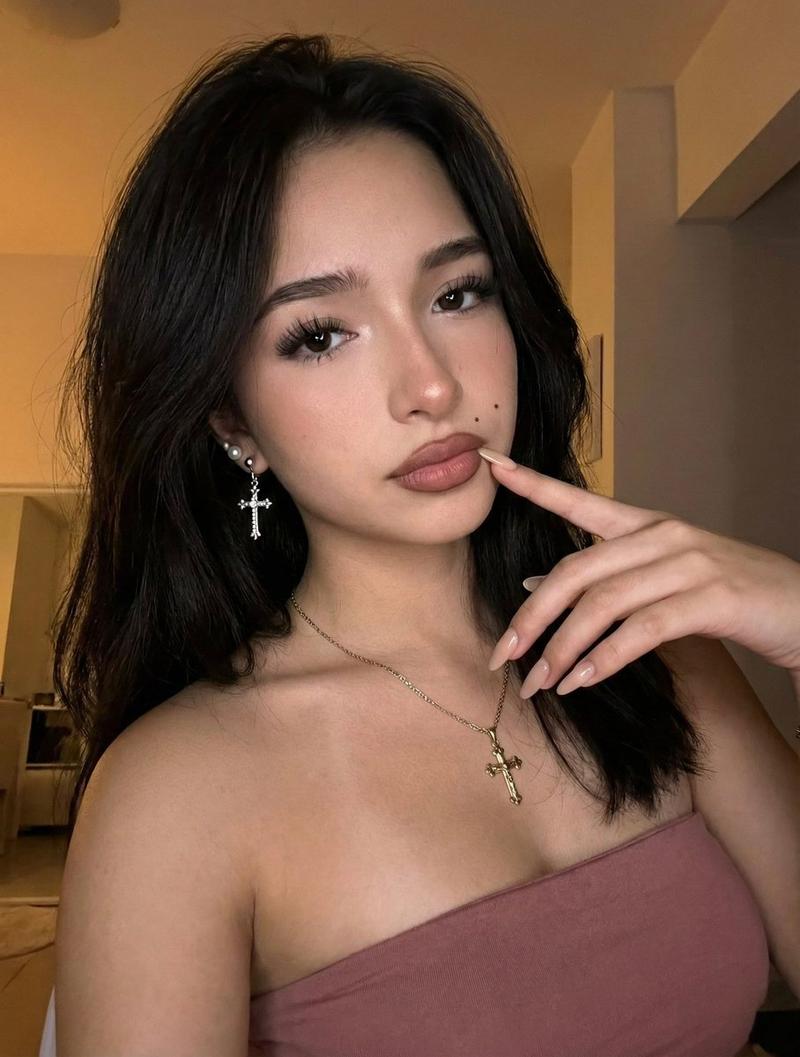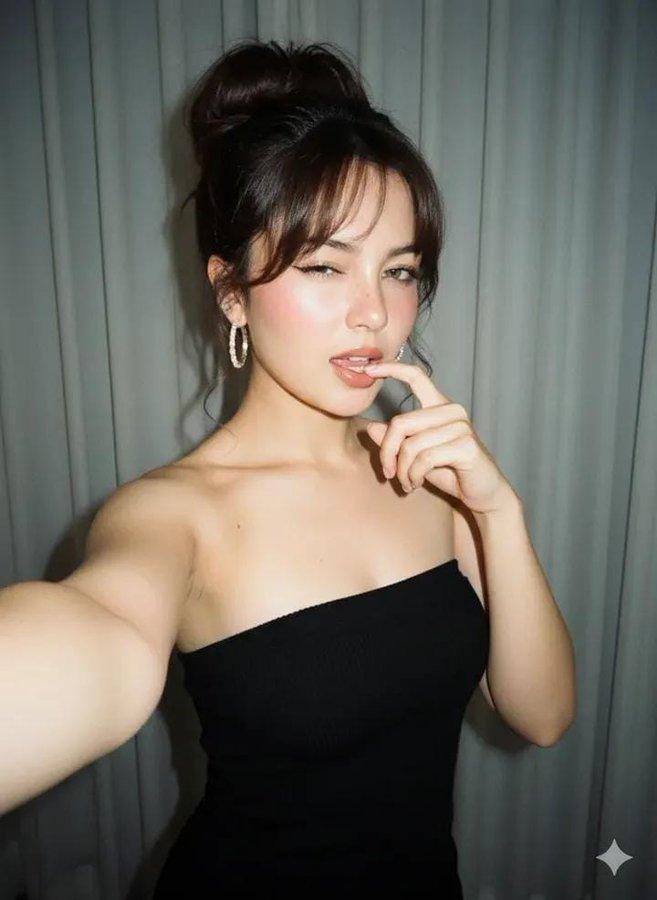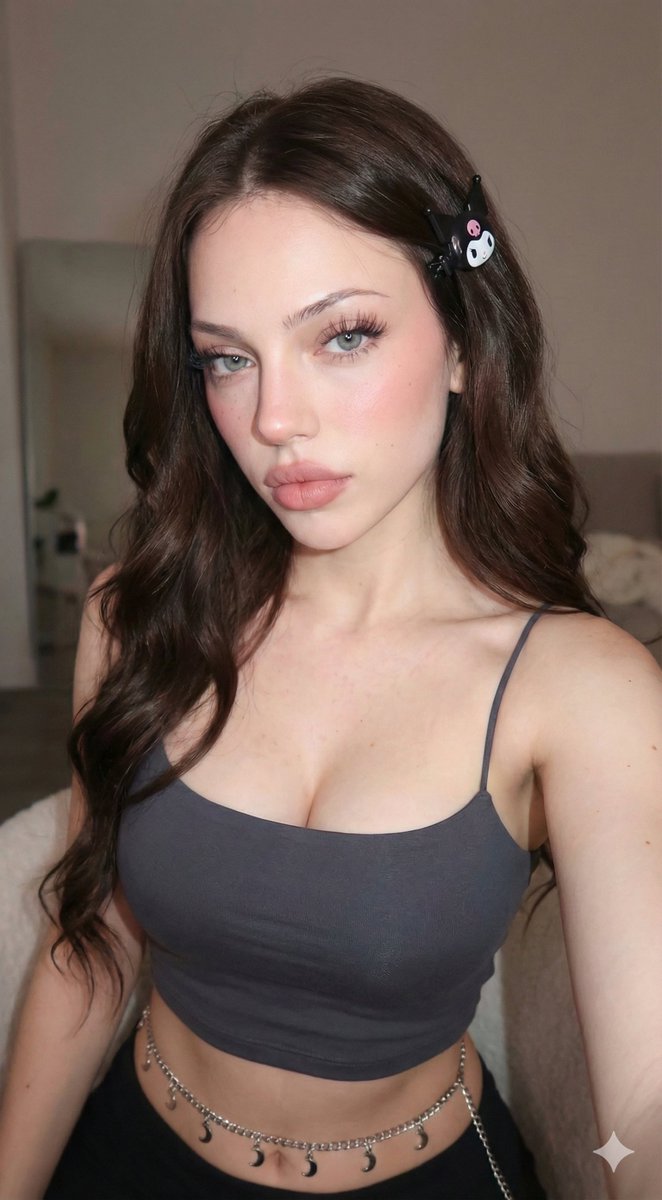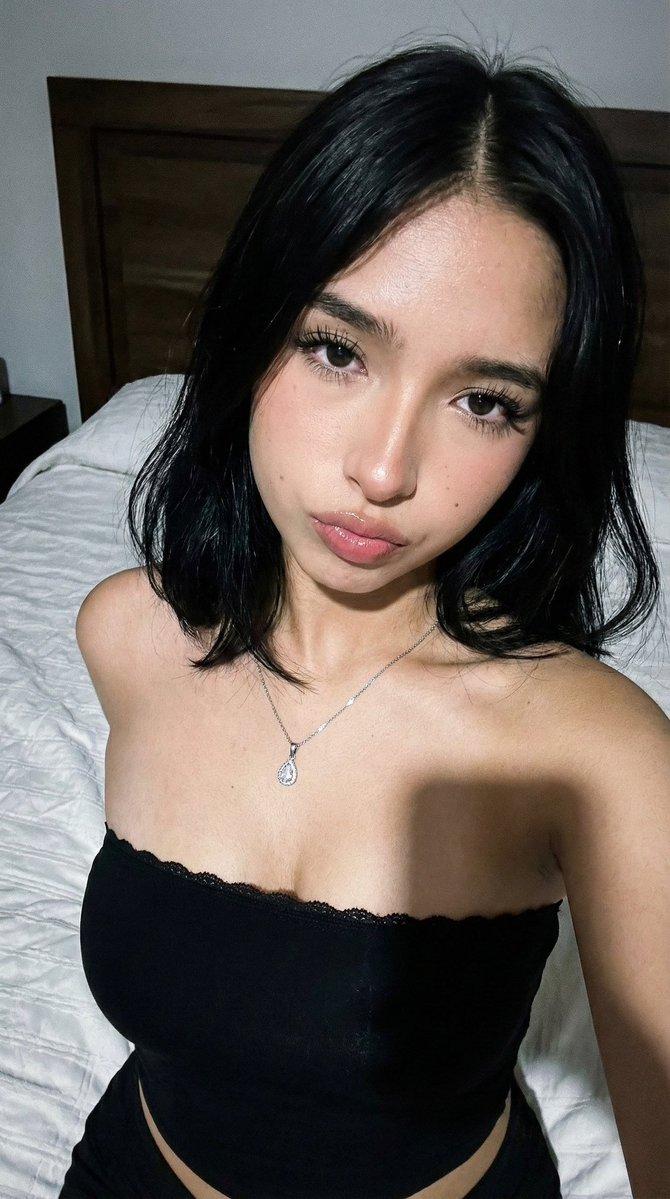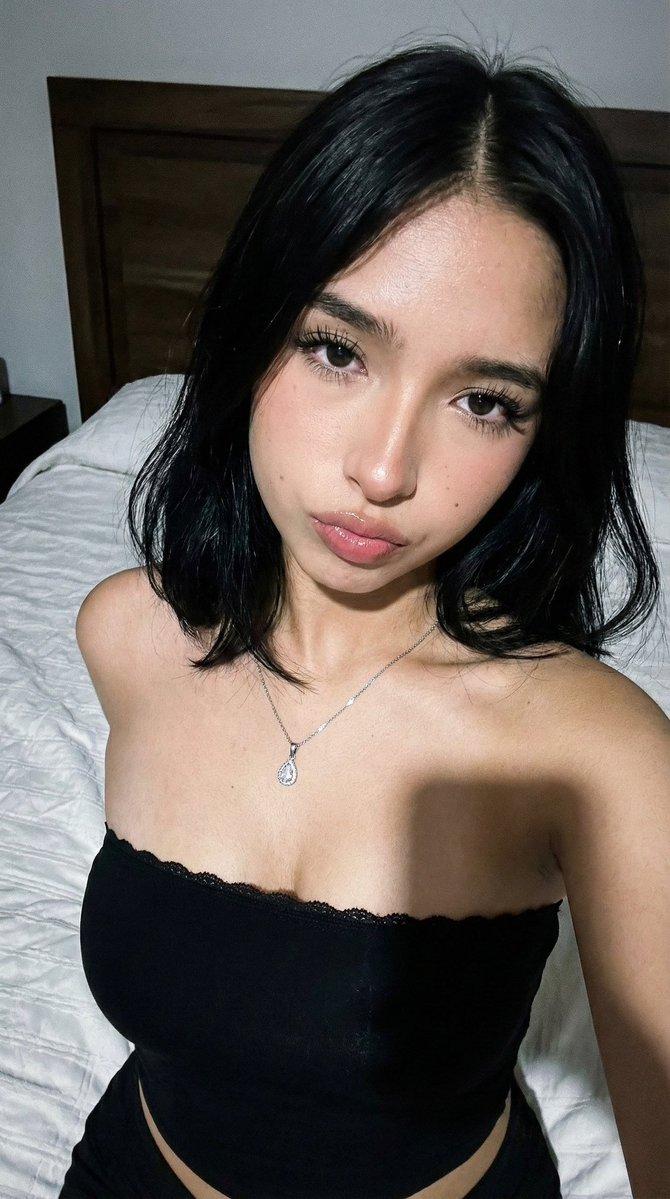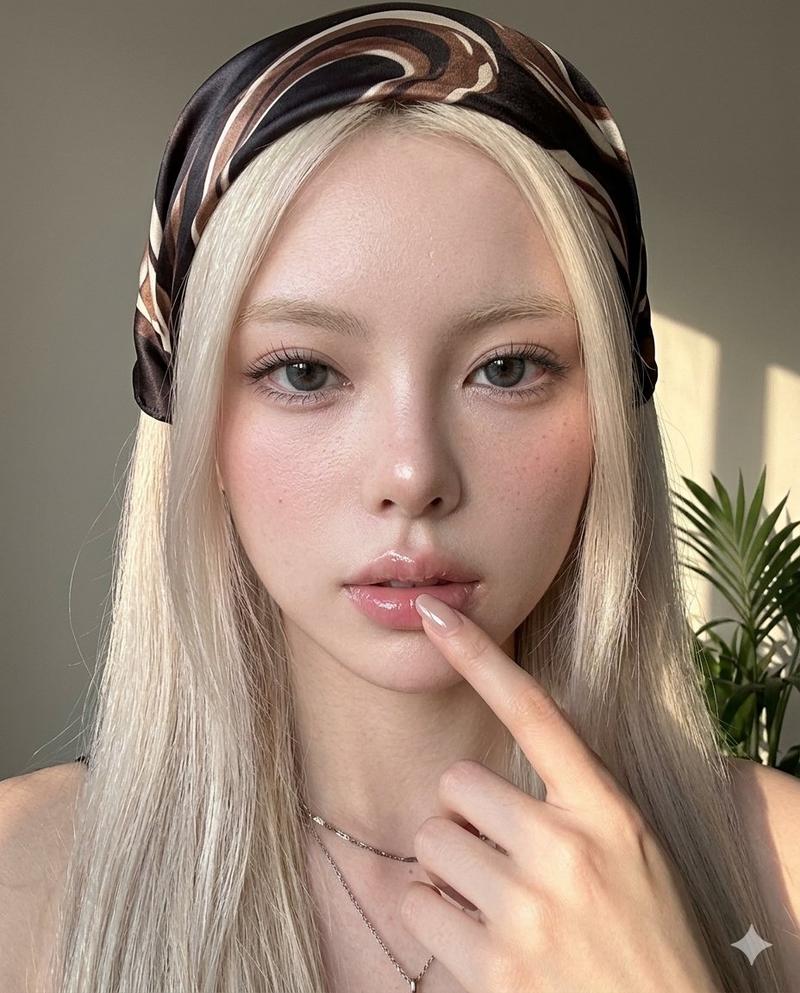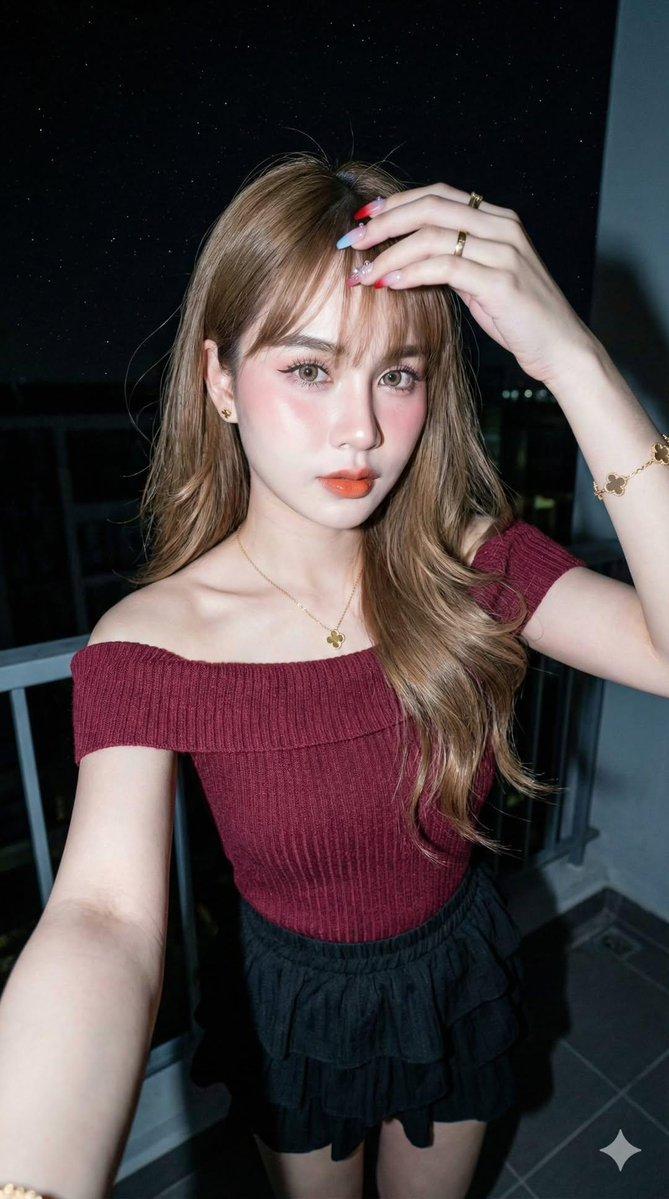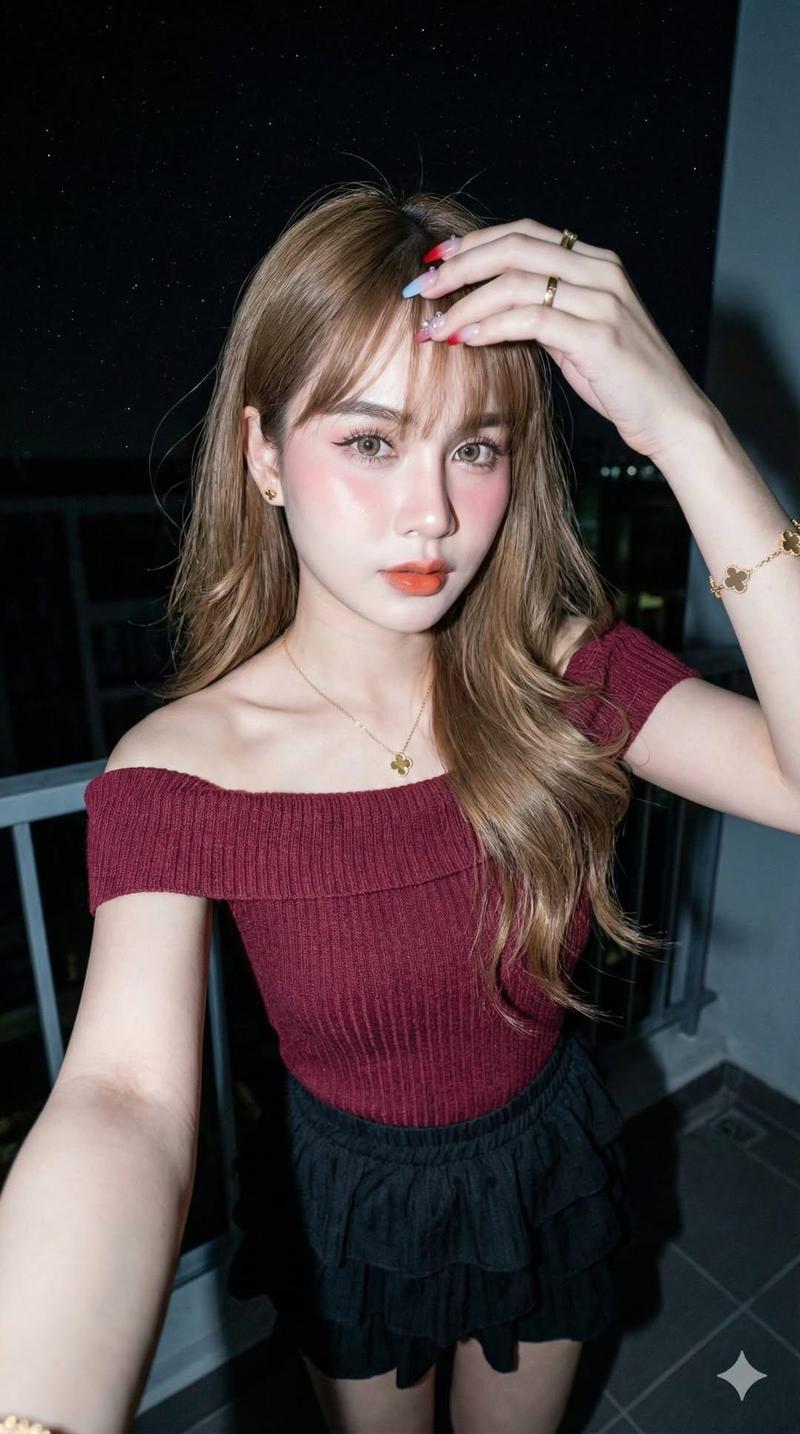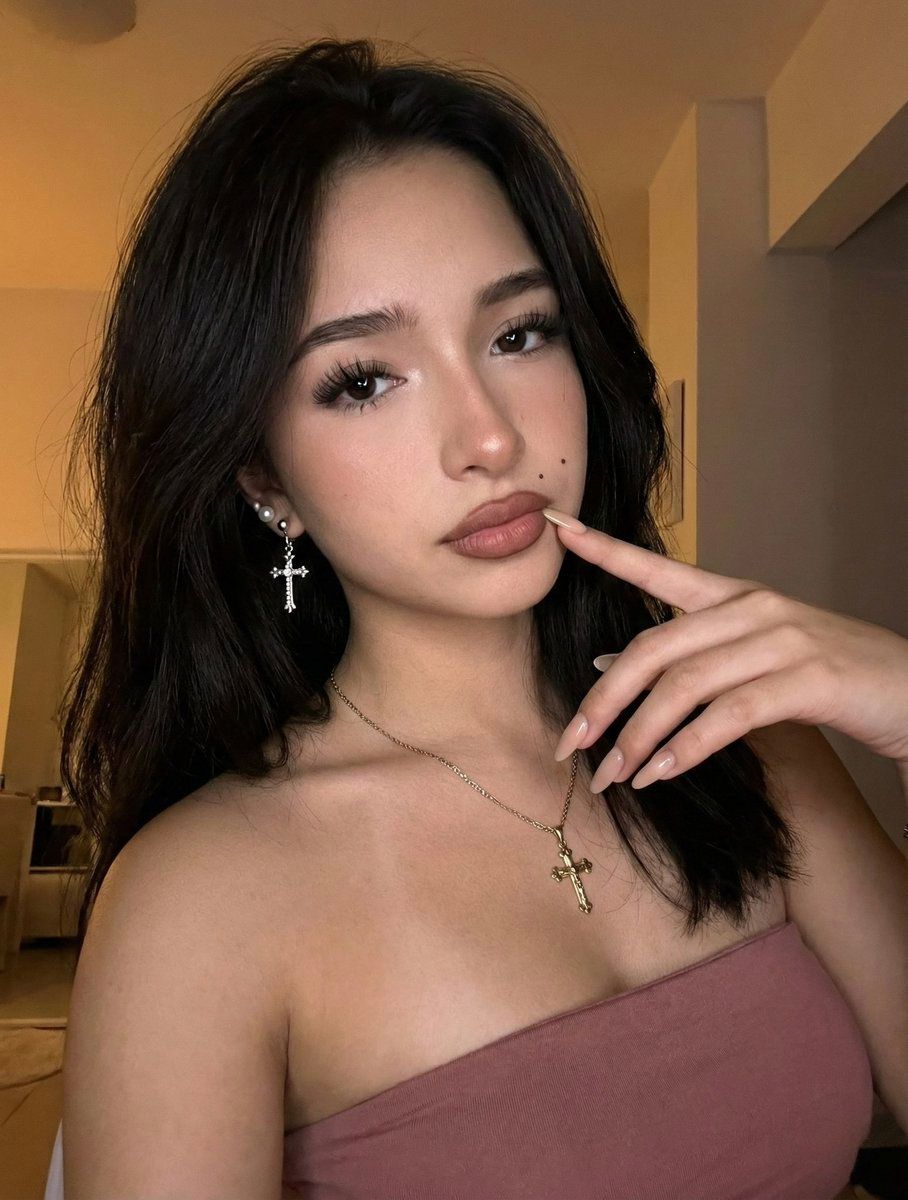
昏暗琥珀光下的高保真妩媚人像特写
Prompt
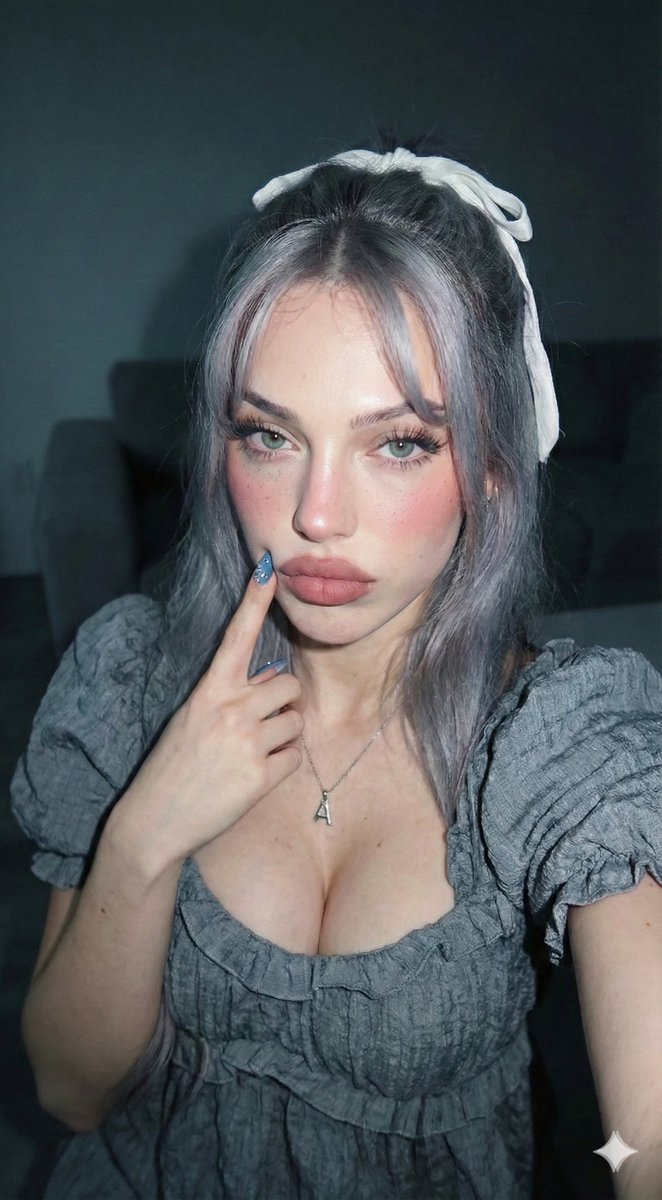
[Header] (9:16) Raw high-fidelity photograph, iPhone 17 Pro sensor simulation, low-light indoor ambient photography, zero bokeh, SHARP focus from the foreground manicured nails to the background hair texture, f/2.8 aperture for high-contrast clarity, authentic digital grain. [Subject & Identity Locking] Identity: Absolute preservation of Image A’s specific facial geometry, emphasizing the almond eye shape, high lip volume with defined brunette-toned lip liner, and structured chin. Bio-Fidelity: Detailed skin physics including micro-pores, satin-finish hydration, and visible fine vellus hair. A technical beauty mark (mole) is positioned just above the right corner of the mouth (philtrum area). Lash Architecture: High-density technical volume lashes with individual strand separation and a defined feline-wing lift. Expression: High-impact visual allure; a neutral but magnetic gaze directed toward the camera lens. [Outfit & Physicality] Technical Description: High-impact minimalist performance-wear. Textile Geometry: Technical strapless compression-fit bodice (tube top) in a dusty rose/mauve hue. The upper hemline features a subtle smocked or ribbed elastic-gather architecture. Accessories: Silver-tone technical cross-shaped drop earrings featuring white pearl studs at the lobe; a minimalist ultra-thin silver-link chain necklace. Manicure: Technical application of long, almond-shaped performance nails in a neutral nude-satin finish. Surface Physics: High-tensile material-to-skin surface compression highlighting anatomical bust volume symmetry and the elegant S-curve of the neck. [Pose & Composition] Geometry: Medium close-up portrait framing. The subject is angled slightly toward the camera. Interaction: Technical hand-to-face contact; the left hand is positioned against the cheek with the index finger resting near the corner of the mouth, showing realistic finger-joint articulation and skin texture. Anatomy: Realistic shoulder-joint displacement and upper-body symmetry, reflecting the athletic-to-lean transition characteristic of Image A. [Environment & Lighting] Atmosphere: Moody, intimate domestic interior. Lighting: Warm 2700K amber ambient lighting from a single directional source. This creates a high-saturation orange-to-gold glow on the subject’s skin and hair while casting deep, clean shadows that define the anatomical contours of the face and torso. Background Integrity: A minimalist, neutral-toned background with subtle architectural shadows. All background elements must remain in sharp focus with zero artificial blurring. [Failure Prevention Rule] Command: Use "Technical strapless compression-fit bodice" and "Silver cross earrings with pearl studs" to ensure the AI maintains the exact material and accessory detail. Constraint: Explicitly command "Zero artificial bokeh" and "Sharp focus on manicured nails" to ensure the photo maintains an authentic smartphone aesthetic. Specify "Anatom
- Category
- UI & Interfaces
- Model
- Nano Banana Pro
- Creator
- @daaaaanc
- Source ID
- 10286
- Published
- Mar 24, 2026
Views193