18

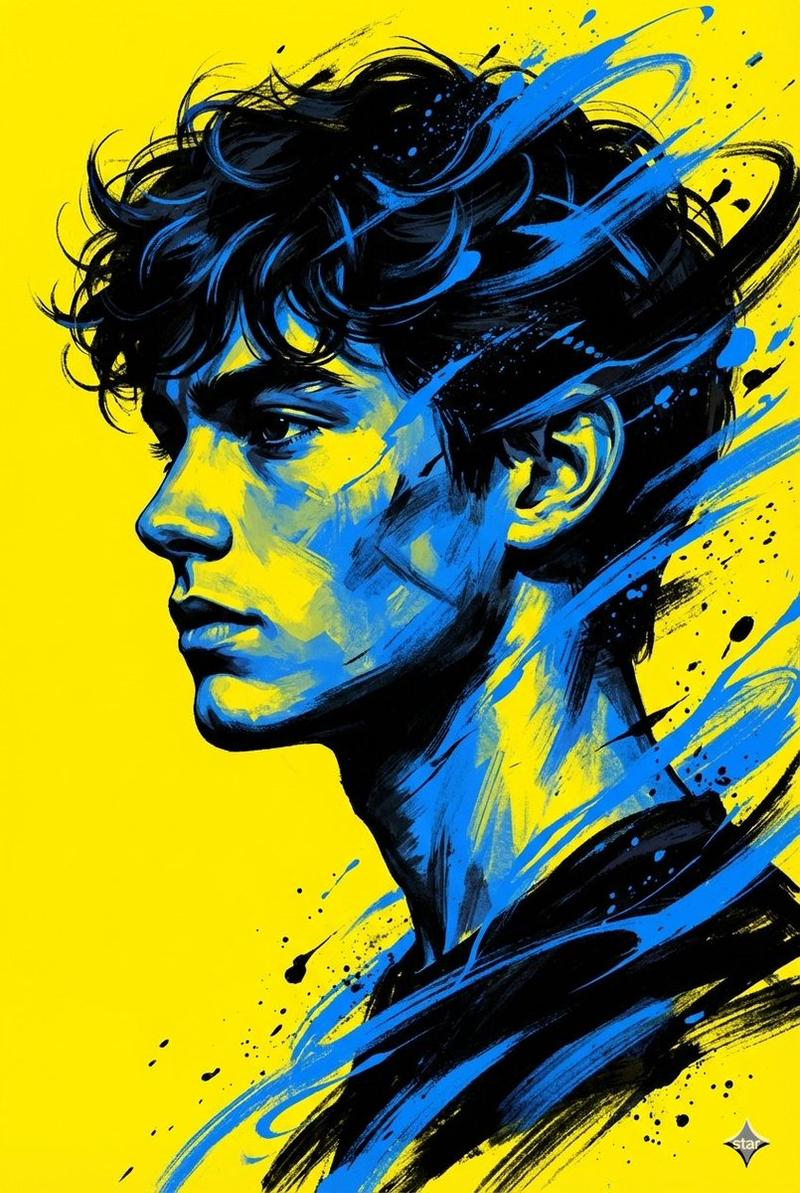
红黄撞色背景下的坚毅戏剧性肖像
Enlarge

红黄撞色背景下的坚毅戏剧性肖像

Prompt
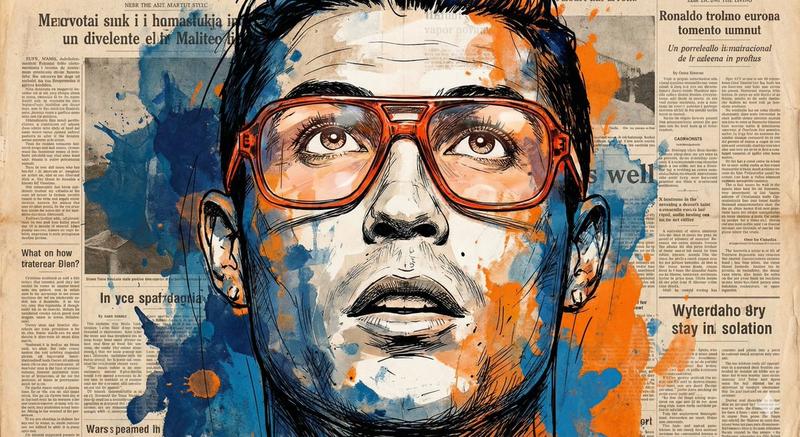
Create a dramatic digital painting style portrait of a young woman (based on a reference image) looking upward with a strong, determined expression.The artwork should feel bold and textured, with energetic brush strokes and a limited color palette of black, white, red, and yellow. The background is split vertically with abstract red and yellow paint streaks, creating a powerful and intense mood. Focus on ambition and confidence in her gaze, capturing strength and resilience in her facial expression. The design should be clean with no text, no slogan, and no logo anywhere in the frame. The composition should feel motivational and poster-ready, high detail, 8K resolution, image aspect ratio 4:5.
Category
Posters & Typography
Model
Nano Banana 2
Views129
Source ID
2749
Published
Mar 1, 2026

Guide

About "红黄撞色背景下的坚毅戏剧性肖像"

What is this prompt for?

"红黄撞色背景下的坚毅戏剧性肖像" AI image prompt for Nano Banana 2 (Posters & Typography). 创作一幅戏剧性的数字绘画风格肖像,画中是一位年轻女性(基于参考图像),她仰望上方,表情坚强而坚定。画作应呈现出大胆且富有纹理感,拥有充满活力的笔触,并使用黑、白、红和…

The full copyable prompt and example visuals above are ready for AI image generation or one-click recreate in Picva.

How to use this prompt

  1. Step 1

    Open the prompt detail

    Review the example visuals, category, and full prompt text for "红黄撞色背景下的坚毅戏剧性肖像".

  2. Step 2

    Copy the prompt

    Copy the prompt body from this page, or load it directly in Studio.

  3. Step 3

    Pick a model (Nano Banana 2)

    Prefer Nano Banana 2. If you switch models, keep subject and composition and tweak style terms.

  4. Step 4

    Generate and export

    Recreate the look in Picva, or export into your workflow for editing and publishing.

FAQ

What is the "红黄撞色背景下的坚毅戏剧性肖像" prompt?
It is an AI image-generation prompt for Nano Banana 2 in the Posters & Typography category. This page includes the full prompt text, example visuals, and a one-click recreate path in Picva.
How do I use this prompt to generate an image?
Copy the prompt from this page, or use Generate / Studio. Paste it into a compatible image model, or recreate the look in Picva with optional reference images.
Which model is this prompt for?
This page lists Nano Banana 2. Most descriptive prompts also transfer to nearby image models such as GPT Image, Flux, or Midjourney with light style tweaks.
Can I use the result commercially?
You can usually copy the prompt for creation, but commercial use of the final image depends on the model terms, reference-image rights, and the generated content. Follow the source author and platform rules.