16

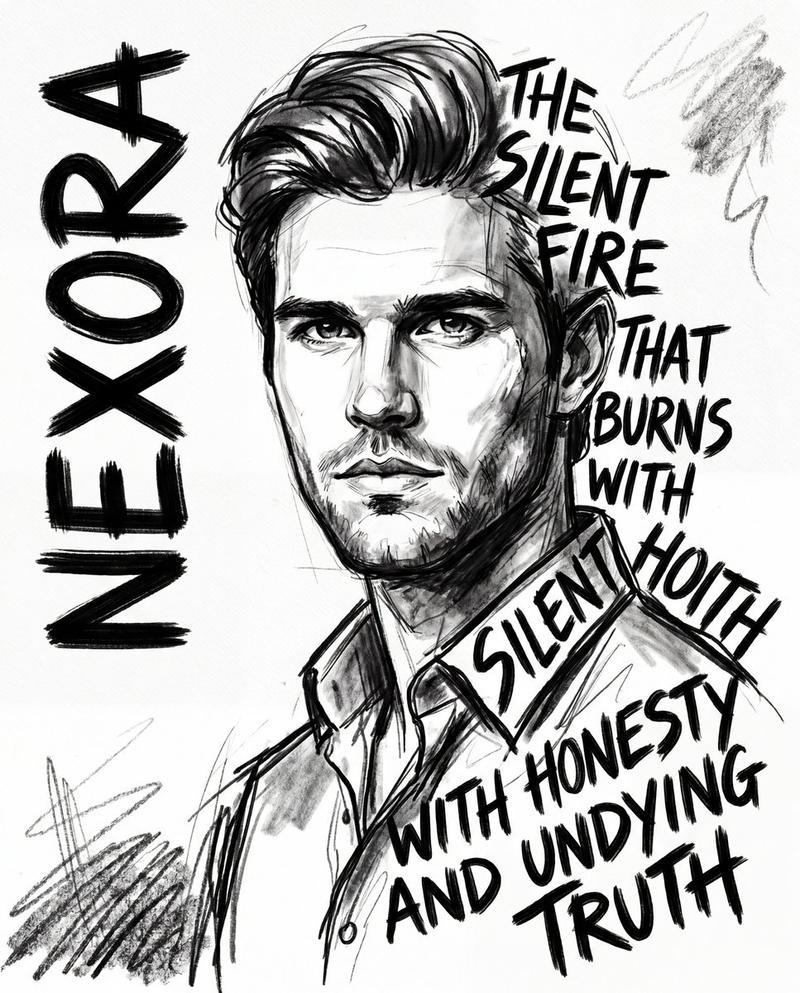
戏剧性灰度肖像与抽象背景
Enlarge

戏剧性灰度肖像与抽象背景

Prompt
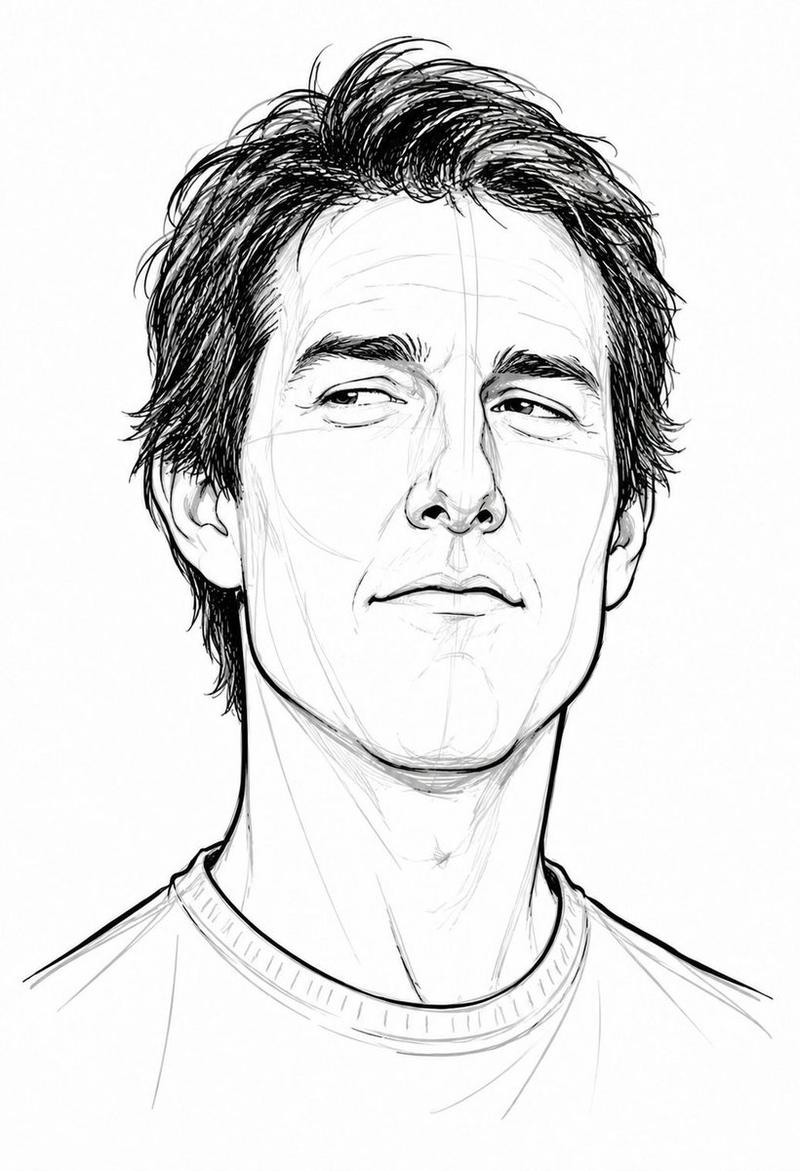
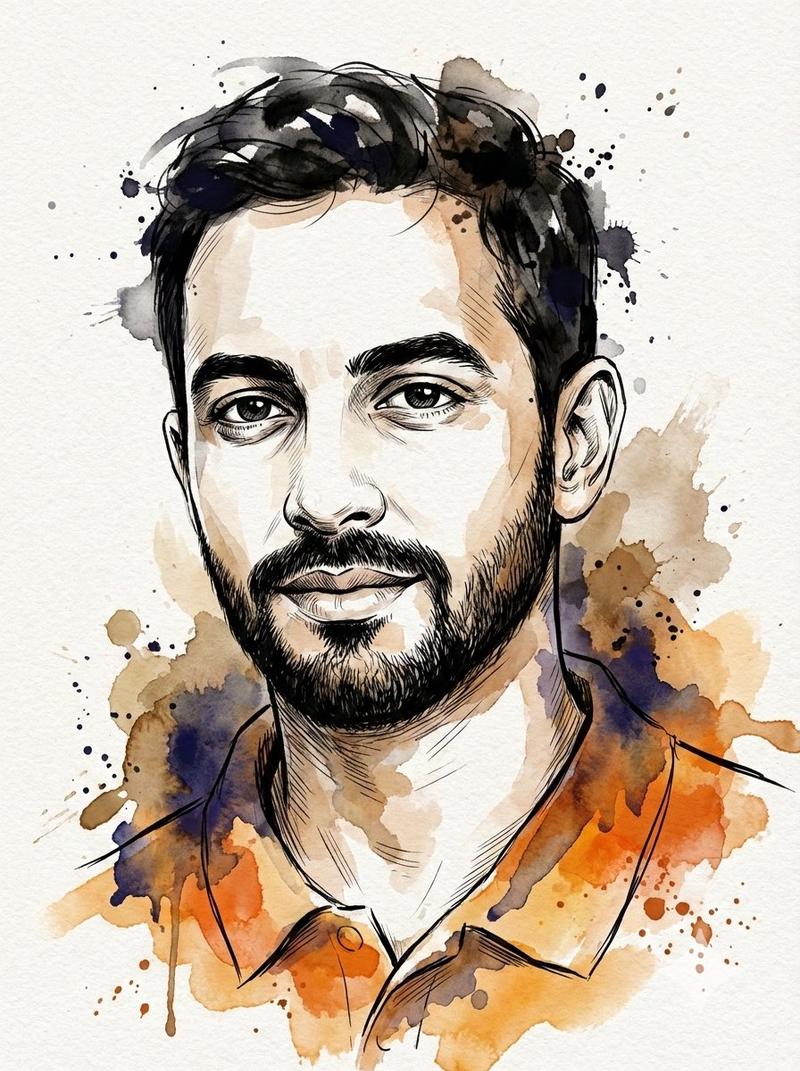
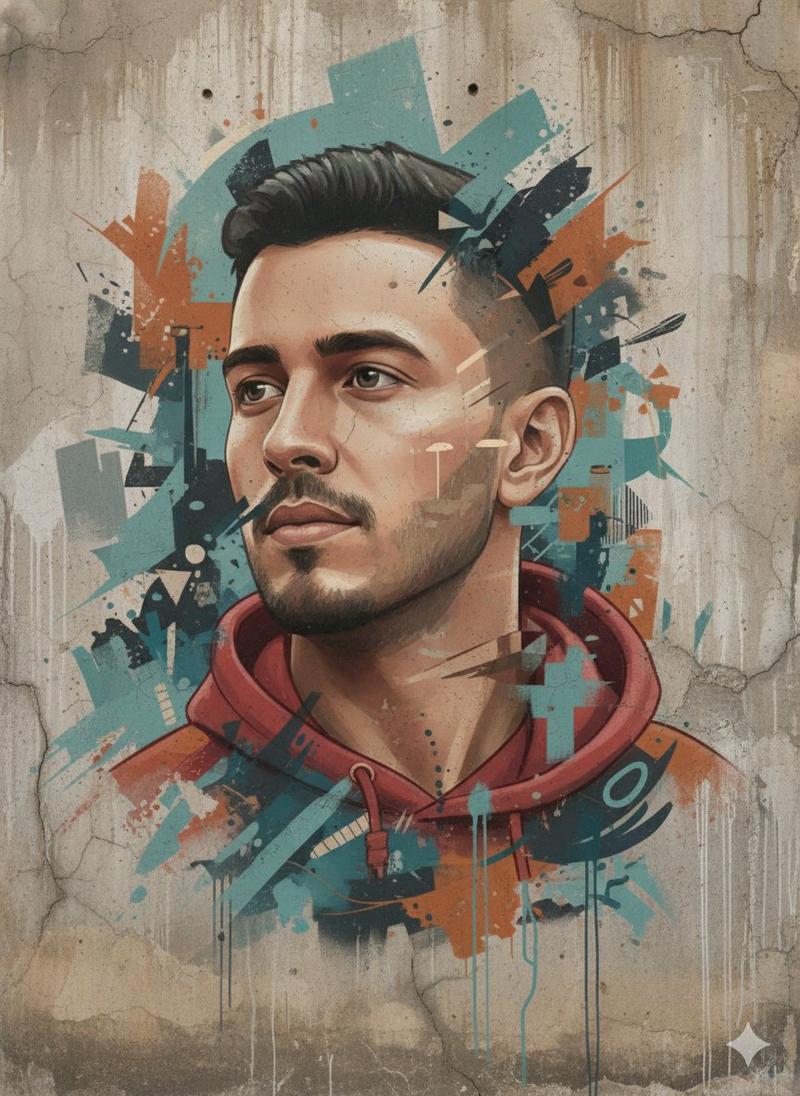
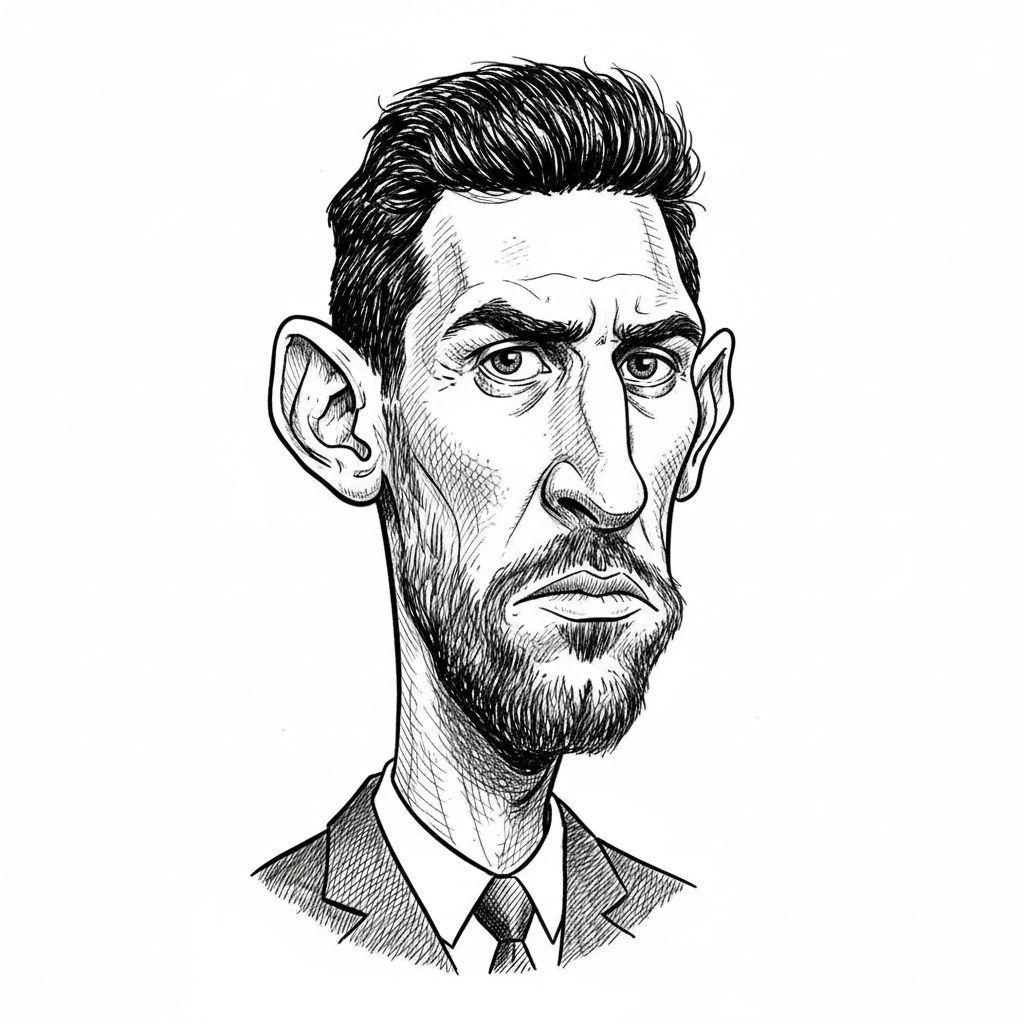
Ultra-detailed, high-contrast digital portrait of a young man looking slightly upward with a determined and thoughtful expression. Realistic grayscale face with sharp facial features, textured skin, short dark hair, and light stubble. Dramatic cinematic lighting with strong shadows emphasizing facial contours and jawline. Background split into bold abstract brush textures with vibrant {argument name="background color 1" default="red"} on one side and bright {argument name="background color 2" default="yellow"} on the other, creating a powerful, modern poster aesthetic. Painterly strokes, gritty artistic style, high detail, sharp focus, cinematic composition, editorial art, modern political or motivational poster style, 4K quality, dramatic contrast, minimal clothing visible, centered composition, intense mood.
Category
创意图片
Model
Nano Banana Pro
Creator
Snow
Views8
Source ID
0b5c9c97-cee8-4cdb-9cbc-3621a6a50bd1
Published
Mar 8, 2026

Guide

About "戏剧性灰度肖像与抽象背景"

What is this prompt for?

"戏剧性灰度肖像与抽象背景" AI image prompt for Nano Banana Pro (创意图片). 一个详细的提示,用于生成一张超细节、高对比度的年轻男性数字肖像。该提示指定了逼真的灰度特征、戏剧性的电影级照明,以及一个背景,该背景被分割成鲜红色和亮黄色的粗犷抽象笔触纹理,旨在营造出现代政治或励志海…

The full copyable prompt and example visuals above are ready for AI image generation or one-click recreate in Picva.

How to use this prompt

  1. Step 1

    Open the prompt detail

    Review the example visuals, category, and full prompt text for "戏剧性灰度肖像与抽象背景".

  2. Step 2

    Copy the prompt

    Copy the prompt body from this page, or load it directly in Studio.

  3. Step 3

    Pick a model (Nano Banana Pro)

    Prefer Nano Banana Pro. If you switch models, keep subject and composition and tweak style terms.

  4. Step 4

    Generate and export

    Recreate the look in Picva, or export into your workflow for editing and publishing.

FAQ

What is the "戏剧性灰度肖像与抽象背景" prompt?
It is an AI image-generation prompt for Nano Banana Pro in the 创意图片 category. This page includes the full prompt text, example visuals, and a one-click recreate path in Picva.
How do I use this prompt to generate an image?
Copy the prompt from this page, or use Generate / Studio. Paste it into a compatible image model, or recreate the look in Picva with optional reference images.
Which model is this prompt for?
This page lists Nano Banana Pro. Most descriptive prompts also transfer to nearby image models such as GPT Image, Flux, or Midjourney with light style tweaks.
Can I use the result commercially?
You can usually copy the prompt for creation, but commercial use of the final image depends on the model terms, reference-image rights, and the generated content. Follow the source author and platform rules.