17

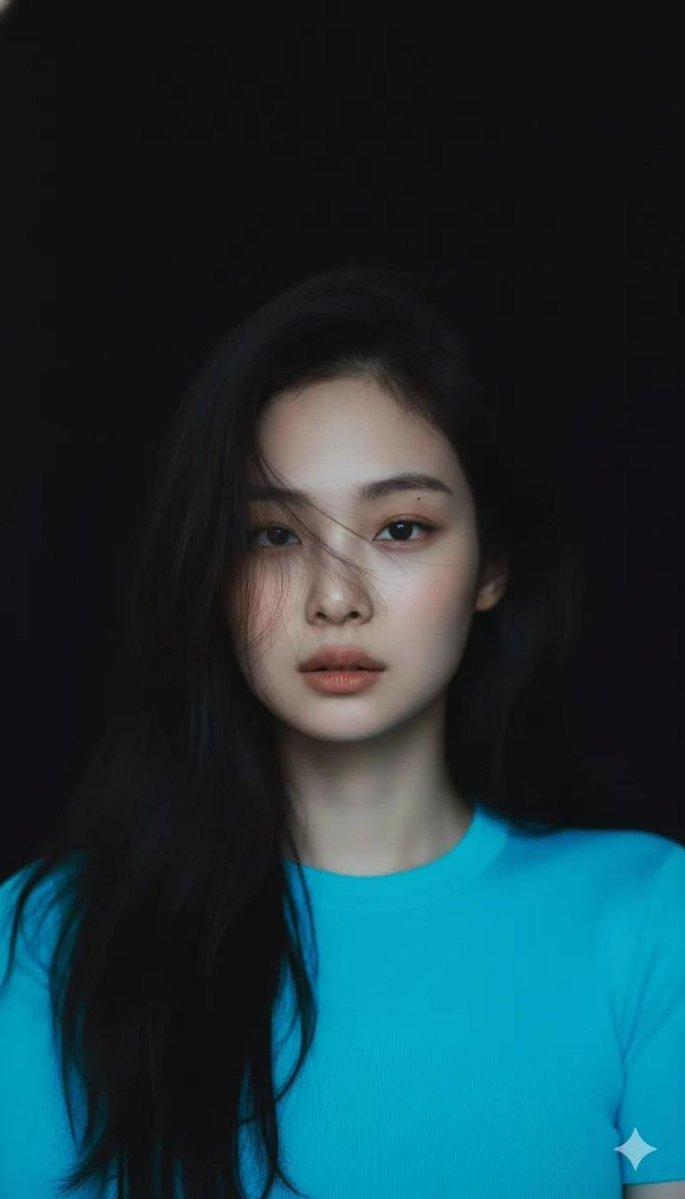
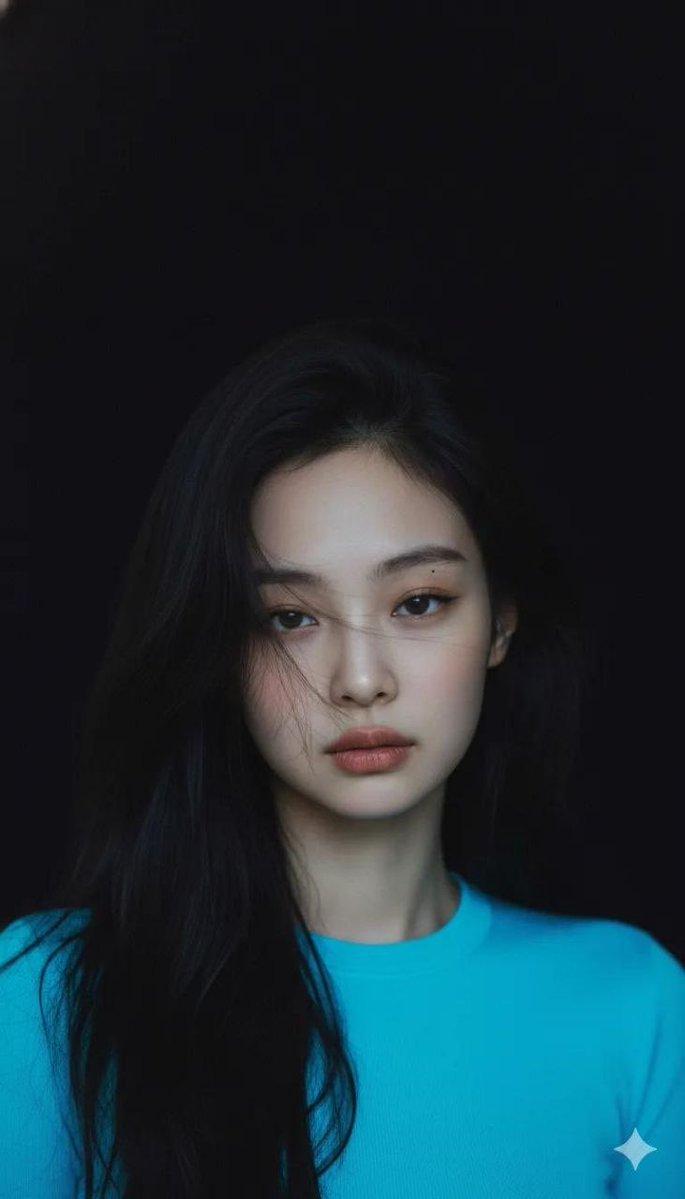
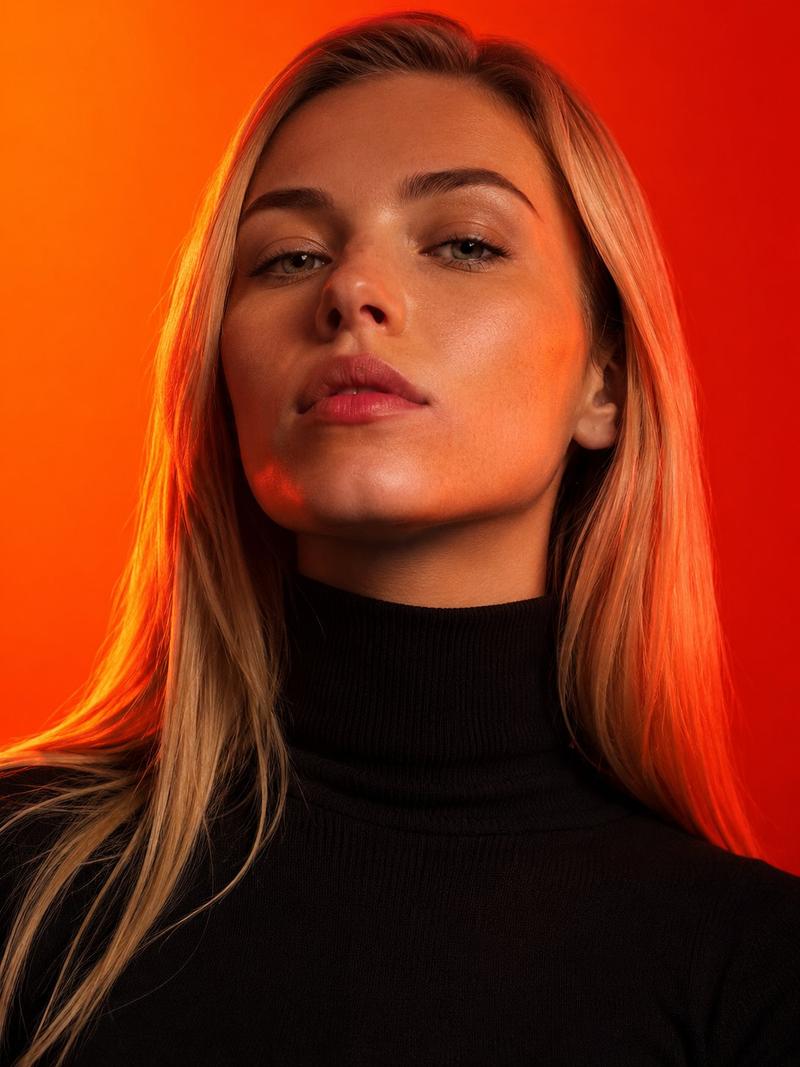
梦幻蓝调多重曝光时尚光影大片
Enlarge

梦幻蓝调多重曝光时尚光影大片

Prompt
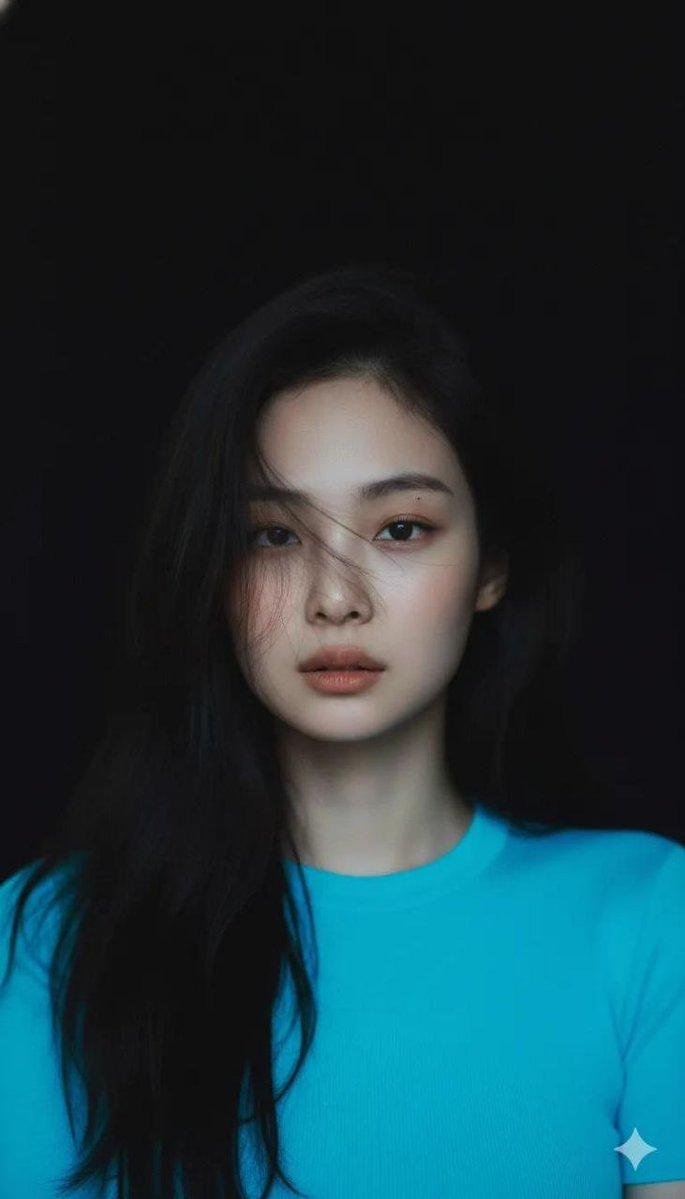
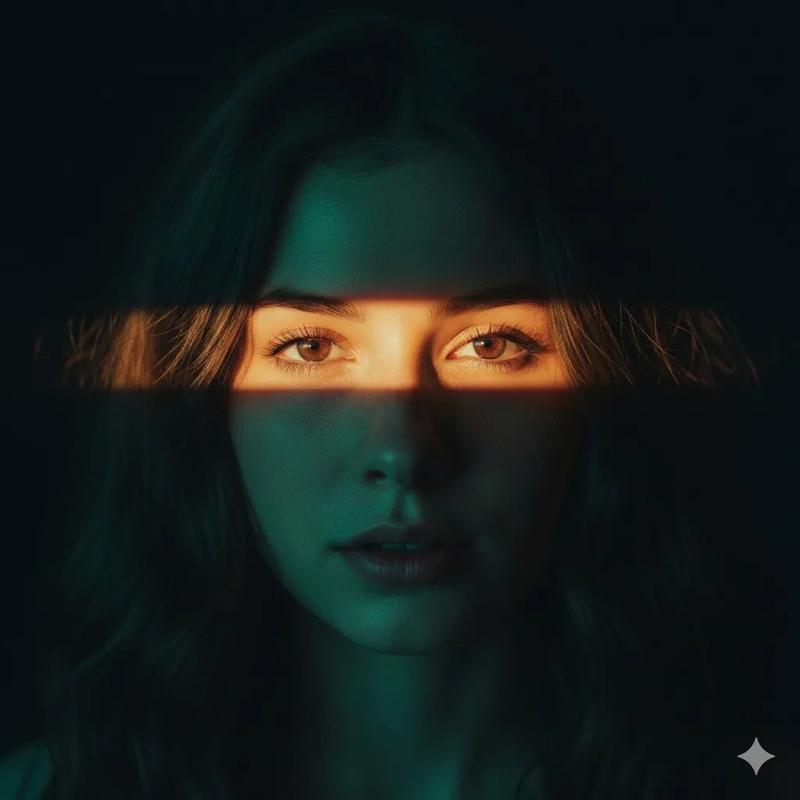
Create a cinematic, high-fashion half-length portrait from the input photo with a dreamy editorial vibe. Use multi-exposure blur for ghosting and vertical streaks. Set against a blue gradient background (#0033A0 to #66CCFF), the subject wears an oversized white T-shirt. Apply high-contrast lighting (cool blue wash + orange/yellow edge highlights) for a futuristic glow. Expression: neutral/introspective, eyes softly lit. Simulate 50-85mm lens at f/1.8 with shallow depth of field. Enhance with motion blur and chromatic separation, keeping central details sharp. Aim for a surreal, digital-youth mood blending minimalism and light play.
Category
Posters & Typography
Model
Nano Banana Pro
Creator
@harboriis
Views100
Source ID
6993
Published
Mar 15, 2026

Guide

About "梦幻蓝调多重曝光时尚光影大片"

What is this prompt for?

"梦幻蓝调多重曝光时尚光影大片" AI image prompt for Nano Banana Pro (Posters & Typography). 根据输入照片,创作一张具有电影感、时尚大片风格的半身肖像,营造梦幻般的杂志氛围。使用多重曝光模糊效果,制造重影和垂直条纹。背景为蓝色渐变(从 #0033A0 到 #…

The full copyable prompt and example visuals above are ready for AI image generation or one-click recreate in Picva.

How to use this prompt

  1. Step 1

    Open the prompt detail

    Review the example visuals, category, and full prompt text for "梦幻蓝调多重曝光时尚光影大片".

  2. Step 2

    Copy the prompt

    Copy the prompt body from this page, or load it directly in Studio.

  3. Step 3

    Pick a model (Nano Banana Pro)

    Prefer Nano Banana Pro. If you switch models, keep subject and composition and tweak style terms.

  4. Step 4

    Generate and export

    Recreate the look in Picva, or export into your workflow for editing and publishing.

FAQ

What is the "梦幻蓝调多重曝光时尚光影大片" prompt?
It is an AI image-generation prompt for Nano Banana Pro in the Posters & Typography category. This page includes the full prompt text, example visuals, and a one-click recreate path in Picva.
How do I use this prompt to generate an image?
Copy the prompt from this page, or use Generate / Studio. Paste it into a compatible image model, or recreate the look in Picva with optional reference images.
Which model is this prompt for?
This page lists Nano Banana Pro. Most descriptive prompts also transfer to nearby image models such as GPT Image, Flux, or Midjourney with light style tweaks.
Can I use the result commercially?
You can usually copy the prompt for creation, but commercial use of the final image depends on the model terms, reference-image rights, and the generated content. Follow the source author and platform rules.