17

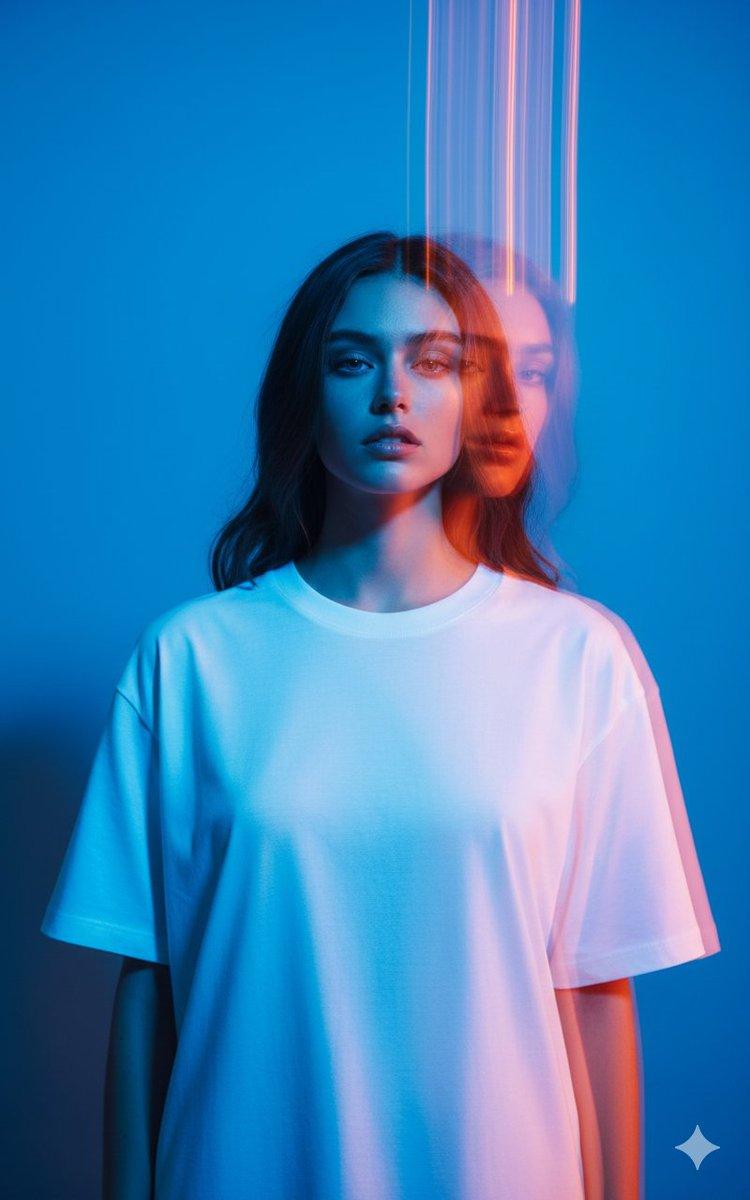
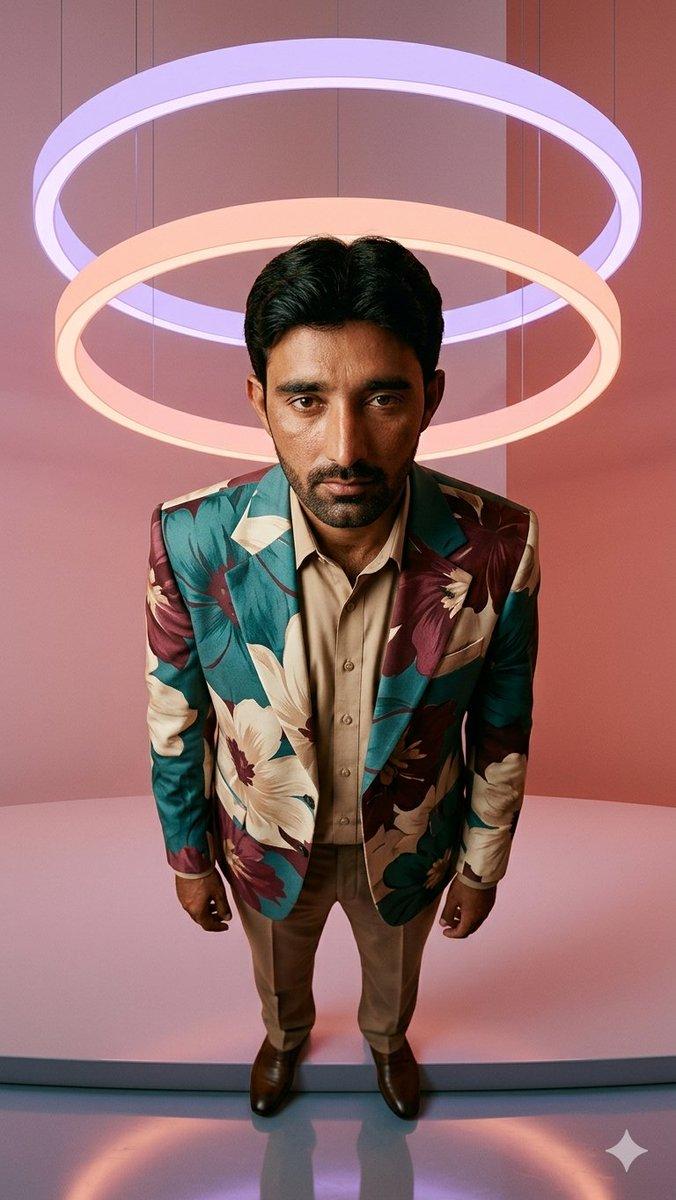
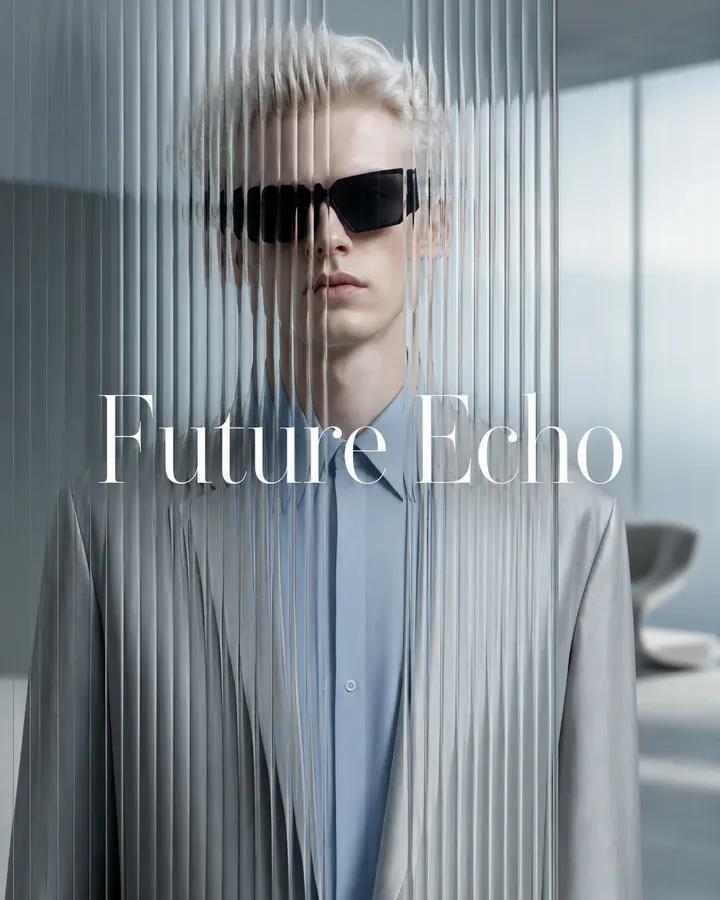
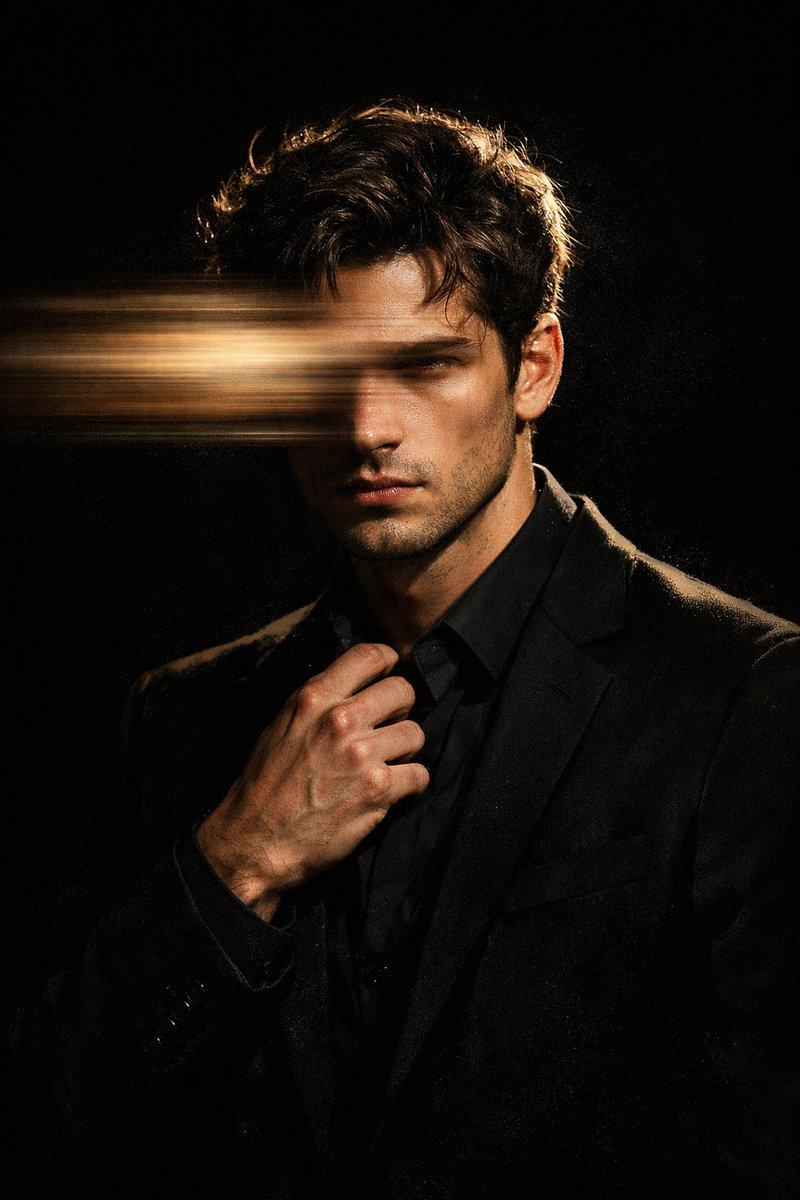
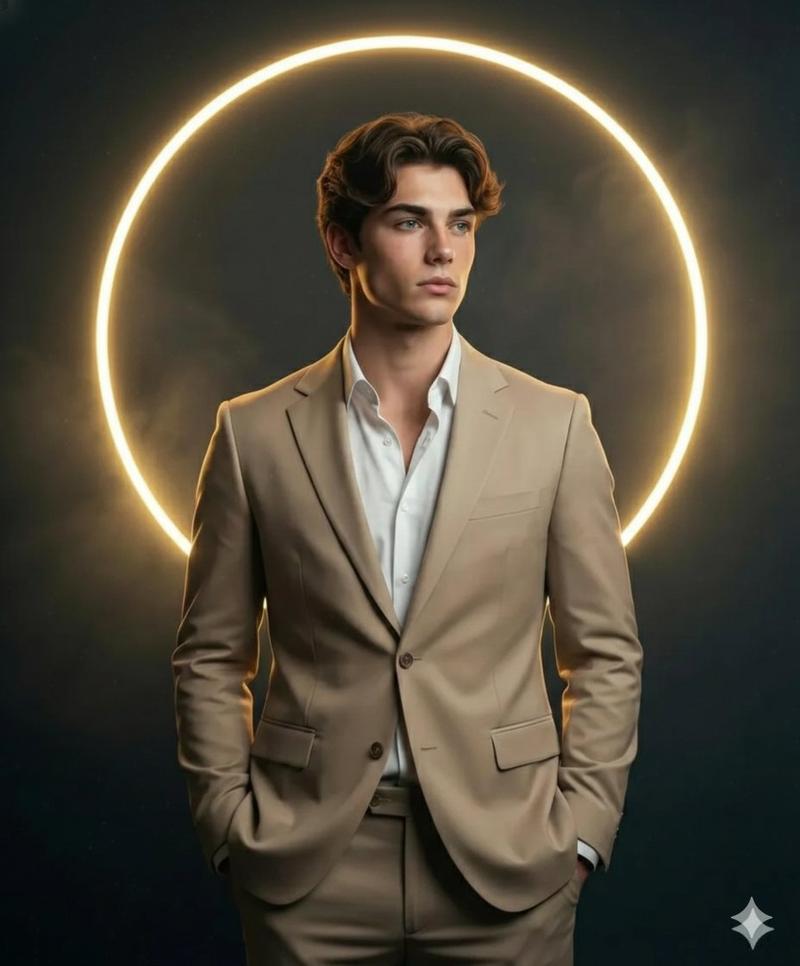
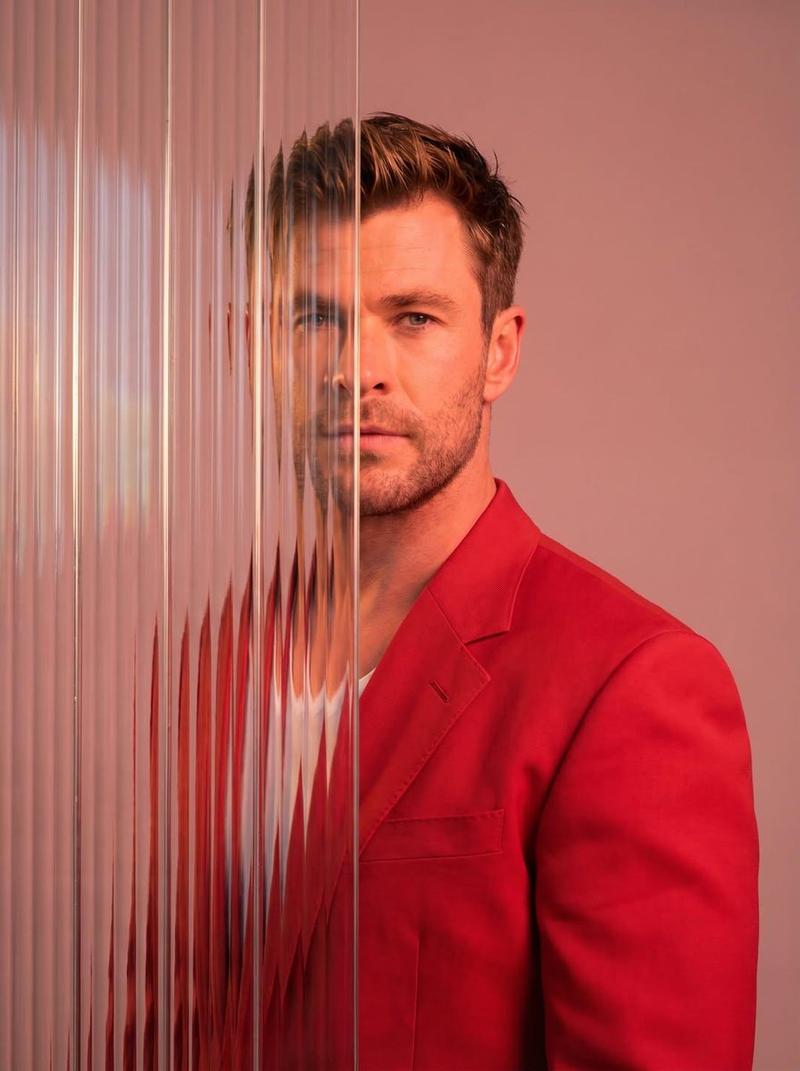
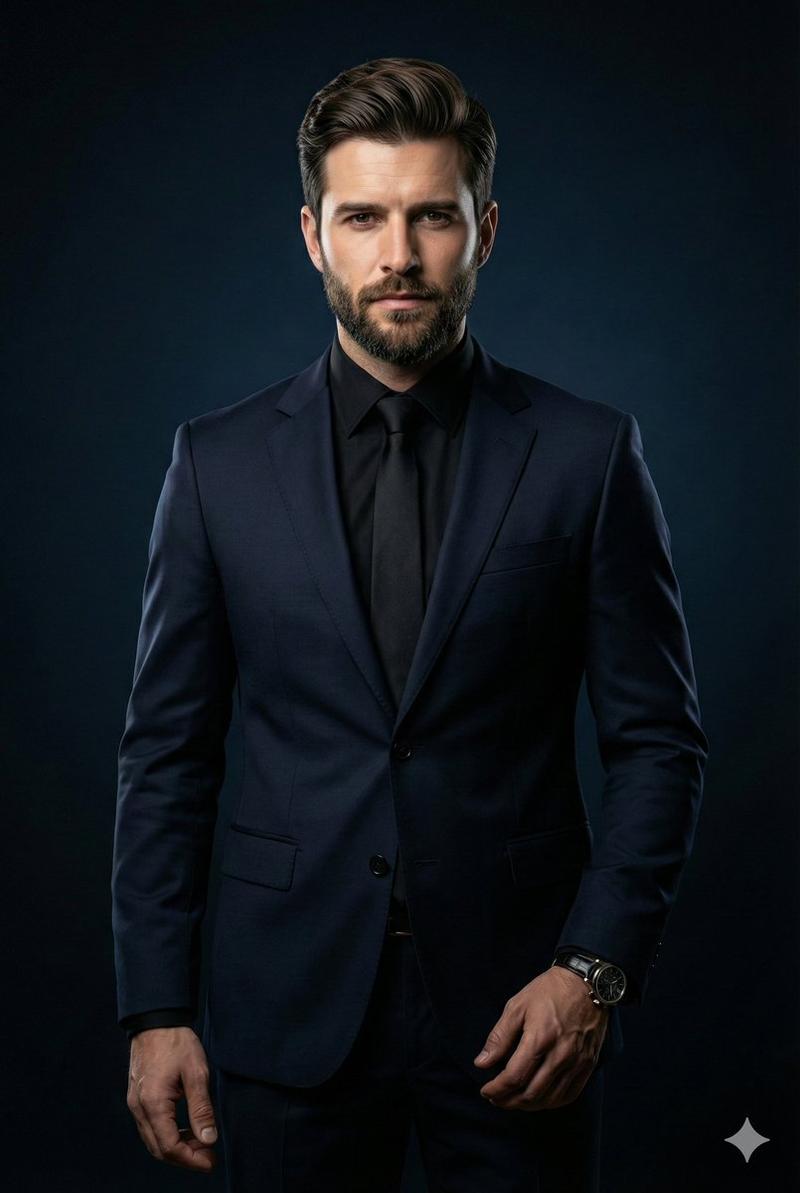
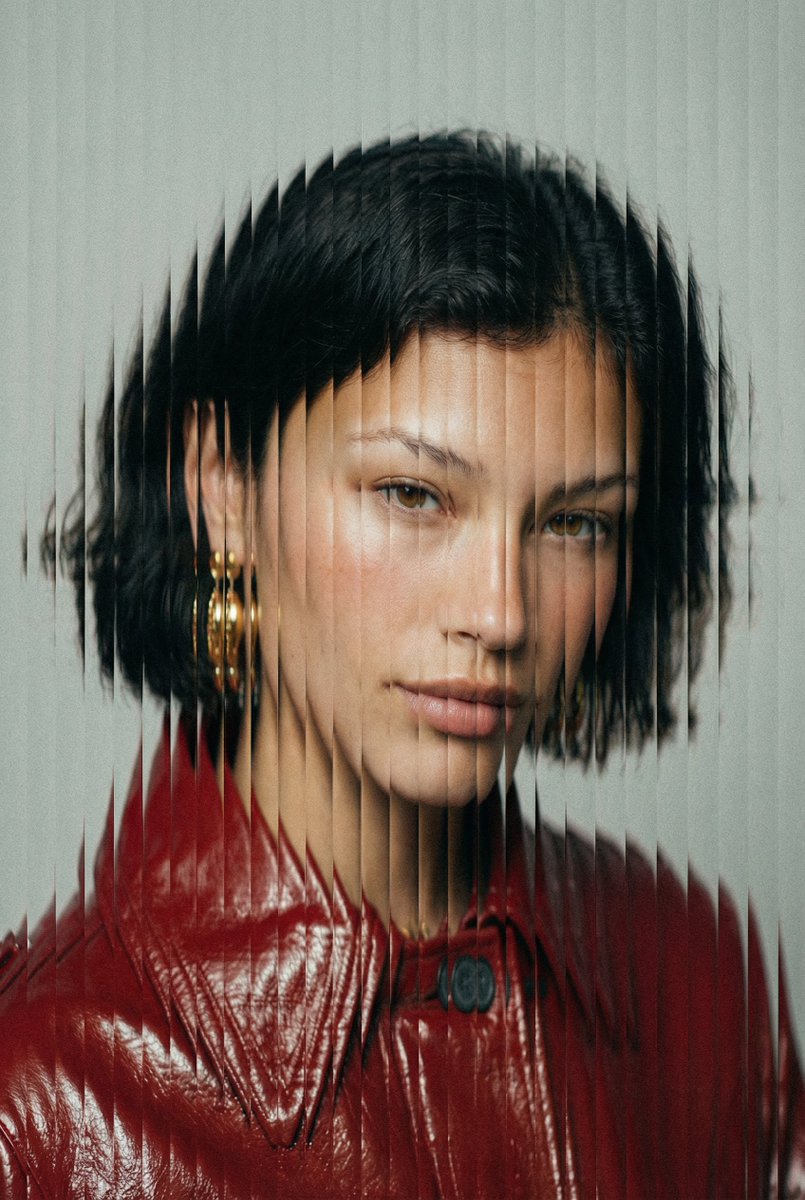
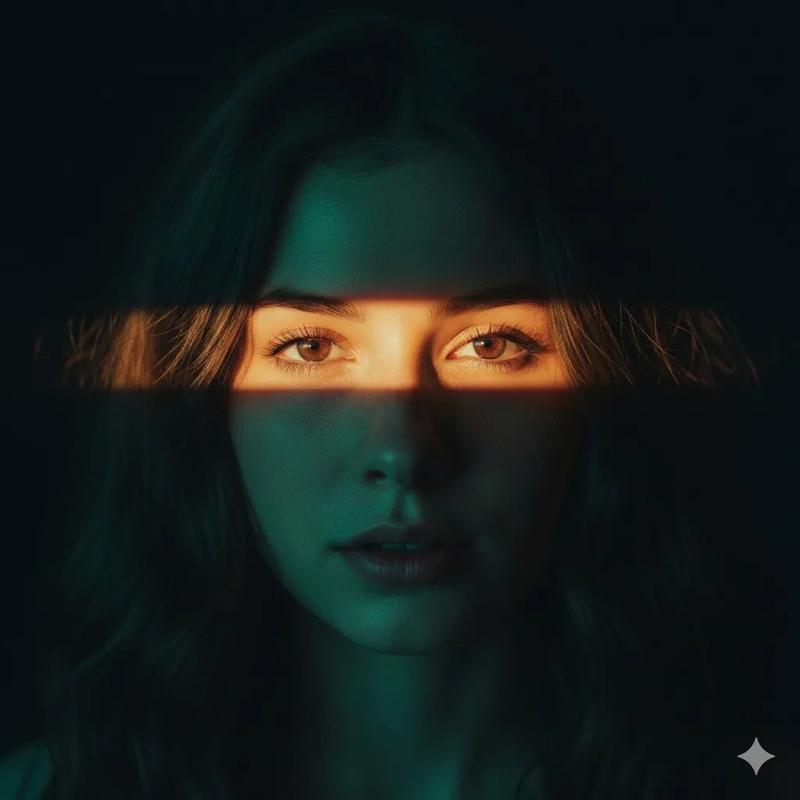
折射玻璃概念肖像
Enlarge

Example images

折射玻璃概念肖像

Prompt
Create an ultra high-end conceptual chest-up studio portrait of {argument name="person" default="a mysterious male public figure"} standing front-facing behind a tall transparent vertical refractive glass panel. The subject wears {argument name="signature attire" default="a charcoal-gray tailored blazer over a plain black crew-neck shirt"}, with short dark hair visible above an intentionally anonymizing opaque square mask covering the central face. The composition is centered and symmetrical, cropped from the upper thighs to just above the head, with the shoulders broad and still. Use a deep cinematic blue studio background with a subtle gradient from dark navy on the left to cooler luminous blue on the right. The glass panel should create vertical sliced distortions, faint duplicate ghost silhouettes offset to both sides, and thin vertical refraction lines running from top to bottom. Add exactly two prominent horizontal prism light streaks: one crossing the face area at eye level in cyan, blue, orange, and white, and one crossing the lower chest area in cyan and orange; include soft motion blur and spectral dispersion around the streaks. Lighting should be dramatic and editorial, with cool rim light, glossy reflections, high contrast, and a premium conceptual photography look. Make the portrait sharp in the clothing and body silhouette but distorted through the glass, with no text, no logos, and no extra objects.
Category
Charts & Infographics
Model
GPT Image 2
Creator
两斤
Views2
Source ID
21239
Published
May 17, 2026

Guide

About "折射玻璃概念肖像"

What is this prompt for?

"折射玻璃概念肖像" AI image prompt for GPT Image 2 (Charts & Infographics). 一张电影质感的摄影棚肖像,描绘了一个匿名人物站在垂直折射玻璃后,伴有蓝色灯光和棱镜条纹效果。 Copy it on Picva and recreate the look in on…

The full copyable prompt and example visuals above are ready for AI image generation or one-click recreate in Picva.

How to use this prompt

  1. Step 1

    Open the prompt detail

    Review the example visuals, category, and full prompt text for "折射玻璃概念肖像".

  2. Step 2

    Copy the prompt

    Copy the prompt body from this page, or load it directly in Studio.

  3. Step 3

    Pick a model (GPT Image 2)

    Prefer GPT Image 2. If you switch models, keep subject and composition and tweak style terms.

  4. Step 4

    Generate and export

    Recreate the look in Picva, or export into your workflow for editing and publishing.

FAQ

What is the "折射玻璃概念肖像" prompt?
It is an AI image-generation prompt for GPT Image 2 in the Charts & Infographics category. This page includes the full prompt text, example visuals, and a one-click recreate path in Picva.
How do I use this prompt to generate an image?
Copy the prompt from this page, or use Generate / Studio. Paste it into a compatible image model, or recreate the look in Picva with optional reference images.
Which model is this prompt for?
This page lists GPT Image 2. Most descriptive prompts also transfer to nearby image models such as GPT Image, Flux, or Midjourney with light style tweaks.
Can I use the result commercially?
You can usually copy the prompt for creation, but commercial use of the final image depends on the model terms, reference-image rights, and the generated content. Follow the source author and platform rules.