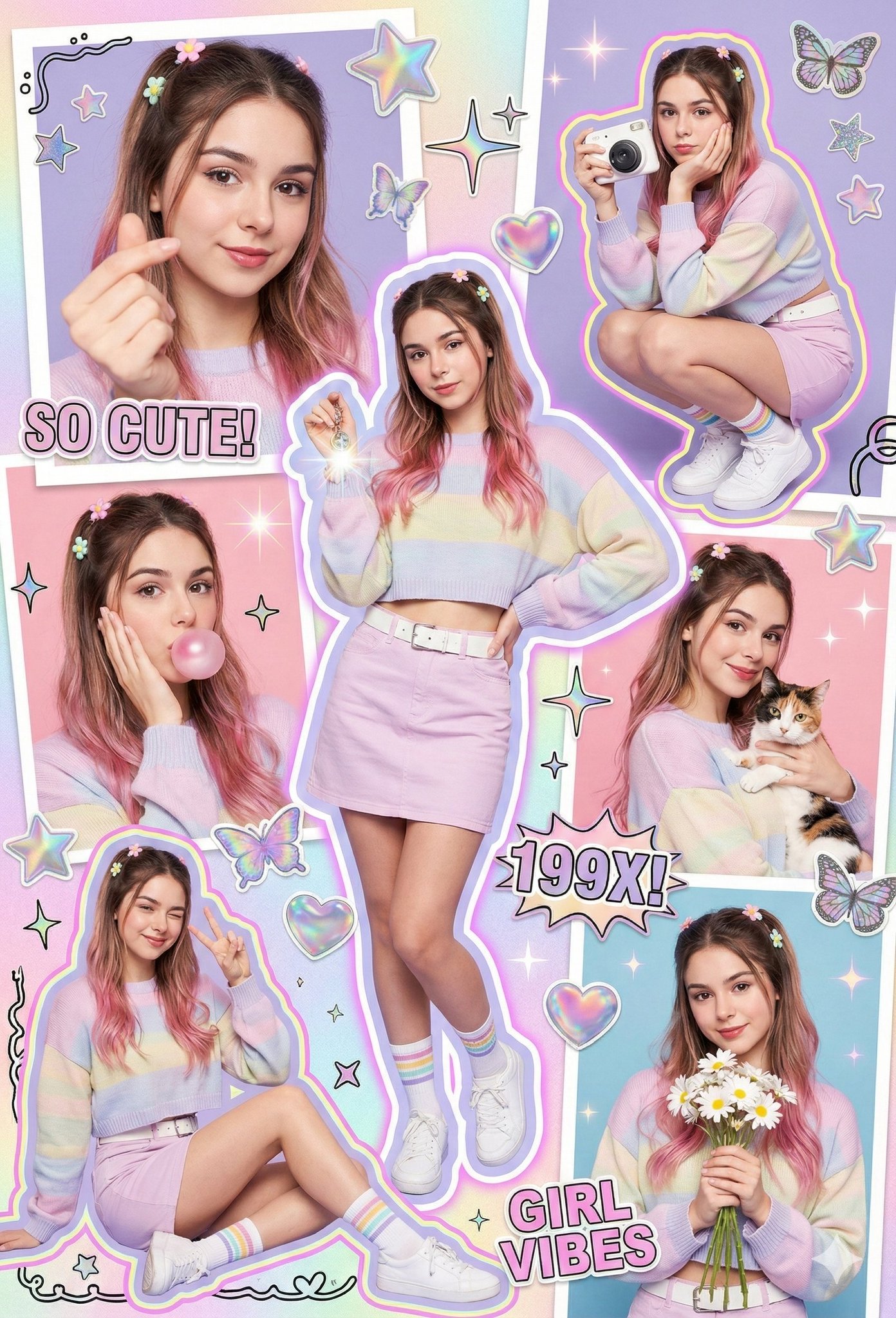
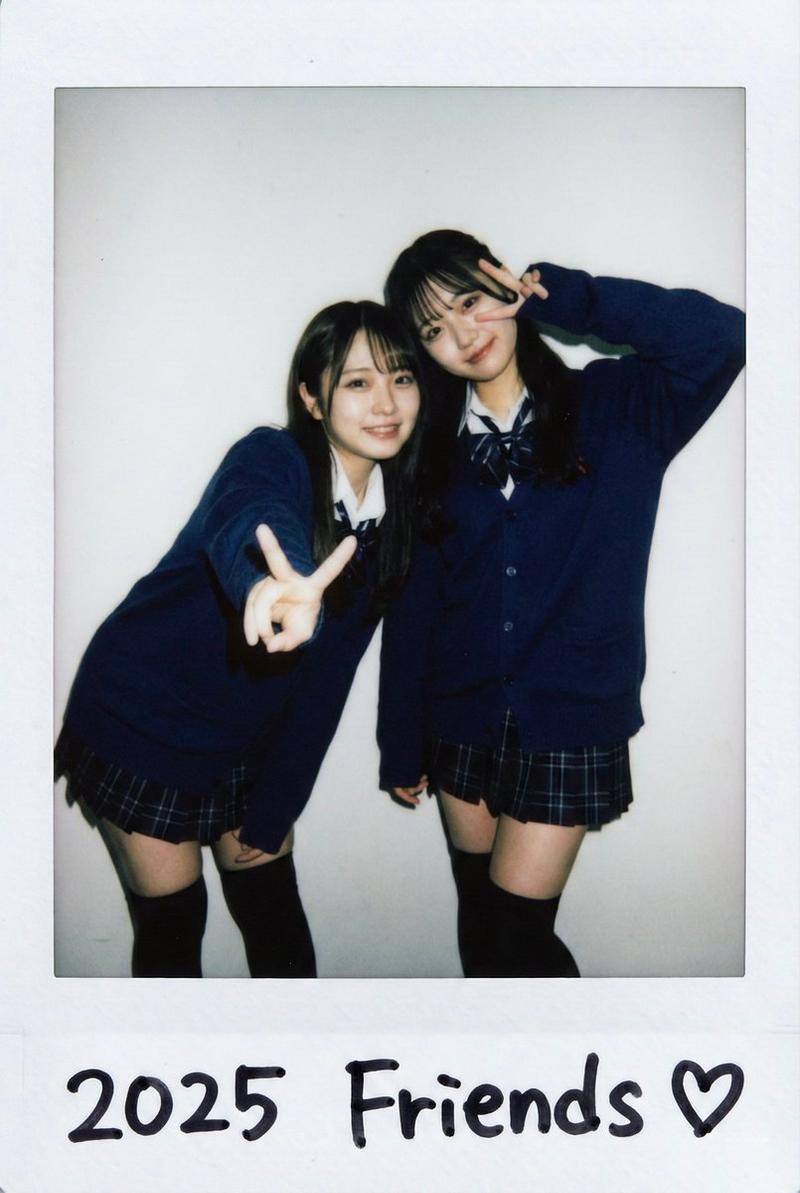
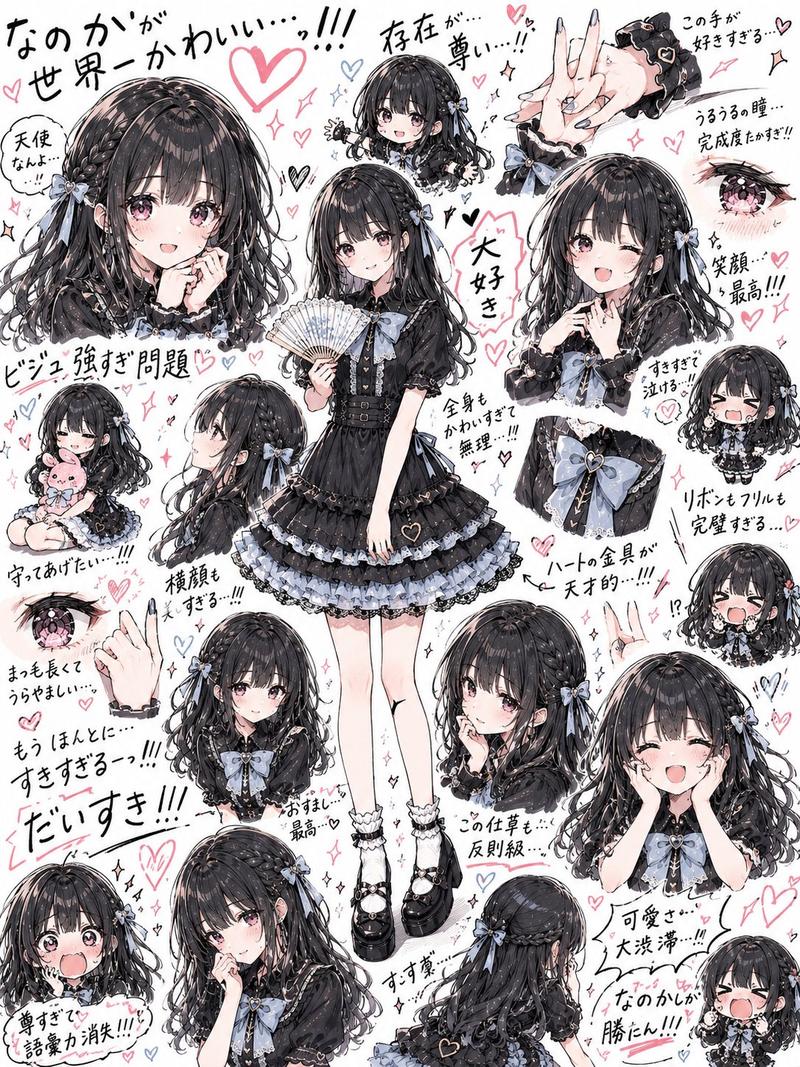
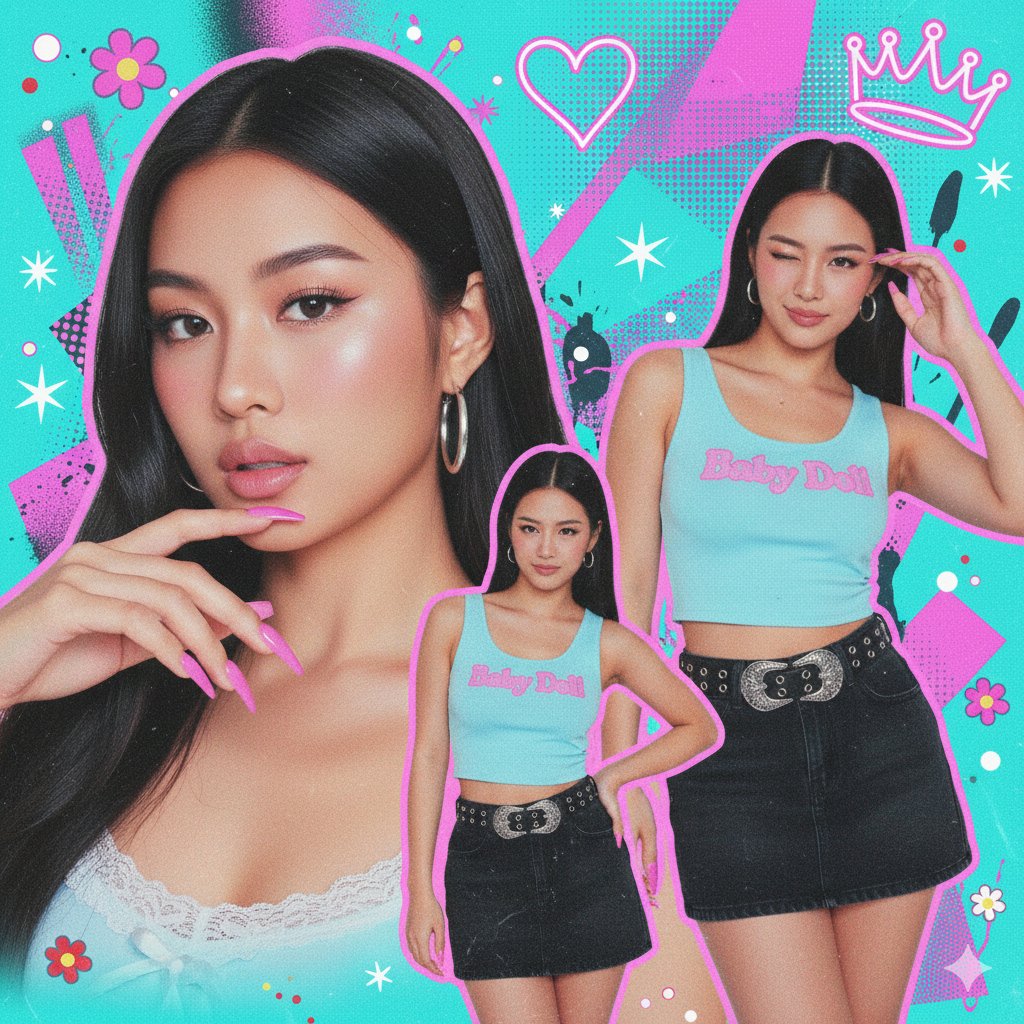
梦幻粉制服偶像拼贴
Prompt
"A crowded, vibrant composition featuring multiple photographic cutouts of the same subject layered over a textured pink background.",
      "key_elements": {"White sticker outlines around the subject cuts, sparkle effects, floating graphics, and ransom-note style text."
    },
    "subject_details": {
      "demographics": "Young Asian woman (K-pop idol visual), fair porcelain skin, soft feminine features.",
      "hair": "Long, voluminous jet-black hair with see-through bangs (air bangs). Styled straight or with very loose waves.",
      "makeup": "Pink-toned 'wonyoung' or 'douyin' makeup: gradient pink lips, heavy pink blush on apple of cheeks and nose tip, glitter eyeshadow, sharp eyeliner.",
      "jewelry": "Pearl drop earrings, delicate silver necklace, silver rings, and a baby pink digital watch (Casio style) with a beaded bracelet."
    },
    "outfit_details": {
      "style": "High-teen / Preppy School Uniform.",
      "garments": {
        "outer": "Pastel pink fitted blazer with dark grey piping and a gold school crest emblem on the pocket.",
        "inner": "White button-up shirt.",
        "neckwear": "Large pink satin bow tie.",
        "bottom": "Pink and white plaid pleated mini skirt.",
        "legwear": "White knee-high socks.",
        "footwear": "White Mary Jane shoes."
      }
    },
    "pose_layout_breakdown": {
      "main_portrait_bottom_right": "Large close-up. Subject holding both hands against her cheeks (flower pose), looking slightly to the side with a dreamy expression.",
      "upper_left_cutout": "Waist-up shot. Subject adjusting her bow tie with both hands, looking forward.",
      "full_body_insert_bottom_left": "Miniature full-body cutout. Standing straight with arms at sides, neutral sweet pose.",
      "top_right_cutout": "Headshot. Smiling gently at the camera.",
      "middle_right_cutout": "Close-up. Smiling brightly."
    },
    "graphic_overlays": {
      "stickers": "Pink heart balloons, iridescent butterflies, cherry blossom flowers, music notes, white stars.",
      "text": "Ransom-note style text reading 'IQRASAIFIII' at the bottom.",
      "background_texture": "Pink gingham pattern mixed with floral textures and soft bokeh."
    },
    "camera_technical_values": {
      "source_photography_style": "High-end Commercial Studio Portraiture.",
      "focal_length": "85mm (Flattering portrait lens for the cutouts).",
      "aperture": "f/4.0 (Sharp focus on subject faces).",
      "shutter_speed": "N/A (Collage).",
      "iso": "ISO 100.",
      "lighting_setup": "High-Key Beauty Lighting. Large bright softbox from the front to eliminate shadows on the face. Ring light reflections visible in the eyes.",
      "color_grading": "Pastel pink dominant, high saturation, slightly overexposed for a 'bloom' effect."
}- Category
- Brand & Logos
- Model
- Nano Banana Pro
- Creator
- @IqraSaifiii
- Source ID
- 1996
- Published
- Jan 13, 2026
Views110