梦幻产品咖啡屋
Prompt
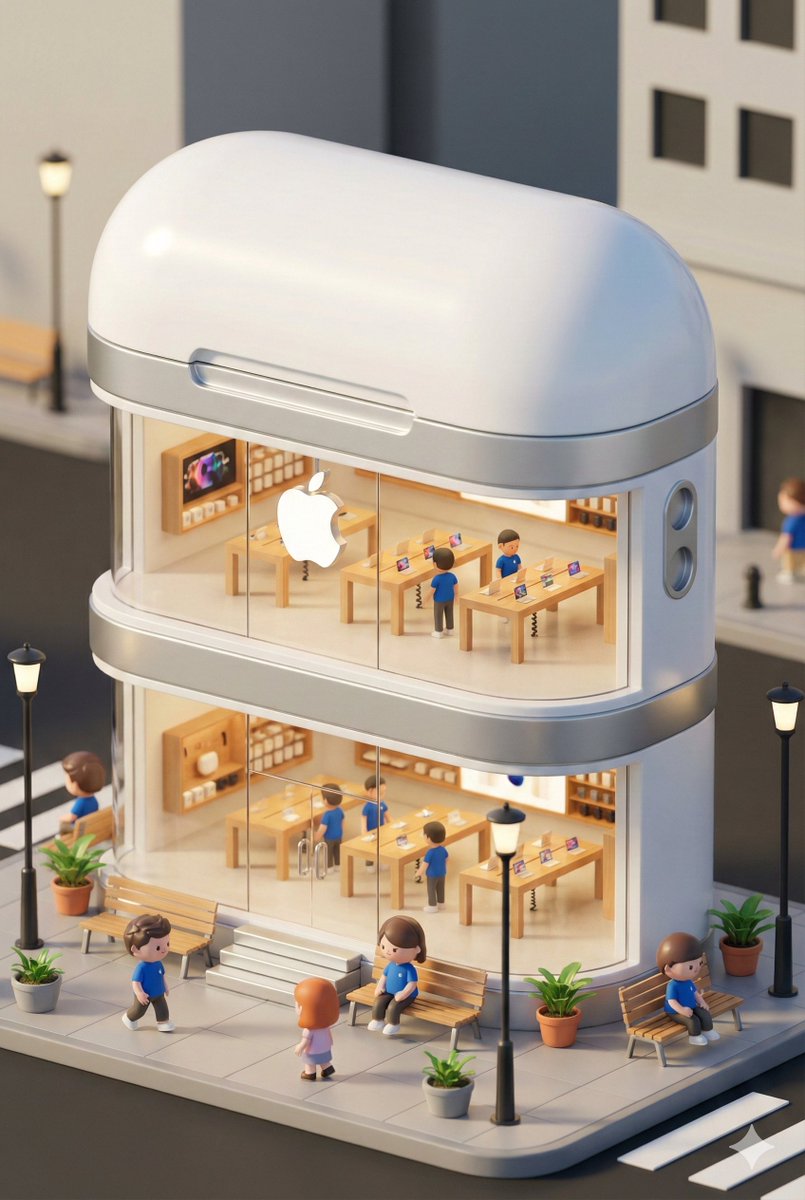
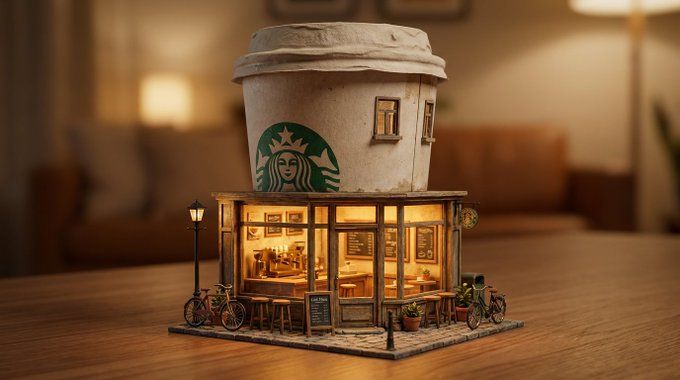
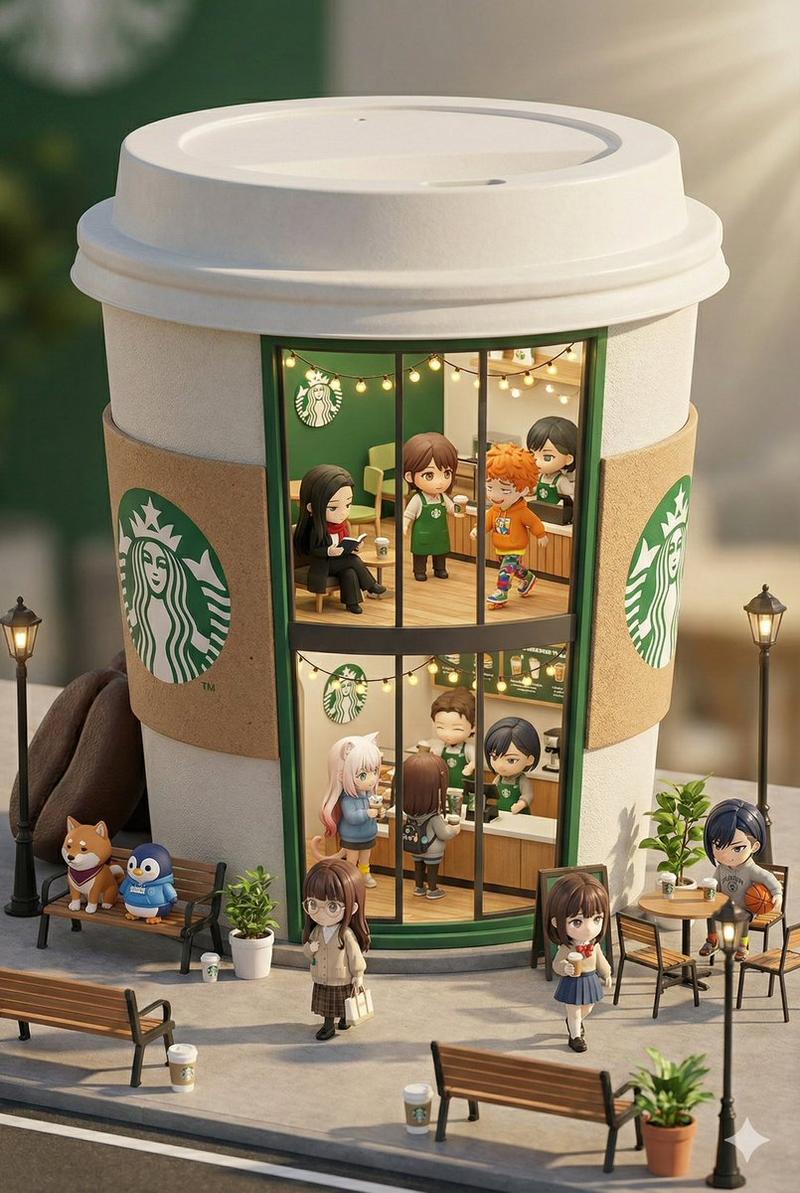
A dreamlike miniature urban scene where an oversized [BRAND PRODUCT] is reimagined as a charming café, blending product design with architecture in a playful yet premium way.

The product forms the upper structure of the building, while the ground level transforms into a cozy café storefront, glowing with warm, inviting light.

Transparent glass windows reveal a detailed miniature interior with tiny tables, stools, and subtle décor, emphasizing craftsmanship and scale.

The surrounding street is thoughtfully styled with delicate street lamps, small urban details, and clean pavement, creating a welcoming neighborhood atmosphere.

Soft, cinematic lighting enhances the whimsical mood, with gentle highlights and natural shadows.
Ultra-detailed, hyperrealistic miniature rendering, premium advertising aesthetic, surreal yet believable scale, refined art direction, high resolution.
- Category
- Posters & Typography
- Model
- GPT Image 2
- Creator
- @aleenaamiir
- Source ID
- 1919
- Published
- Jan 10, 2026
Views60

![An ultra-realistic miniature [YOUR BRAND] showroom balanced on a human palm, des](https://i.pixshop.app/storage/v1/render/image/public/prompt-source-media/promptsref/work-45189/image-1-41b4ebb588aef34c.png?width=800&quality=75&resize=contain)

![Hyper-realistic miniature diorama of a [BRAND NAME] outlet, placed on a premium](https://i.pixshop.app/storage/v1/render/image/public/prompt-source-media/promptsref/work-1293/image-1-6d23a68d38e731ca.png?width=800&quality=75&resize=contain)
![Ultra-realistic 3D miniature diorama of a [BRAND NAME] environment built inside](https://i.pixshop.app/storage/v1/render/image/public/prompt-source-media/promptsref/work-45188/image-1-6bbbff0d6e91cabf.png?width=800&quality=75&resize=contain)