
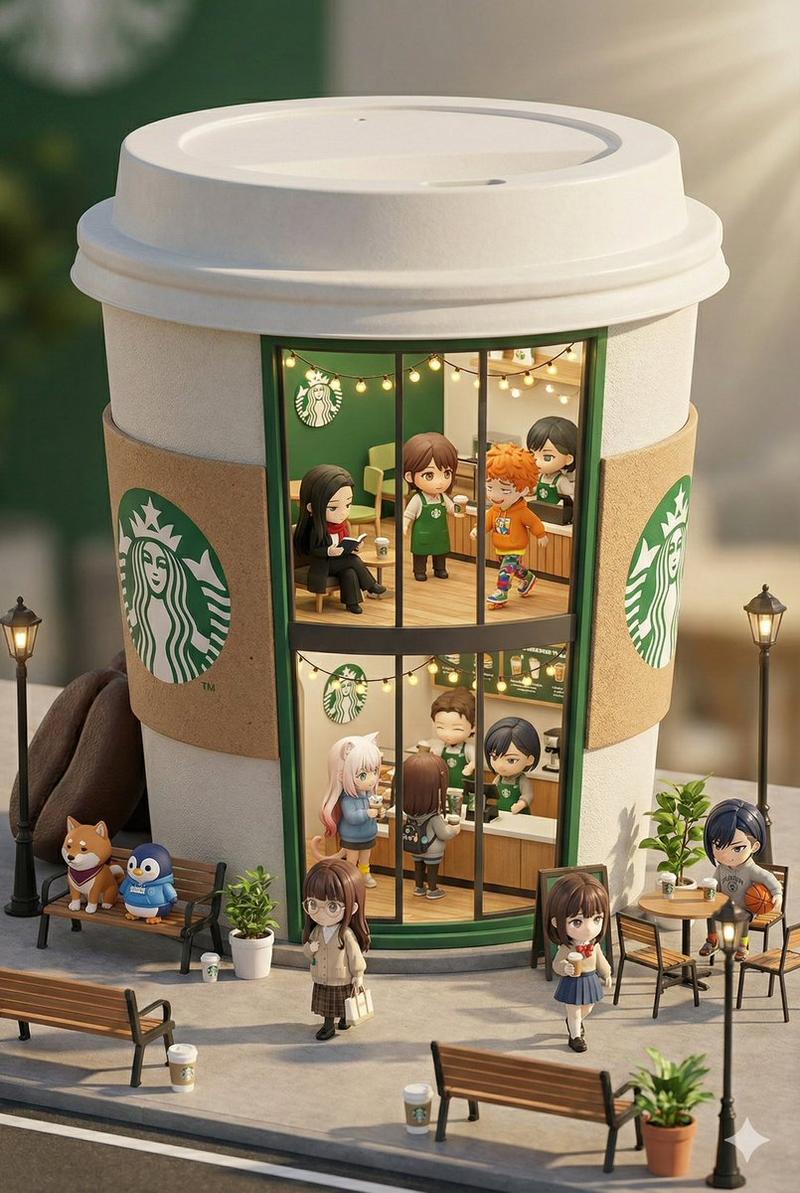
星巴克迷你概念店:3D卡哇伊风格
Prompt
🍌 nano banana prompt
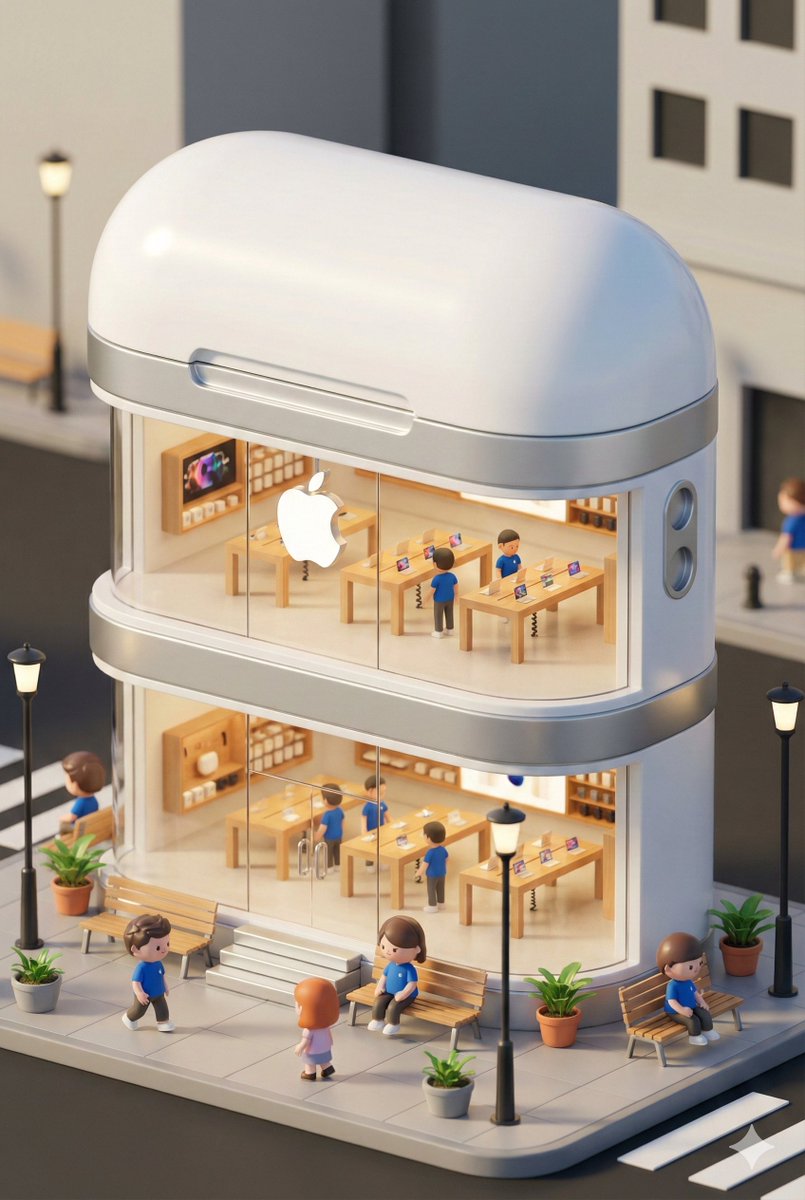
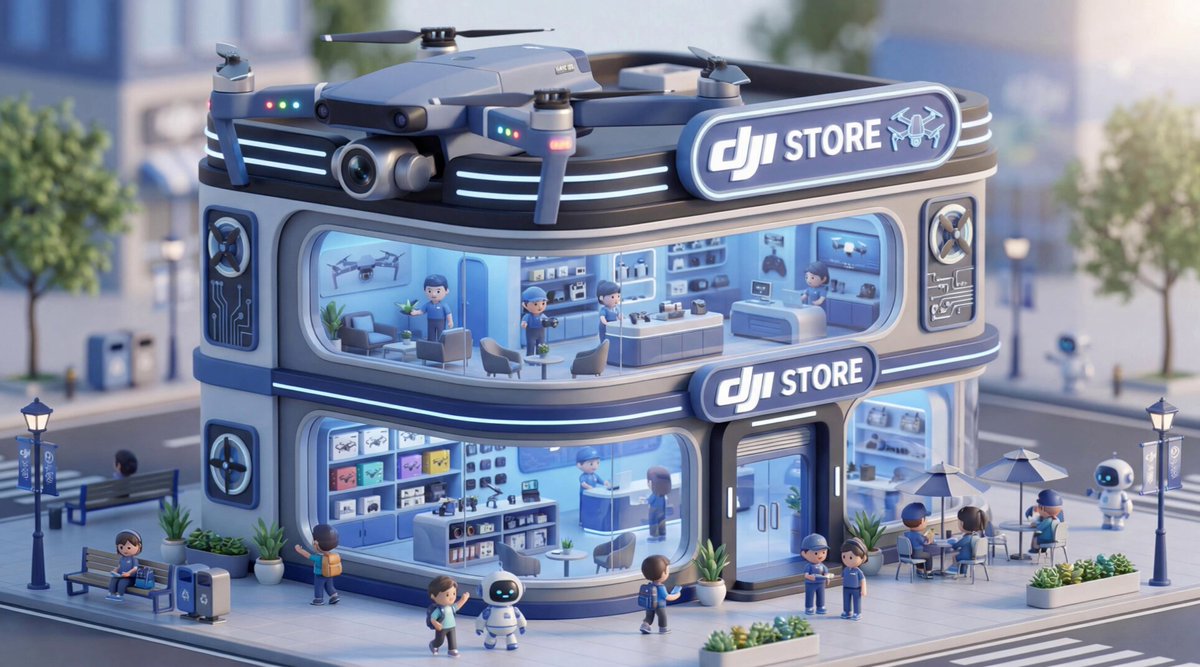
3D chibi-style miniature concept store of {Brand Name}
--- Prompt ---
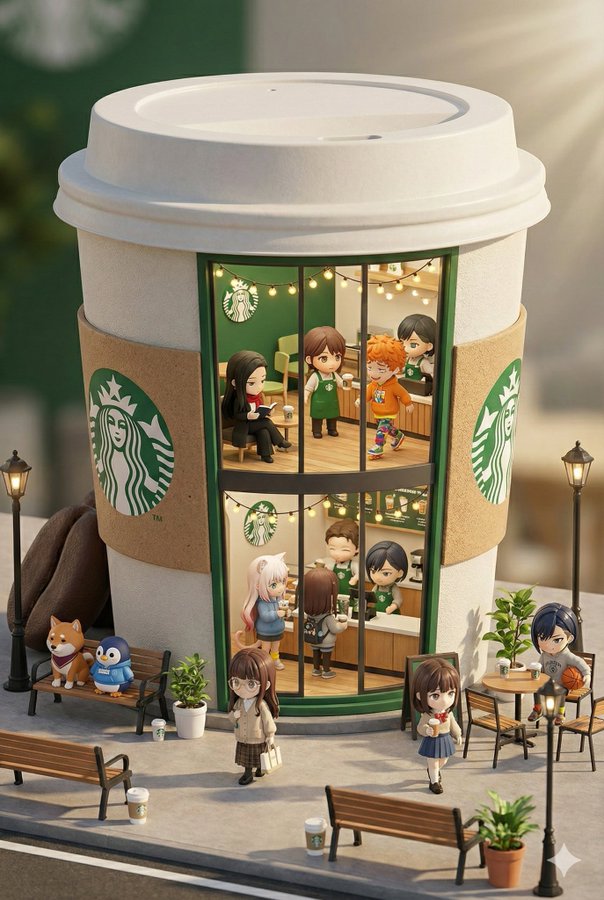
3D chibi-style miniature concept store of {Brand Name}, creatively designed with an exterior inspired by the brand's most iconic product or packaging (such as a giant {brand's core product, e.g., chicken bucket/hamburger/donut/roast duck}). The store features two floors with large glass windows clearly showcasing the cozy and finely decorated interior: {brand's primary color}-themed decor, warm lighting, and busy staff dressed in outfits matching the brand. Adorable tiny figures stroll or sit along the street, surrounded by benches, street lamps, and potted plants, creating a charming urban scene. Rendered in a miniature cityscape style using Cinema 4D, with a blind-box toy aesthetic, rich in details and realism, and bathed in soft lighting that evokes a relaxing afternoon atmosphere. --ar 2:3
Brand name: Starbucks- Category
- Illustration & Art
- Model
- Nano Banana Pro
- Creator
- 宝玉
- Source ID
- starbucks-mini-concept-store-3d-chibi-style
Views1


![An ultra-realistic miniature [YOUR BRAND] showroom balanced on a human palm, des](https://i.pixshop.app/storage/v1/render/image/public/prompt-source-media/promptsref/work-45189/image-1-41b4ebb588aef34c.png?width=800&quality=75&resize=contain)
![Hyper-realistic miniature diorama of a [BRAND NAME] outlet, placed on a premium](https://i.pixshop.app/storage/v1/render/image/public/prompt-source-media/promptsref/work-1293/image-1-6d23a68d38e731ca.png?width=800&quality=75&resize=contain)


![Ultra-realistic 3D miniature diorama of a [BRAND NAME] environment built inside](https://i.pixshop.app/storage/v1/render/image/public/prompt-source-media/promptsref/work-45188/image-1-6bbbff0d6e91cabf.png?width=800&quality=75&resize=contain)

