15

动感高定时尚女郎凌空飞跃
Enlarge

动感高定时尚女郎凌空飞跃

Prompt
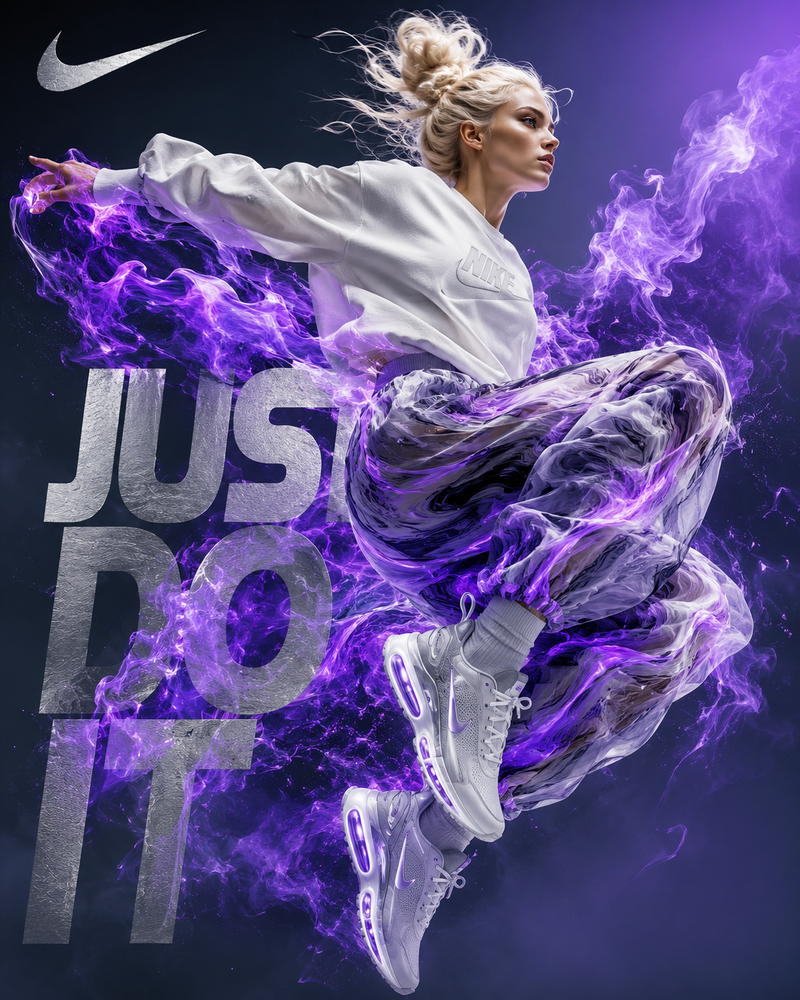
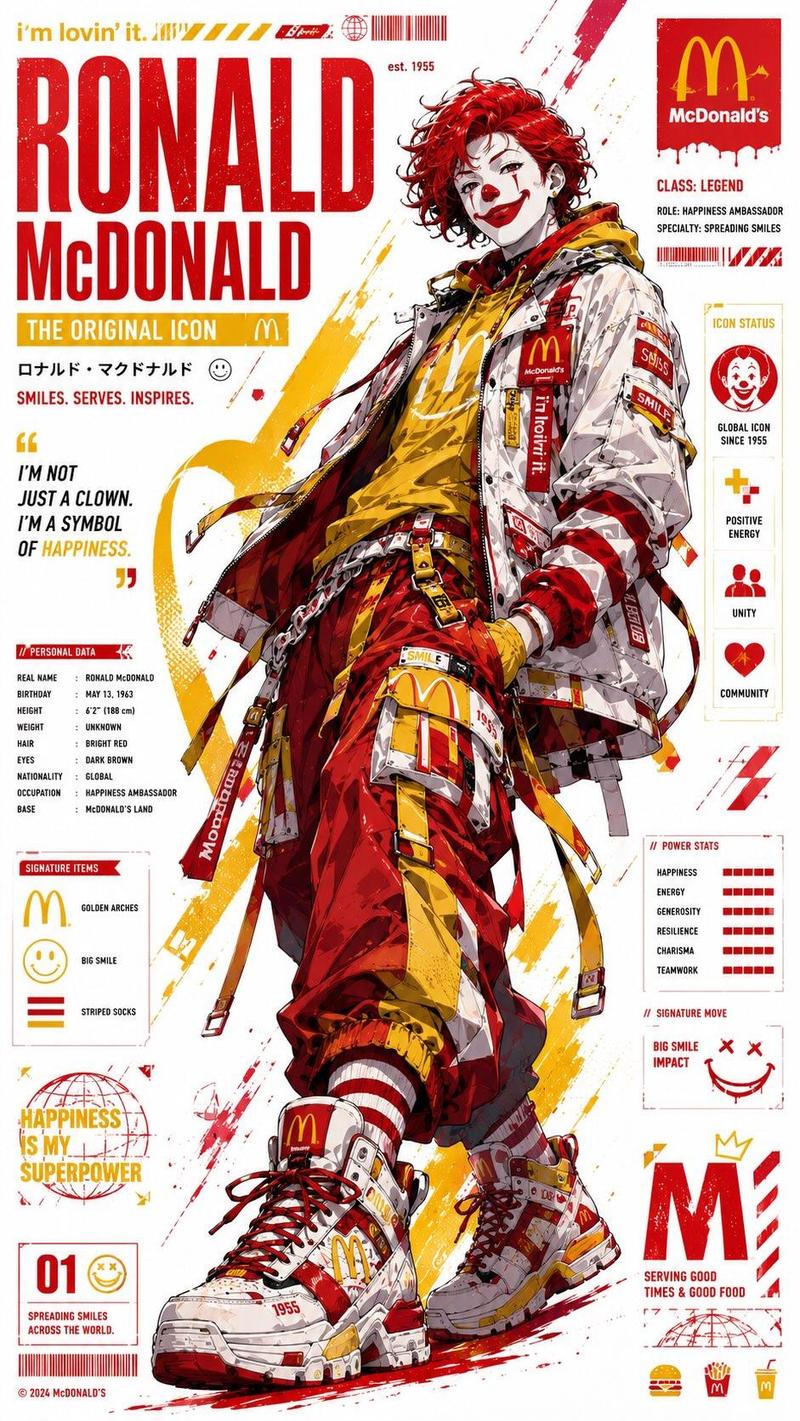
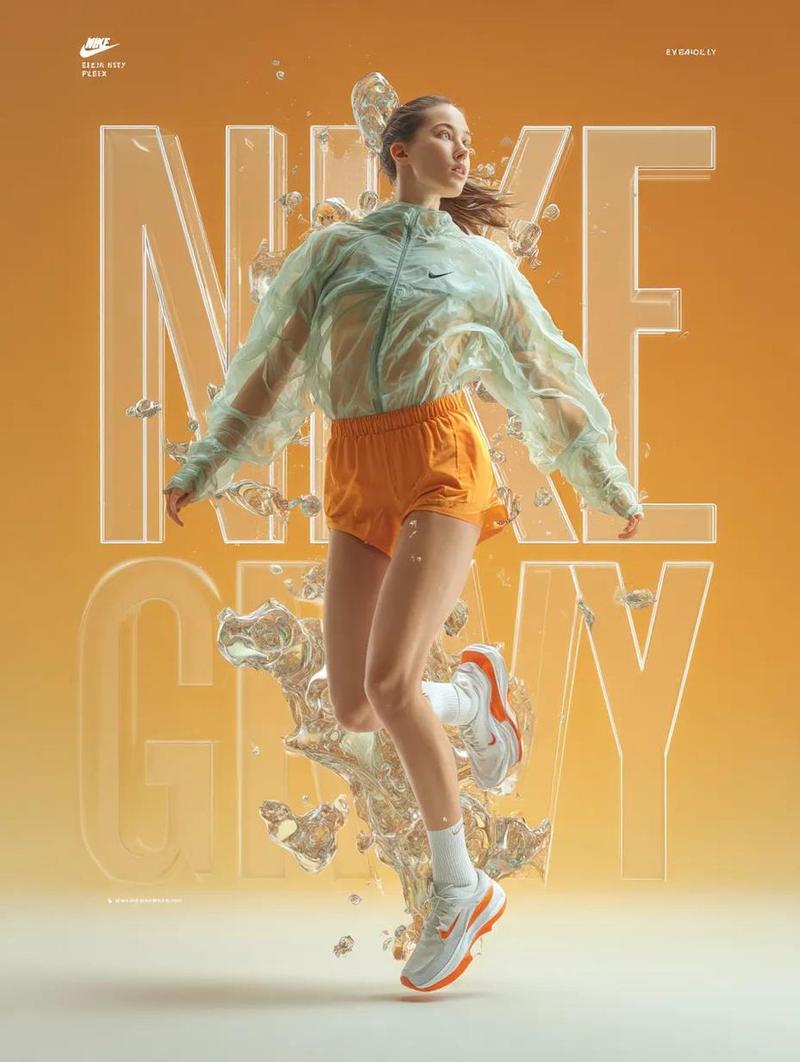
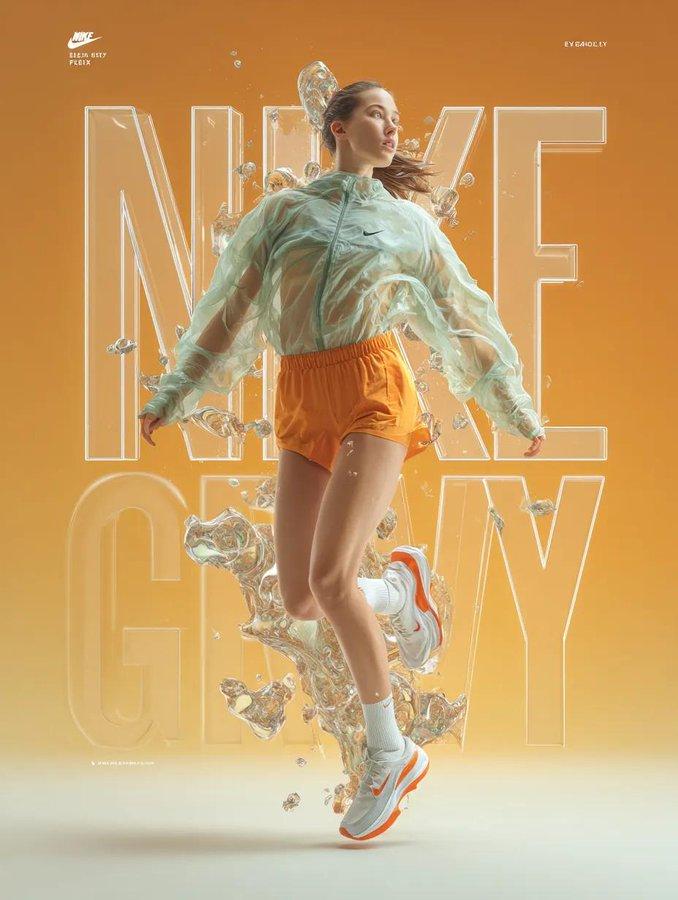
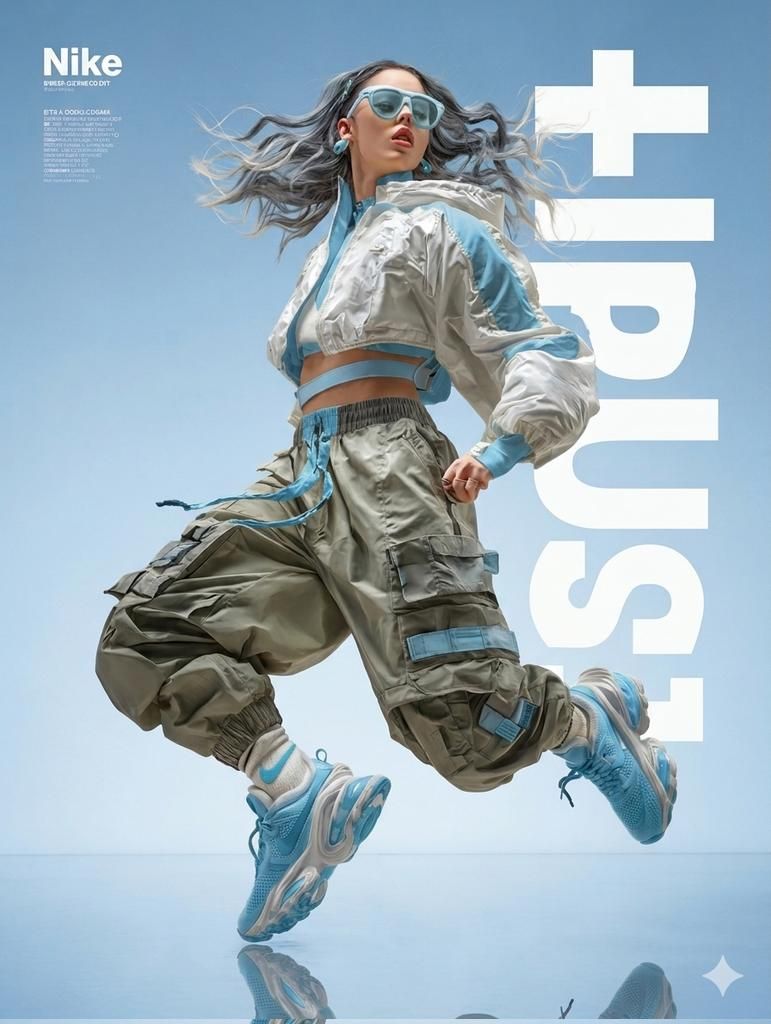
A dynamic, high-fashion action photograph features a woman with flowing, wavy grey-blue hair, caught mid-air in a powerful, dynamic leap against a clean, gradient blue studio background. She wears light blue-framed sunglasses, small hoop earrings, and a white cropped puffer jacket with light blue striped panels and cuff details, layered over a white bandeau top and a light blue utility harness. Her bulky, oversized grey-olive cargo pants feature multiple large pockets, light blue strapping details, and integrated light blue drawstrings, tucked into chunky white athletic socks with a small blue Nike swoosh. Her feet are encased in large, intricate light blue Nike Air-Max-style sneakers with complex sole structures, and a clear reflection is visible on the blue polished floor beneath her. A large, stylized vertical white text graphic to the right reads "+tsun" and to the left, the white text reads "Nike" with smaller text below. The lighting is crisp and even, highlighting textures and form.
Category
Brand & Logos
Model
ChatGPT
Views112
Source ID
13820
Published
Apr 26, 2026

Guide

About "动感高定时尚女郎凌空飞跃"

What is this prompt for?

"动感高定时尚女郎凌空飞跃" AI image prompt for ChatGPT (Brand & Logos). 一张动态的高级时尚动作照片,主角是一位留着飘逸波浪状灰蓝色头发的女性,在干净的渐变蓝色影棚背景下,被捕捉到正处于一个充满力量感的动态跳跃半空中的瞬间。她戴着浅蓝色边框的太阳镜、小号圈形耳环,穿着一件…

The full copyable prompt and example visuals above are ready for AI image generation or one-click recreate in Picva.

How to use this prompt

  1. Step 1

    Open the prompt detail

    Review the example visuals, category, and full prompt text for "动感高定时尚女郎凌空飞跃".

  2. Step 2

    Copy the prompt

    Copy the prompt body from this page, or load it directly in Studio.

  3. Step 3

    Pick a model (ChatGPT)

    Prefer ChatGPT. If you switch models, keep subject and composition and tweak style terms.

  4. Step 4

    Generate and export

    Recreate the look in Picva, or export into your workflow for editing and publishing.

FAQ

What is the "动感高定时尚女郎凌空飞跃" prompt?
It is an AI image-generation prompt for ChatGPT in the Brand & Logos category. This page includes the full prompt text, example visuals, and a one-click recreate path in Picva.
How do I use this prompt to generate an image?
Copy the prompt from this page, or use Generate / Studio. Paste it into a compatible image model, or recreate the look in Picva with optional reference images.
Which model is this prompt for?
This page lists ChatGPT. Most descriptive prompts also transfer to nearby image models such as GPT Image, Flux, or Midjourney with light style tweaks.
Can I use the result commercially?
You can usually copy the prompt for creation, but commercial use of the final image depends on the model terms, reference-image rights, and the generated content. Follow the source author and platform rules.