14

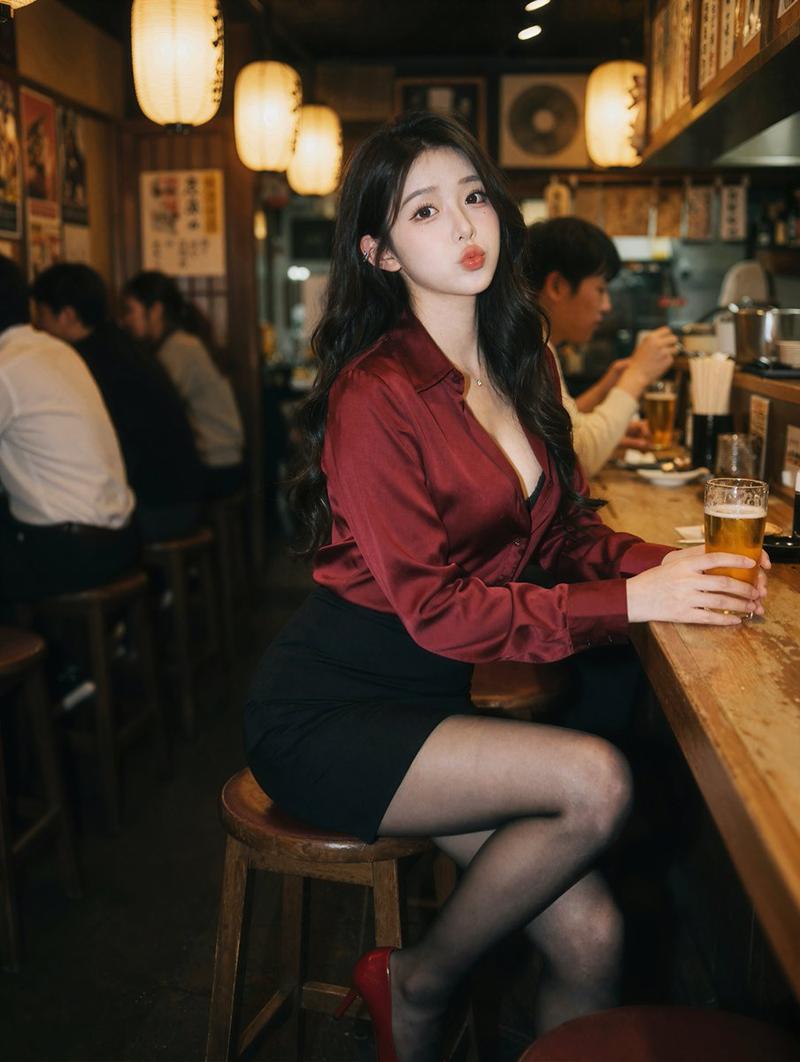
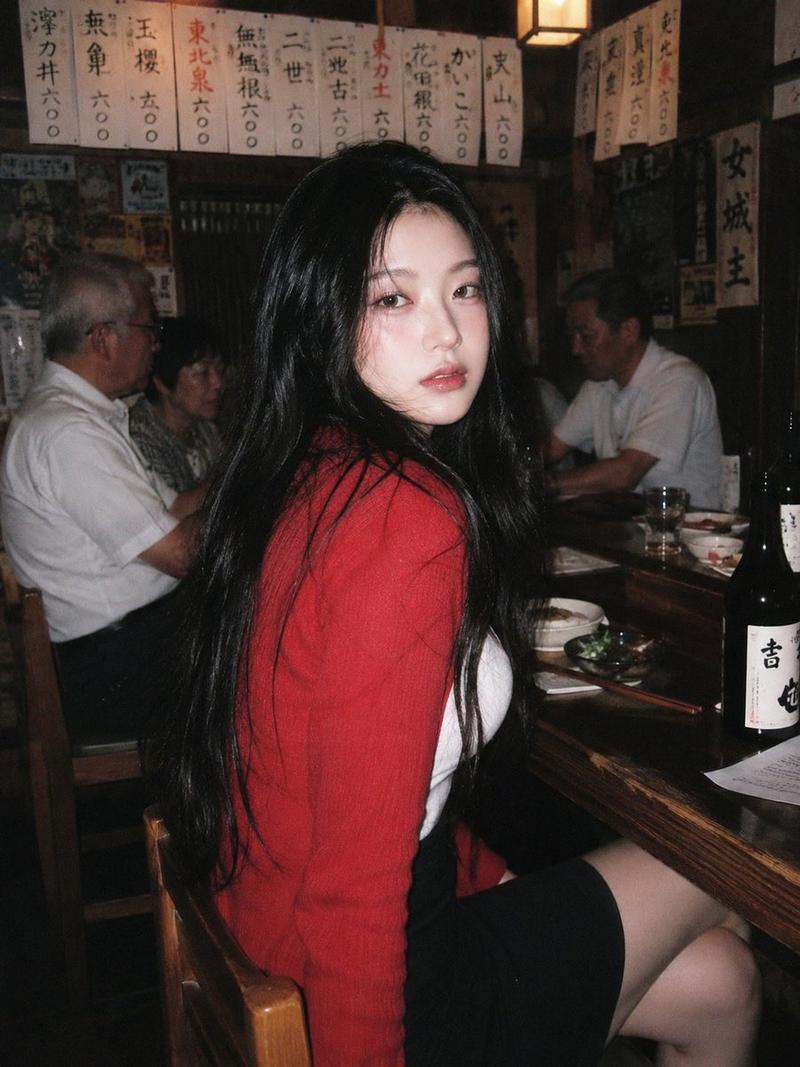
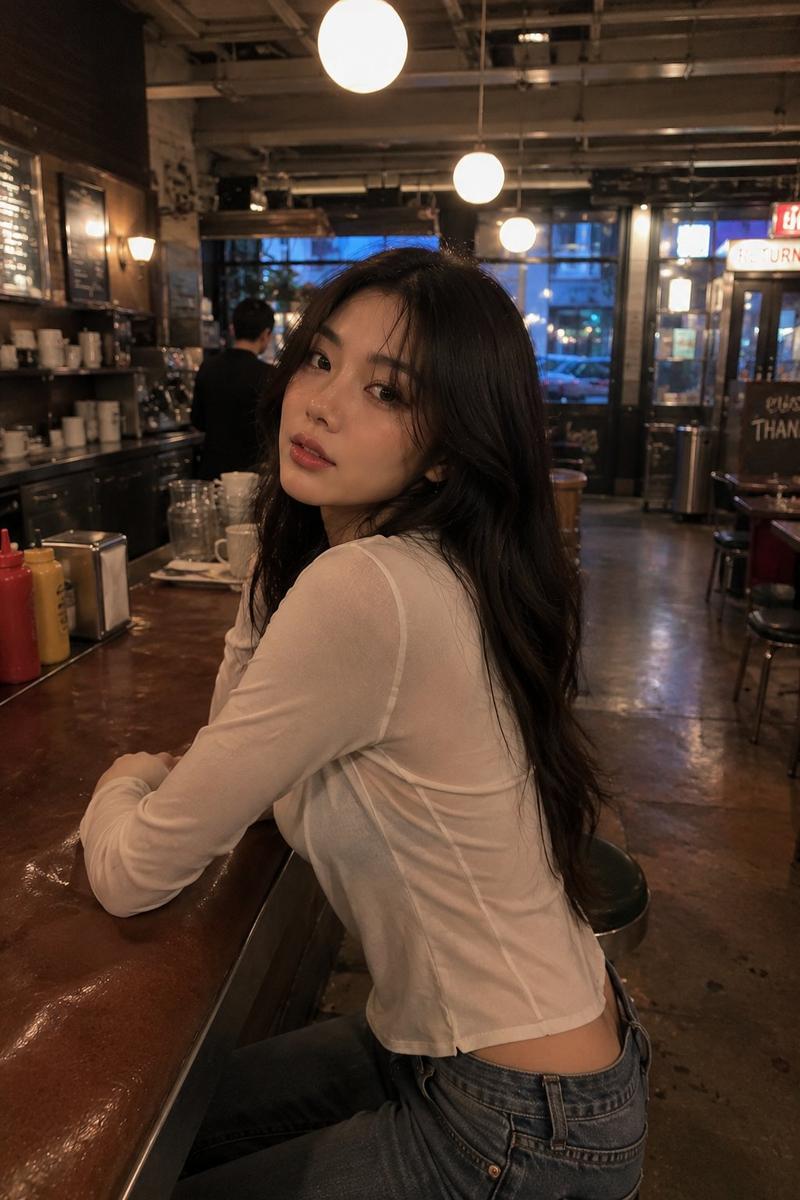
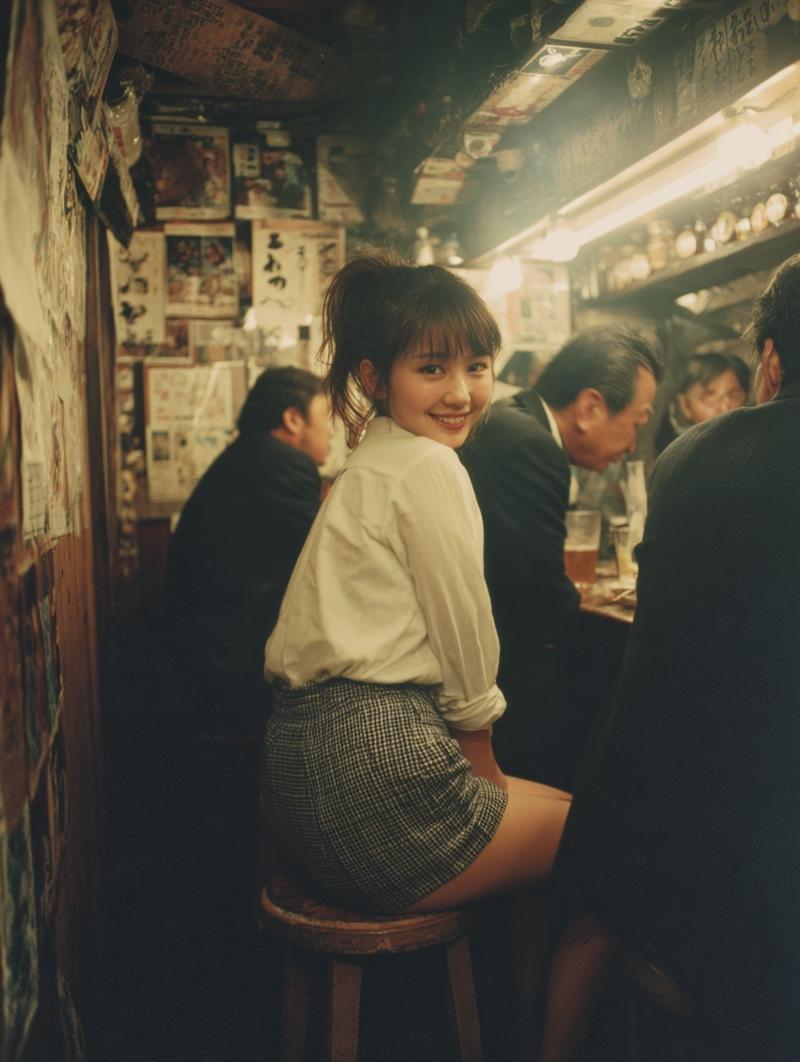
居酒屋红衣东亚美女电影感氛围写真
Enlarge

Example images

居酒屋红衣东亚美女电影感氛围写真

Prompt
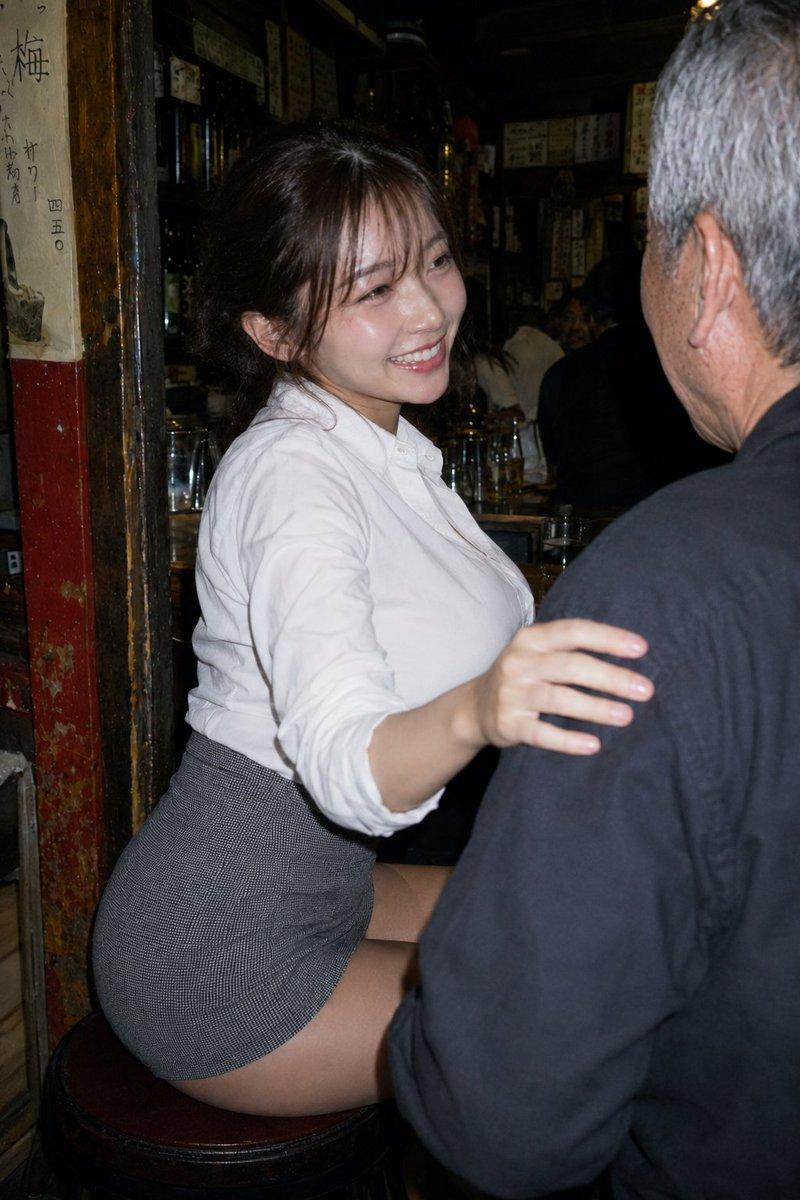
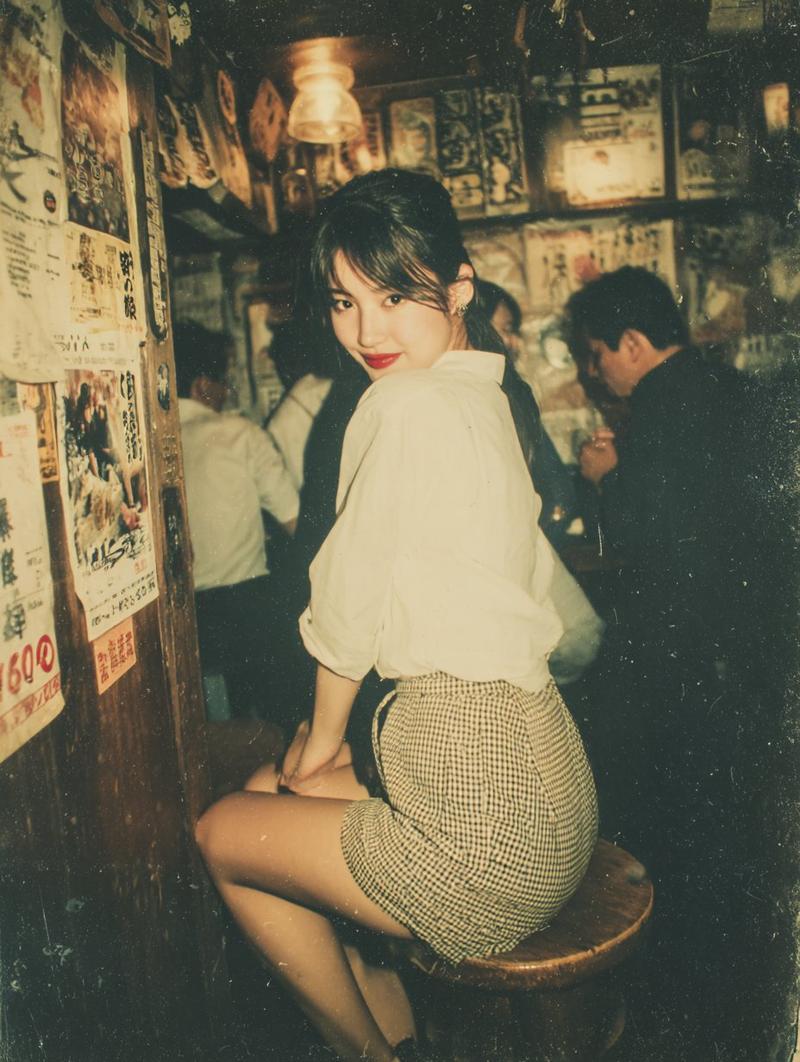
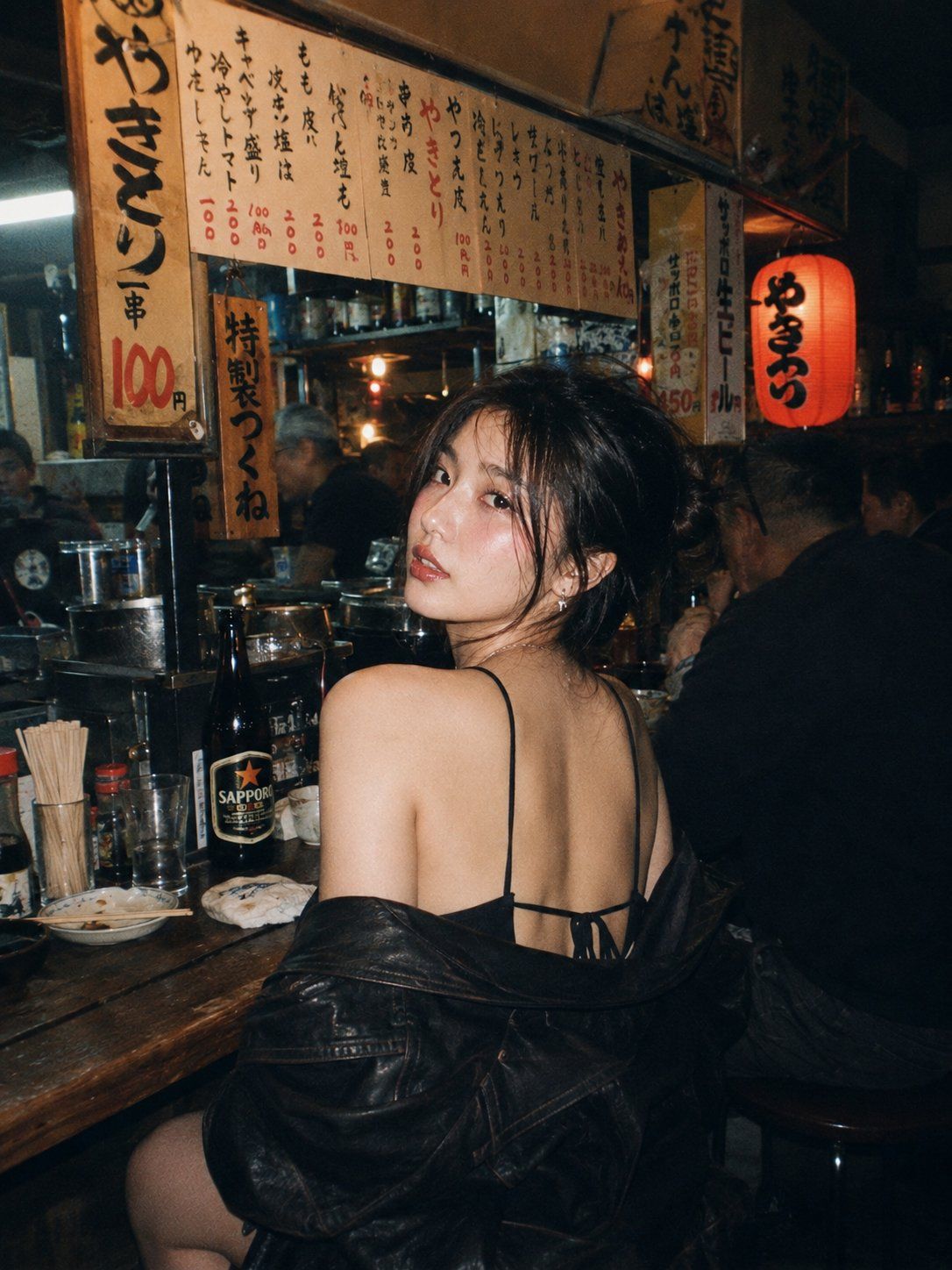
A beautiful young East Asian woman with long dark wavy hair and striking makeup, sitting at a wooden counter in a cozy, dimly lit Japanese izakaya at night. She is looking back over her shoulder directly at the viewer with a seductive gaze. She wears a white tank top under a red knitted sweater that's slipped off one shoulder, revealing her back and shoulder, paired with tight black leather shorts and sheer black stockings.
The atmosphere is warm and intimate with soft lighting from a hanging lantern. Behind her are other Japanese men sitting at the bar, Japanese menu boards with kanji and prices on the walls, various food and drink signs, sake bottles, and condiment bottles on the counter. Cinematic lighting, film grain, moody and atmospheric vibe, realistic photography style.
Category
Products & E-commerce
Model
ChatGPT
Creator
@jzaib4269
Views421
Source ID
15277
Published
Jun 2, 2026

Guide

About "居酒屋红衣东亚美女电影感氛围写真"

What is this prompt for?

"居酒屋红衣东亚美女电影感氛围写真" AI image prompt for ChatGPT (Products & E-commerce). 一个美丽的年轻东亚女性,留着长长的黑色卷发,妆容出众,夜晚坐在一家温馨、光线昏暗的日本居酒屋木制柜台前。她正回过头,用诱人的目光直视着观众。她穿着白色背心,外搭一件滑落一侧肩…

The full copyable prompt and example visuals above are ready for AI image generation or one-click recreate in Picva.

How to use this prompt

  1. Step 1

    Open the prompt detail

    Review the example visuals, category, and full prompt text for "居酒屋红衣东亚美女电影感氛围写真".

  2. Step 2

    Copy the prompt

    Copy the prompt body from this page, or load it directly in Studio.

  3. Step 3

    Pick a model (ChatGPT)

    Prefer ChatGPT. If you switch models, keep subject and composition and tweak style terms.

  4. Step 4

    Generate and export

    Recreate the look in Picva, or export into your workflow for editing and publishing.

FAQ

What is the "居酒屋红衣东亚美女电影感氛围写真" prompt?
It is an AI image-generation prompt for ChatGPT in the Products & E-commerce category. This page includes the full prompt text, example visuals, and a one-click recreate path in Picva.
How do I use this prompt to generate an image?
Copy the prompt from this page, or use Generate / Studio. Paste it into a compatible image model, or recreate the look in Picva with optional reference images.
Which model is this prompt for?
This page lists ChatGPT. Most descriptive prompts also transfer to nearby image models such as GPT Image, Flux, or Midjourney with light style tweaks.
Can I use the result commercially?
You can usually copy the prompt for creation, but commercial use of the final image depends on the model terms, reference-image rights, and the generated content. Follow the source author and platform rules.