15

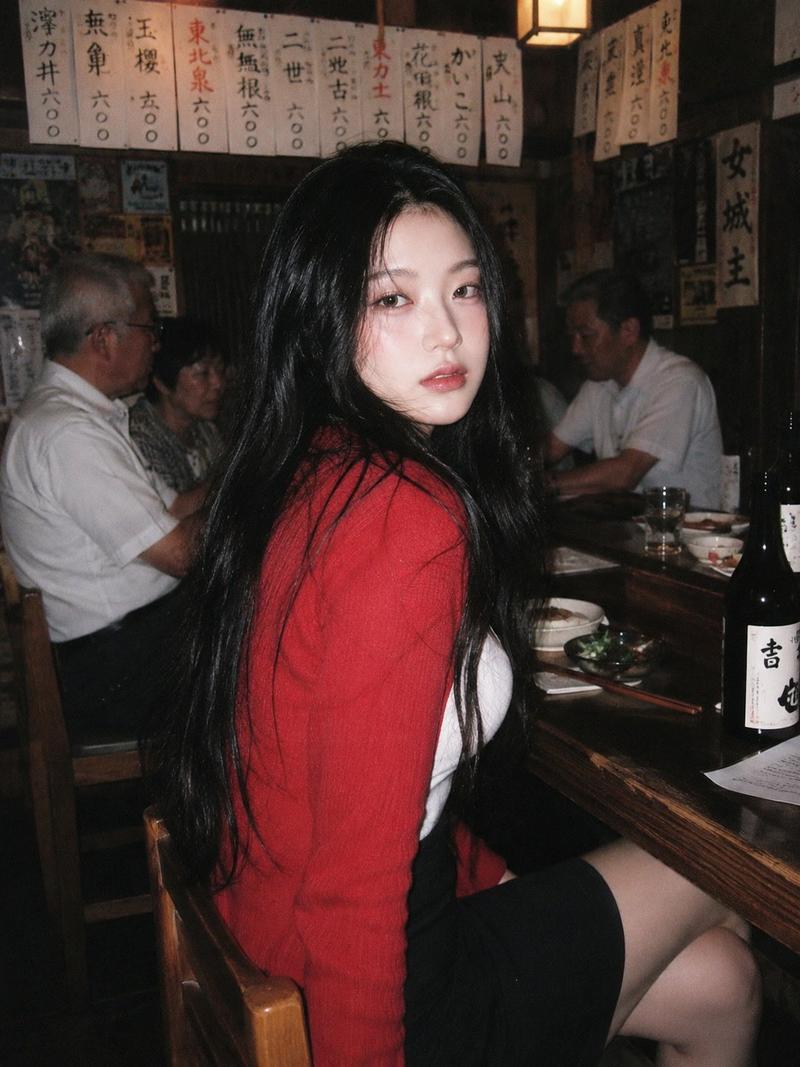
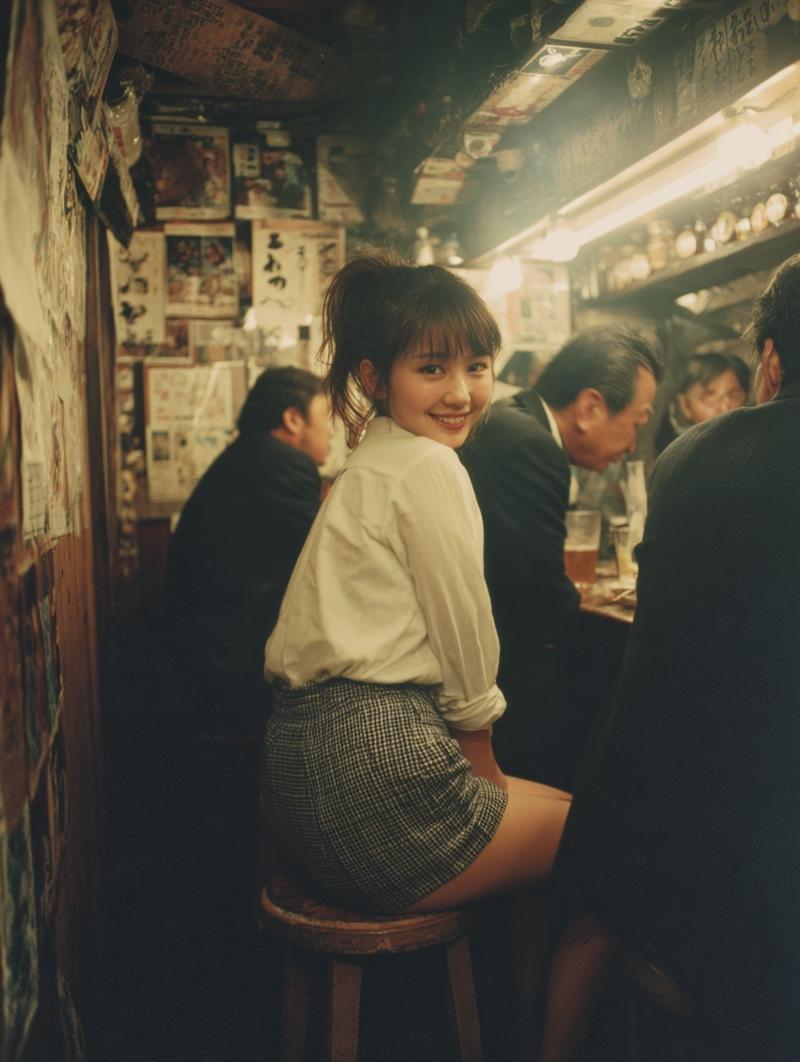
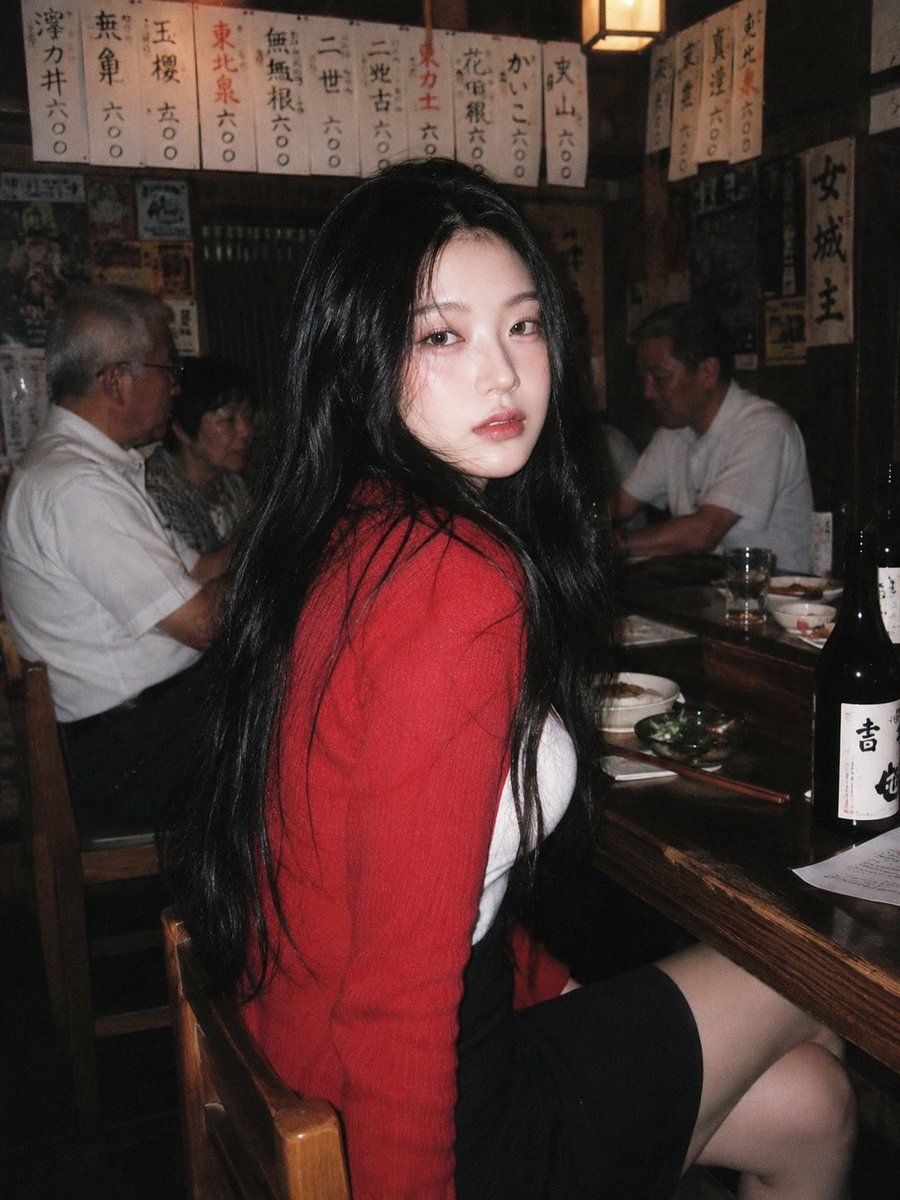
90 年代日本居酒屋快照
Enlarge

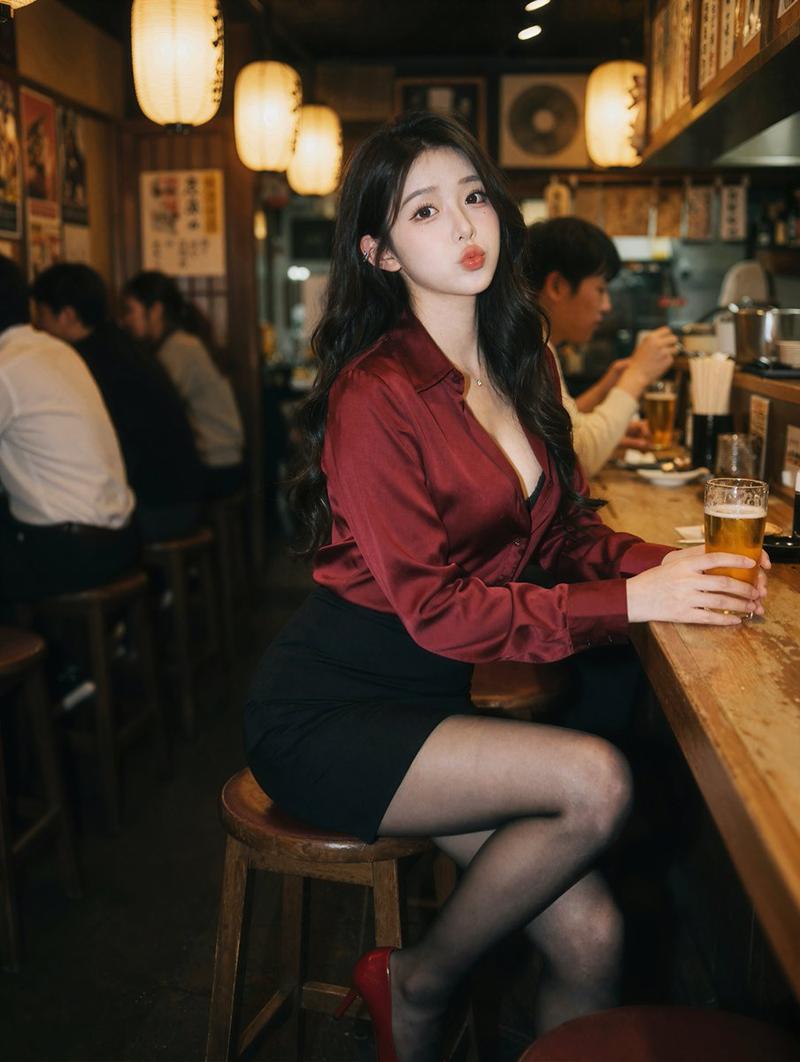
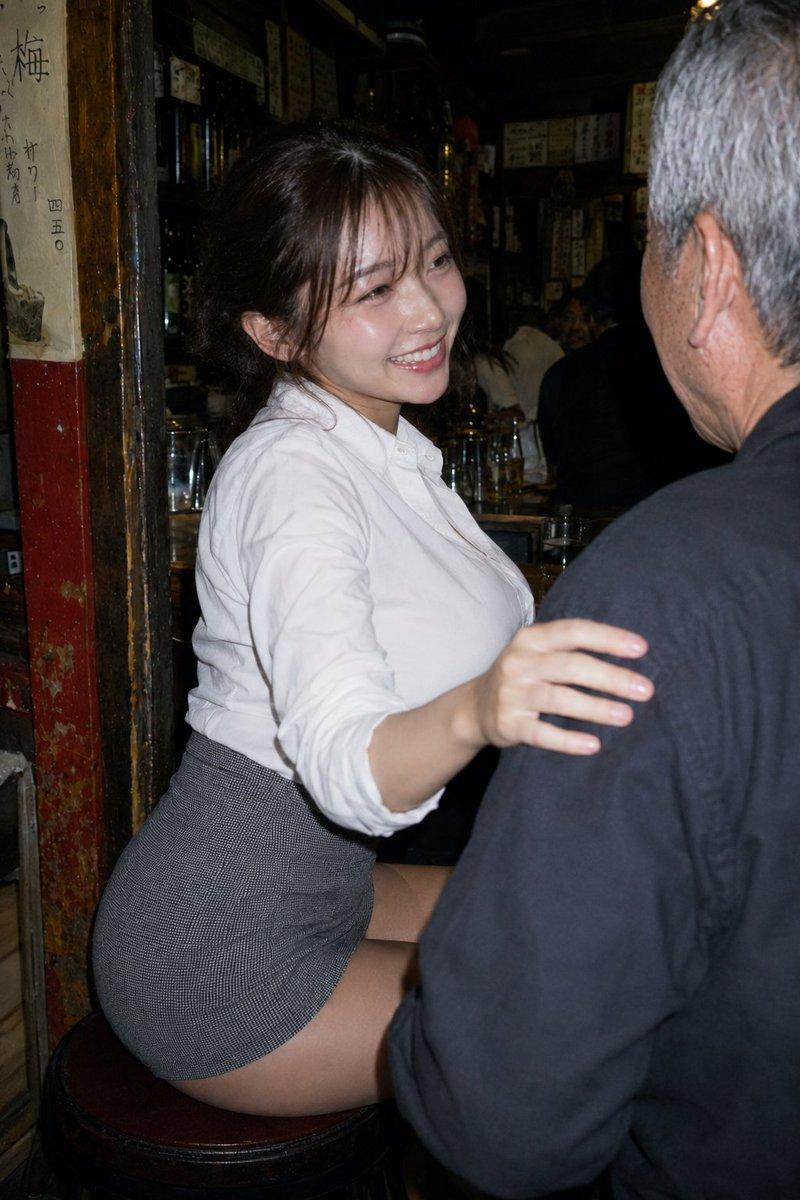
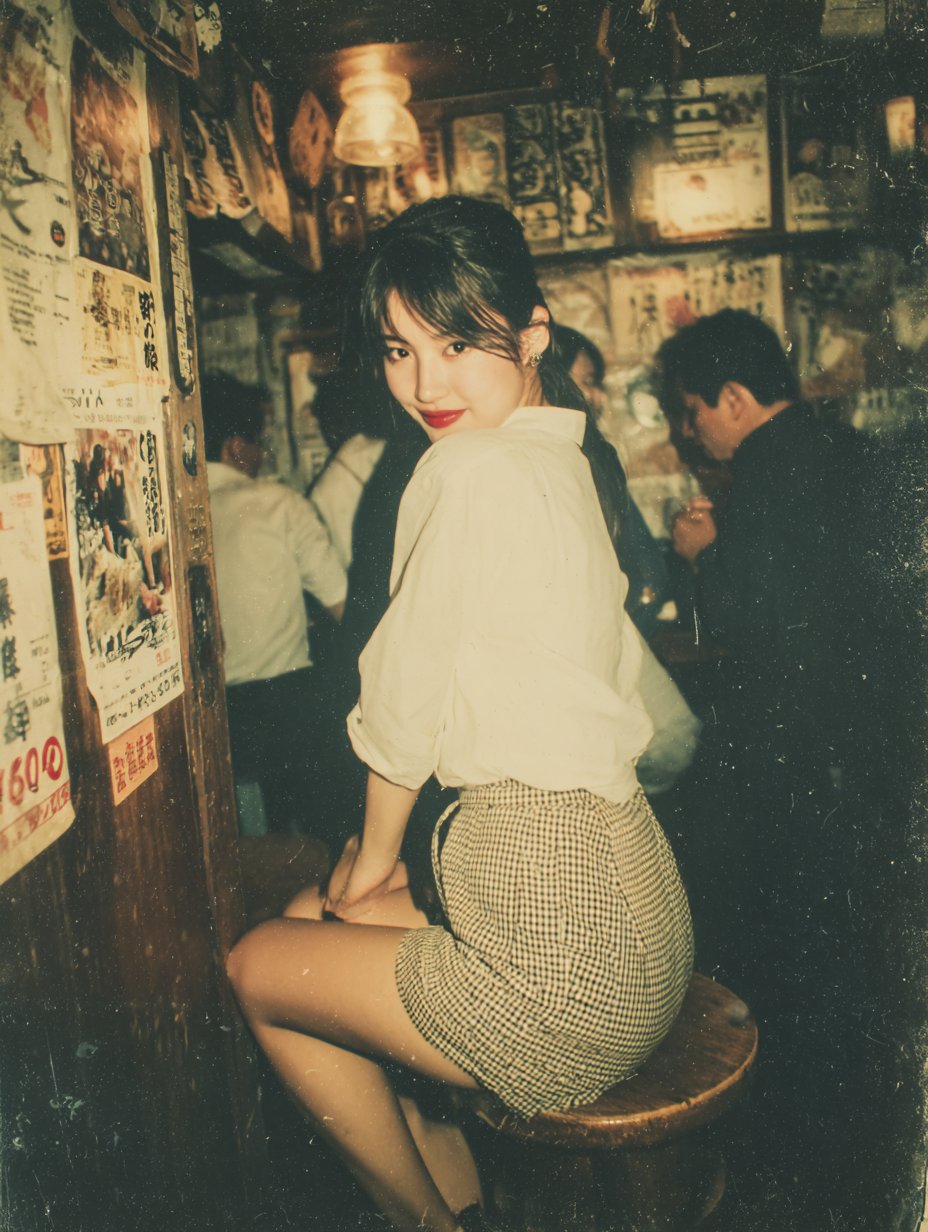
Example images

90 年代日本居酒屋快照

Prompt
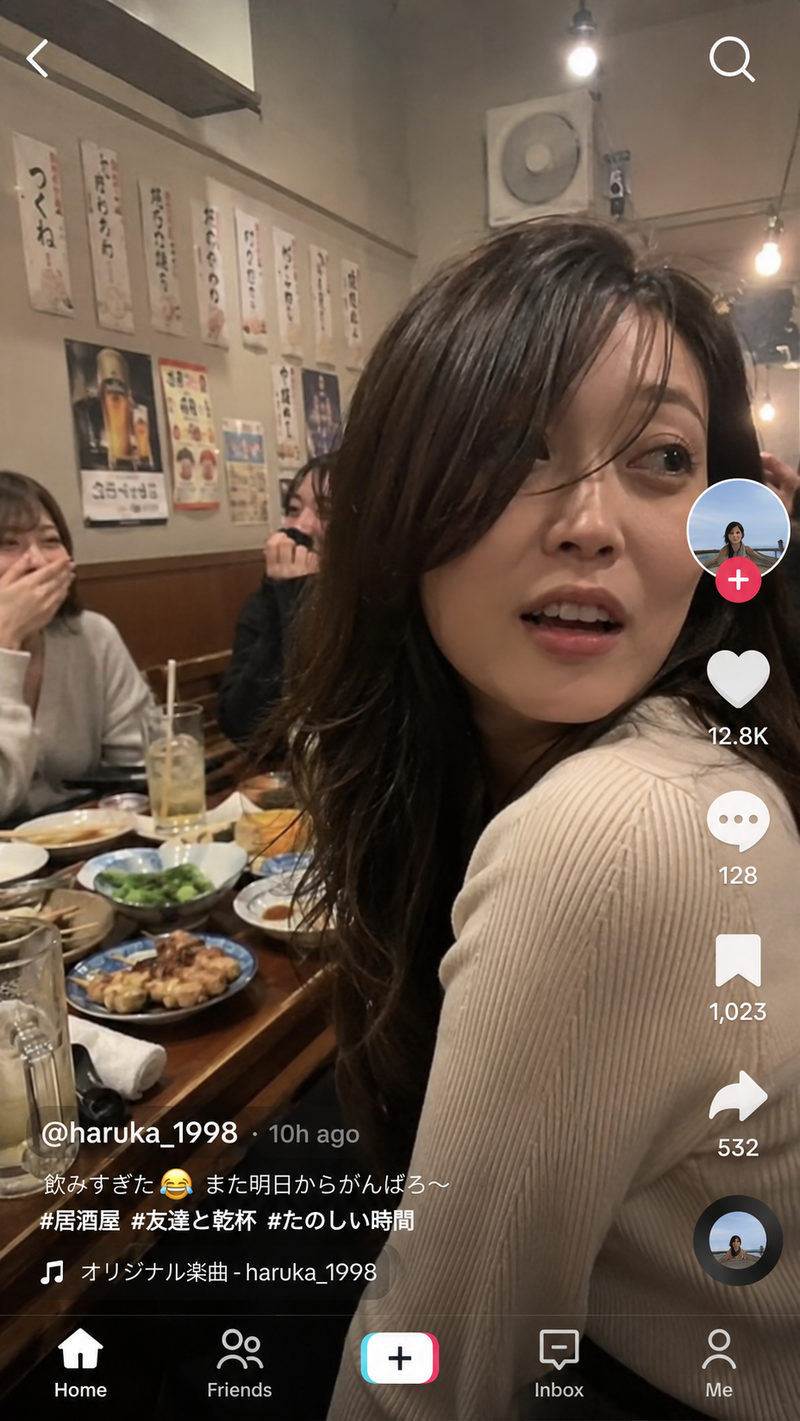
A 90s disposable-camera style flash snapshot taken inside a {argument name="location" default="small, bustling Japanese izakaya"} decorated with handwritten menus and retro posters. Direct flash creates grain, harsh shadows, and bright highlights. A {argument name="subject" default="young woman"} sits on a wooden bar stool, turning her upper body back toward the camera. She wears a {argument name="clothing" default="soft red cardigan over a white tank top, paired with a short black skirt"}. The red cardigan pops beautifully under the flash, complementing her blushed cheeks and glossy lips. Behind her, older patrons sit in the dim, noisy environment, contrasting with her vivid, intimate glow. The image feels nostalgic, imperfect, and emotionally intimate.
Category
Posters & Typography
Model
GPT Image 2
Creator
Oogie
Views3
Source ID
22128
Published
May 23, 2026

Guide

About "90 年代日本居酒屋快照"

What is this prompt for?

"90 年代日本居酒屋快照" AI image prompt for GPT Image 2 (Posters & Typography). 生成一张充满 90 年代怀旧感、带有直闪光和强烈阴影的日本居酒屋一次性相机风格照片。 Copy it on Picva and recreate the look in one…

The full copyable prompt and example visuals above are ready for AI image generation or one-click recreate in Picva.

How to use this prompt

  1. Step 1

    Open the prompt detail

    Review the example visuals, category, and full prompt text for "90 年代日本居酒屋快照".

  2. Step 2

    Copy the prompt

    Copy the prompt body from this page, or load it directly in Studio.

  3. Step 3

    Pick a model (GPT Image 2)

    Prefer GPT Image 2. If you switch models, keep subject and composition and tweak style terms.

  4. Step 4

    Generate and export

    Recreate the look in Picva, or export into your workflow for editing and publishing.

FAQ

What is the "90 年代日本居酒屋快照" prompt?
It is an AI image-generation prompt for GPT Image 2 in the Posters & Typography category. This page includes the full prompt text, example visuals, and a one-click recreate path in Picva.
How do I use this prompt to generate an image?
Copy the prompt from this page, or use Generate / Studio. Paste it into a compatible image model, or recreate the look in Picva with optional reference images.
Which model is this prompt for?
This page lists GPT Image 2. Most descriptive prompts also transfer to nearby image models such as GPT Image, Flux, or Midjourney with light style tweaks.
Can I use the result commercially?
You can usually copy the prompt for creation, but commercial use of the final image depends on the model terms, reference-image rights, and the generated content. Follow the source author and platform rules.