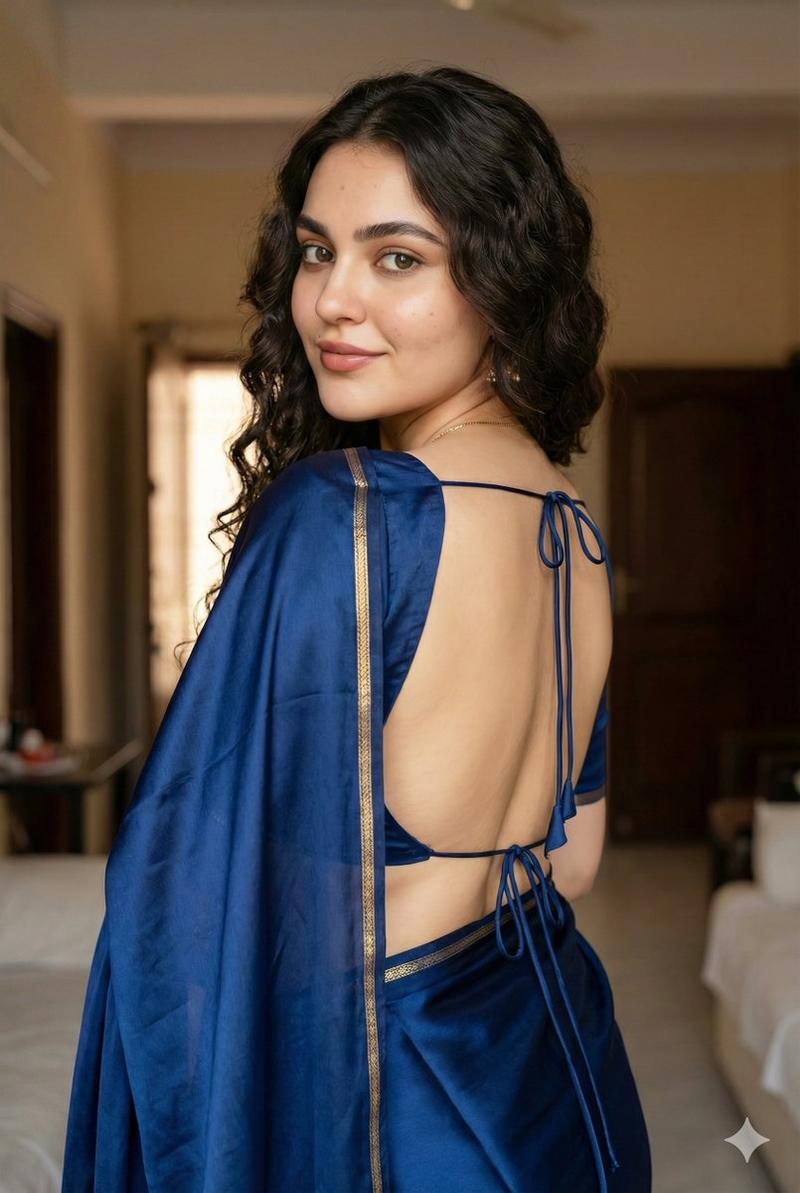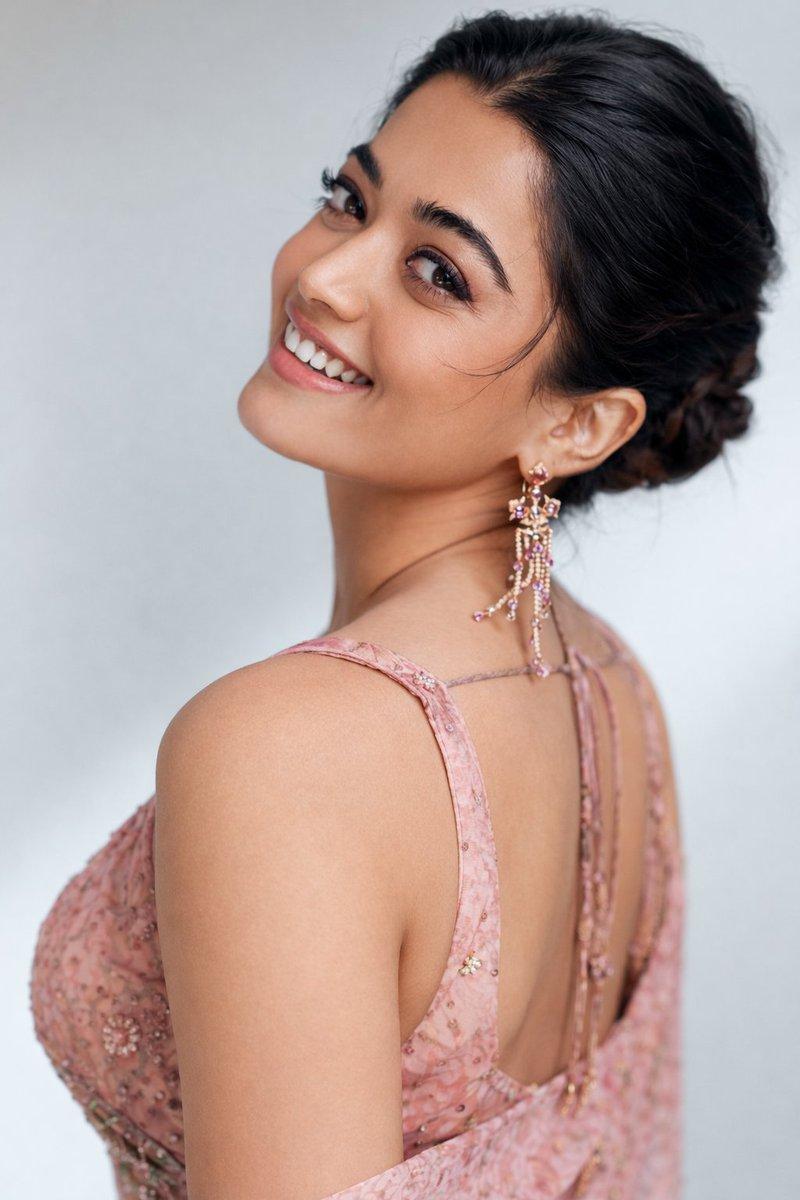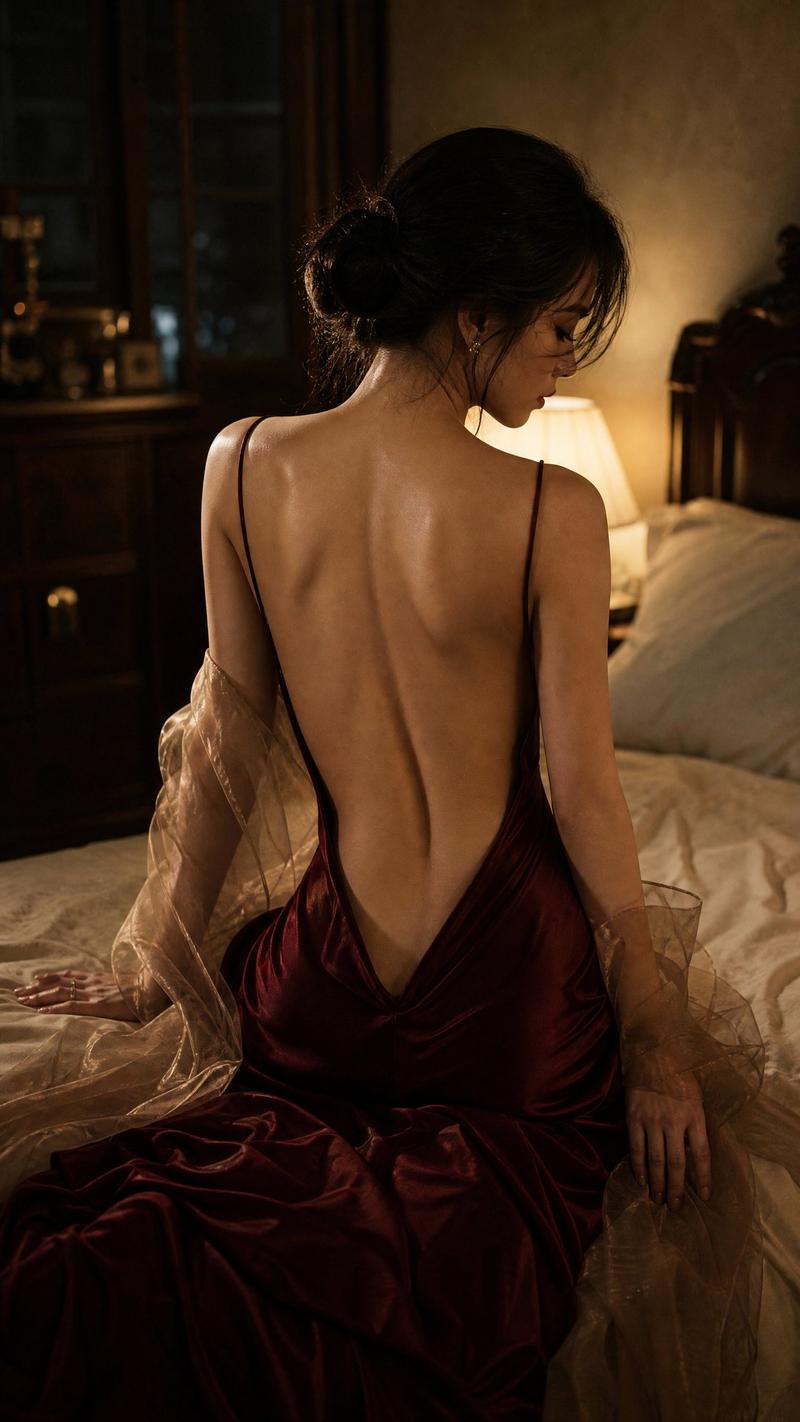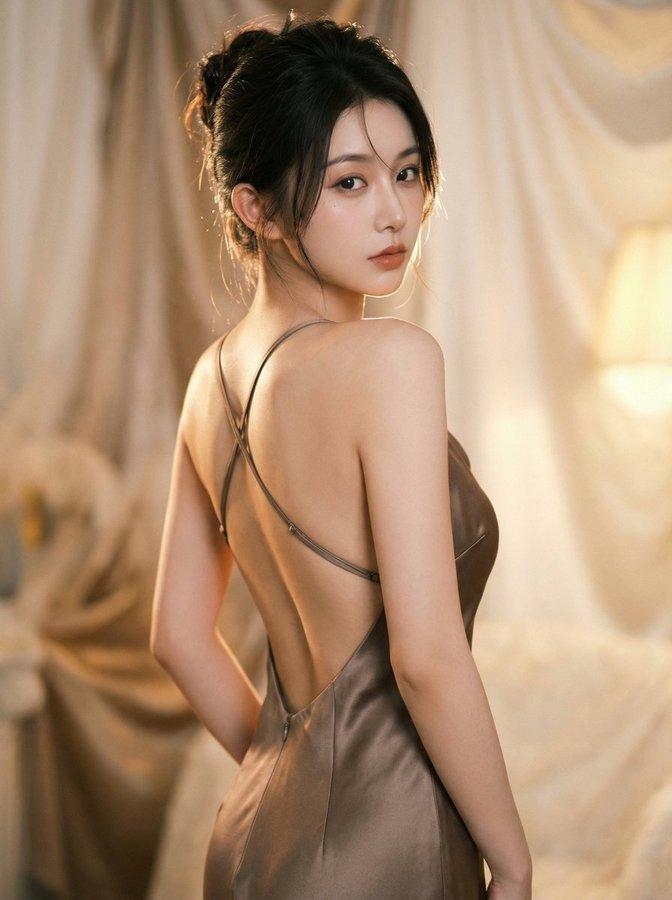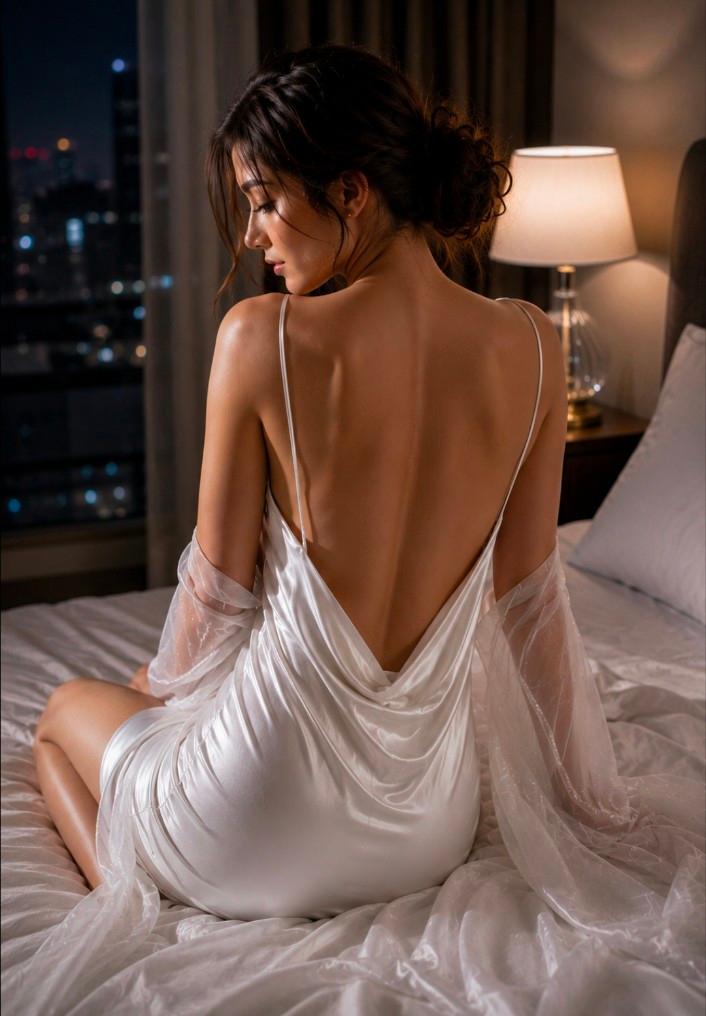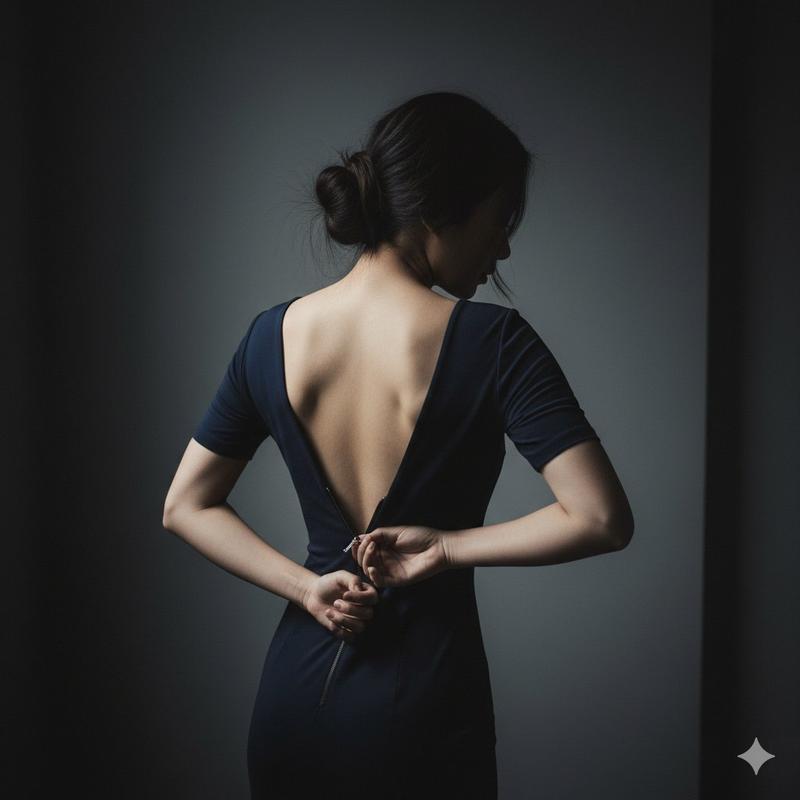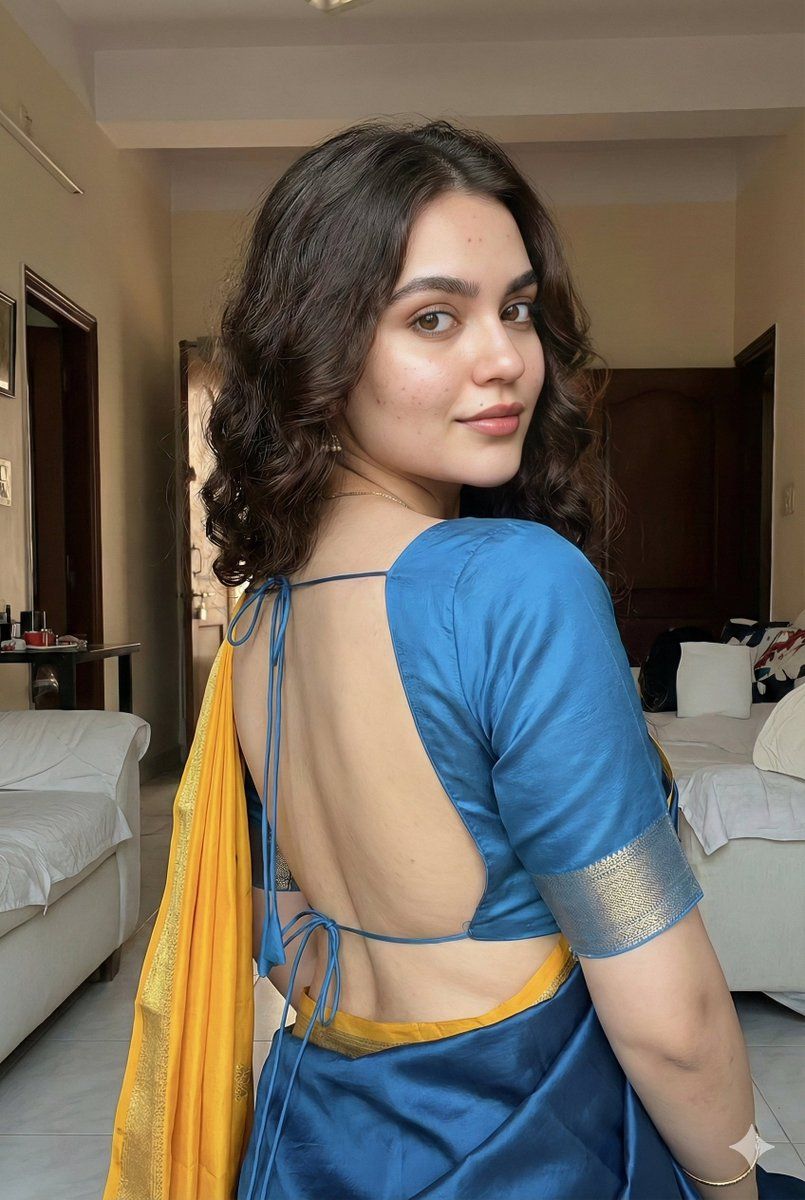
深粉缎面纱丽下的丰腴优雅回眸
Prompt
{ "image_format": { "resolution": "4K UHD", "aspect_ratio": "2:3", "orientation": "portrait", "render_quality": "ultra-realistic", "detail_level": "extreme micro-detail, skin texture visible" }, "subject": { "gender": "female", "ethnicity": "South Asian", "age_range": "young adult", "body_type": "chubby, curvy, plus-looking physique with soft natural proportions", "beauty_description": "beautiful, elegant, confident presence", "facial_features": { "face_structure": "same face structure as reference", "expression": "soft confident smile", "eyes": "expressive, warm gaze directed toward camera", "skin_tone": "smooth South Asian complexion with natural glow" }, "hair": { "style": "voluminous curled hairstyle", "length": "long", "texture": "soft, bouncy curls with natural shine", "movement": "light natural flow, realistic curl definition" } }, "pose_and_body_language": { "pose": "over-the-shoulder pose", "body_orientation": "body slightly turned away from camera", "head_position": "head turned back toward camera", "expression_mood": "calm, confident, graceful", "posture": "relaxed yet poised, natural curves emphasized subtly" }, "clothing_and_fabric": { "outfit_type": "traditional saree", "saree": { "color": "deep pink", "material": "satin", "fabric_behavior": "smooth, glossy, soft folds with realistic drape", "texture_detail": "highly detailed satin reflections and fabric flow" }, "blouse": { "design": "fully open-back blouse", "closure": "tied only with thin strings", "exposure": "reveals natural back shape tastefully", "fabric": "matching satin with smooth finish" } }, "lighting": { "style": "cinematic studio lighting", "key_light": "soft diffused light highlighting skin and fabric", "fill_light": "gentle fill to maintain facial softness", "rim_light": "subtle rim light outlining hair curls and shoulders", "mood": "warm, elegant, intimate yet classy" }, "camera": { "camera_type": "full-frame DSLR or mirrorless", "lens": "85mm portrait lens", "aperture": "f/1.8", "focus": "sharp focus on face and eyes", "depth_of_field": "shallow background blur (bokeh)", "angle": "slightly elevated eye-level portrait angle" }, "background": { "environment": "minimal, softly blurred backdrop", "color_palette": "neutral warm tones to complement deep pink saree", "distractions": "none", "depth": "smooth bokeh separation" }, "rendering_and_post_processing": { "skin_detail": "natural pores, realistic highlights, no plastic skin", "color_grading": "cinematic warm tones", "contrast": "balanced contrast with soft highlights", "sharpness": "high clarity without over-sharpening", "realism": "photorealistic, lifelike presence" } }- Category
- Posters & Typography
- Model
- Nano Banana Pro
- Creator
- @Shreyayadav
- Source ID
- 10022
- Published
- May 8, 2026
Views39