18

翡翠绿纱丽厨房肖像
Enlarge

翡翠绿纱丽厨房肖像

Prompt
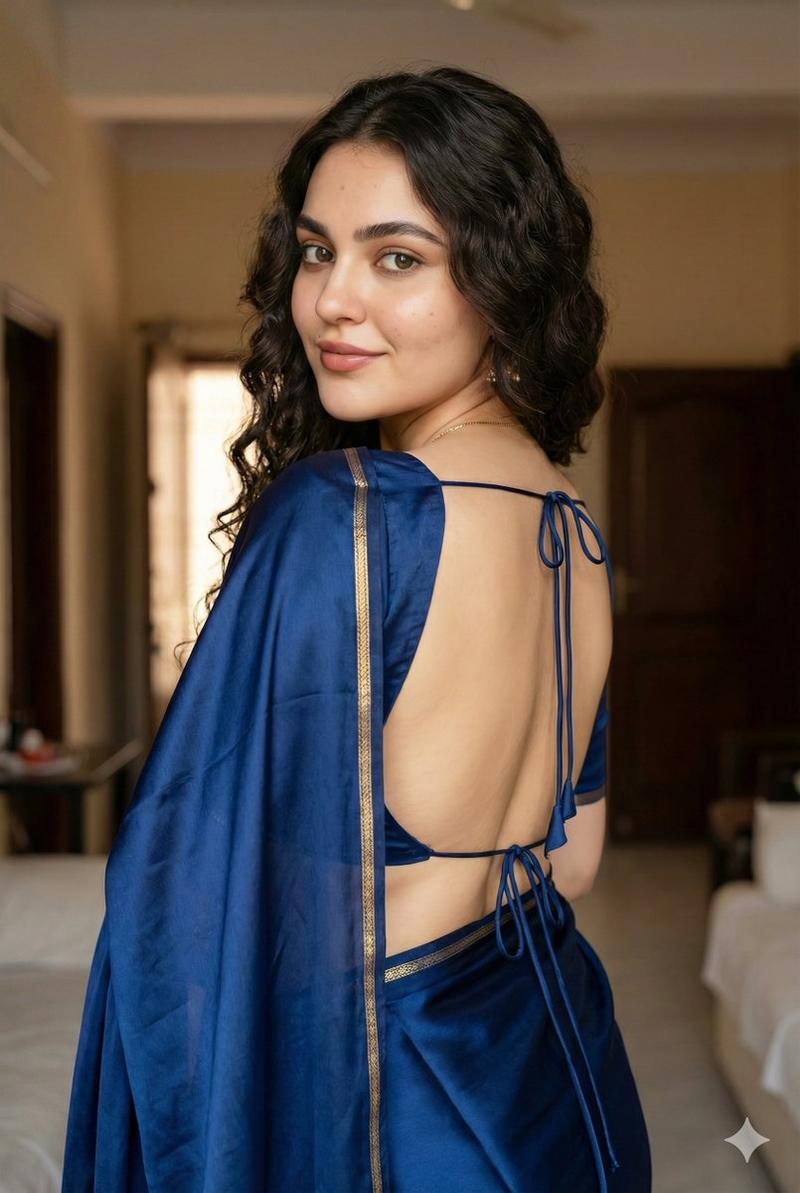
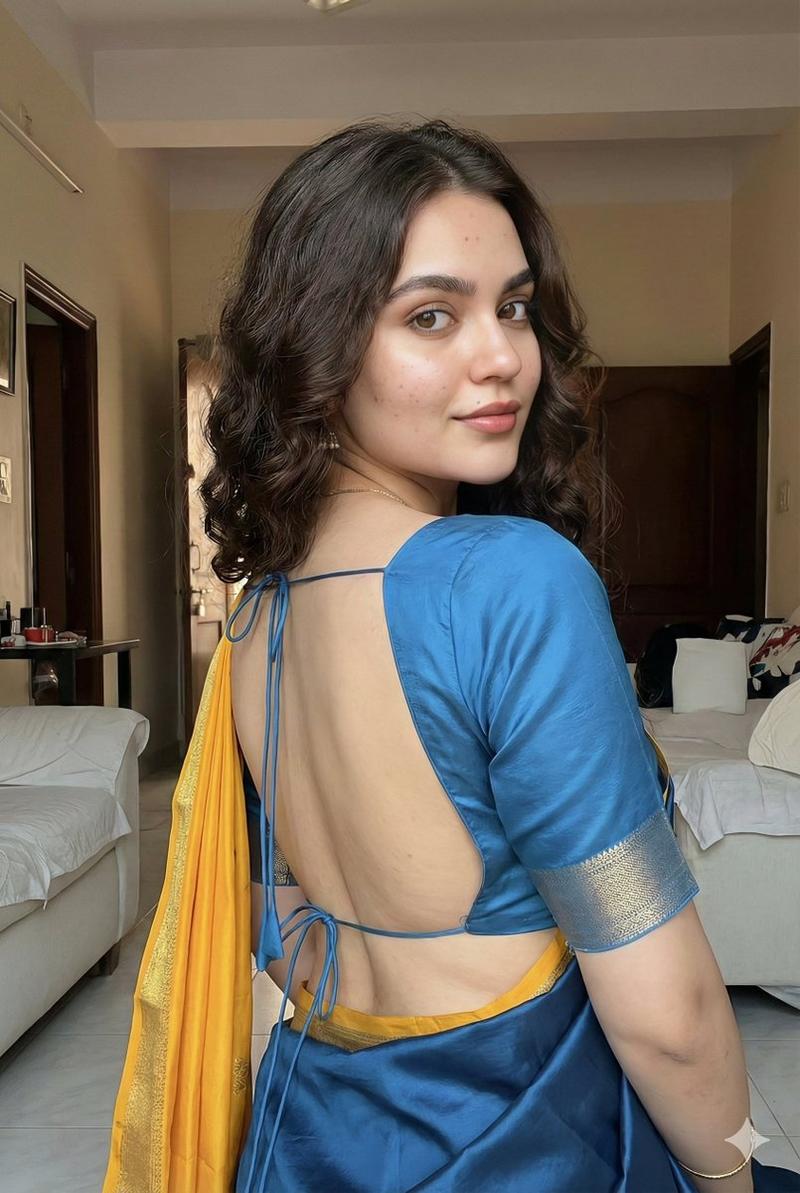
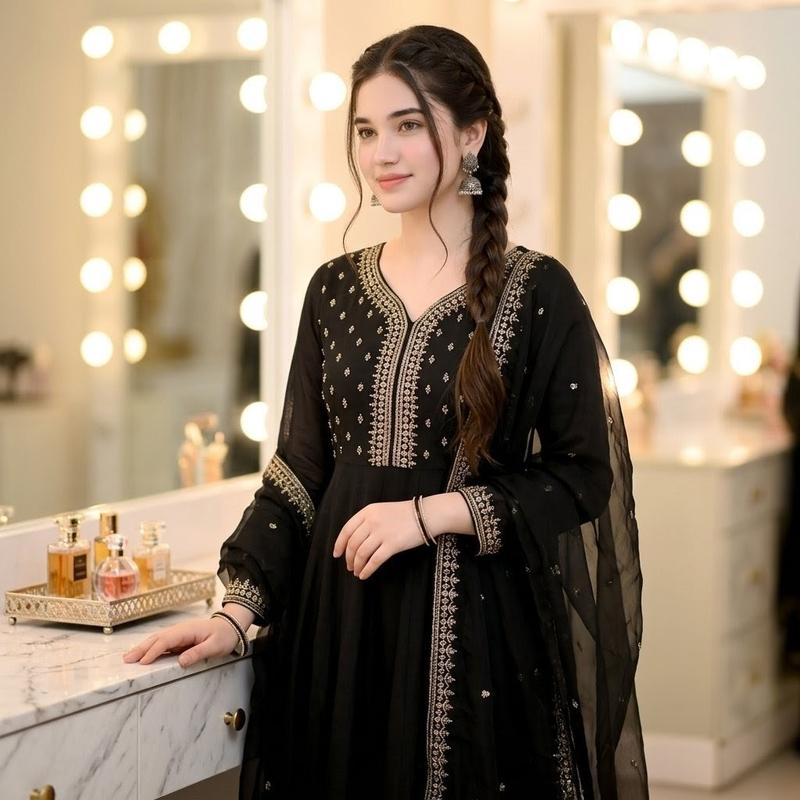
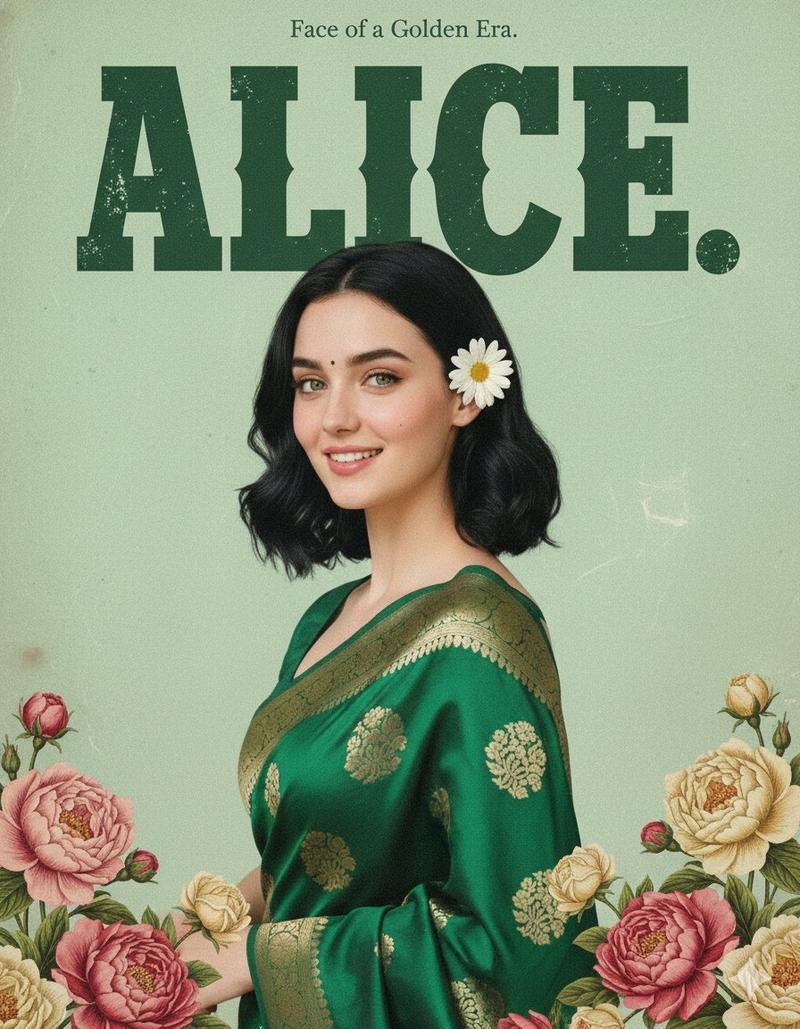
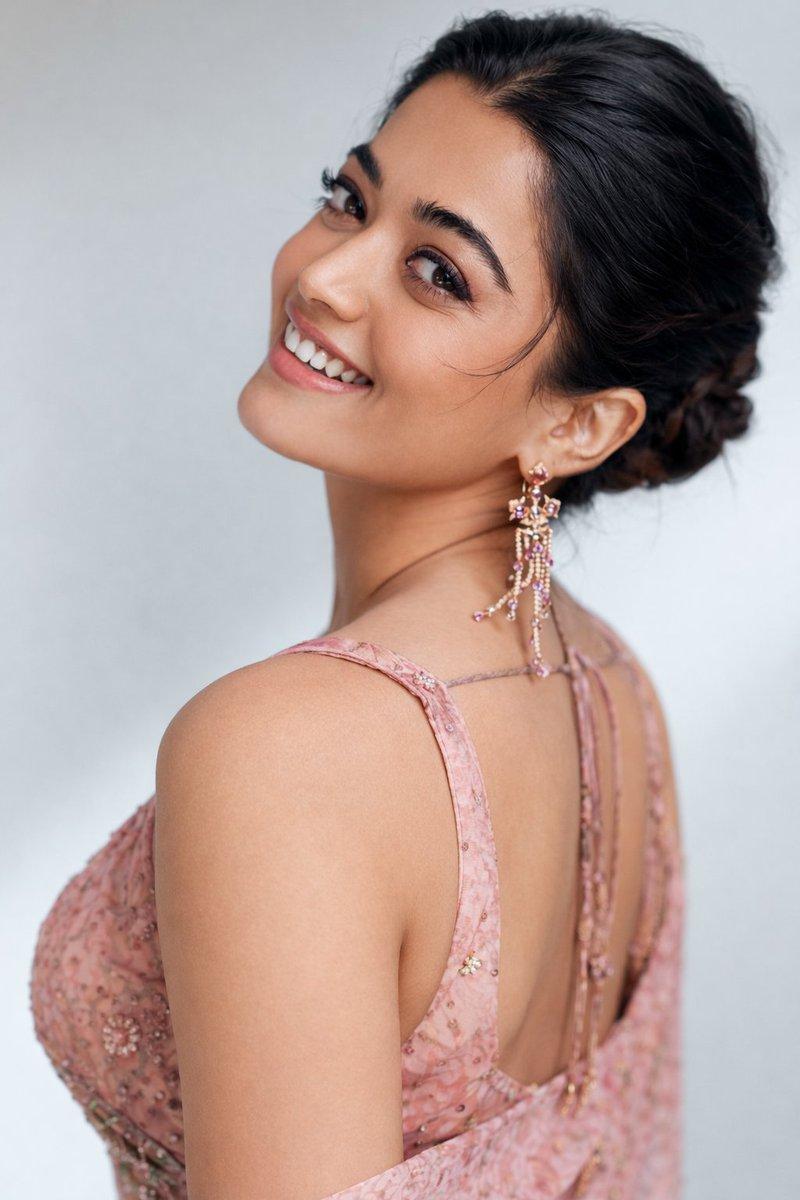
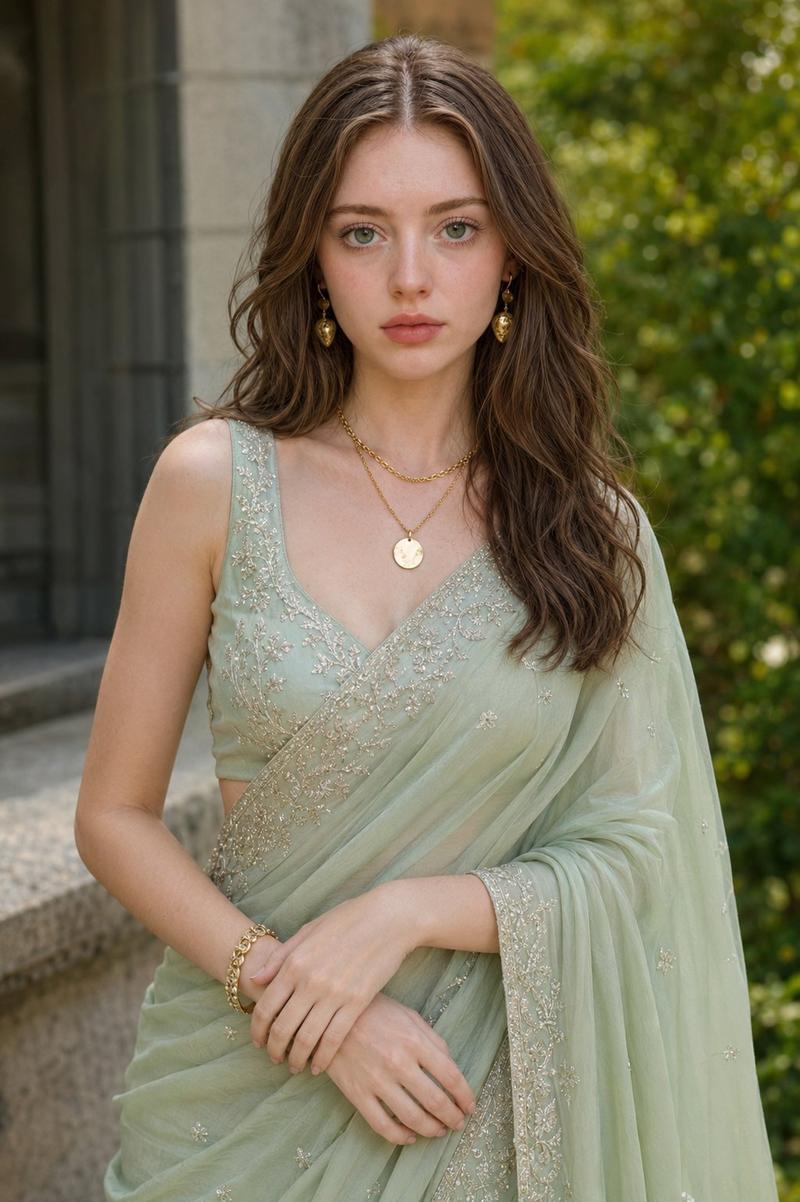
Create an ultra-realistic vertical portrait of a {argument name="subject description" default="fair, slightly curvy young Pakistani woman"} standing in a modern luxury kitchen, shown from the waist up in a graceful three-quarter back pose as she turns her head slightly toward the camera. Her face is intentionally obscured by a soft rectangular anonymizing blur while the rest of the image remains sharp. She has long, thick, glossy {argument name="hair color" default="black"} hair styled half-up in a low ponytail with loose waves cascading down her back and a few soft strands near the face. Dress her in an elegant deep {argument name="sari color" default="emerald green"} silk sari with gold woven elephant motifs repeated across the fabric and a wide ornate gold border; include exactly 11 visible gold elephant motifs on the sari, varying naturally with folds and perspective. The blouse is matching dark green with an open-back cut, thin shoulder straps, and a tied back detail. Add traditional gold jhumka earrings. The setting is a softly blurred upscale kitchen with white upper cabinets, warm under-cabinet lighting, a marble island countertop with gray veining, warm wood cabinetry, a stovetop and range hood in the background, and a small tray with bottles on the counter. Use shallow depth of field, creamy bokeh, warm indoor lighting, realistic skin texture, natural fabric folds, cinematic DSLR portrait quality, 85mm lens look, high detail, no text, no watermark, no extra people.
Category
Architecture & Spaces
Model
GPT Image 2
Creator
Alina Ai
Views2
Source ID
25273
Published
Jun 11, 2026

Guide

About "翡翠绿纱丽厨房肖像"

What is this prompt for?

"翡翠绿纱丽厨房肖像" AI image prompt for GPT Image 2 (Architecture & Spaces). 生成一张写实的巴基斯坦女性肖像,她身穿饰有大象图案的翡翠绿纱丽,置身于现代豪华厨房中,呈现四分之三背影视角。 Copy it on Picva and recreate the l…

The full copyable prompt and example visuals above are ready for AI image generation or one-click recreate in Picva.

How to use this prompt

  1. Step 1

    Open the prompt detail

    Review the example visuals, category, and full prompt text for "翡翠绿纱丽厨房肖像".

  2. Step 2

    Copy the prompt

    Copy the prompt body from this page, or load it directly in Studio.

  3. Step 3

    Pick a model (GPT Image 2)

    Prefer GPT Image 2. If you switch models, keep subject and composition and tweak style terms.

  4. Step 4

    Generate and export

    Recreate the look in Picva, or export into your workflow for editing and publishing.

FAQ

What is the "翡翠绿纱丽厨房肖像" prompt?
It is an AI image-generation prompt for GPT Image 2 in the Architecture & Spaces category. This page includes the full prompt text, example visuals, and a one-click recreate path in Picva.
How do I use this prompt to generate an image?
Copy the prompt from this page, or use Generate / Studio. Paste it into a compatible image model, or recreate the look in Picva with optional reference images.
Which model is this prompt for?
This page lists GPT Image 2. Most descriptive prompts also transfer to nearby image models such as GPT Image, Flux, or Midjourney with light style tweaks.
Can I use the result commercially?
You can usually copy the prompt for creation, but commercial use of the final image depends on the model terms, reference-image rights, and the generated content. Follow the source author and platform rules.