11

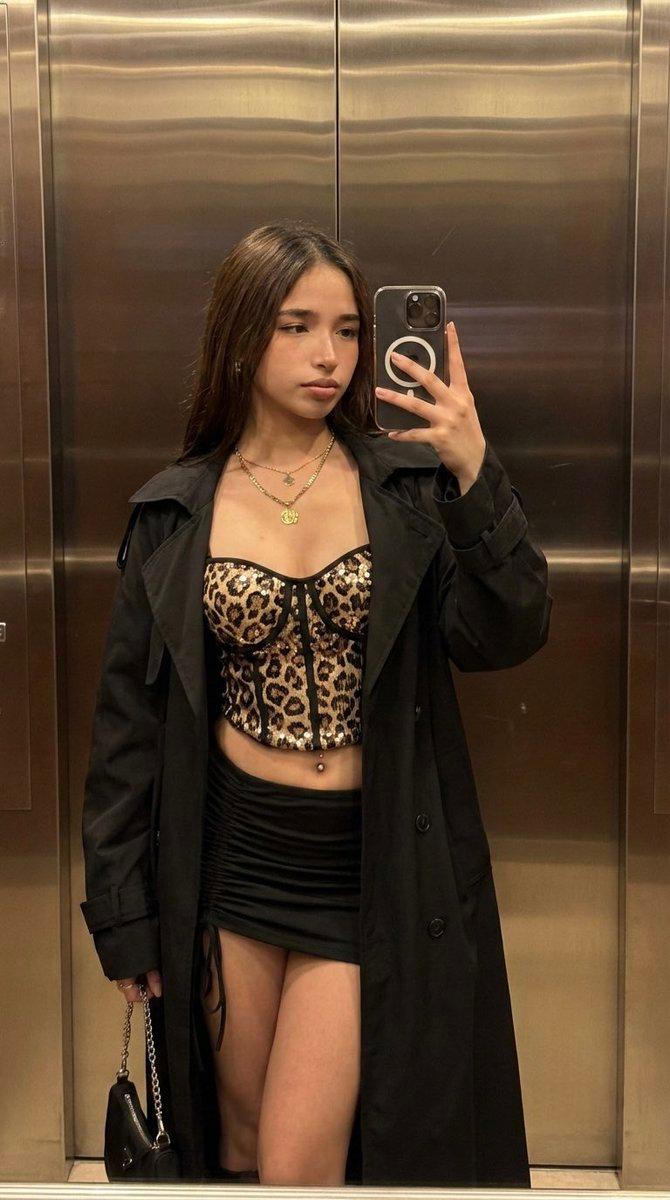
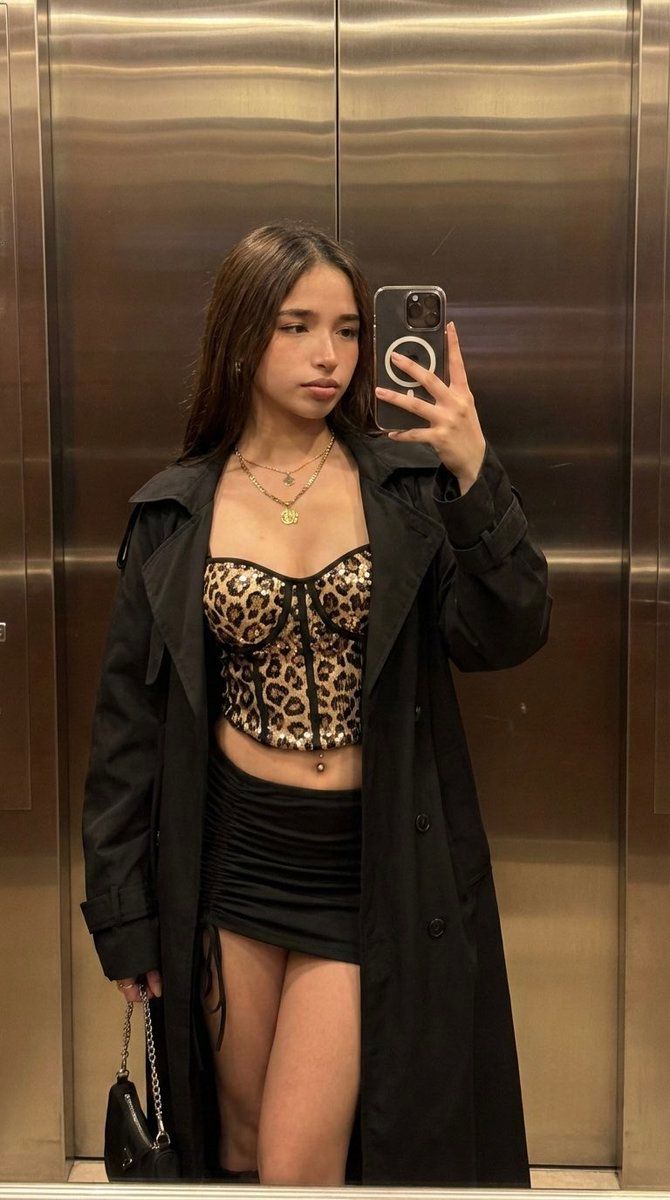
电梯镜前豹纹紧身衣自拍
Enlarge

电梯镜前豹纹紧身衣自拍

Prompt
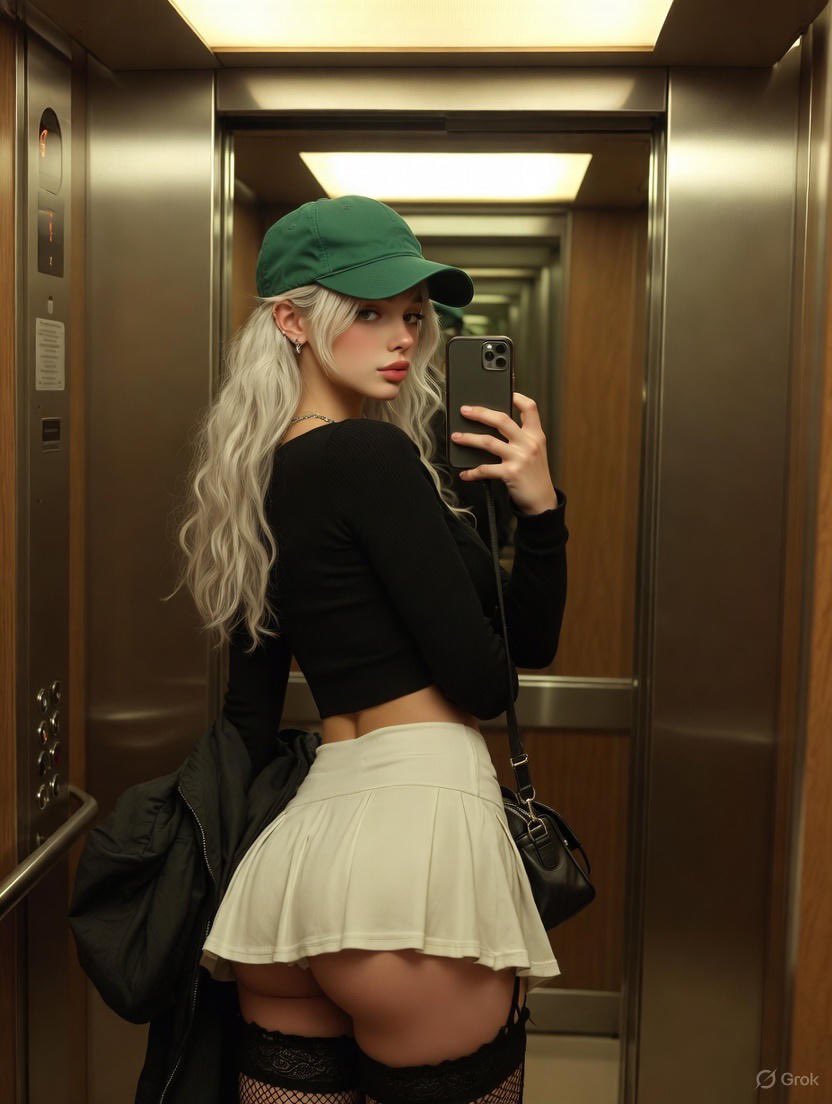
(9:16). Raw iPhone 17 Pro, 35mm, f/2.8, natural bokeh, digital grain in shadows. Identity Lock Reference A: absolute facial and hair geometry inheritance. Bio-Fidelity: micro-pores, satin-finish hydration on midriff and thighs, epidermal physics. Framing: Chest-to-thigh anatomical focus. Outfit: Leopard-pattern sequined technical corset top, black high-tensile micro-skirt with lateral ruching, architectural oversized black trench coat draped open. Gold layered necklaces and visible technical navel piercing. Hyper-defined S-curve silhouette, 20% over-described emphasis on waist-to-hip ratio and upper-thigh geometry. Pose: Standing mirror-selfie geometry, hand articulated holding silver chain of a small black bag. Lighting: Warm dim indoor 3000K illumination, soft ambient occlusion. Environment: Pixel-perfect elevator interior, horizontal metallic panels, dark minimalist background.
Category
Brand & Logos
Model
Nano Banana Pro
Creator
@daaaaanc
Views78
Source ID
12304
Published
Apr 18, 2026

Guide

About "电梯镜前豹纹紧身衣自拍"

What is this prompt for?

"电梯镜前豹纹紧身衣自拍" AI image prompt for Nano Banana Pro (Brand & Logos). (9:16)。iPhone 17 Pro 原生拍摄,35mm,f/2.8,自然焦外虚化,阴影处有数字颗粒感。身份锁定参考 A:绝对的面部和头发几何继承。生物保真度:微孔,腰部和大腿有缎…

The full copyable prompt and example visuals above are ready for AI image generation or one-click recreate in Picva.

How to use this prompt

  1. Step 1

    Open the prompt detail

    Review the example visuals, category, and full prompt text for "电梯镜前豹纹紧身衣自拍".

  2. Step 2

    Copy the prompt

    Copy the prompt body from this page, or load it directly in Studio.

  3. Step 3

    Pick a model (Nano Banana Pro)

    Prefer Nano Banana Pro. If you switch models, keep subject and composition and tweak style terms.

  4. Step 4

    Generate and export

    Recreate the look in Picva, or export into your workflow for editing and publishing.

FAQ

What is the "电梯镜前豹纹紧身衣自拍" prompt?
It is an AI image-generation prompt for Nano Banana Pro in the Brand & Logos category. This page includes the full prompt text, example visuals, and a one-click recreate path in Picva.
How do I use this prompt to generate an image?
Copy the prompt from this page, or use Generate / Studio. Paste it into a compatible image model, or recreate the look in Picva with optional reference images.
Which model is this prompt for?
This page lists Nano Banana Pro. Most descriptive prompts also transfer to nearby image models such as GPT Image, Flux, or Midjourney with light style tweaks.
Can I use the result commercially?
You can usually copy the prompt for creation, but commercial use of the final image depends on the model terms, reference-image rights, and the generated content. Follow the source author and platform rules.