11

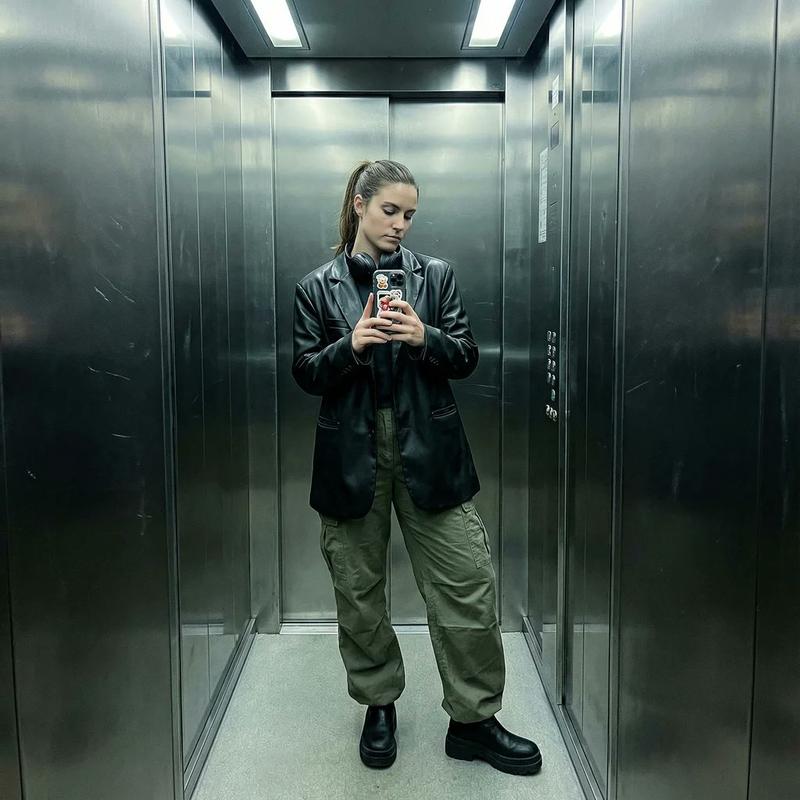
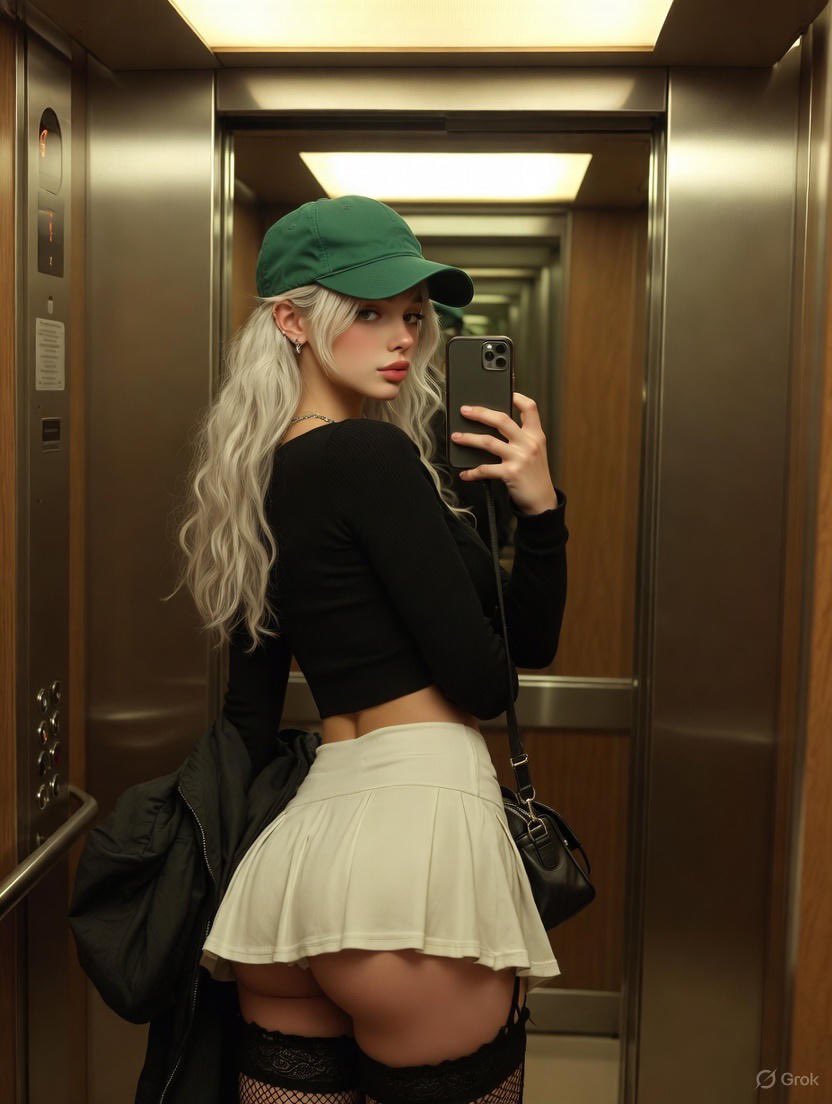
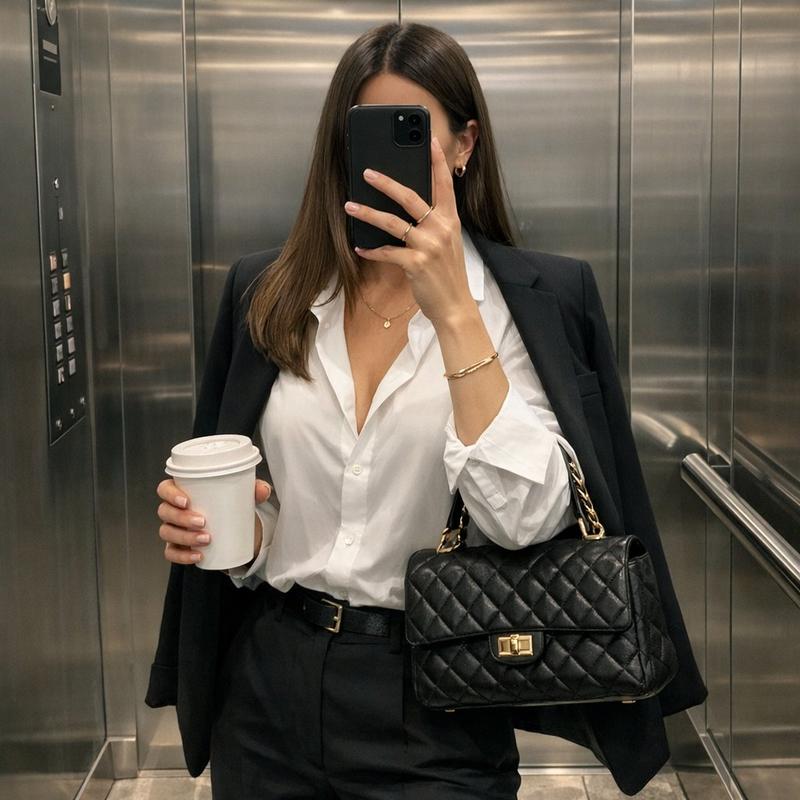
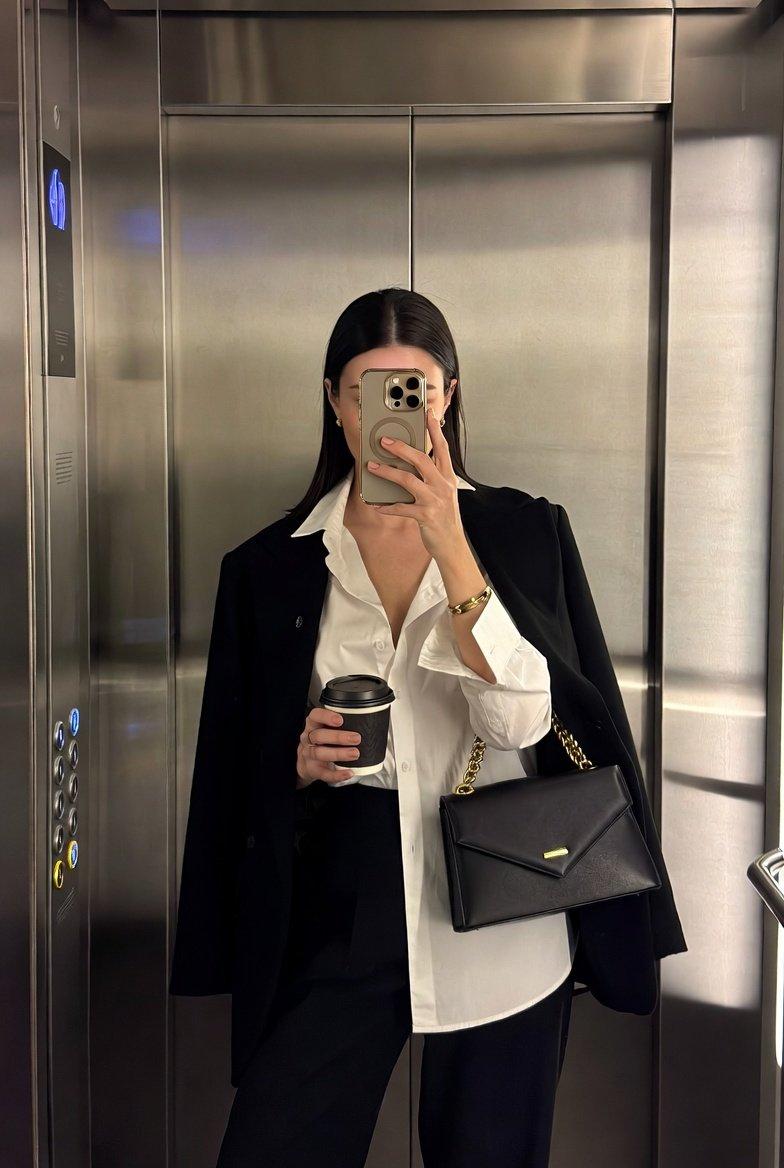
Ultra-realistic iPhone mirror selfie inside a sleek, dimly lit modern elevator,
Enlarge

Ultra-realistic iPhone mirror selfie inside a sleek, dimly lit modern elevator,

Prompt
Ultra-realistic iPhone mirror selfie inside a sleek, dimly lit modern elevator, with the subject’s facial identity matching exactly the provided reference image. Full-body framing captured through the mirror, slightly wide perspective without distortion. The young woman stands at a subtle angle facing left, her head turned into a clean, defined side profile, lips gently pursed.

She holds her phone at chest level in her right hand, elbow slightly flared outward in a natural pose. In her left hand, she loosely carries an open paperback book resting against a deep burgundy skirt. Her hair is styled in a neat, slick low ponytail. She wears thin, transparent eyeglasses and white wired earbuds, with the cable draping down across her torso.

Outfit includes an oversized dark charcoal coat with broad sleeves layered over a grey hoodie and a black graphic sweatshirt. Accessories include chunky silver rings and a black quilted shoulder bag hanging from her left shoulder.

Environment details: dark matte elevator walls, stainless steel doors behind her, illuminated rectangular ceiling panels, vertical side light strips, and a control panel with buttons on the right wall. A metal mirror rail runs along the lower edge.

Lighting is cool and realistic, with accurate reflections, visible natural skin texture, and no beauty filters or smoothing effects. Clean, authentic iPhone mirror aesthetic.
Category
Brand & Logos
Model
GPT Image 2
Views300
Source ID
2477
Published
May 3, 2026

Guide

About "Ultra-realistic iPhone mirror selfie inside a sleek, dimly lit modern elevator, "

What is this prompt for?

"Ultra-realistic iPhone mirror selfie inside a sleek, dimly lit modern elevator, " AI image prompt for GPT Image 2 (Brand & Logos). Ultra-realistic iPhone mirr…

The full copyable prompt and example visuals above are ready for AI image generation or one-click recreate in Picva.

How to use this prompt

  1. Step 1

    Open the prompt detail

    Review the example visuals, category, and full prompt text for "Ultra-realistic iPhone mirror selfie inside a sleek, dimly lit modern elevator, ".

  2. Step 2

    Copy the prompt

    Copy the prompt body from this page, or load it directly in Studio.

  3. Step 3

    Pick a model (GPT Image 2)

    Prefer GPT Image 2. If you switch models, keep subject and composition and tweak style terms.

  4. Step 4

    Generate and export

    Recreate the look in Picva, or export into your workflow for editing and publishing.

FAQ

What is the "Ultra-realistic iPhone mirror selfie inside a sleek, dimly lit modern elevator, " prompt?
It is an AI image-generation prompt for GPT Image 2 in the Brand & Logos category. This page includes the full prompt text, example visuals, and a one-click recreate path in Picva.
How do I use this prompt to generate an image?
Copy the prompt from this page, or use Generate / Studio. Paste it into a compatible image model, or recreate the look in Picva with optional reference images.
Which model is this prompt for?
This page lists GPT Image 2. Most descriptive prompts also transfer to nearby image models such as GPT Image, Flux, or Midjourney with light style tweaks.
Can I use the result commercially?
You can usually copy the prompt for creation, but commercial use of the final image depends on the model terms, reference-image rights, and the generated content. Follow the source author and platform rules.