17

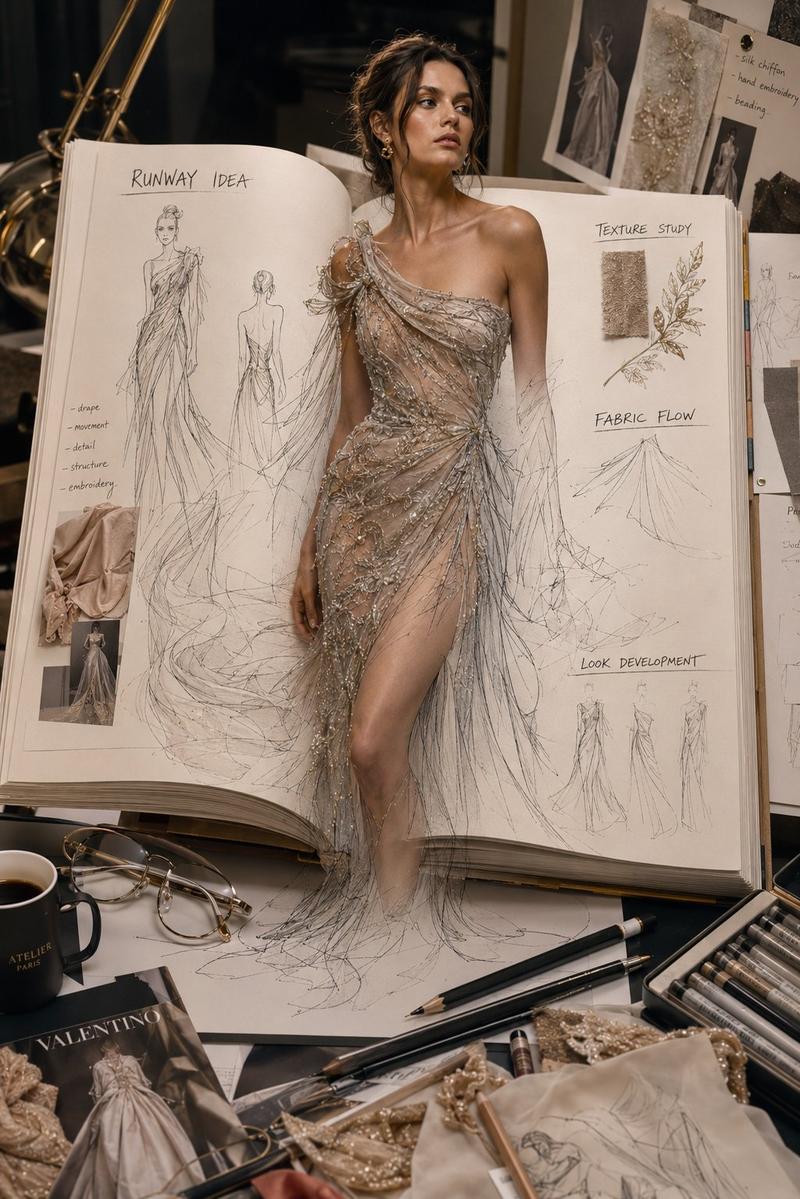
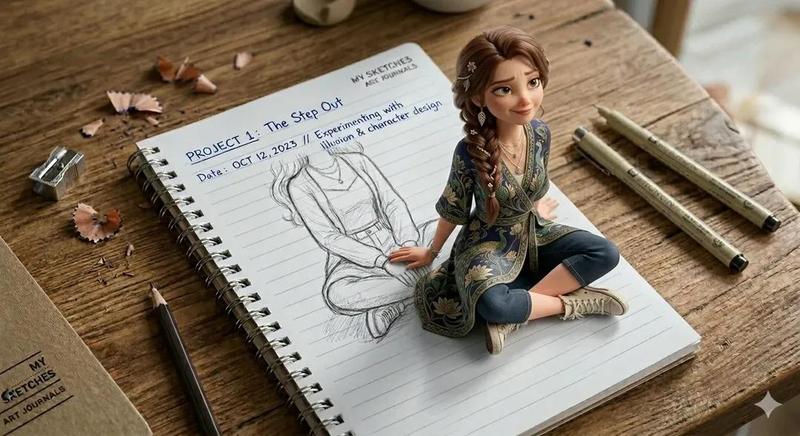
纸上跃出的写实时装设计模特
Enlarge

Example images

纸上跃出的写实时装设计模特

Prompt
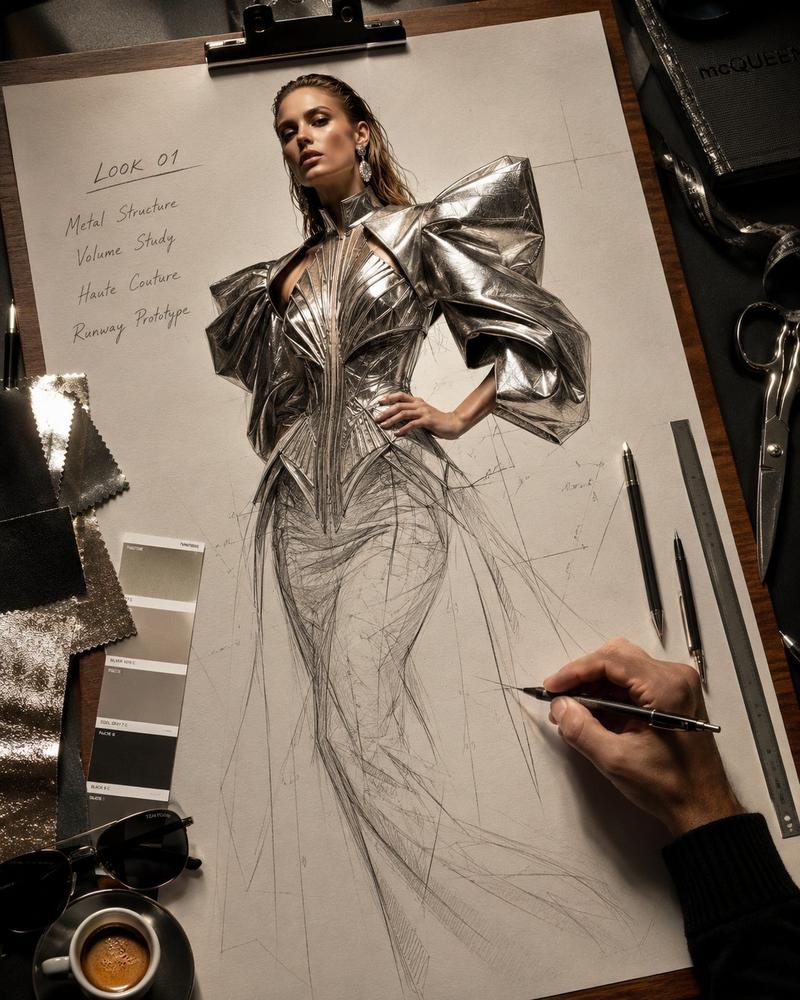
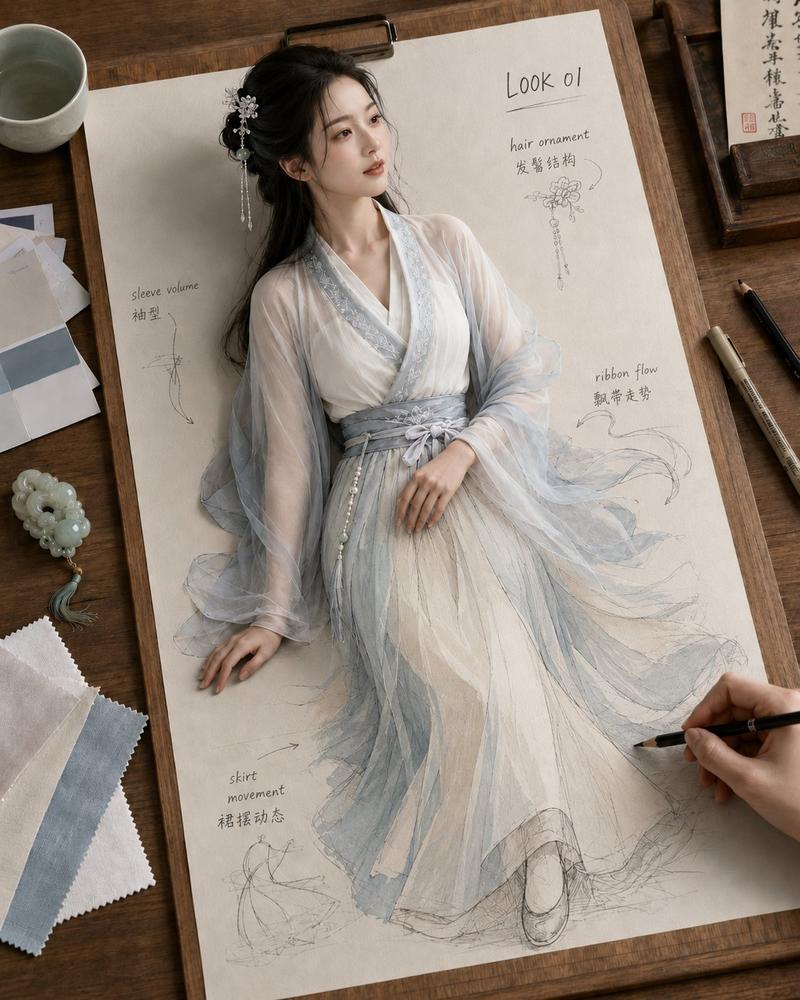
Premium fashion-design workspace, top-down three-quarter view, a large sketch sheet clipped to a wooden drawing board on a designer desk. A highly realistic adult Western editorial fashion model emerges from the paper.

The figure is 60% realistic and 40% pencil sketch: head, torso, waist, hips and upper thighs are fully realistic; only the lower 40% remains as a flat graphite fashion sketch on the paper. Natural skin texture and natural skin tone, expressive fashion-model face, strong emotional tension.

Runway concept: 【LOOK STYLE】. Bold avant-garde outfit, strong silhouette, refined tailoring, fabric structure, and high-fashion styling. The sketched lower part continues the clothing design with pencil lines, seam marks, construction lines, folds and shading.

Add designer desk props: fabric swatches, color cards, pencils, technical pens, glasses, coffee cup, small sketch cards, and a real hand drawing near the sketch. Add clean handwritten notes: LOOK 01, silhouette, fabric volume, waist transition, structure note.

Realistic photography, premium editorial mood, accurate shadows, paper texture, clean composition. Avoid cartoon style, distorted anatomy, extra fingers, messy text, awkward 2D/3D transition.
Category
Charts & Infographics
Model
ChatGPT
Creator
@MrLarus
Views78
Source ID
16649
Published
Jun 23, 2026

Guide

About "纸上跃出的写实时装设计模特"

What is this prompt for?

"纸上跃出的写实时装设计模特" AI image prompt for ChatGPT (Charts & Infographics). 高级时装设计工作空间,俯视三四分视图,设计师书桌上的木制绘图板上夹着一张巨大的素描纸。一位高度写实的成年西方社论时尚模特从纸中浮现。 人物为60%写实和40%铅笔素描:头部、躯干、…

The full copyable prompt and example visuals above are ready for AI image generation or one-click recreate in Picva.

How to use this prompt

  1. Step 1

    Open the prompt detail

    Review the example visuals, category, and full prompt text for "纸上跃出的写实时装设计模特".

  2. Step 2

    Copy the prompt

    Copy the prompt body from this page, or load it directly in Studio.

  3. Step 3

    Pick a model (ChatGPT)

    Prefer ChatGPT. If you switch models, keep subject and composition and tweak style terms.

  4. Step 4

    Generate and export

    Recreate the look in Picva, or export into your workflow for editing and publishing.

FAQ

What is the "纸上跃出的写实时装设计模特" prompt?
It is an AI image-generation prompt for ChatGPT in the Charts & Infographics category. This page includes the full prompt text, example visuals, and a one-click recreate path in Picva.
How do I use this prompt to generate an image?
Copy the prompt from this page, or use Generate / Studio. Paste it into a compatible image model, or recreate the look in Picva with optional reference images.
Which model is this prompt for?
This page lists ChatGPT. Most descriptive prompts also transfer to nearby image models such as GPT Image, Flux, or Midjourney with light style tweaks.
Can I use the result commercially?
You can usually copy the prompt for creation, but commercial use of the final image depends on the model terms, reference-image rights, and the generated content. Follow the source author and platform rules.