17

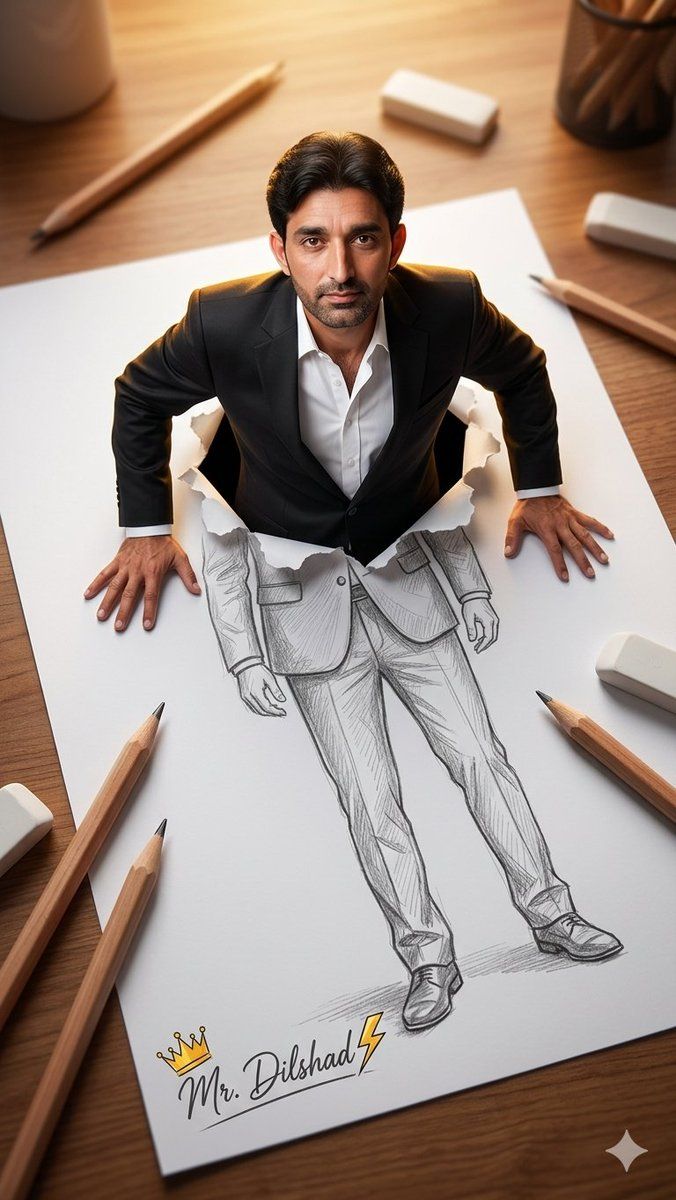
从铅笔素描中浮现的 3D 人物
Enlarge

从铅笔素描中浮现的 3D 人物

Prompt
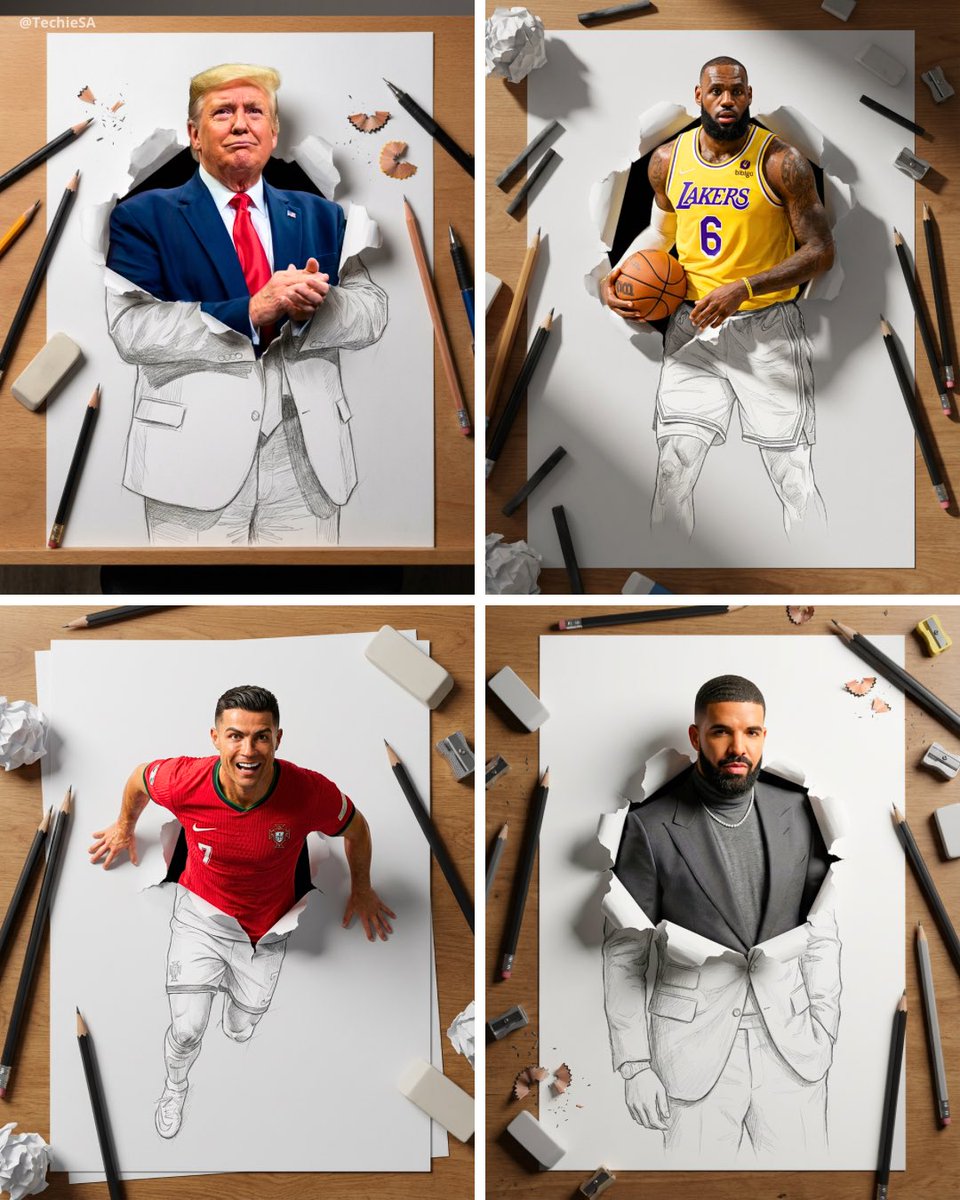
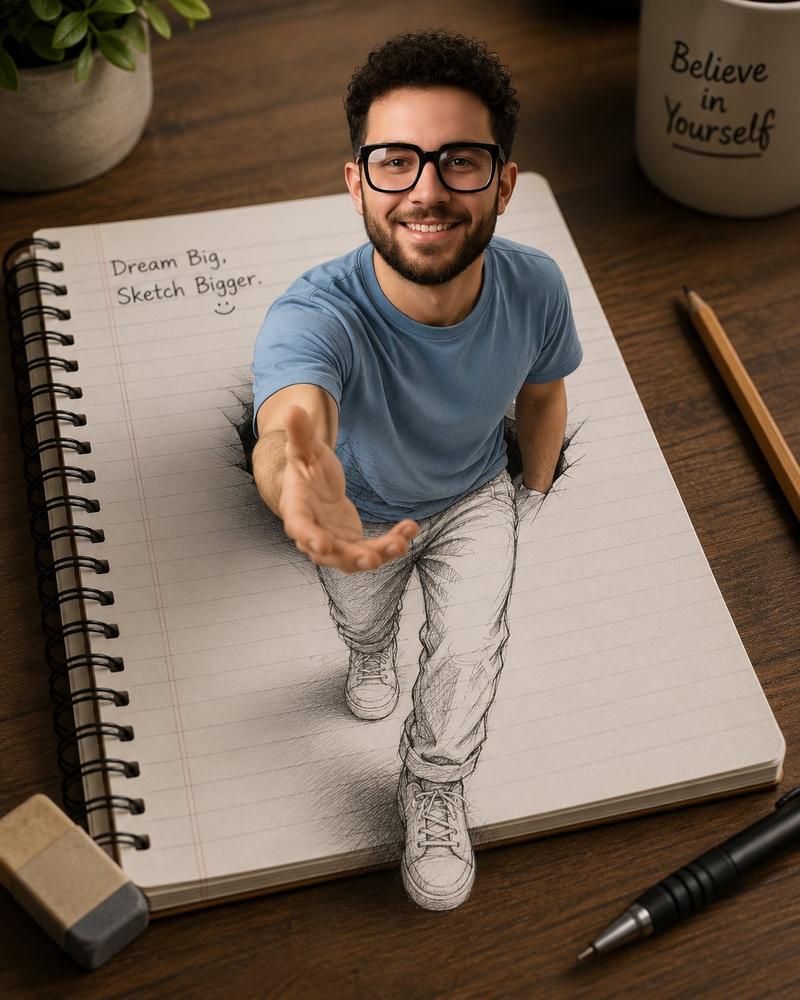
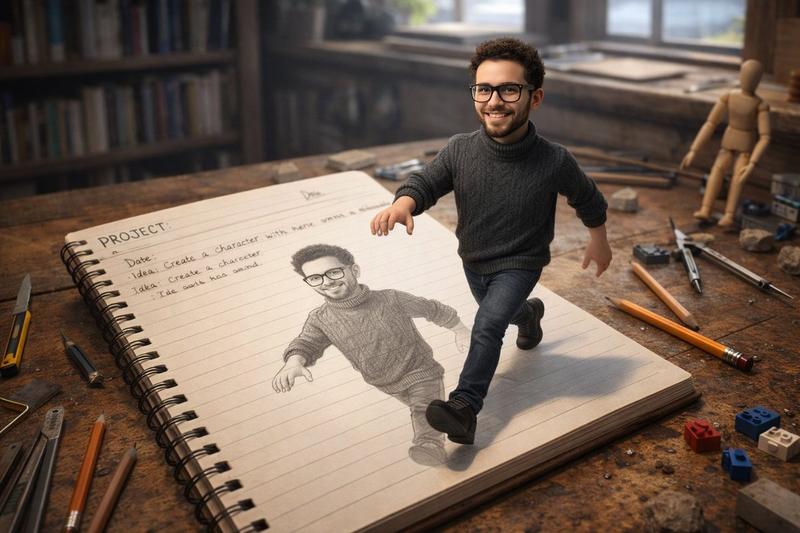
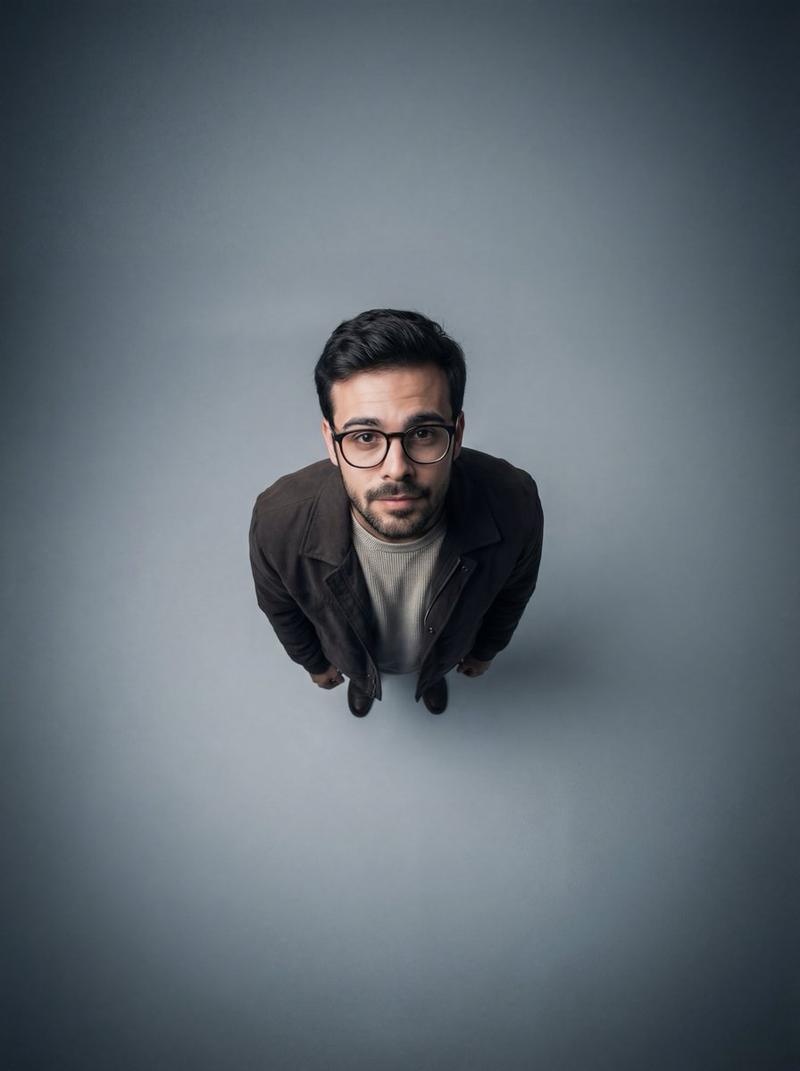
A high-angle, top-down perspective of a surreal mixed-media artwork on a wooden desk, where a {argument name="subject" default="middle-aged man"} , having the uploaded face as reference, is dramatically emerging from a large sheet of white paper. His upper body is a photorealistic 3D figure dressed in a {argument name="clothing" default="sharp black suit jacket and an open-collar white shirt"}, while his lower body seamlessly transitions into a detailed 2D graphite pencil sketch on the paper. He presses his hands against the torn, ripped edges of the paper as if climbing out of the drawing. Scattered around the paper on the wooden table are oversized wooden drawing pencils and white erasers, creating a sense of scale. The bottom of the paper features a stylized handwritten signature that reads "{argument name="signature" default="Mr. Dilshad"}" accompanied by a small gold crown and a lightning bolt. The scene is illuminated by warm, dramatic overhead lighting that casts soft shadows and creates a golden rim light behind his shoulders. The composition uses a shallow depth of field, focusing sharply on the man's realistic features while the surrounding desk elements are softly blurred, blending photorealism with classic sketching in a stunning trompe-l'œil illusion.
Category
Charts & Infographics
Model
GPT Image 2
Views1
Source ID
23765
Published
Jun 2, 2026

Guide

About "从铅笔素描中浮现的 3D 人物"

What is this prompt for?

"从铅笔素描中浮现的 3D 人物" AI image prompt for GPT Image 2 (Charts & Infographics). 一个超现实的混合媒介提示词,描绘了一个男人从木桌上的 2D 石墨铅笔画中以 3D 形象浮现出来的场景。 Copy it on Picva and recreate th…

The full copyable prompt and example visuals above are ready for AI image generation or one-click recreate in Picva.

How to use this prompt

  1. Step 1

    Open the prompt detail

    Review the example visuals, category, and full prompt text for "从铅笔素描中浮现的 3D 人物".

  2. Step 2

    Copy the prompt

    Copy the prompt body from this page, or load it directly in Studio.

  3. Step 3

    Pick a model (GPT Image 2)

    Prefer GPT Image 2. If you switch models, keep subject and composition and tweak style terms.

  4. Step 4

    Generate and export

    Recreate the look in Picva, or export into your workflow for editing and publishing.

FAQ

What is the "从铅笔素描中浮现的 3D 人物" prompt?
It is an AI image-generation prompt for GPT Image 2 in the Charts & Infographics category. This page includes the full prompt text, example visuals, and a one-click recreate path in Picva.
How do I use this prompt to generate an image?
Copy the prompt from this page, or use Generate / Studio. Paste it into a compatible image model, or recreate the look in Picva with optional reference images.
Which model is this prompt for?
This page lists GPT Image 2. Most descriptive prompts also transfer to nearby image models such as GPT Image, Flux, or Midjourney with light style tweaks.
Can I use the result commercially?
You can usually copy the prompt for creation, but commercial use of the final image depends on the model terms, reference-image rights, and the generated content. Follow the source author and platform rules.