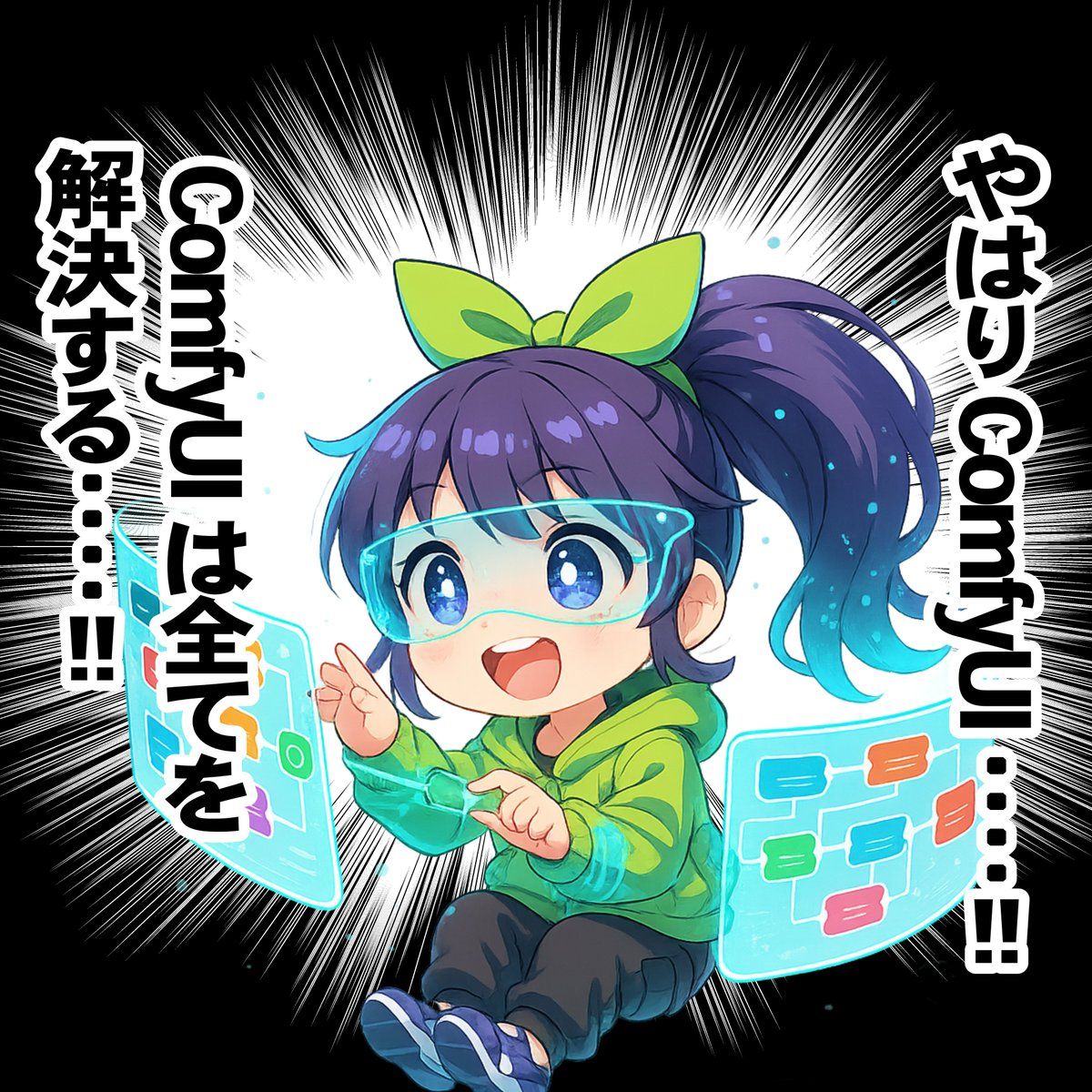
漂浮赛博空间操控全息屏的二头身少女
Prompt
## Overall Concept concept: "A cute, smiling chibi character girl engrossed in operating a semi-transparent window (display) floating in cyberspace" ## Details of the Main Character subject: type: "Chibi character in anime style" reference: "Character design should be based on the character design reference sheet attached in the image" expression: "A beaming smile with sparkling eyes, full of discovery and joy" hair: details: "Part of the hair faintly glows like data particles" wearables: - item: "AR Glasses" type: "Frameless visor style" material: "Highly transparent, semi-transparent material with a crystal-like texture" details: "The rim of the glasses glows with a thin neon blue line, projecting information into her field of view" outfit: style: "Geometric patterns resembling electronic circuits are printed in cyan on the inside of the cuffs" direction: "Facing the left side of the image" ## Character Action and Pose action: verb: "Operating the window (display)" pose: "Floating gently in cyberspace, leaning slightly forward, operating the semi-transparent window (display) floating in the air" hands: "Lightly moving fingertips, operating the semi-transparent window (display) floating in the air" ## Surrounding Objects objects: - item: "Multiple semi-transparent windows floating in the air" type: "Semi-transparent interface" shape: "Wide screen with gentle curves" content: "A colorful list is visible, transparently, within the window." details: "Since the window (display) is semi-transparent, the character and background behind it are visible through it" ## Background and Environment environment: setting: "Abstract and minimal cyberspace" background: color: "Black" details: - "A white starburst (with very thin, sharp spikes) is drawn behind the character, centered on the character." - "Small particles of data light and semi-transparent cubes are slowly drifting around her" text: - "Upper right of the screen: Large vertical text: 'After all, Sticky ToC....' (The text 'Sticky ToC' should be displayed horizontally.)" - "Upper left of the screen: Large vertical text: 'Sticky ToC solves everything....!!' (The text 'Sticky ToC' should be displayed horizontally.)" ## Art Style and Quality style: art_style: "High-quality anime illustration, smooth line art and vibrant colors" lighting: "The character herself and the window (display) she is operating are the main light sources. Soft reflected light from the display hits her face and body. Overall bright and clean impression." color_palette: "White base, with pastel pink, emerald green, cyber blue, and cyan as accent colors" effects: "Moderate use of glow and bloom effects" quality: "Highest quality, masterpiece, ultra-high resolution, detailed"
- Category
- UI & Interfaces
- Model
- Nano Banana Pro
- Creator
- @YukinobuKurata
- Source ID
- 10511
- Published
- May 4, 2026
Views40