18

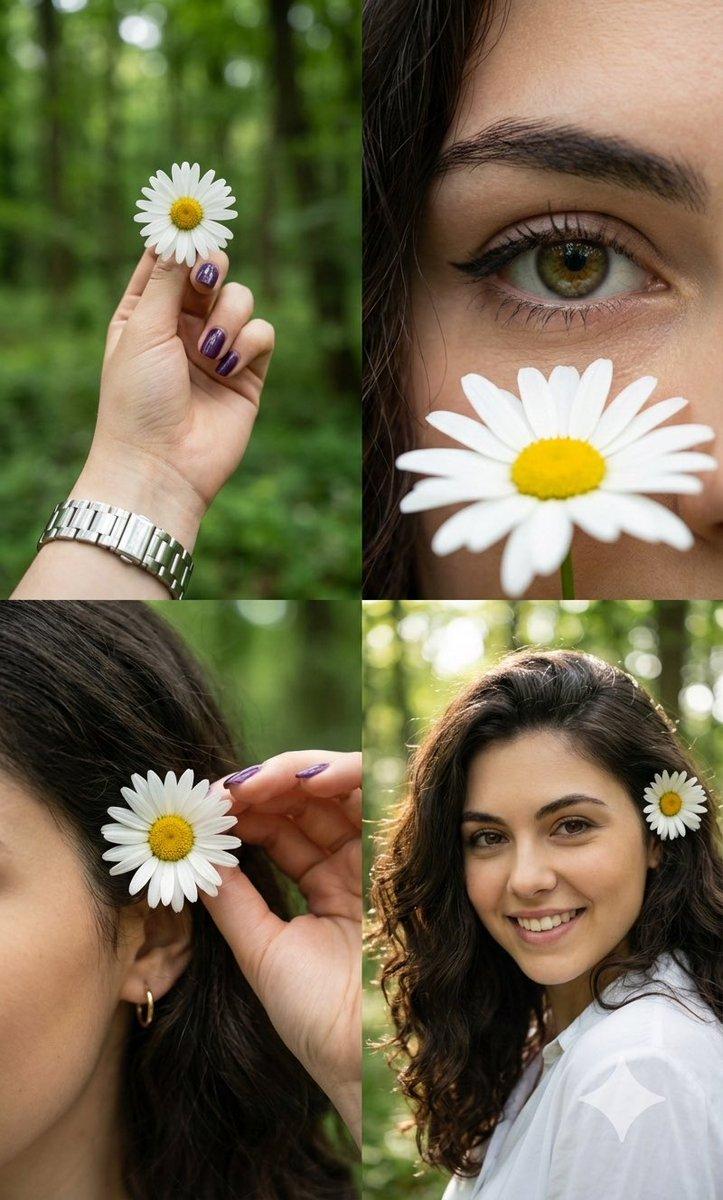
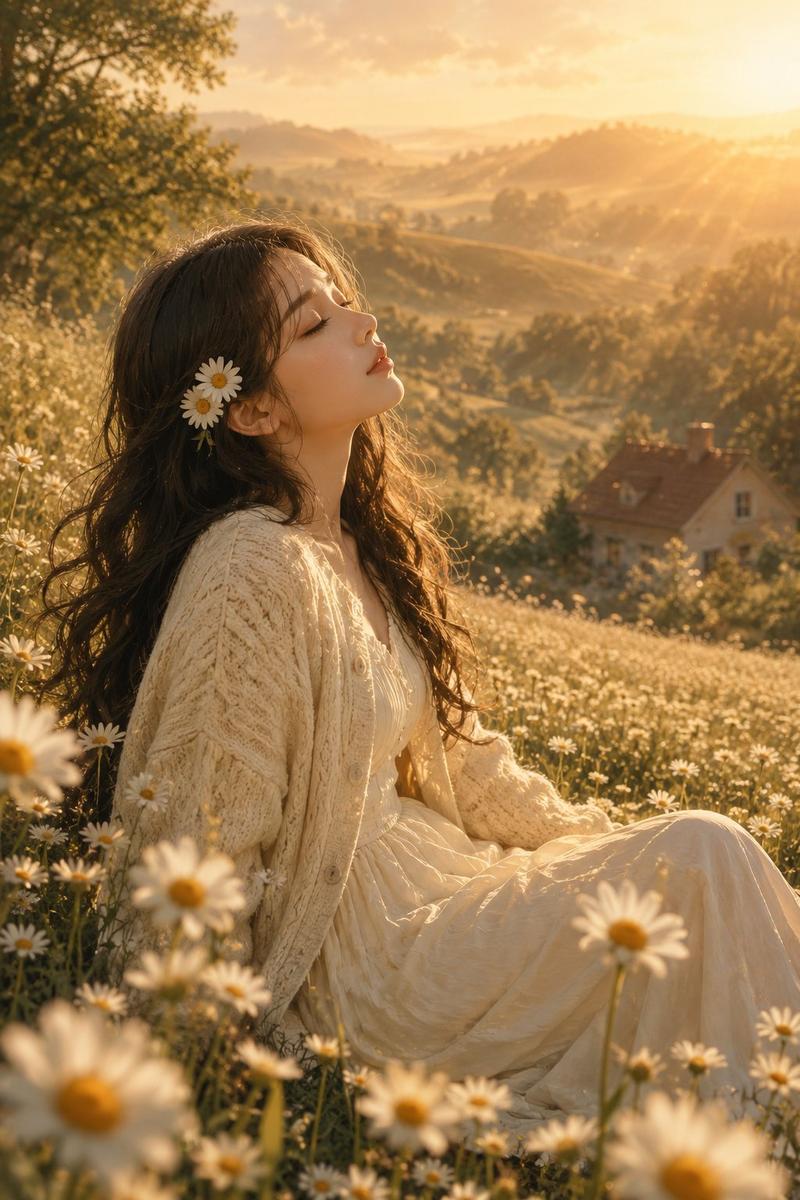
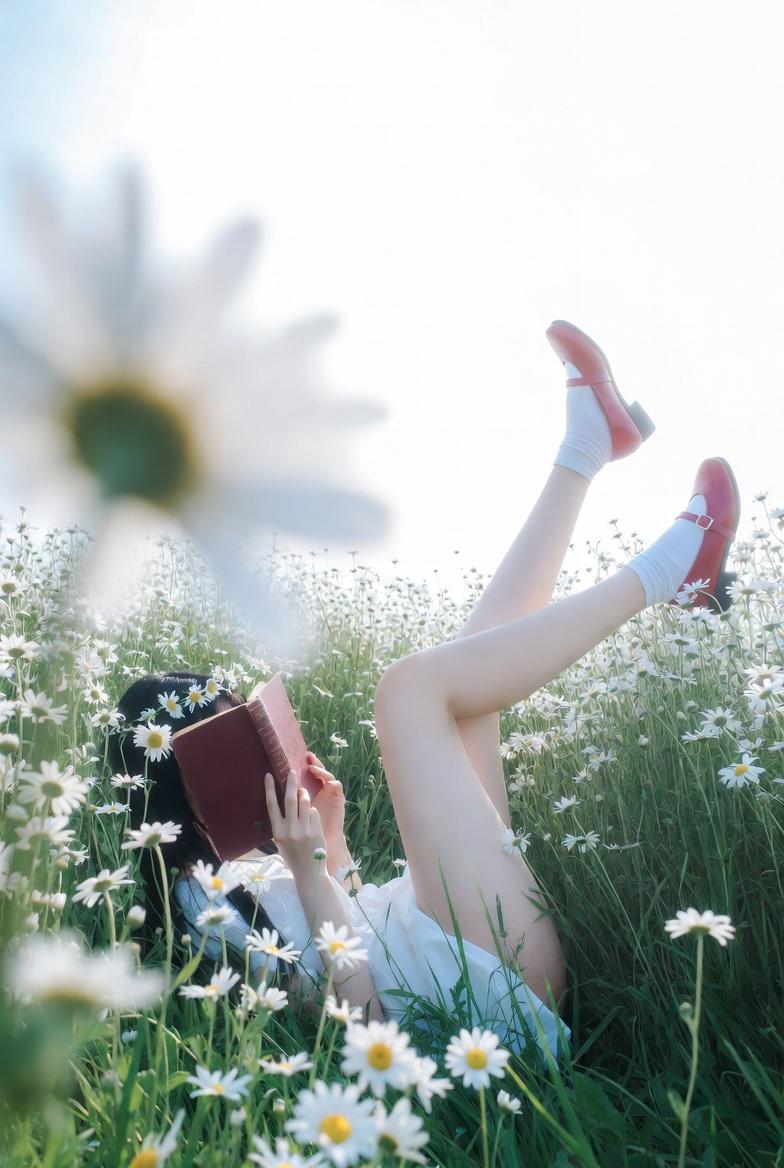
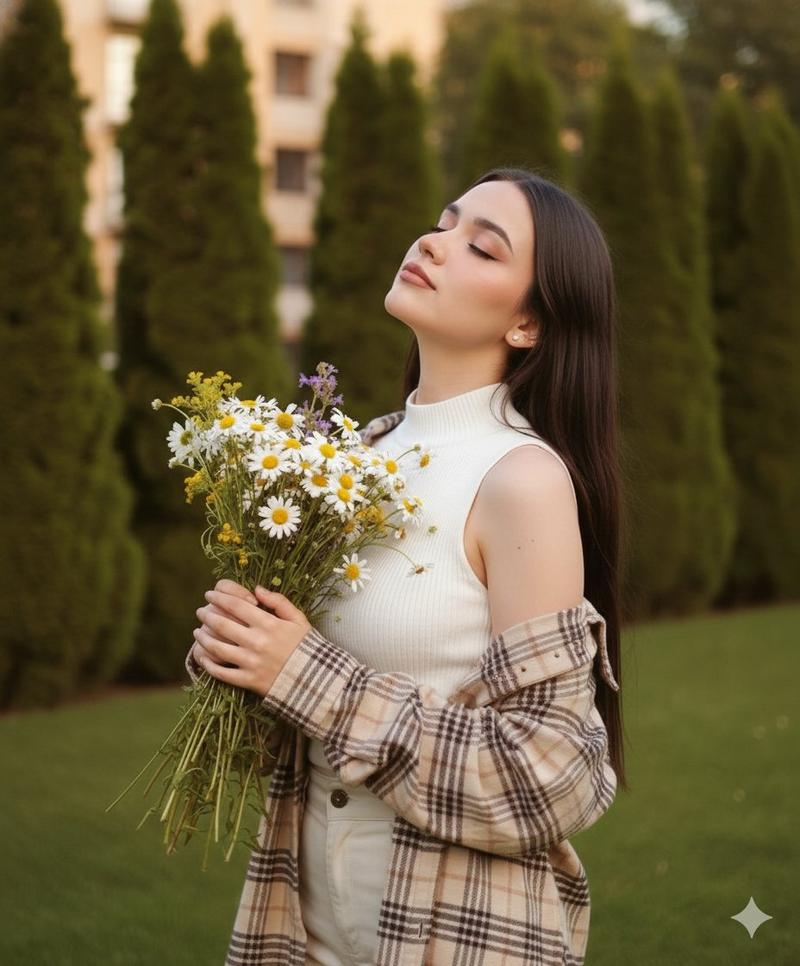
森系少女与白雏菊的四格光影拼贴
Enlarge

森系少女与白雏菊的四格光影拼贴

Prompt
A photorealistic 2x2 collage of a young woman with long dark hair outdoors in a green forest. Top-left: A hand with purple nails and a silver watch holding a white daisy. Top-right: a close-up of an eye gazing at a daisy, the eye with brown-green iris, and a portion of the brow and hair.. Bottom-left: shows a hand arranging a daisy near an ear, with dark hair, visible is a gold earring. Bottom-right: A smiling close-up looking at the camera with the daisy in her hair. Dominant colors are natural greens, crisp white, and warm skin tones, lit by soft natural dappled daylight. Fine details include winged eyeliner, a white shirt, metallic watch reflections, and a blurred bokeh tree background. Serene, cheerful mood, 4k resolution, highly detailed.
Category
Photography & Realism
Model
Nano Banana Pro
Views66
Source ID
12623
Published
Apr 14, 2026

Guide

About "森系少女与白雏菊的四格光影拼贴"

What is this prompt for?

"森系少女与白雏菊的四格光影拼贴" AI image prompt for Nano Banana Pro (Photography & Realism). 一张逼真的 2x2 拼贴画,描绘了一位留着深色长发的年轻女子在绿色森林中的场景。左上:一只手,紫色指甲,戴着银色手表,握着一朵白色雏菊。右上:眼睛凝视雏菊的特写…

The full copyable prompt and example visuals above are ready for AI image generation or one-click recreate in Picva.

How to use this prompt

  1. Step 1

    Open the prompt detail

    Review the example visuals, category, and full prompt text for "森系少女与白雏菊的四格光影拼贴".

  2. Step 2

    Copy the prompt

    Copy the prompt body from this page, or load it directly in Studio.

  3. Step 3

    Pick a model (Nano Banana Pro)

    Prefer Nano Banana Pro. If you switch models, keep subject and composition and tweak style terms.

  4. Step 4

    Generate and export

    Recreate the look in Picva, or export into your workflow for editing and publishing.

FAQ

What is the "森系少女与白雏菊的四格光影拼贴" prompt?
It is an AI image-generation prompt for Nano Banana Pro in the Photography & Realism category. This page includes the full prompt text, example visuals, and a one-click recreate path in Picva.
How do I use this prompt to generate an image?
Copy the prompt from this page, or use Generate / Studio. Paste it into a compatible image model, or recreate the look in Picva with optional reference images.
Which model is this prompt for?
This page lists Nano Banana Pro. Most descriptive prompts also transfer to nearby image models such as GPT Image, Flux, or Midjourney with light style tweaks.
Can I use the result commercially?
You can usually copy the prompt for creation, but commercial use of the final image depends on the model terms, reference-image rights, and the generated content. Follow the source author and platform rules.