17

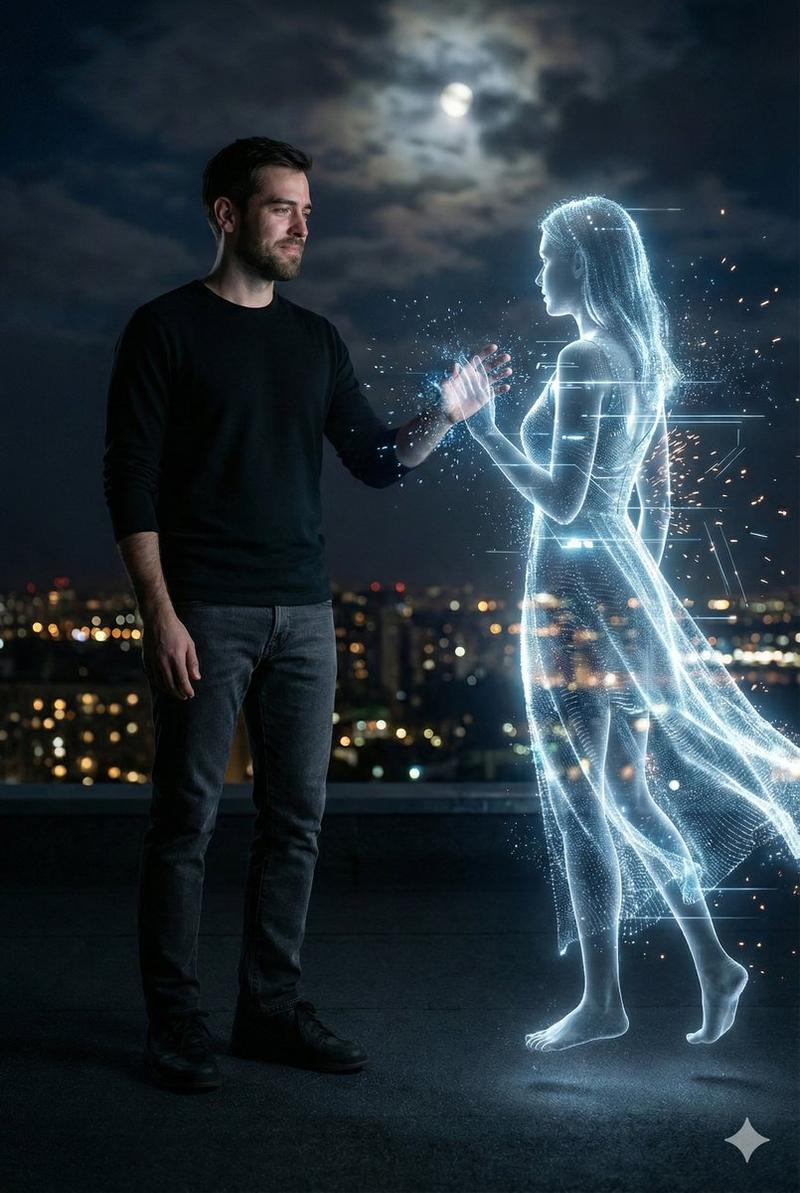
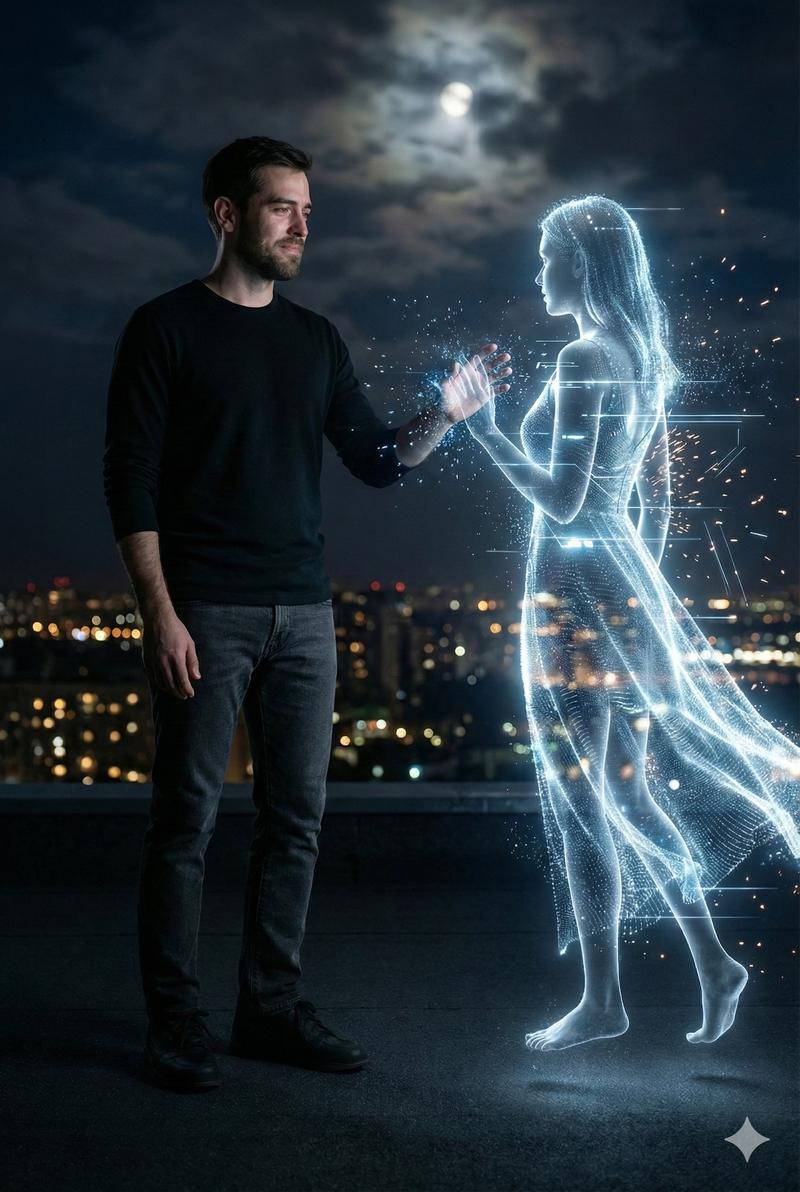
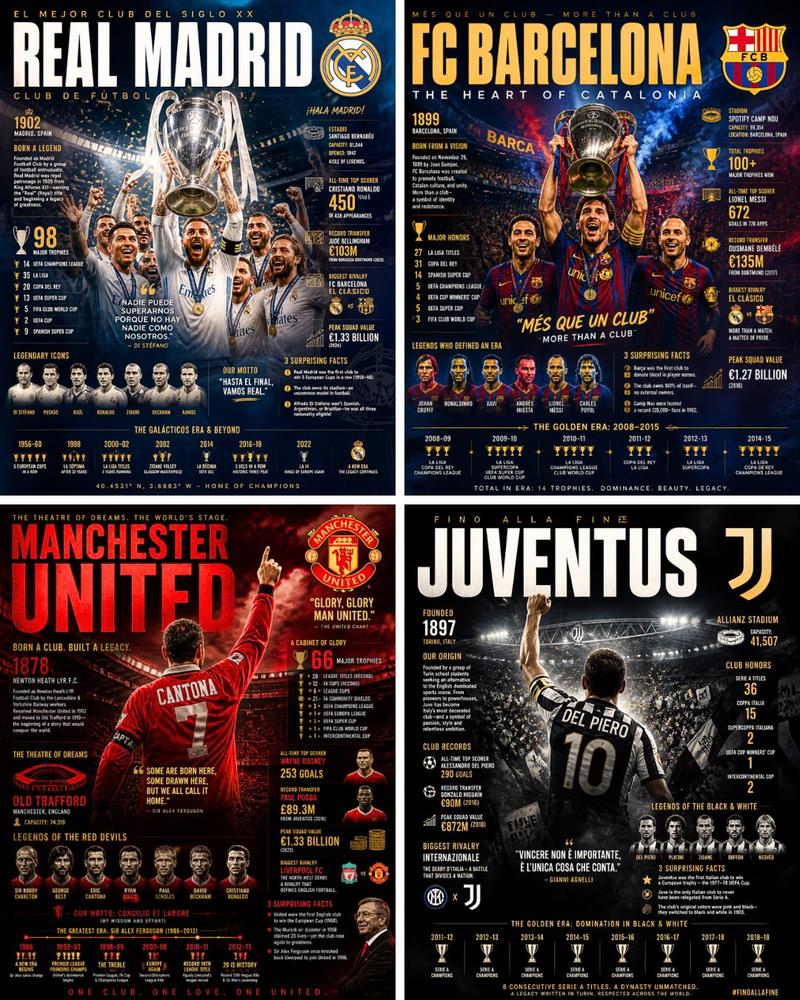
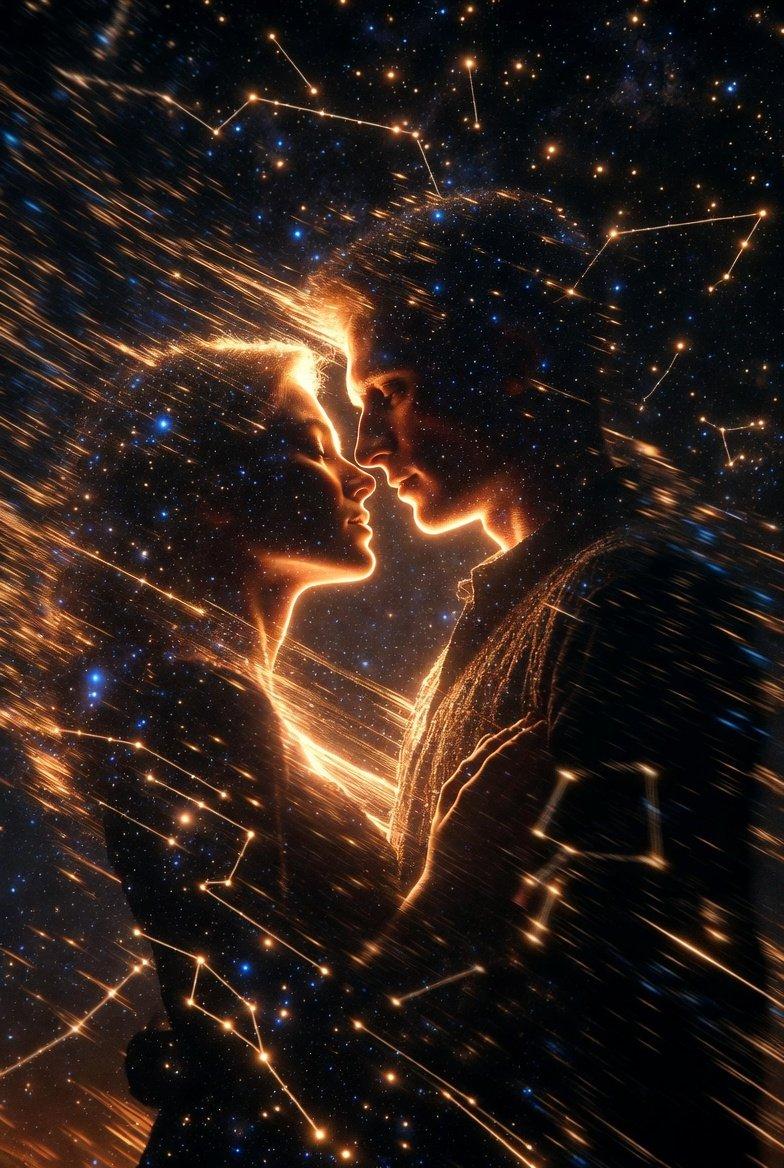
未来感发光线框人像艺术特效
Enlarge

未来感发光线框人像艺术特效

Prompt
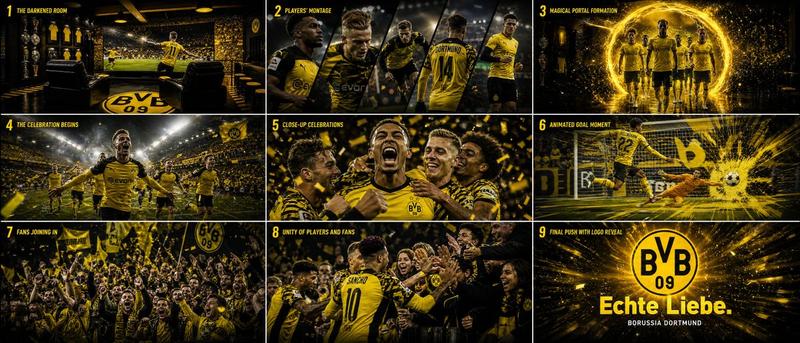
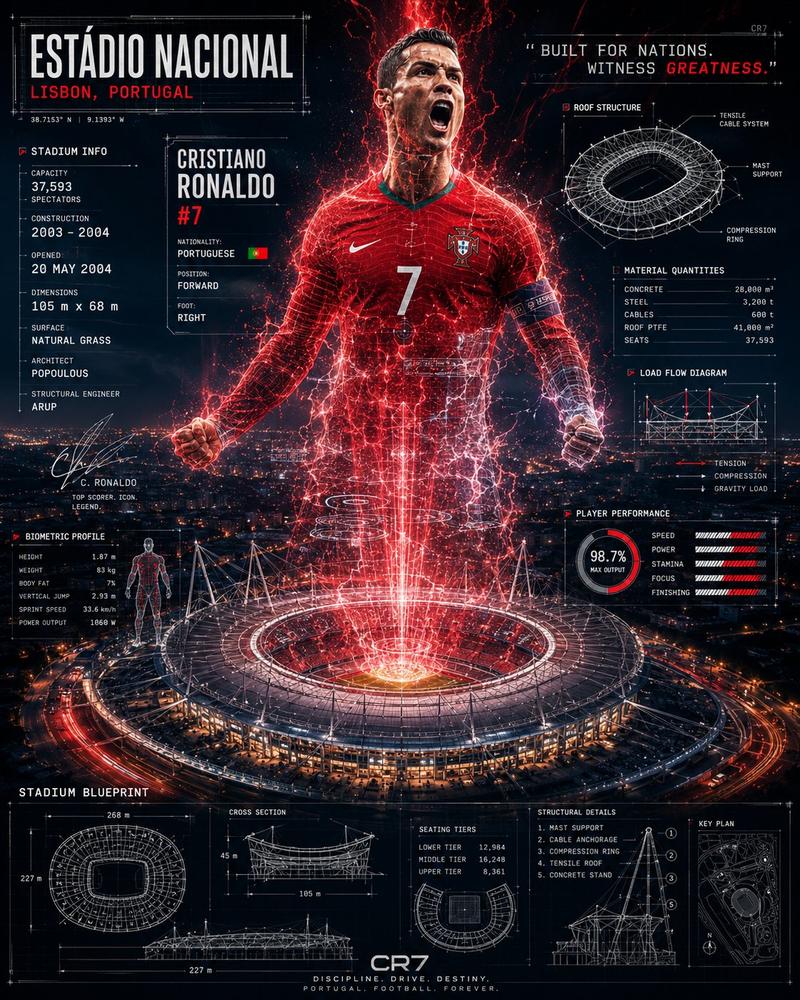
Transform the uploaded image into a futuristic glowing wireframe portrait while preserving the person's exact identity, facial features, hairstyle, body proportions, pose, clothing, and composition. Convert the entire subject into a luminous white neon mesh made of fine polygonal wireframe lines and glowing energy contours. Surround the body with electric plasma, sparkling particles, light streaks, and digital energy bursts, creating the effect of a powerful holographic athlete. Keep the background completely black with subtle floating particles and a glossy reflective floor beneath the subject. Use a high-contrast black-and-white palette with brilliant white neon outlines, ultra-detailed mesh topology, cinematic volumetric lighting, realistic glow, and a premium sci-fi cyber aesthetic. Preserve every detail of the original image while applying only the glowing wireframe energy effect. 8K, ultra-realistic, masterpiece quality, dramatic lighting, no text, no logos, no watermarks, no UI elements.
Category
Charts & Infographics
Model
ChatGPT
Views15
Source ID
17177
Published
Jul 1, 2026

Guide

About "未来感发光线框人像艺术特效"

What is this prompt for?

"未来感发光线框人像艺术特效" AI image prompt for ChatGPT (Charts & Infographics). 将上传的图像转换为未来感十足的发光线框肖像,同时保留人物的准确身份、面部特征、发型、身体比例、姿势、服装和构图。将整个主体转换为由精细的多边形线框线和发光能量轮廓组成的明亮白色霓虹…

The full copyable prompt and example visuals above are ready for AI image generation or one-click recreate in Picva.

How to use this prompt

  1. Step 1

    Open the prompt detail

    Review the example visuals, category, and full prompt text for "未来感发光线框人像艺术特效".

  2. Step 2

    Copy the prompt

    Copy the prompt body from this page, or load it directly in Studio.

  3. Step 3

    Pick a model (ChatGPT)

    Prefer ChatGPT. If you switch models, keep subject and composition and tweak style terms.

  4. Step 4

    Generate and export

    Recreate the look in Picva, or export into your workflow for editing and publishing.

FAQ

What is the "未来感发光线框人像艺术特效" prompt?
It is an AI image-generation prompt for ChatGPT in the Charts & Infographics category. This page includes the full prompt text, example visuals, and a one-click recreate path in Picva.
How do I use this prompt to generate an image?
Copy the prompt from this page, or use Generate / Studio. Paste it into a compatible image model, or recreate the look in Picva with optional reference images.
Which model is this prompt for?
This page lists ChatGPT. Most descriptive prompts also transfer to nearby image models such as GPT Image, Flux, or Midjourney with light style tweaks.
Can I use the result commercially?
You can usually copy the prompt for creation, but commercial use of the final image depends on the model terms, reference-image rights, and the generated content. Follow the source author and platform rules.