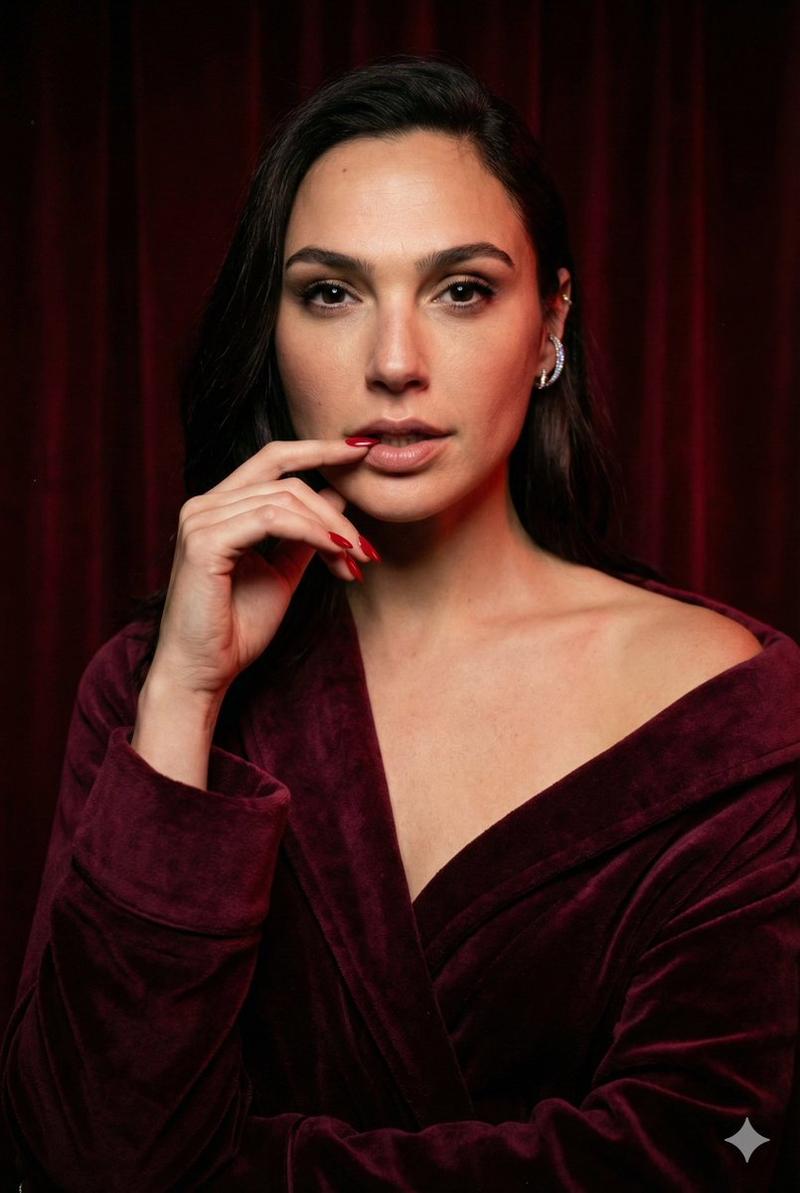
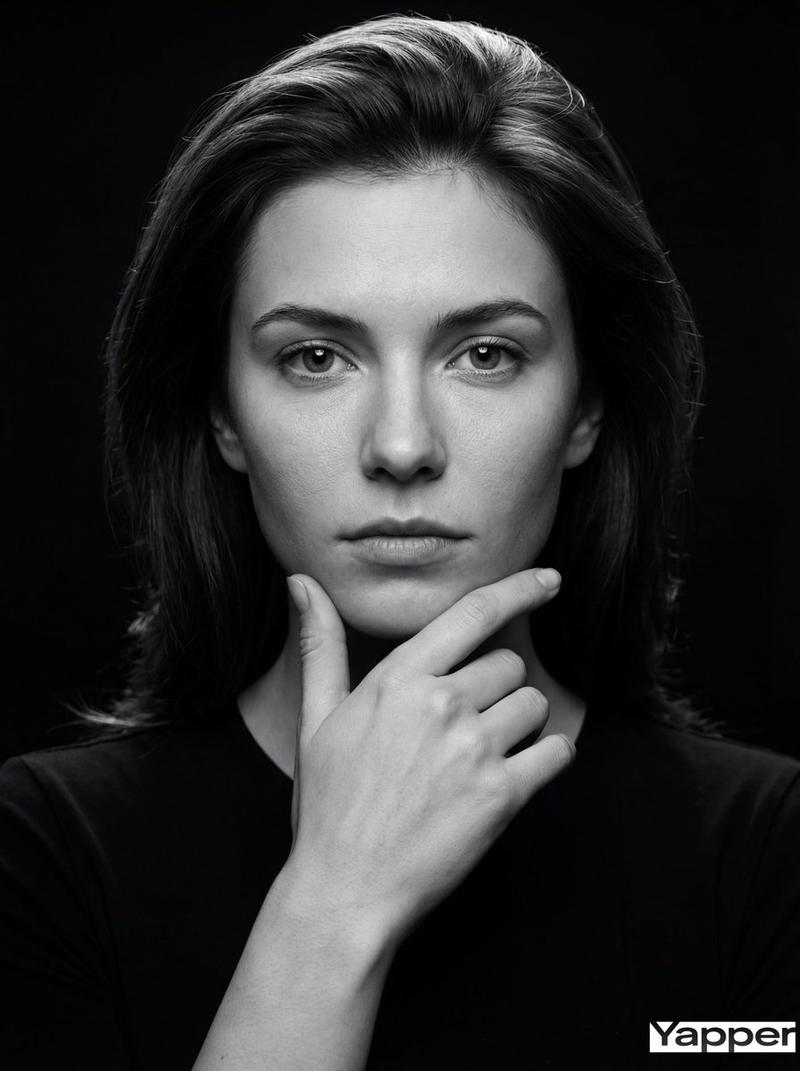
深红光影下的盖尔加朵极致时尚肖像
Prompt
{ "camera": { "device_examples": [ "Full-frame mirrorless: Sony A7R IV (61MP CMOS)" ], "sensor_type": "full-frame 35mm CMOS", "lens": "85mm f/1.4 G-Master prime" }, "resolution_and_output": { "resolution": "8k (7680×4320)", "aspect_ratio": "2:3 (editorial vertical)", "file_format": "TIFF 16-bit" }, "camera_defects_and_artifacts": [ "extremely_fine_film_grain (ISO 100 emulation)", "subtle_chromatic_aberration on jewelry highlights", "high-frequency_sharpness_variation (center focus sharp, slight edge fall-off)", "vignetting: -0.8 stops", "micro-scratches on background velvet", "dust specks (3-4 tiny particles on lens)", "coma on off-axis bokeh", "sensor_bleed in deep reds", "color_banding avoidance with tonal noise", "highlight bloom on skin highlights (0.05 strength)" ], "composition": { "style": "editorial high-fashion portrait", "directions": [ "Centered subject with negative space at the top", "Medium close-up framing from chest up", "Layered depth with dark red velvet curtain background" ], "camera_settings_suggestion": { "shutter_speed": "1/160s", "aperture": "f/2.0 (for depth while keeping face sharp)", "iso": "ISO 100", "white_balance": "5400K (neutral/warm)" } }, "pose_and_model_direction": { "precision_required": "high", "pose_library": [ "Hand near mouth, index finger lightly touching bottom lip", "Shoulders rotated 15°", "Long, slender finger articulation with red pointed nails" ], "facial_expression": "smoldering, neutral gaze, slightly parted lips" }, "celebrity_identity_control": { "celebrity_reference": "Gal Gadot", "instructions": "Exact replica of Gal Gadot. Exact facial structure, jawline, and eye shape. 100% likeness." }, "body_proportions_and_anatomy_control": { "fields": { "height_cm": "178", "body_type": "slim-athletic", "measurements_cm": { "bust": "86", "waist": "58", "hips": "86" }, "muscle_definition_level": "light (collarbone emphasis)", "pose_emphasis": "decolletage and shoulder line" }, "anatomical_precision": "Visible skin pores, natural neck tendons, realistic finger joints" }, "ethnicity_and_age": { "ethnicity_description": "Mediterranean, light olive skin tone", "age_approx": "38 years (adult)" }, "lighting_and_shadows": { "lighting_setups": [ { "name": "Mood Editorial", "description": "Deep red key light from 45° right, soft top-down fill, heavy shadow fall-off on the left side of the frame", "shadow_profile": "Deep blacks in the velvet folds, soft penumbra on the skin" } ], "light_temperature_kelvin": { "key": 3200, "fill": 3000 } }, "color_grading_and_filters": { "LUT_examples": ["Kodak 2383 film emulation"], "cinematic_filter": { "style": "Deep Red/Bordeaux tonal shift", "strength": 0.4 }, "contrast_and_tone": { "global_contrast": "+12", "midtone_shift": "-5" } }, "processing_and_post": { "sharpness_profile": "microcontrast +15 in eyes and lips", "retouching_level": "editorial_minimal (preserve all skin texture and moles)", "noise_and_grain": "ultra-fine grain_stren- Category
- Posters & Typography
- Model
- Nano Banana Pro
- Creator
- @AIRevSpot
- Source ID
- 9052
- Published
- May 28, 2026
Views25