17

Edit this photo into a vertical portrait, hyper-realistic, shot in 1080x1920 format, with cinemat...
Enlarge

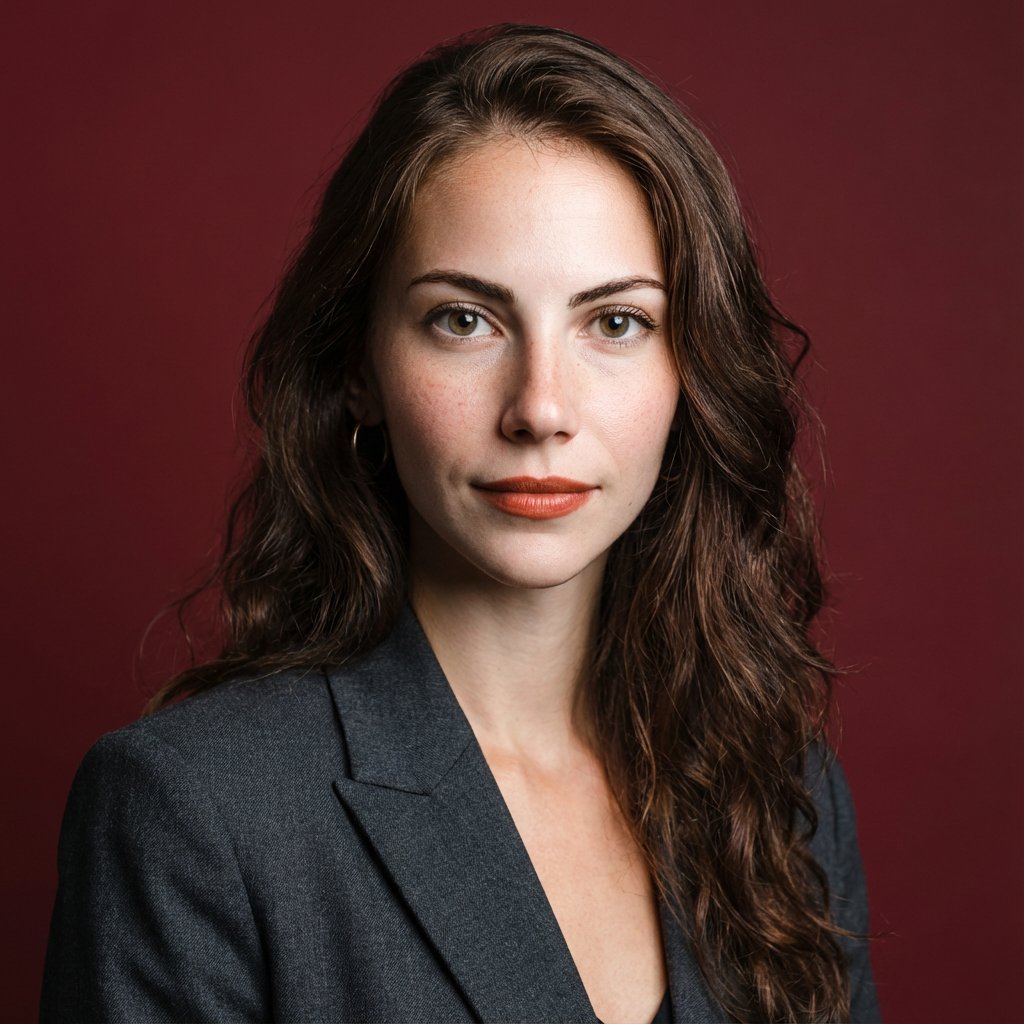
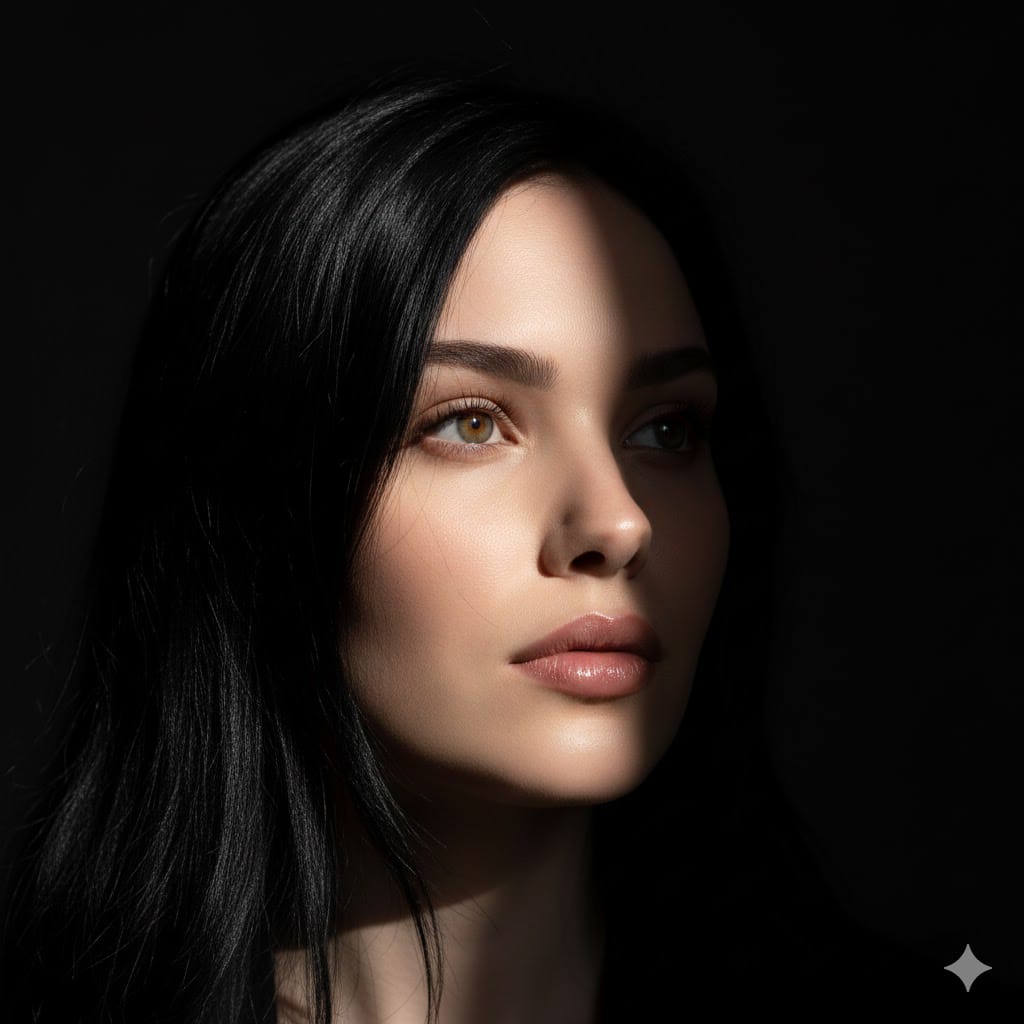
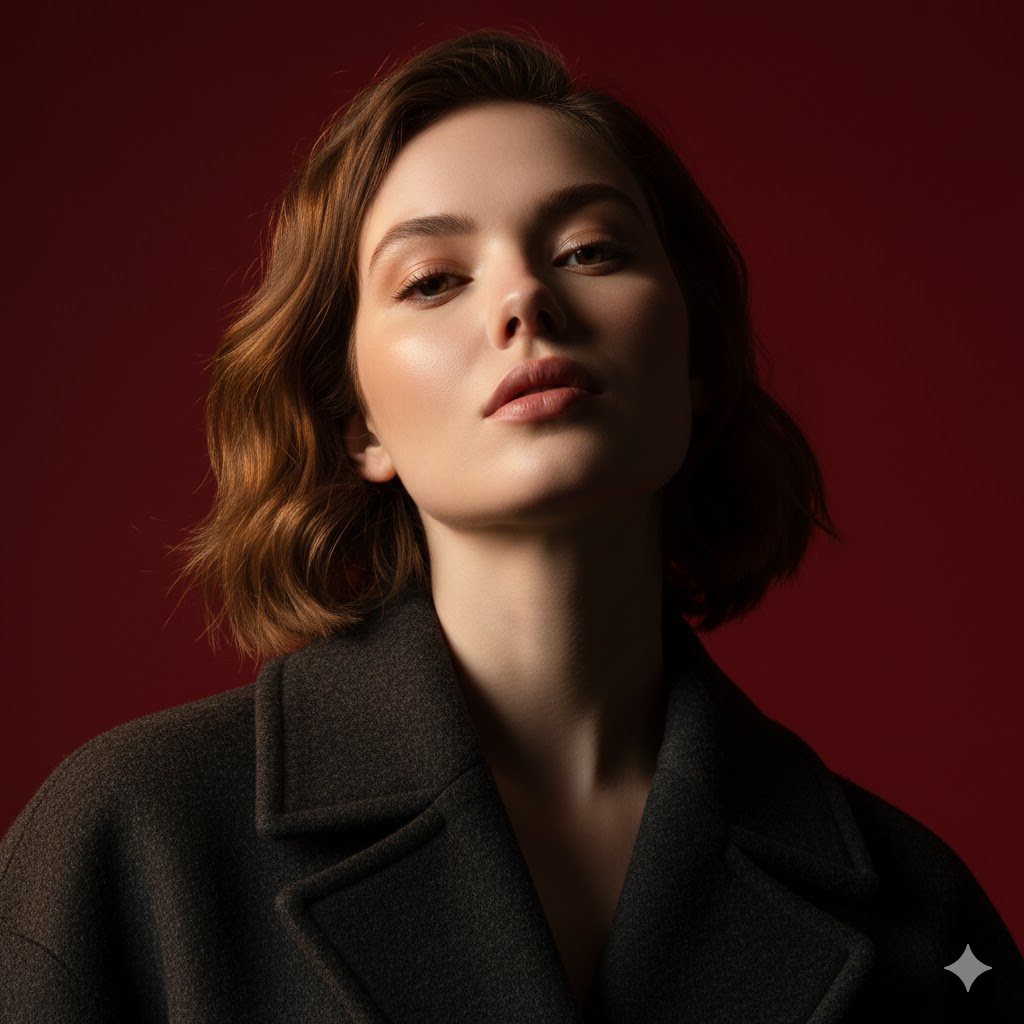
Example images

Edit this photo into a vertical portrait, hyper-realistic, shot in 1080x1920 format, with cinemat...

Prompt
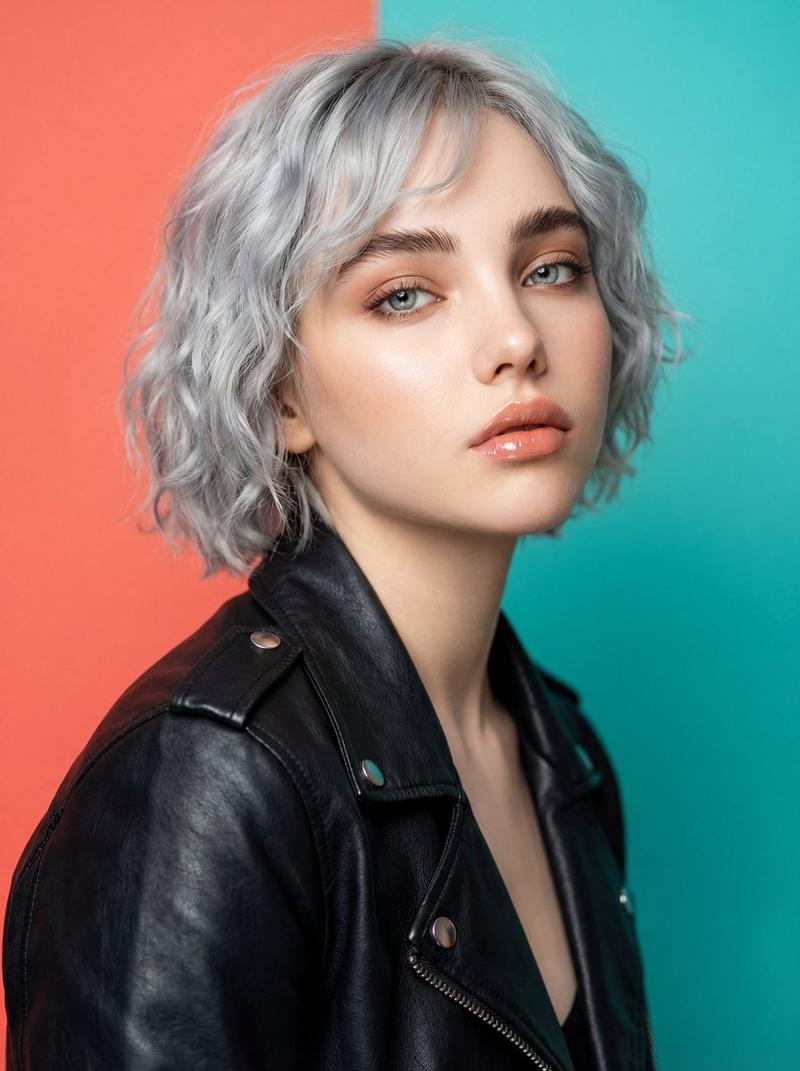
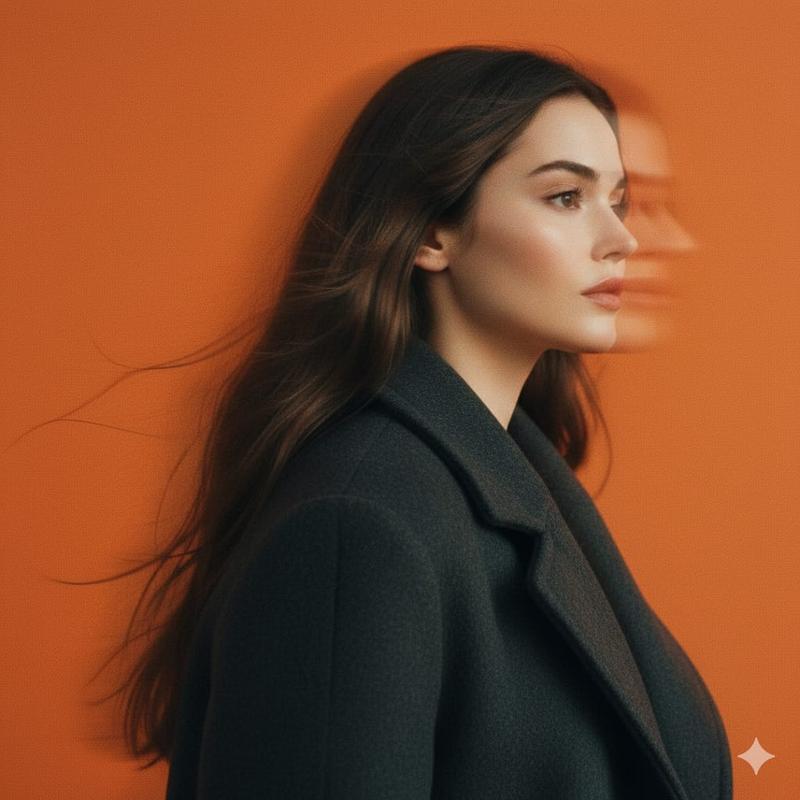
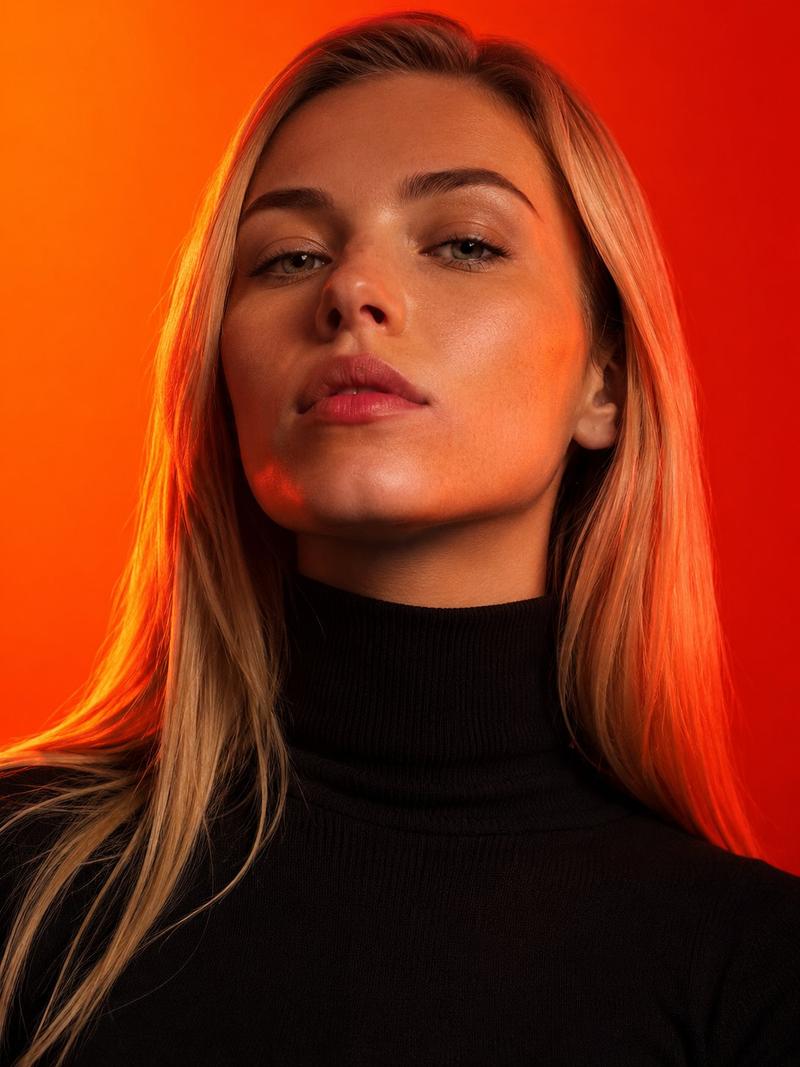
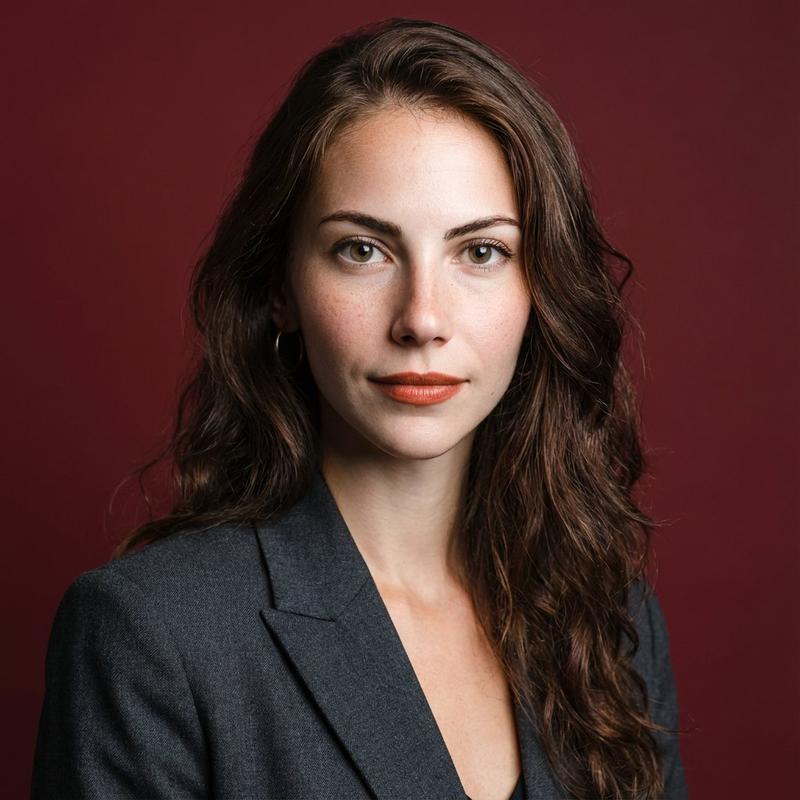
Edit this photo into a vertical portrait, hyper-realistic, shot in 1080x1920 format, with cinematic lighting featuring sharp, intense contrast. Captured from a slightly low angle pointing upward, emphasizing the subject’s jawline and neck, the composition exudes calm dominance and sculptural elegance. The background is a deep, rich crimson red, creating a striking visual contrast with the model’s glowing skin and dark clothing.

The lighting is highly directional, highlighting one side of the face with warm golden accents while the other side sinks into velvet shadows, emphasizing bone structure with almost architectural precision. The subject’s expression is unreadable, eyes cool-colored and half-closed, lips relaxed—suggesting nonchalance or quiet defiance.

The model wears a thick wool or felt coat, with richly defined textures atop the subtle dew-like glow of the skin. Minimal retouching preserves skin texture and slight imperfections, adding realism. Editorial tension is created through clo
Category
创意图片
Model
Nano Banana Pro
Creator
Pixshop
Views23
Source ID
af62a398-fb9f-4103-9df1-a7b4e1b49c31
Published
Jan 14, 2026

Guide

About "Edit this photo into a vertical portrait, hyper-realistic, shot in 1080x1920 format, with cinemat..."

What is this prompt for?

"Edit this photo into a vertical portrait, hyper-realistic, shot in 1080x1920 format, with cinemat..." AI image prompt for Nano Banana Pro (创意图片). 创意图片 Copy it…

The full copyable prompt and example visuals above are ready for AI image generation or one-click recreate in Picva.

How to use this prompt

  1. Step 1

    Open the prompt detail

    Review the example visuals, category, and full prompt text for "Edit this photo into a vertical portrait, hyper-realistic, shot in 1080x1920 format, with cinemat...".

  2. Step 2

    Copy the prompt

    Copy the prompt body from this page, or load it directly in Studio.

  3. Step 3

    Pick a model (Nano Banana Pro)

    Prefer Nano Banana Pro. If you switch models, keep subject and composition and tweak style terms.

  4. Step 4

    Generate and export

    Recreate the look in Picva, or export into your workflow for editing and publishing.

FAQ

What is the "Edit this photo into a vertical portrait, hyper-realistic, shot in 1080x1920 format, with cinemat..." prompt?
It is an AI image-generation prompt for Nano Banana Pro in the 创意图片 category. This page includes the full prompt text, example visuals, and a one-click recreate path in Picva.
How do I use this prompt to generate an image?
Copy the prompt from this page, or use Generate / Studio. Paste it into a compatible image model, or recreate the look in Picva with optional reference images.
Which model is this prompt for?
This page lists Nano Banana Pro. Most descriptive prompts also transfer to nearby image models such as GPT Image, Flux, or Midjourney with light style tweaks.
Can I use the result commercially?
You can usually copy the prompt for creation, but commercial use of the final image depends on the model terms, reference-image rights, and the generated content. Follow the source author and platform rules.