20

逆光窗边的温柔回眸
Enlarge

逆光窗边的温柔回眸

Prompt
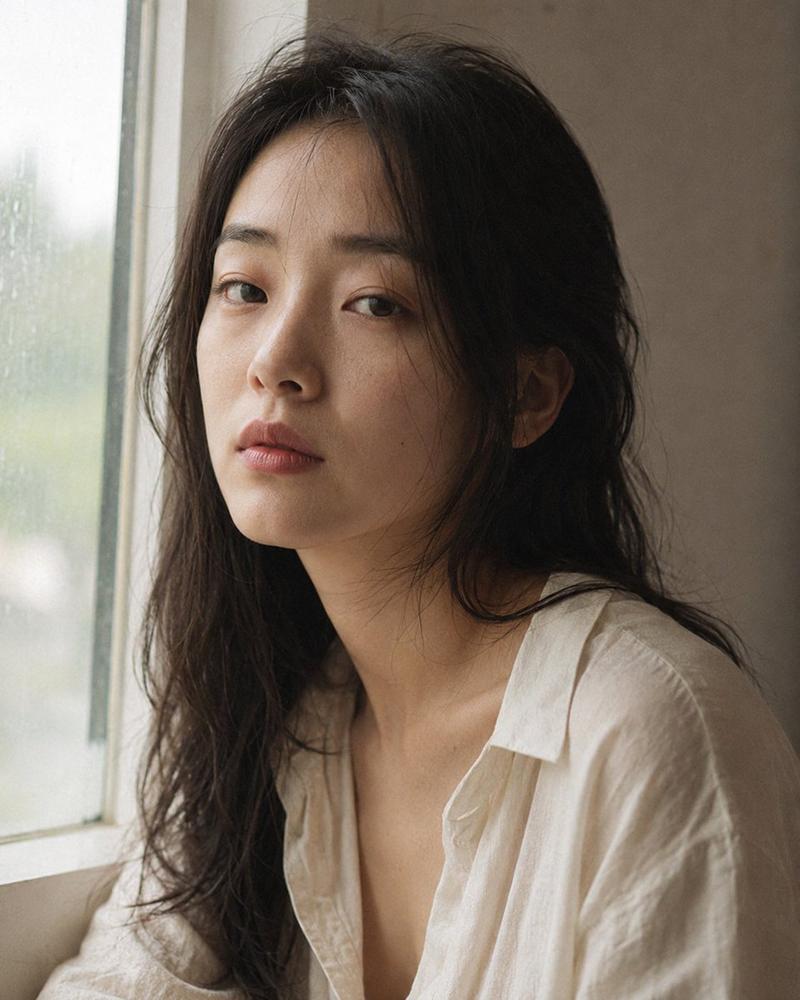
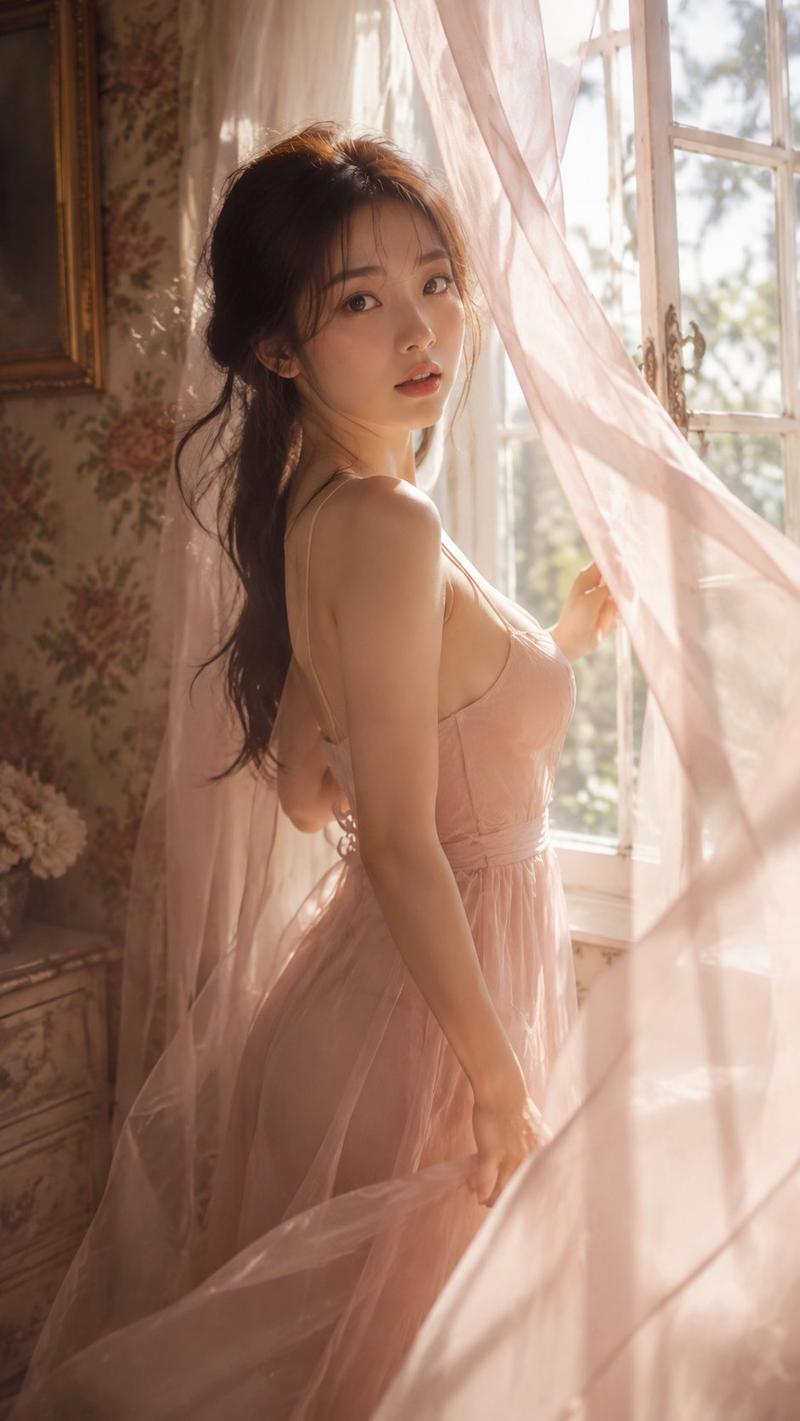
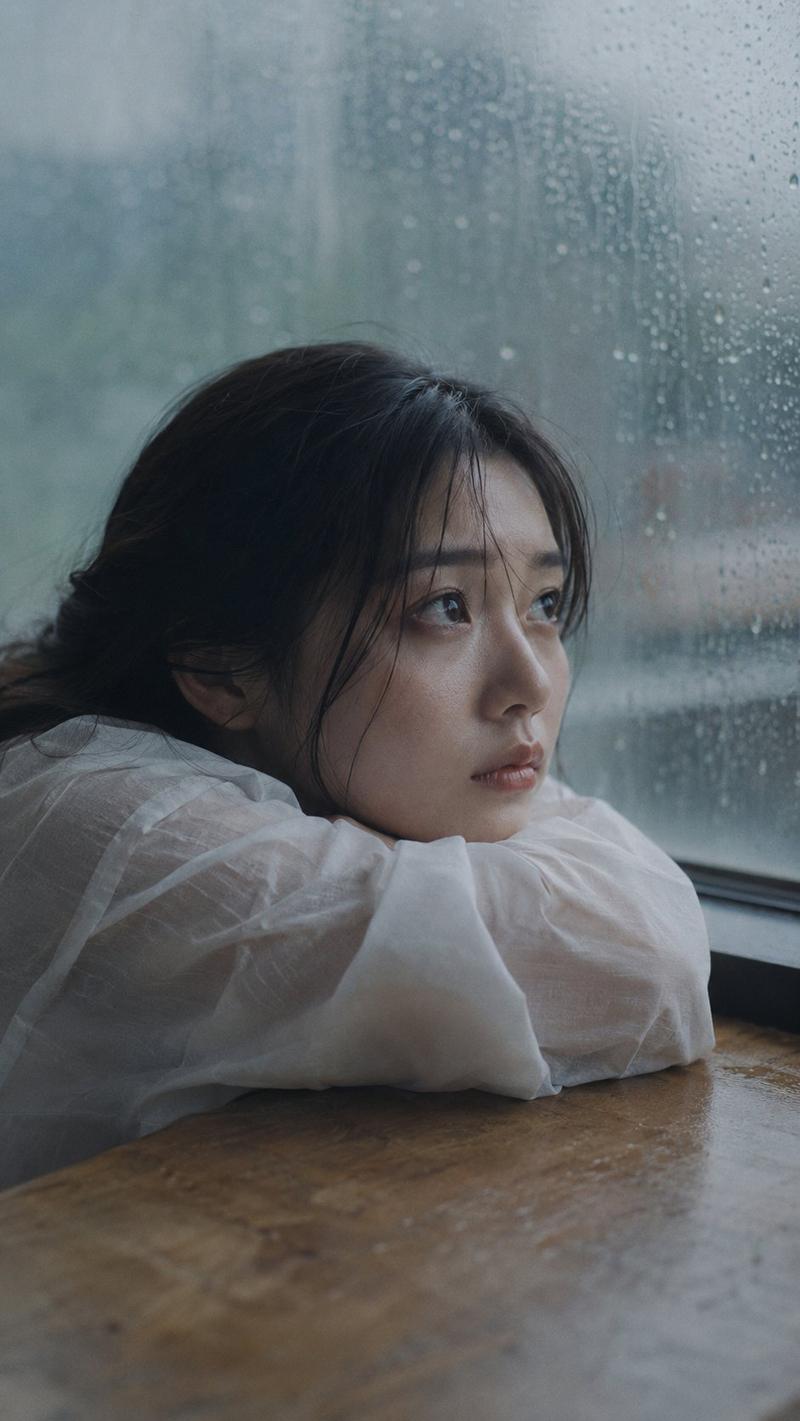
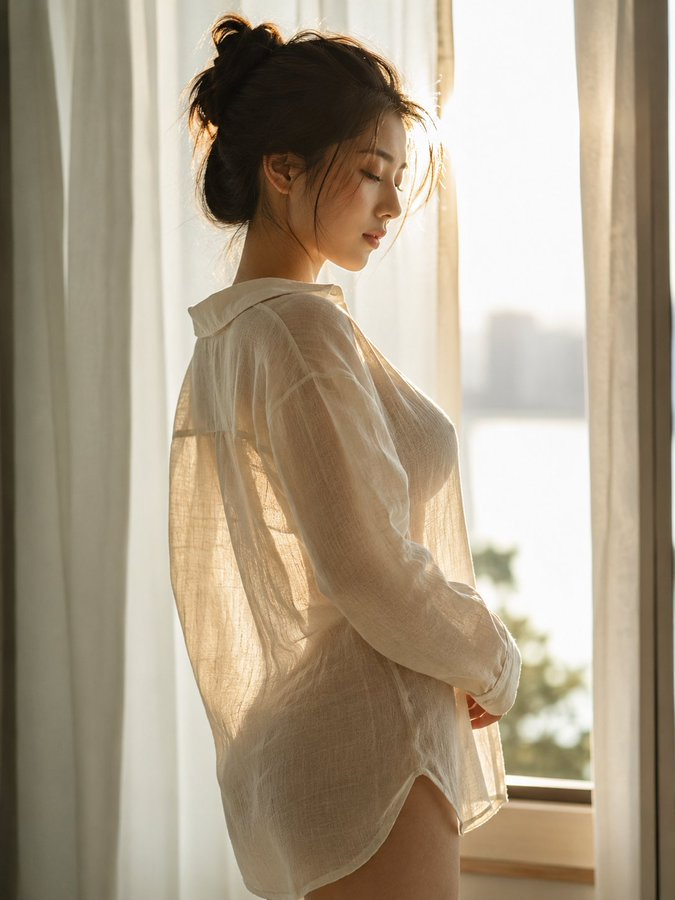
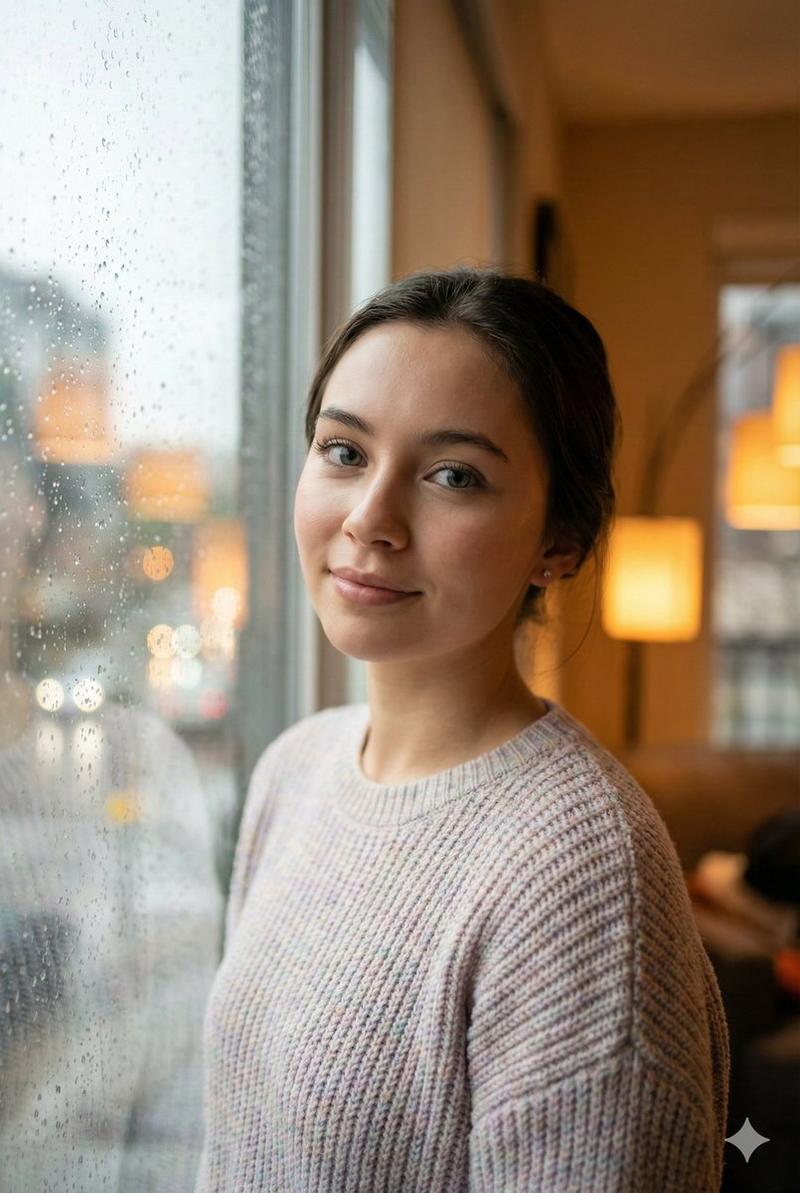
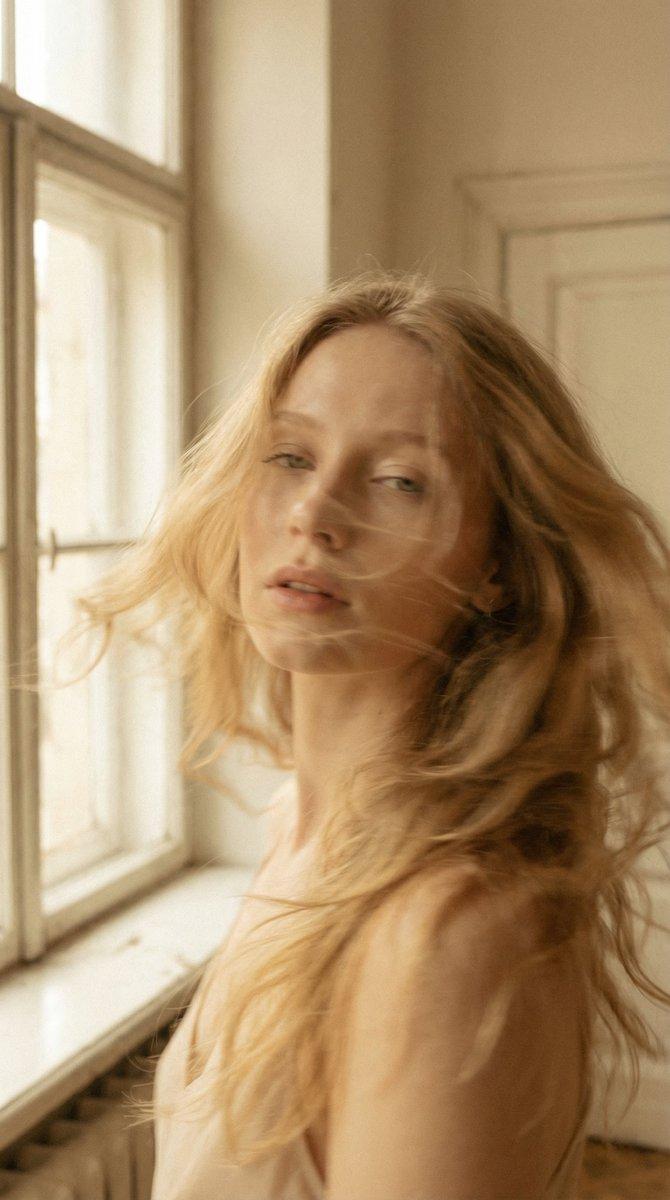
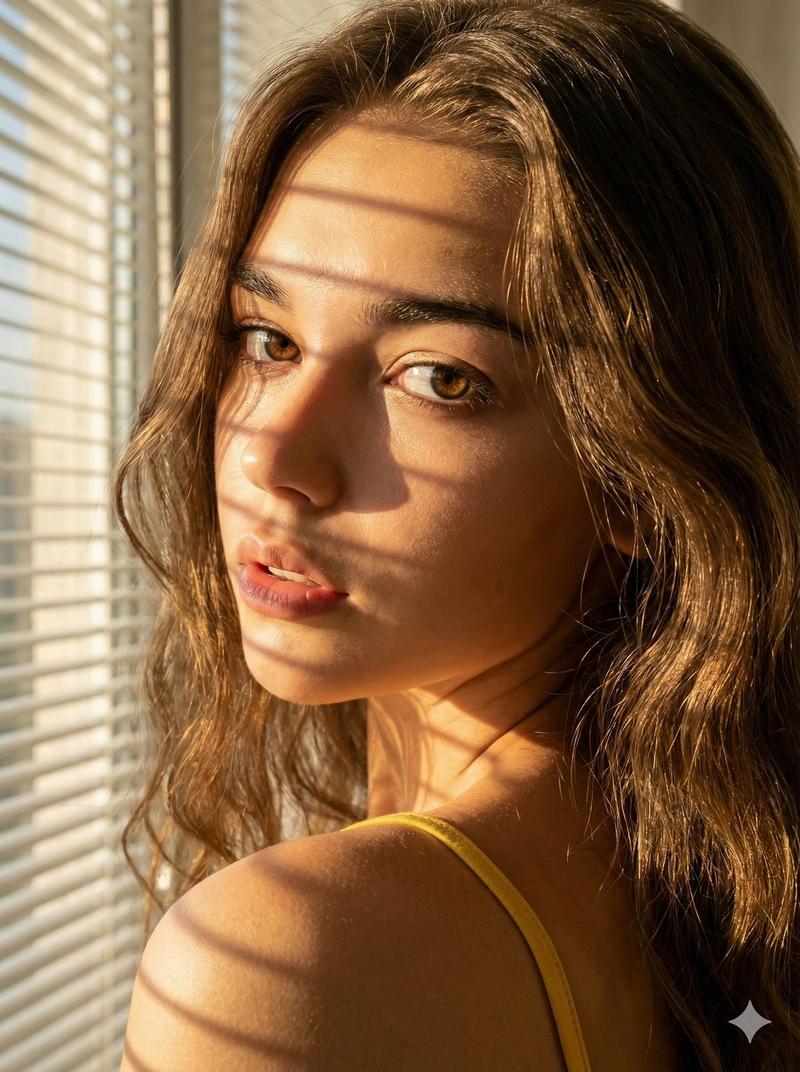
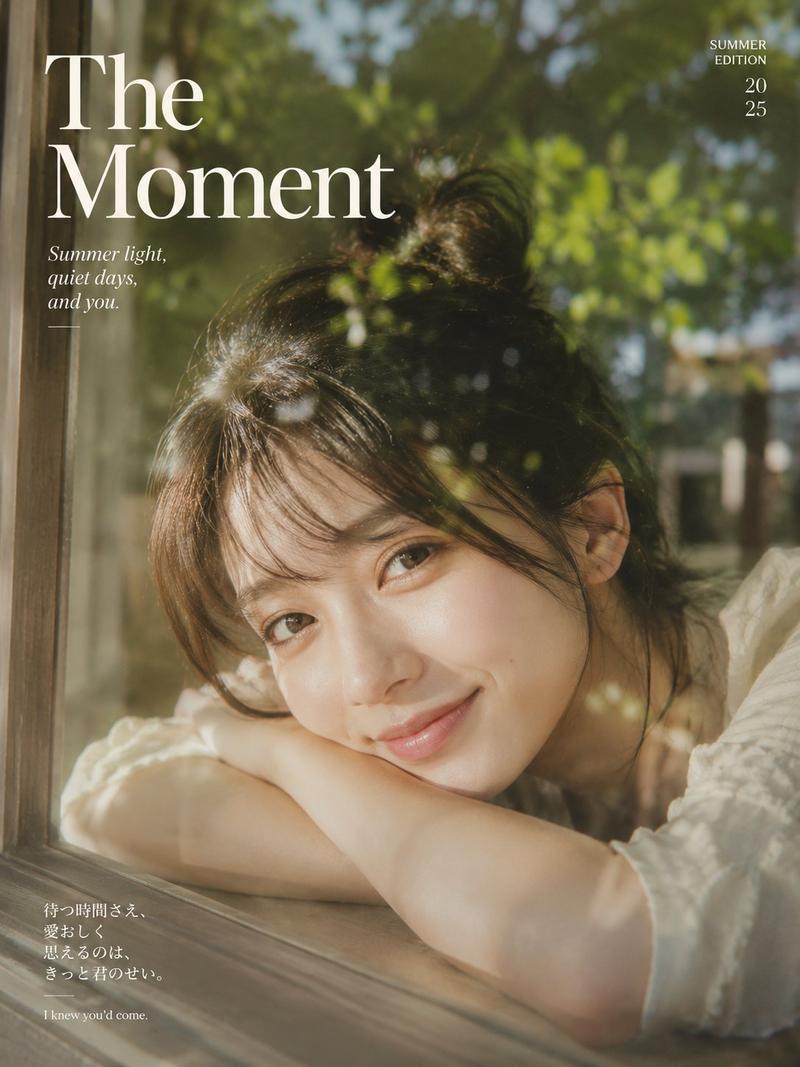
A cinematic, intimate portrait, taken in front of a large, bright window. A beautiful East Asian woman, with the visual appeal of a K-pop girl group member, 175cm tall and weighing 50kg, possesses a perfectly proportioned figure, with a full bust and shapely hips. She leans against the window frame in an innocent profile, glancing back at the camera with a gentle, shy smile. She wears a white cotton low-cut tank top. Strong sunlight streams down from behind her, penetrating her loosely styled hair and creating a dazzling halo around her shoulders. The image is sharply focused, clearly showing the fine downy hair on her cheeks and nose under the backlight. Her skin is fair and translucent, with a healthy glow. The edges of the white cotton fabric shimmer slightly in the sunlight. The overall atmosphere is authentic and intimate, achieved through high-key lighting supplemented with reflectors to ensure her face is bright yet soft.
Category
Photography & Realism
Model
Nano Banana Pro
Views177
Source ID
2007
Published
Jan 13, 2026

Guide

About "逆光窗边的温柔回眸"

What is this prompt for?

"逆光窗边的温柔回眸" AI image prompt for Nano Banana Pro (Photography & Realism). 一幅电影感、亲密的肖像,拍摄于一面大而明亮的窗前。一位美丽的东亚女性,拥有K-pop女团成员般的视觉吸引力,身高175cm,体重50kg,拥有完美比例的身材,胸部丰满,臀部…

The full copyable prompt and example visuals above are ready for AI image generation or one-click recreate in Picva.

How to use this prompt

  1. Step 1

    Open the prompt detail

    Review the example visuals, category, and full prompt text for "逆光窗边的温柔回眸".

  2. Step 2

    Copy the prompt

    Copy the prompt body from this page, or load it directly in Studio.

  3. Step 3

    Pick a model (Nano Banana Pro)

    Prefer Nano Banana Pro. If you switch models, keep subject and composition and tweak style terms.

  4. Step 4

    Generate and export

    Recreate the look in Picva, or export into your workflow for editing and publishing.

FAQ

What is the "逆光窗边的温柔回眸" prompt?
It is an AI image-generation prompt for Nano Banana Pro in the Photography & Realism category. This page includes the full prompt text, example visuals, and a one-click recreate path in Picva.
How do I use this prompt to generate an image?
Copy the prompt from this page, or use Generate / Studio. Paste it into a compatible image model, or recreate the look in Picva with optional reference images.
Which model is this prompt for?
This page lists Nano Banana Pro. Most descriptive prompts also transfer to nearby image models such as GPT Image, Flux, or Midjourney with light style tweaks.
Can I use the result commercially?
You can usually copy the prompt for creation, but commercial use of the final image depends on the model terms, reference-image rights, and the generated content. Follow the source author and platform rules.