19

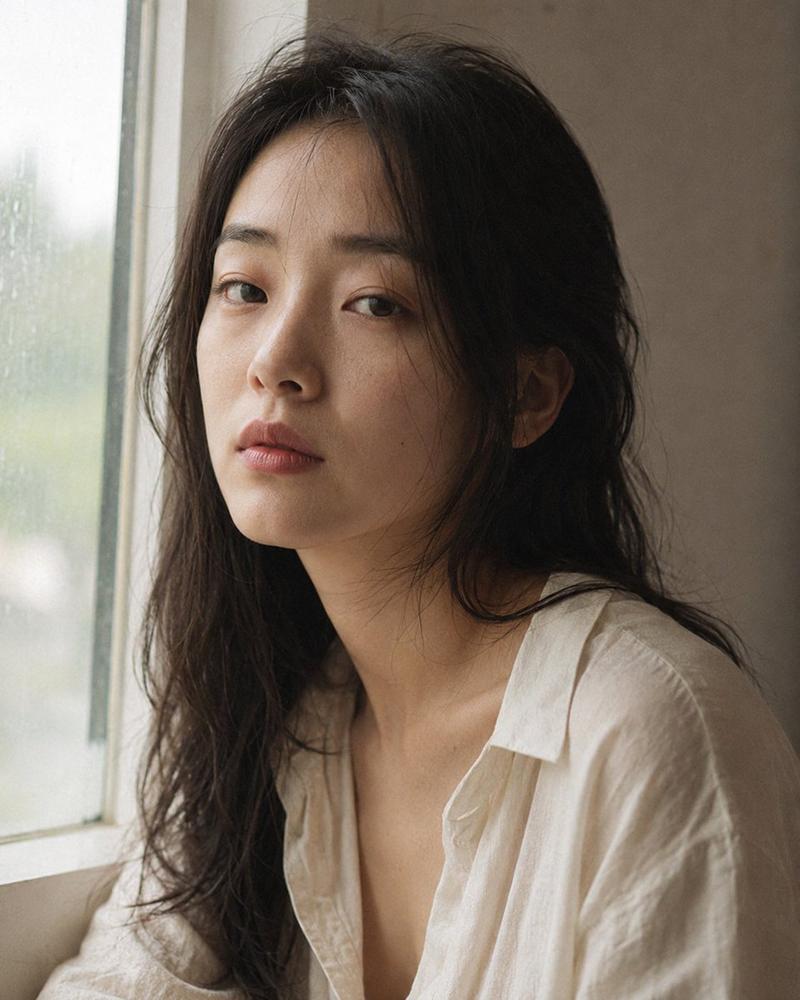
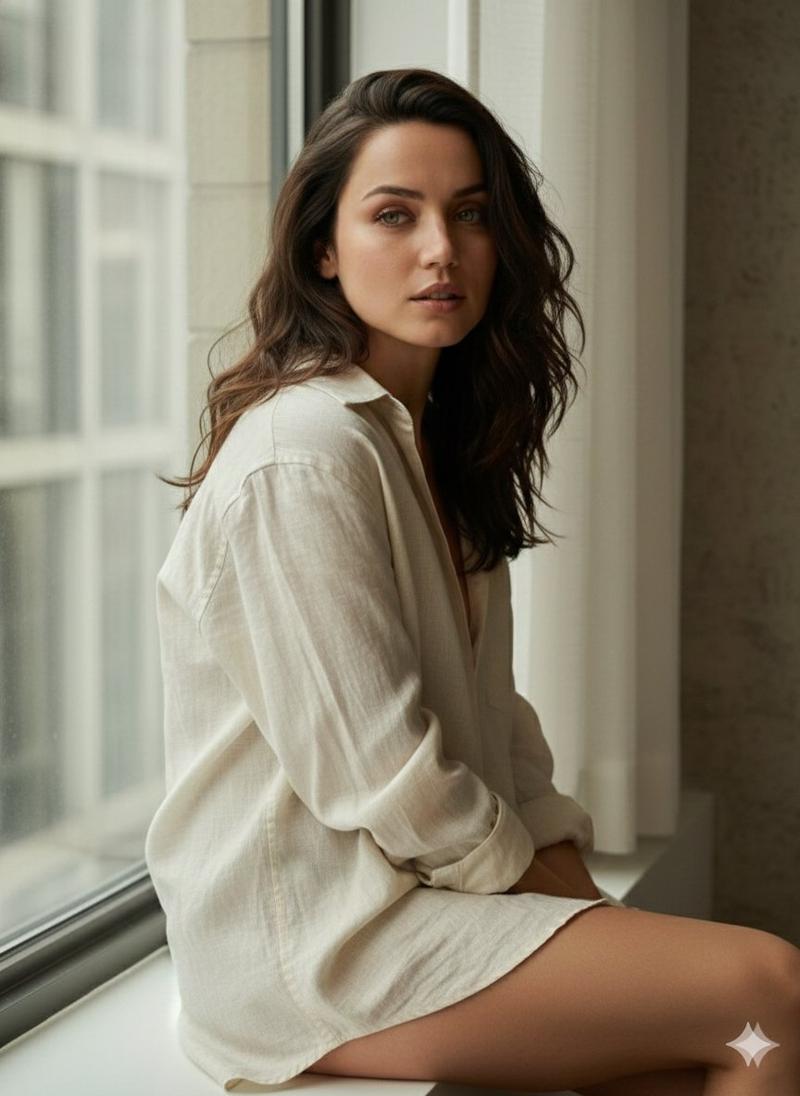
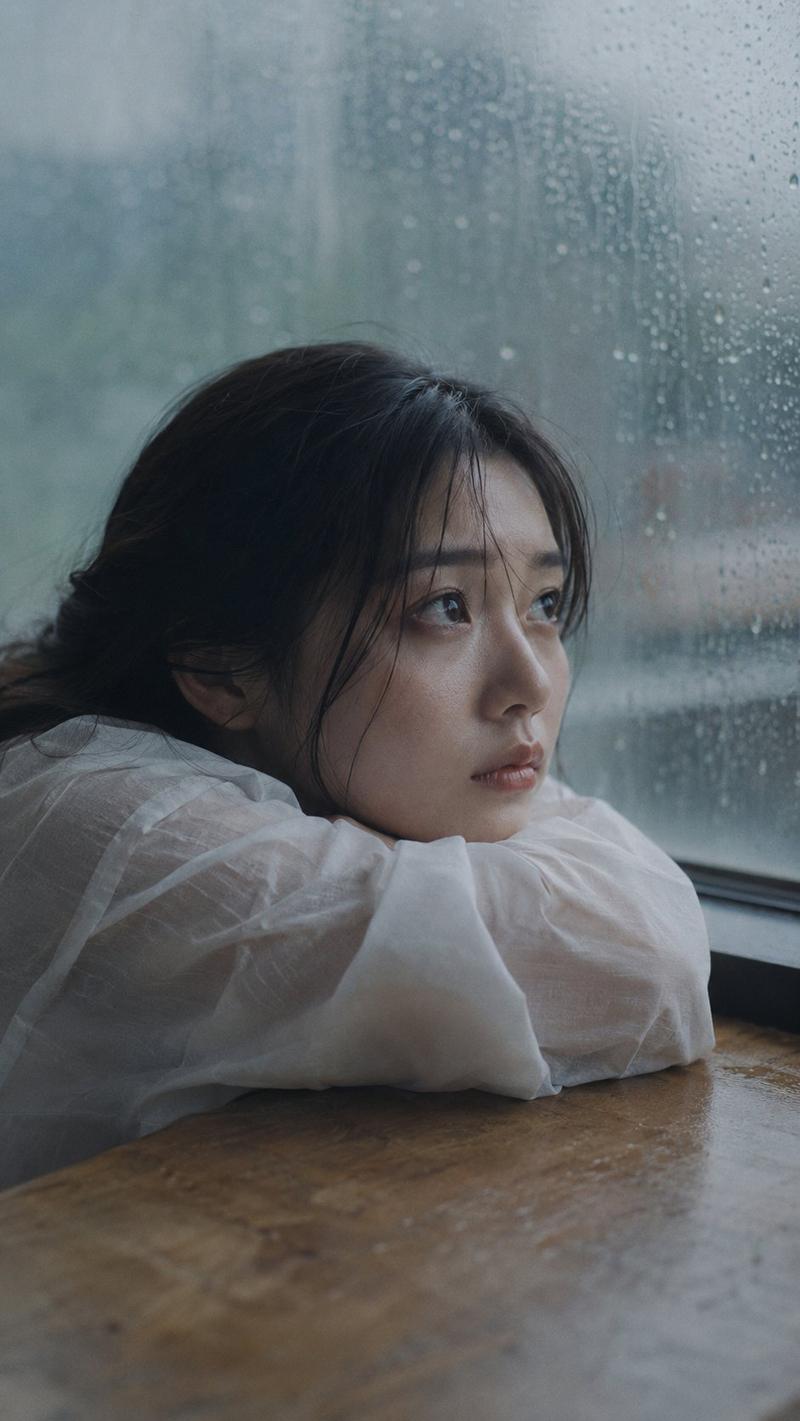
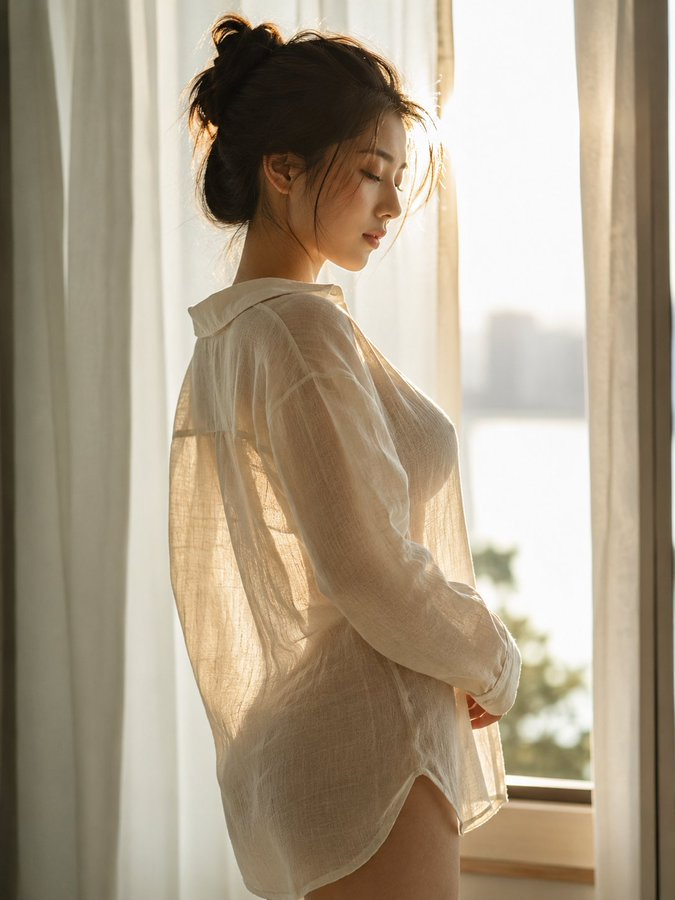
午后氛围感窗边人像
Enlarge

Example images

午后氛围感窗边人像

Prompt
Medium close-up portrait, 85mm, a young East Asian woman in her {argument name="age" default="early 20s"} sits
by a large {argument name="setting" default="apartment window"} in late afternoon light, body turned slightly toward
the glass, natural candid moment, authentic daily life photography.

Almond-shaped eyes with soft single eyelids, straight refined nose, fair
light-beige skin. She is not looking at camera — gaze rests on something outside,
or nothing at all. Lips relaxed, no expression readable. Skin subsurface
scattering visible under soft window light, fine texture natural and unretouched,
specular micro-highlights on nose ridge and cheekbone.

She wears a {argument name="clothing" default="loose oatmeal-colored linen overshirt"}, slightly wrinkled, worn over
a white inner top, sleeves pushed to elbows. Phone placed face-down on the
windowsill beside her, not in her hands. Two or three stray hairs fall across
her temple, disturbed by faint indoor air movement, not geometrically arranged.

Late afternoon diffused daylight, overcast sky outside filtering through sheer
curtain, warm-grey tones throughout, Kodak Portra 400 low-saturation palette,
muted beige and sage, no vivid color. Subtle ISO 400 film grain in shadow areas,
photographic texture not CG render smoothness.

Aspect ratio 4:5. No watermark, no text overlay, not cartoon, not digitally
painted, not illustration, not anime.
Category
Architecture & Spaces
Model
GPT Image 2
Views9
Source ID
28497
Published
Jul 12, 2026

Guide

About "午后氛围感窗边人像"

What is this prompt for?

"午后氛围感窗边人像" AI image prompt for GPT Image 2 (Architecture & Spaces). 一个电影感摄影提示词,用于捕捉女性坐在窗边、在午后漫射光下自然且情绪化的肖像。 Copy it on Picva and recreate the look in one clic…

The full copyable prompt and example visuals above are ready for AI image generation or one-click recreate in Picva.

How to use this prompt

  1. Step 1

    Open the prompt detail

    Review the example visuals, category, and full prompt text for "午后氛围感窗边人像".

  2. Step 2

    Copy the prompt

    Copy the prompt body from this page, or load it directly in Studio.

  3. Step 3

    Pick a model (GPT Image 2)

    Prefer GPT Image 2. If you switch models, keep subject and composition and tweak style terms.

  4. Step 4

    Generate and export

    Recreate the look in Picva, or export into your workflow for editing and publishing.

FAQ

What is the "午后氛围感窗边人像" prompt?
It is an AI image-generation prompt for GPT Image 2 in the Architecture & Spaces category. This page includes the full prompt text, example visuals, and a one-click recreate path in Picva.
How do I use this prompt to generate an image?
Copy the prompt from this page, or use Generate / Studio. Paste it into a compatible image model, or recreate the look in Picva with optional reference images.
Which model is this prompt for?
This page lists GPT Image 2. Most descriptive prompts also transfer to nearby image models such as GPT Image, Flux, or Midjourney with light style tweaks.
Can I use the result commercially?
You can usually copy the prompt for creation, but commercial use of the final image depends on the model terms, reference-image rights, and the generated content. Follow the source author and platform rules.