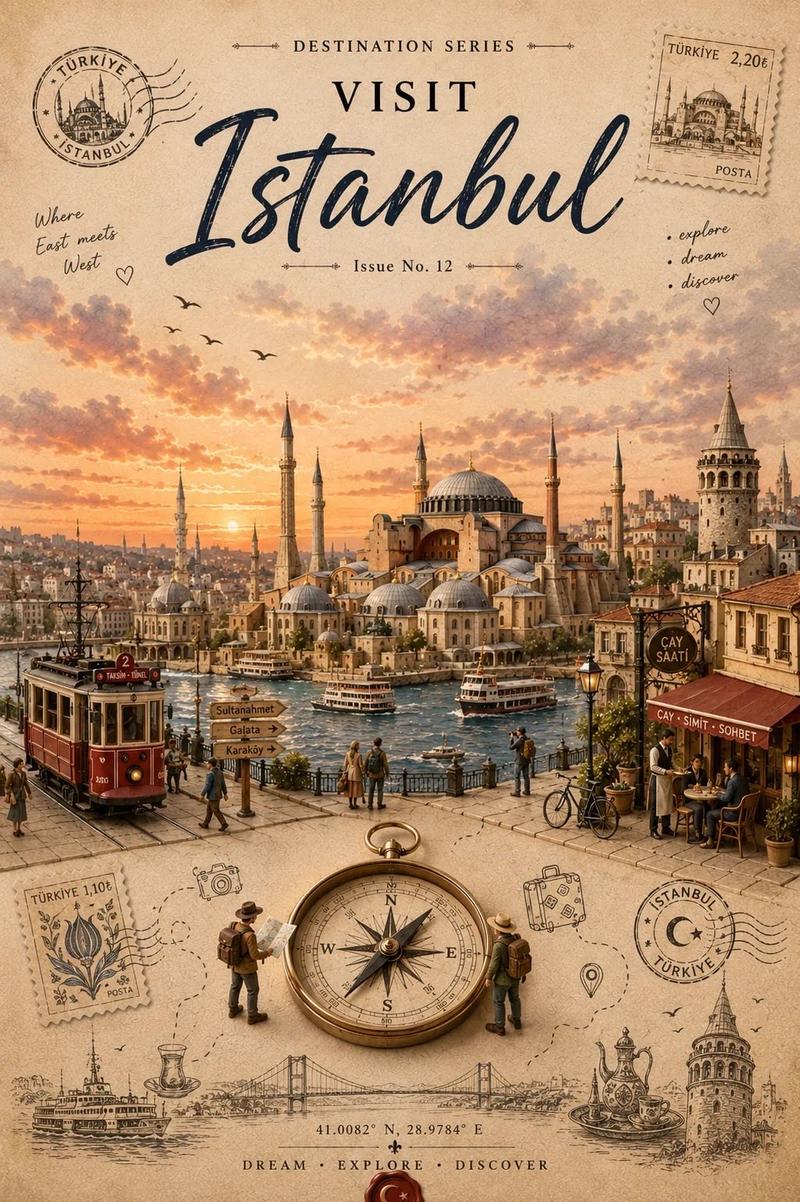
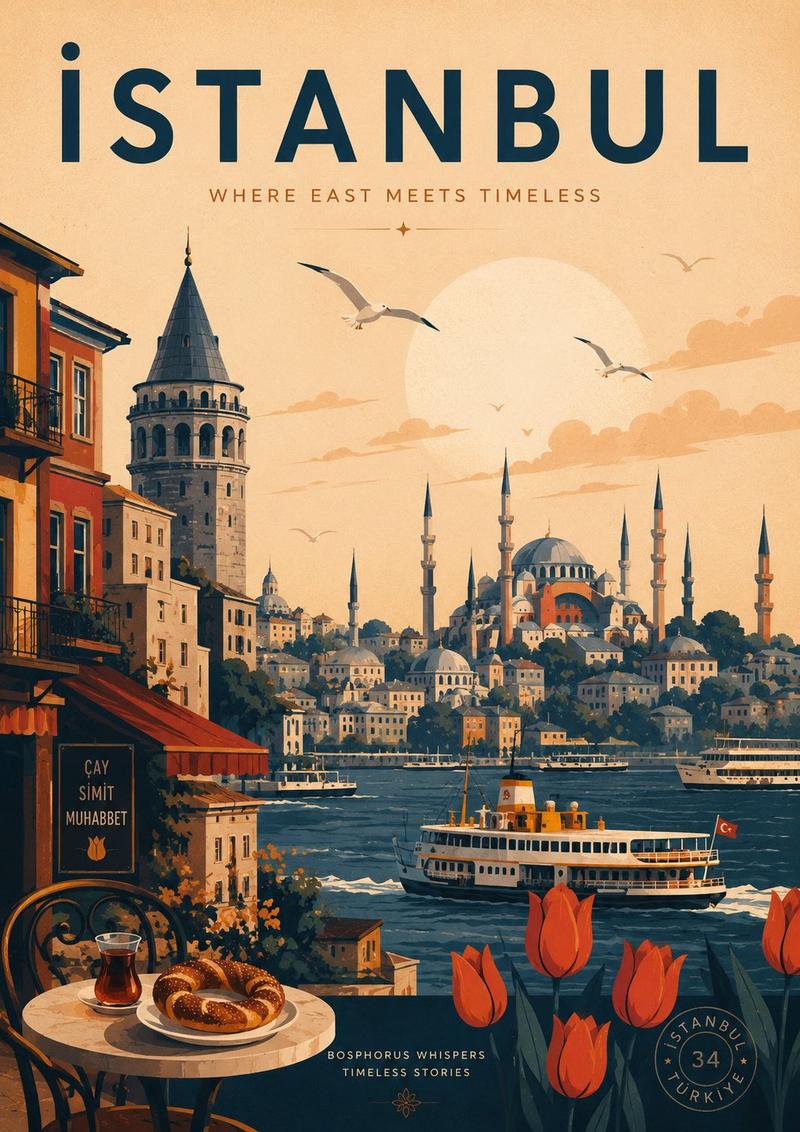
16

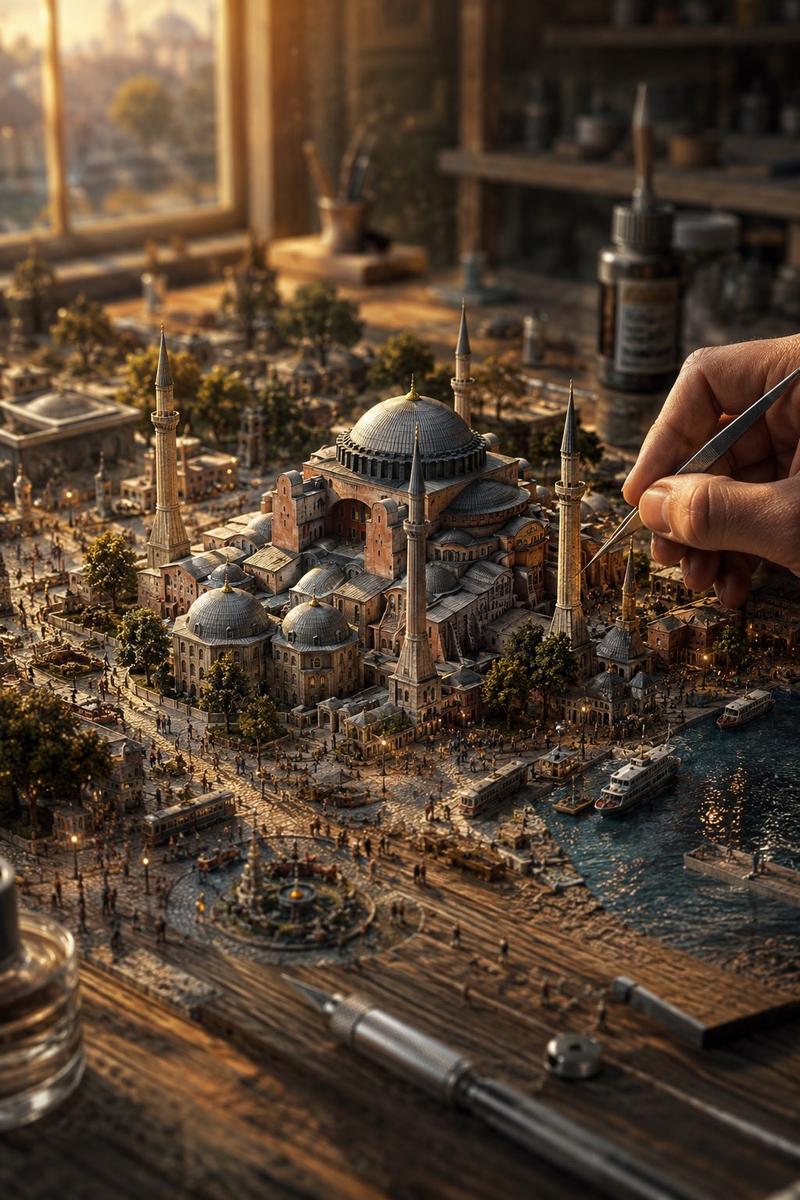
圣索菲亚大教堂:建筑蓝图与实景对比
Enlarge

圣索菲亚大教堂:建筑蓝图与实景对比

Prompt
{ "objective": "Create a side-by-side visual comparison ofHagia Sophia, featuring a technical architectural sketch and a real-life photograph", "image_specifications": { "style": "Mixed media (Architectural drawing + Real photography)", "layout": "2-part horizontal split", "aspect_ratio": "3:2" }, "left_side": { "content_type": "Technical sketch or blueprint of the selected World Wonder", "features": [ "Accurate structural proportions", "Labeled dimensions depth", "Architectural elevation views or cutaways", "Text annotations in native or English language" ], "text_annotations": { "units": "Metric or imperial, based on region", "details": [ "Construction phases", "Material notes", "Architectural labels" ], "font_style": "Engineering or blueprint-styled text" }, "visual_style": "Monochrome, line art, or sepia blueprint", "positioning": "Left half of the image" }, "right_side": { "content_type": "High-resolution real-world image of the selected World Wonder", "features": [ "Wide-angle view or frontal perspective", "Natural or ambient lighting", "Color photo with environment context surroundings" ], "positioning": "Right half of the image" }, "visual_elements": { "border_division": "Clean vertical split or blended transition", "comparison_focus": "Contrast between design concept and real-world result" }, "output_format": { "type": "Image", "high_resolution": true, "use_case": [ "Educational poster", "Architectural showcase", "Tourist guide", "Infographic series" ] }, ]
Category
Charts & Infographics
Model
Nano Banana Pro
Views138
Source ID
11847
Published
Apr 1, 2026

Guide

About "圣索菲亚大教堂:建筑蓝图与实景对比"

What is this prompt for?

"圣索菲亚大教堂:建筑蓝图与实景对比" AI image prompt for Nano Banana Pro (Charts & Infographics). { "objective": "创建圣索菲亚大教堂的并排视觉比较图,包含技术建筑草图和真实照片", "image_specifications": { "s…

The full copyable prompt and example visuals above are ready for AI image generation or one-click recreate in Picva.

How to use this prompt

  1. Step 1

    Open the prompt detail

    Review the example visuals, category, and full prompt text for "圣索菲亚大教堂:建筑蓝图与实景对比".

  2. Step 2

    Copy the prompt

    Copy the prompt body from this page, or load it directly in Studio.

  3. Step 3

    Pick a model (Nano Banana Pro)

    Prefer Nano Banana Pro. If you switch models, keep subject and composition and tweak style terms.

  4. Step 4

    Generate and export

    Recreate the look in Picva, or export into your workflow for editing and publishing.

FAQ

What is the "圣索菲亚大教堂:建筑蓝图与实景对比" prompt?
It is an AI image-generation prompt for Nano Banana Pro in the Charts & Infographics category. This page includes the full prompt text, example visuals, and a one-click recreate path in Picva.
How do I use this prompt to generate an image?
Copy the prompt from this page, or use Generate / Studio. Paste it into a compatible image model, or recreate the look in Picva with optional reference images.
Which model is this prompt for?
This page lists Nano Banana Pro. Most descriptive prompts also transfer to nearby image models such as GPT Image, Flux, or Midjourney with light style tweaks.
Can I use the result commercially?
You can usually copy the prompt for creation, but commercial use of the final image depends on the model terms, reference-image rights, and the generated content. Follow the source author and platform rules.