18

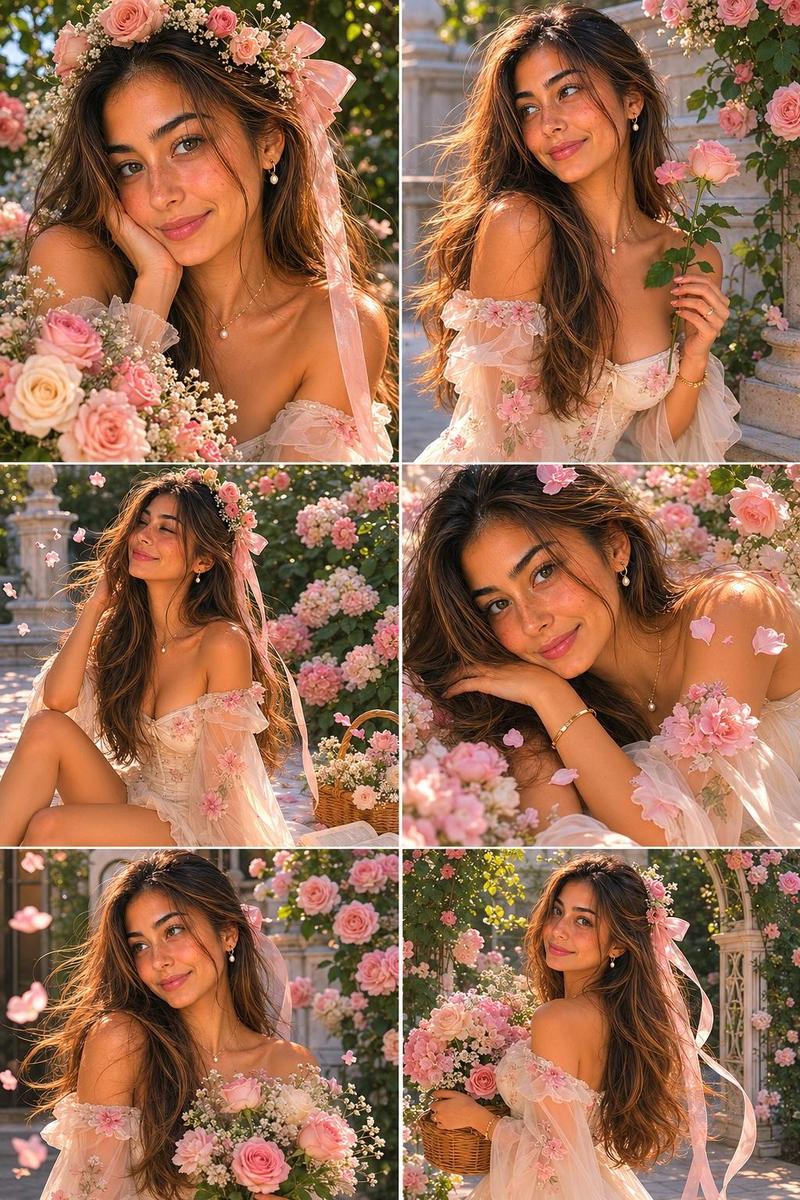
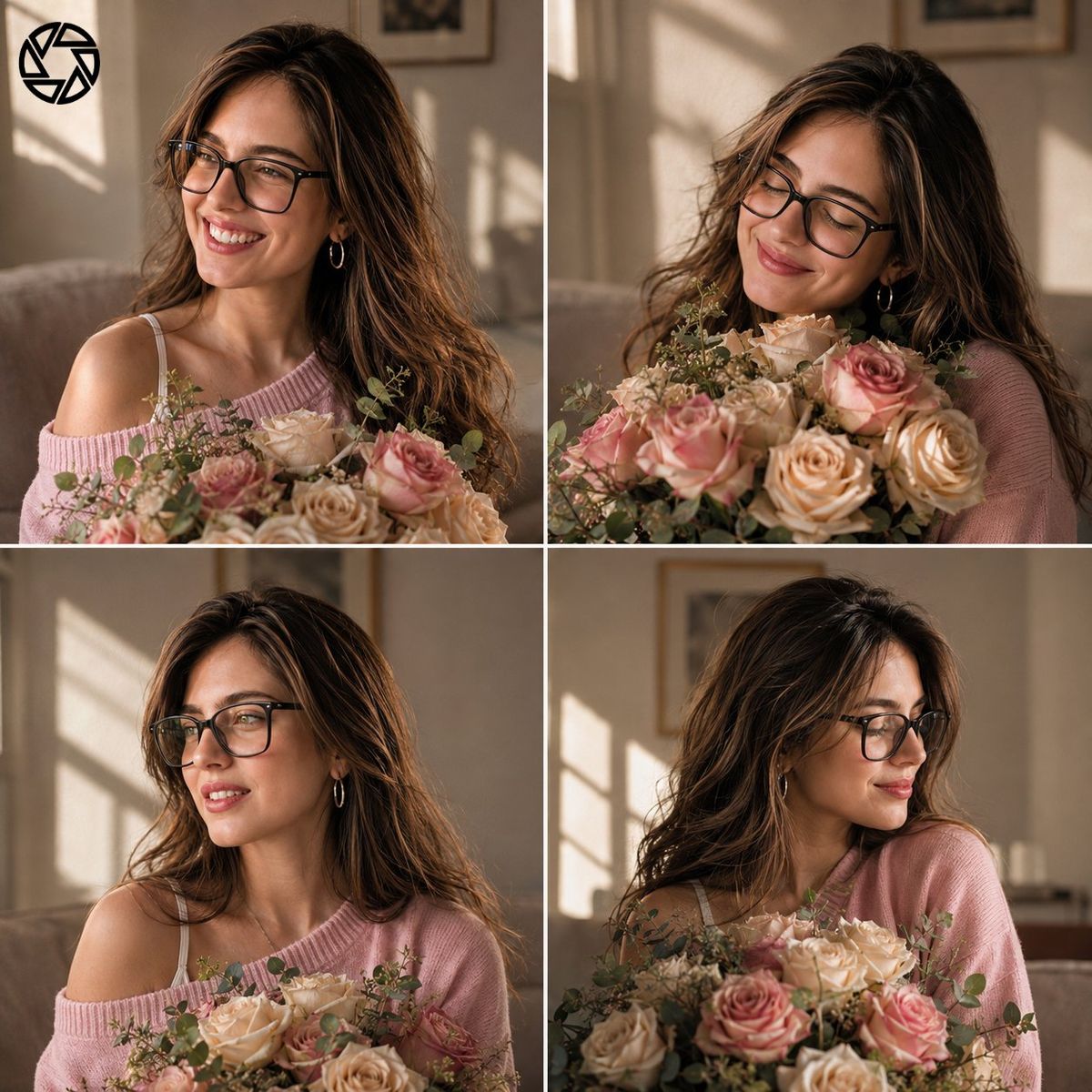
高级杂志风格花园人像拼图
Enlarge

高级杂志风格花园人像拼图

Prompt
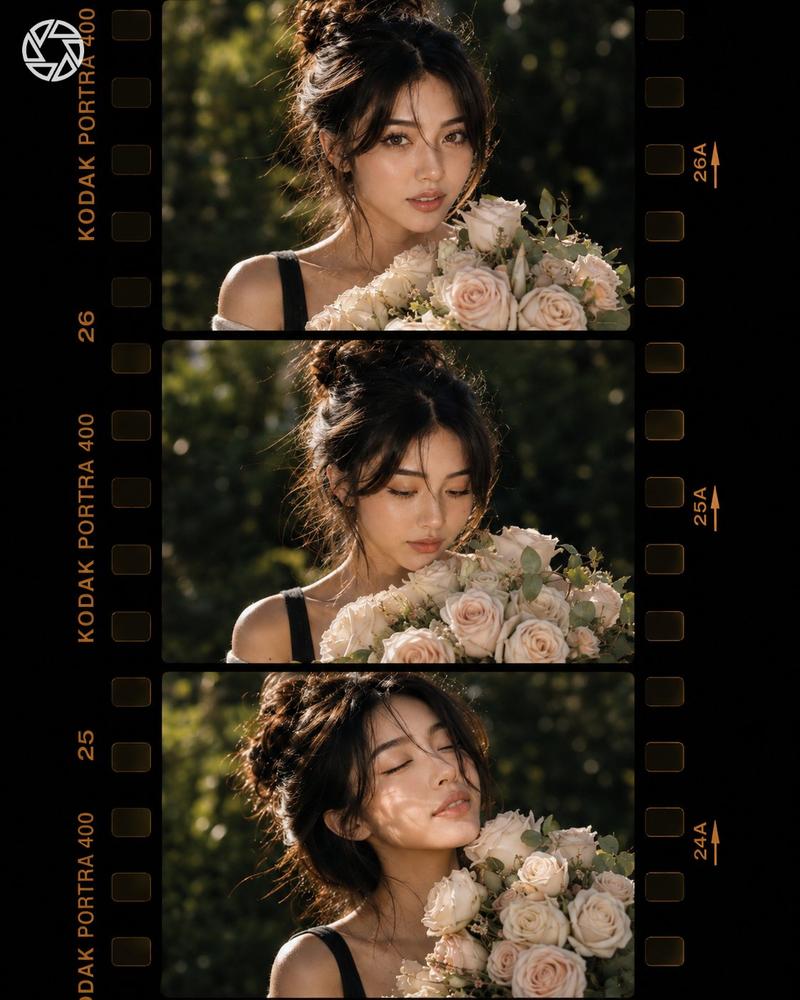
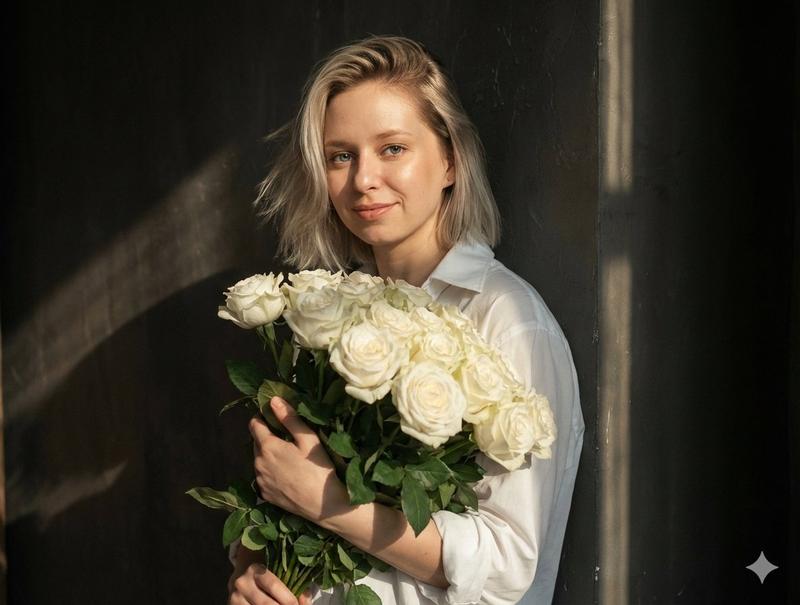
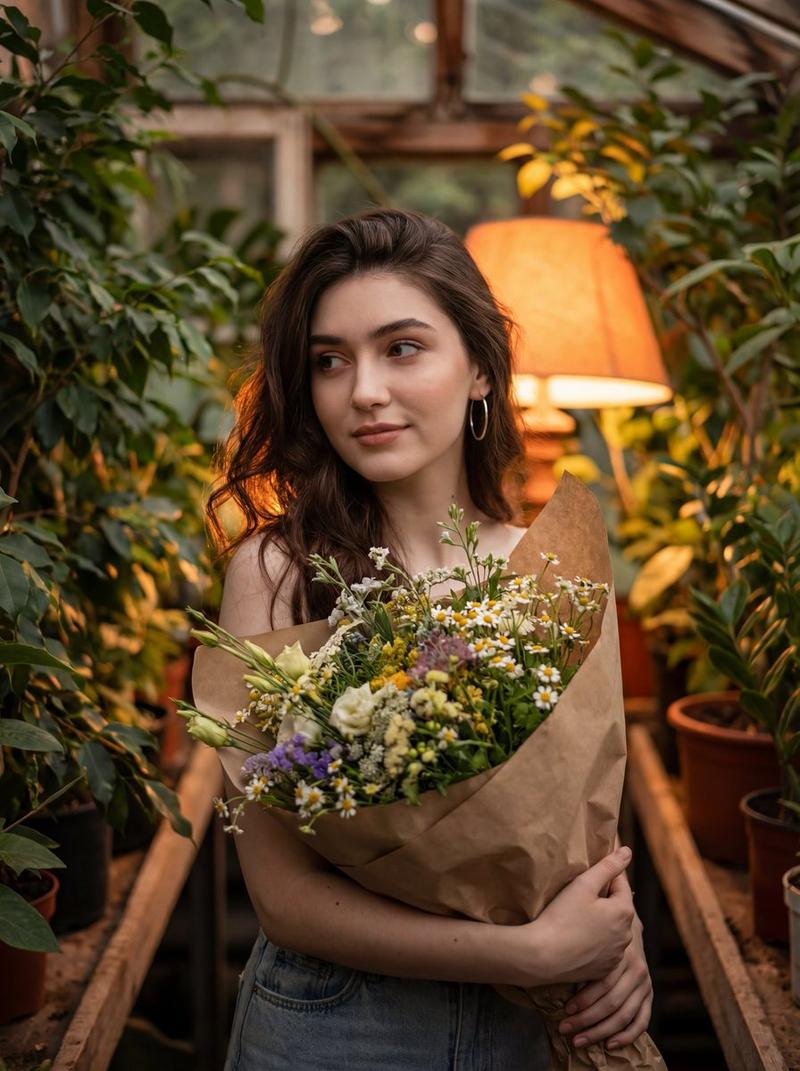
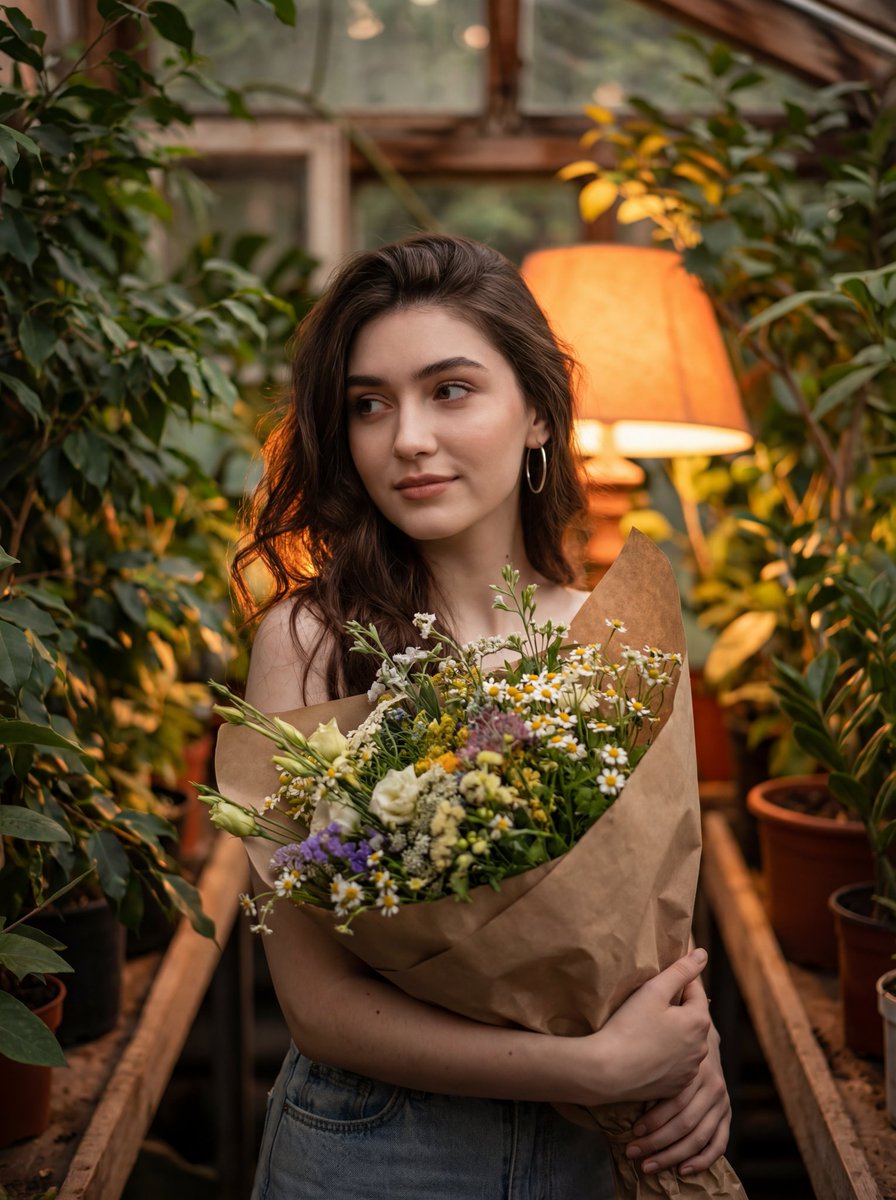
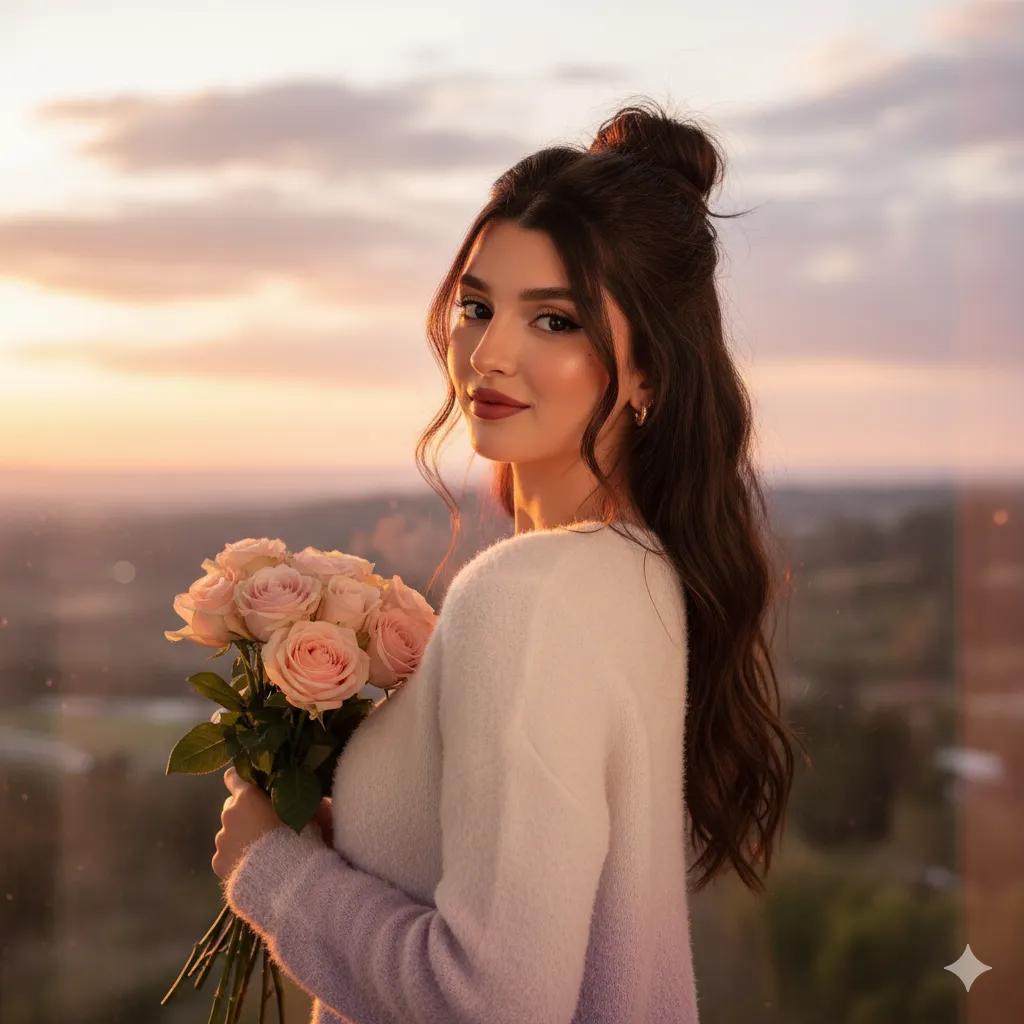
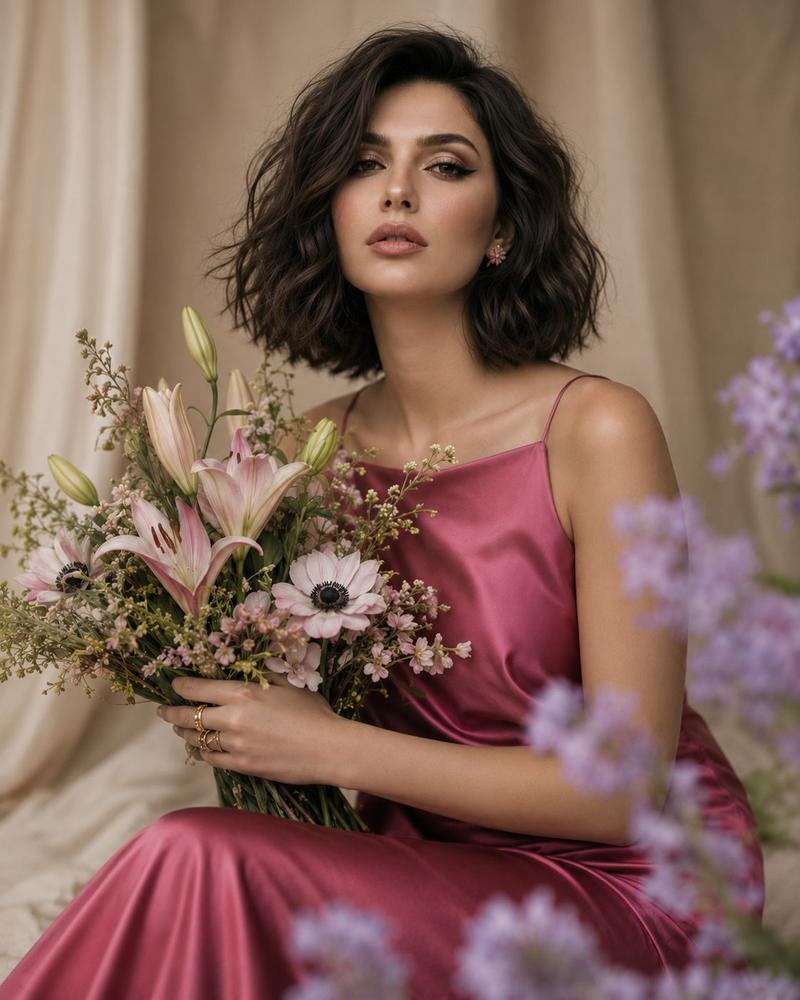
High-end editorial collage composed of four cinematic photographs arranged in an elegant magazine spread. Reference woman wearing a delicate cream dress in a flower garden. Holding freshly picked roses and peonies. Gentle breeze moving hair naturally. Different shots include close-up portrait, looking away from camera, smelling flowers, and relaxed candid smile. Soft sunset backlight, realistic depth of field, natural skin details, luxury fashion editorial photography, muted pastel palette, cinematic realism, organic textures, film photography aesthetic, no overprocessing, no fantasy elements.
Maintain exact facial identity from reference image, consistent facial features across all panels, realistic skin texture, natural eyes, cinematic photography, organic lighting, authentic human proportions, premium editorial quality, subtle film grain, shallow depth of field, photorealistic.
Category
Posters & Typography
Model
ChatGPT
Views4
Source ID
15472
Published
Jun 8, 2026

Guide

About "高级杂志风格花园人像拼图"

What is this prompt for?

"高级杂志风格花园人像拼图" AI image prompt for ChatGPT (Posters & Typography). 高端社论拼贴,由四张电影照片组成,排列在优雅的杂志版面中。参考穿着精致米色连衣裙在花园里的女性。拿着刚采摘的玫瑰和牡丹。微风自然地吹动头发。不同的镜头包括特写肖像、看向镜头外、闻花香以…

The full copyable prompt and example visuals above are ready for AI image generation or one-click recreate in Picva.

How to use this prompt

  1. Step 1

    Open the prompt detail

    Review the example visuals, category, and full prompt text for "高级杂志风格花园人像拼图".

  2. Step 2

    Copy the prompt

    Copy the prompt body from this page, or load it directly in Studio.

  3. Step 3

    Pick a model (ChatGPT)

    Prefer ChatGPT. If you switch models, keep subject and composition and tweak style terms.

  4. Step 4

    Generate and export

    Recreate the look in Picva, or export into your workflow for editing and publishing.

FAQ

What is the "高级杂志风格花园人像拼图" prompt?
It is an AI image-generation prompt for ChatGPT in the Posters & Typography category. This page includes the full prompt text, example visuals, and a one-click recreate path in Picva.
How do I use this prompt to generate an image?
Copy the prompt from this page, or use Generate / Studio. Paste it into a compatible image model, or recreate the look in Picva with optional reference images.
Which model is this prompt for?
This page lists ChatGPT. Most descriptive prompts also transfer to nearby image models such as GPT Image, Flux, or Midjourney with light style tweaks.
Can I use the result commercially?
You can usually copy the prompt for creation, but commercial use of the final image depends on the model terms, reference-image rights, and the generated content. Follow the source author and platform rules.