14

人体解剖学详尽教育信息图
Enlarge

人体解剖学详尽教育信息图

Prompt
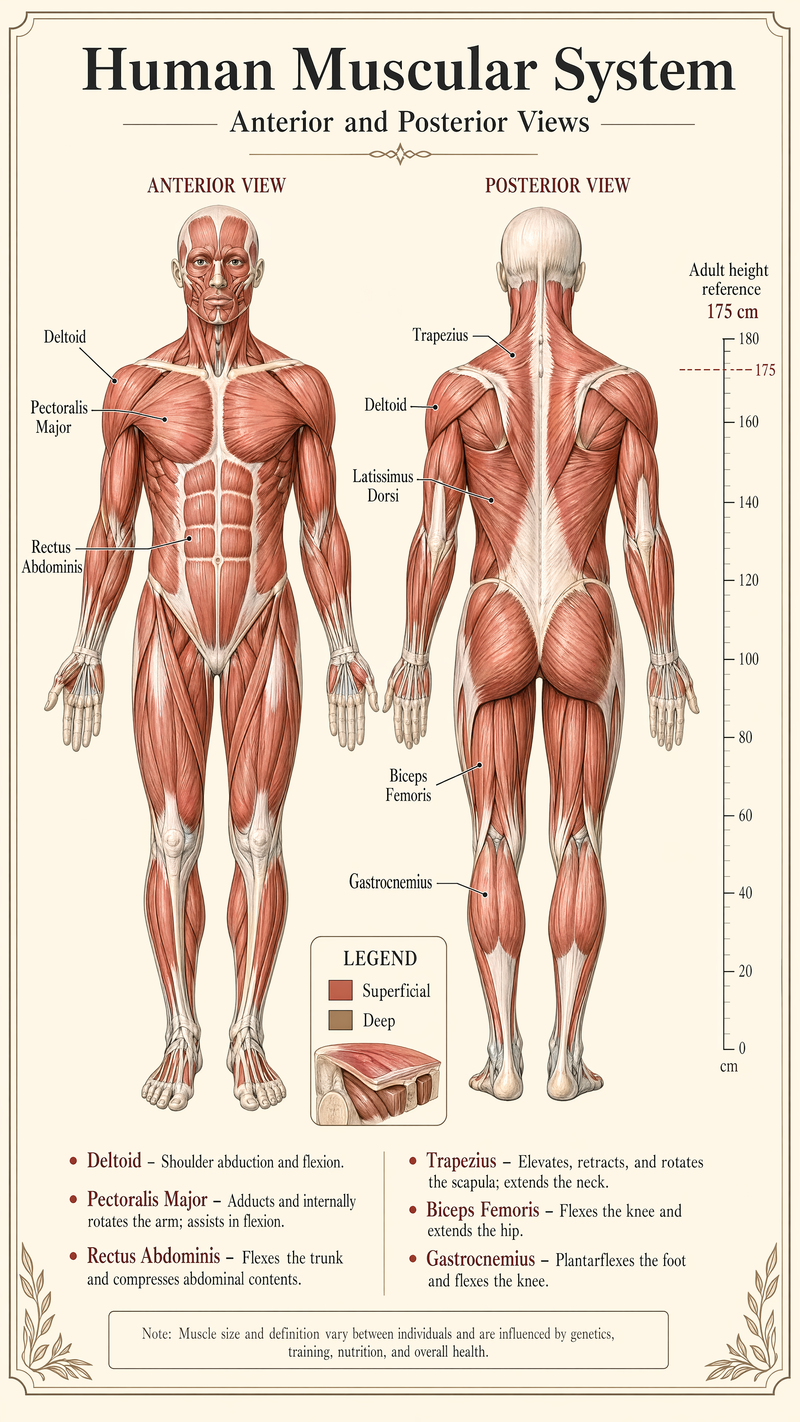
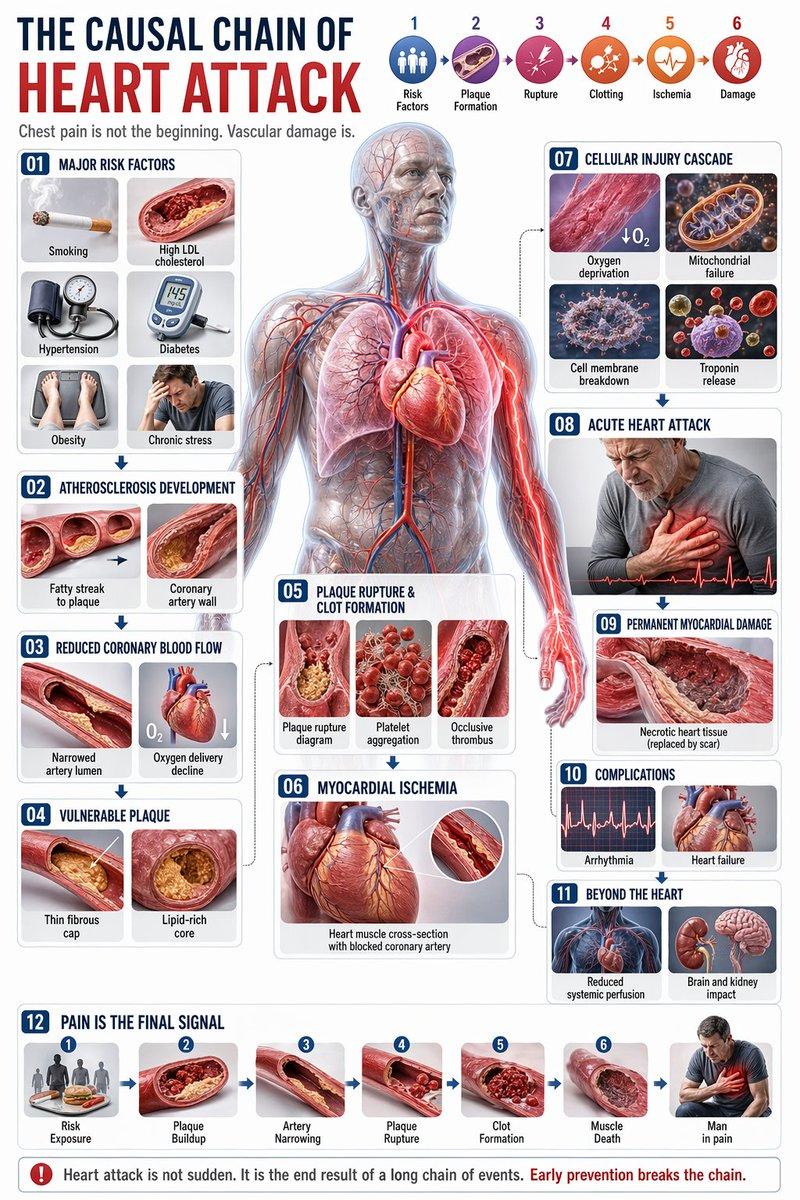
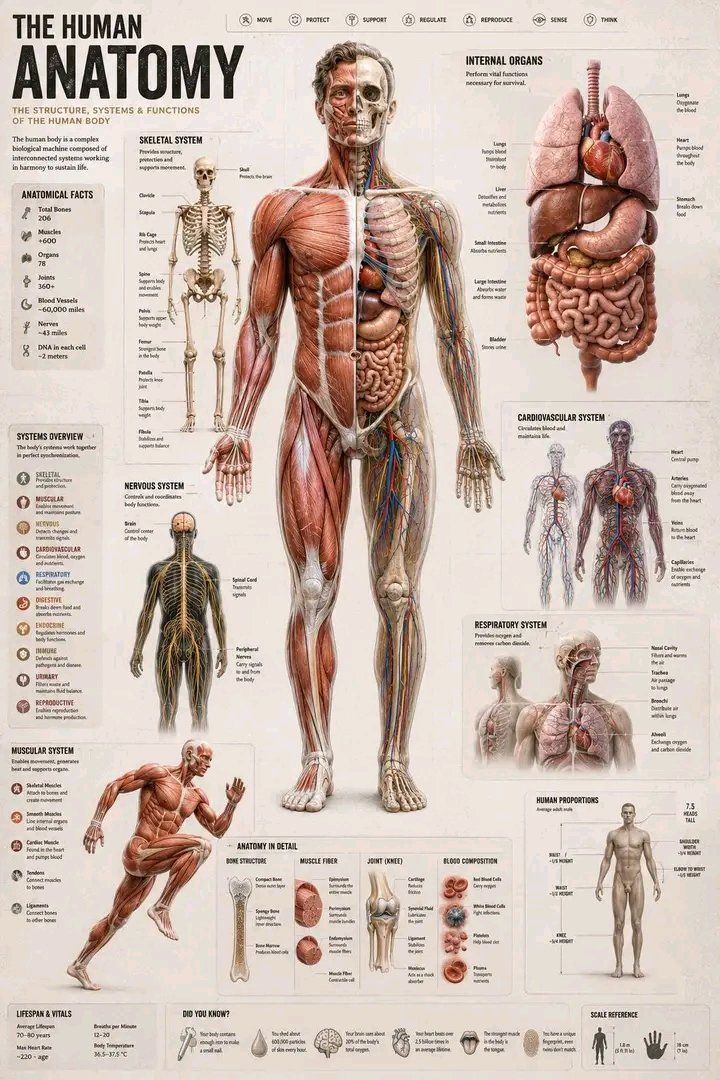
Create a detailed educational infographic titled **“The Human Anatomy”** on a parchment-style background.

Place a central full-body male figure split vertically: left side shows the muscular system, right side shows a cutaway revealing skeletal structure, internal organs, and circulatory system.

Surround the figure with organized sections:

* Internal organs panel (heart, lungs, liver, stomach, intestines)
* Skeletal system diagram with labeled major bones
* Nervous, respiratory, and cardiovascular system mini diagrams
* Muscular system shown in a running pose

Add supporting info boxes:

* Key stats (206 bones, 600+ muscles, organs count)
* Micro-anatomy zoom-ins (bone, muscle fiber, joint, blood)
* Human body proportions scale (head-based measurements)
* Basic health facts (lifespan, body temperature)

Include a bottom strip with small “Did You Know?” trivia icons.

Style: clean scientific textbook infographic, highly detailed, well-labeled, balanced layout, soft sepia background.
Category
Charts & Infographics
Model
ChatGPT
Creator
@arghzq
Views58
Source ID
14409
Published
May 14, 2026

Guide

About "人体解剖学详尽教育信息图"

What is this prompt for?

"人体解剖学详尽教育信息图" AI image prompt for ChatGPT (Charts & Infographics). 在羊皮纸风格的背景上制作一张标题为“人体解剖学”的详细教育信息图。中心放置一个完整的男性身体形象,垂直拆分:左侧显示肌肉系统,右侧显示剖面,揭示骨骼结构、内脏器官和循环系统。在人物周…

The full copyable prompt and example visuals above are ready for AI image generation or one-click recreate in Picva.

How to use this prompt

  1. Step 1

    Open the prompt detail

    Review the example visuals, category, and full prompt text for "人体解剖学详尽教育信息图".

  2. Step 2

    Copy the prompt

    Copy the prompt body from this page, or load it directly in Studio.

  3. Step 3

    Pick a model (ChatGPT)

    Prefer ChatGPT. If you switch models, keep subject and composition and tweak style terms.

  4. Step 4

    Generate and export

    Recreate the look in Picva, or export into your workflow for editing and publishing.

FAQ

What is the "人体解剖学详尽教育信息图" prompt?
It is an AI image-generation prompt for ChatGPT in the Charts & Infographics category. This page includes the full prompt text, example visuals, and a one-click recreate path in Picva.
How do I use this prompt to generate an image?
Copy the prompt from this page, or use Generate / Studio. Paste it into a compatible image model, or recreate the look in Picva with optional reference images.
Which model is this prompt for?
This page lists ChatGPT. Most descriptive prompts also transfer to nearby image models such as GPT Image, Flux, or Midjourney with light style tweaks.
Can I use the result commercially?
You can usually copy the prompt for creation, but commercial use of the final image depends on the model terms, reference-image rights, and the generated content. Follow the source author and platform rules.