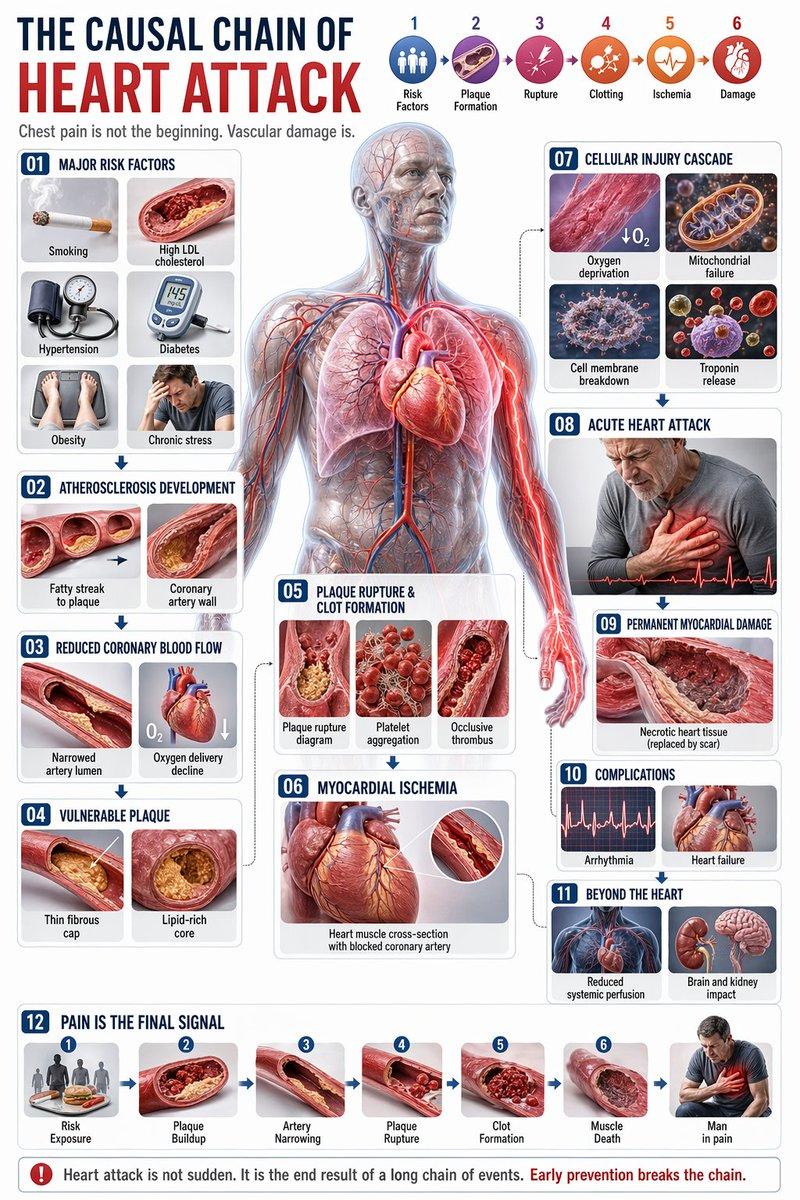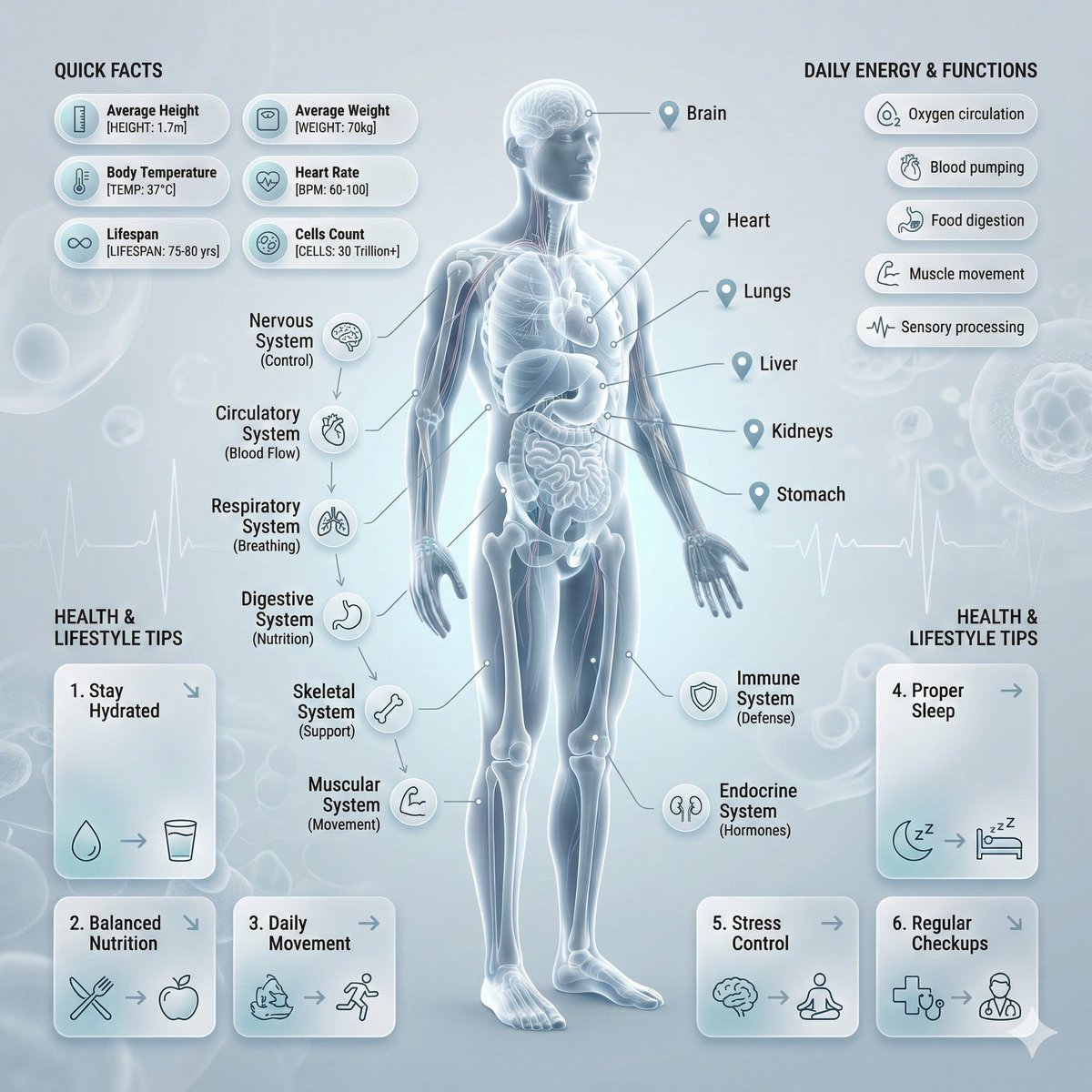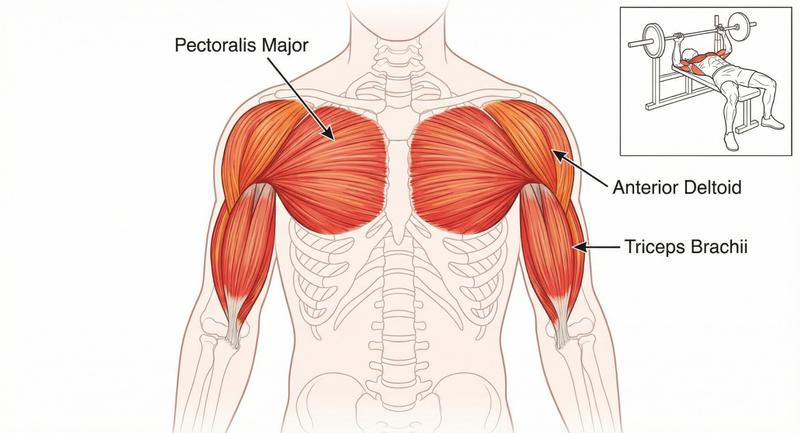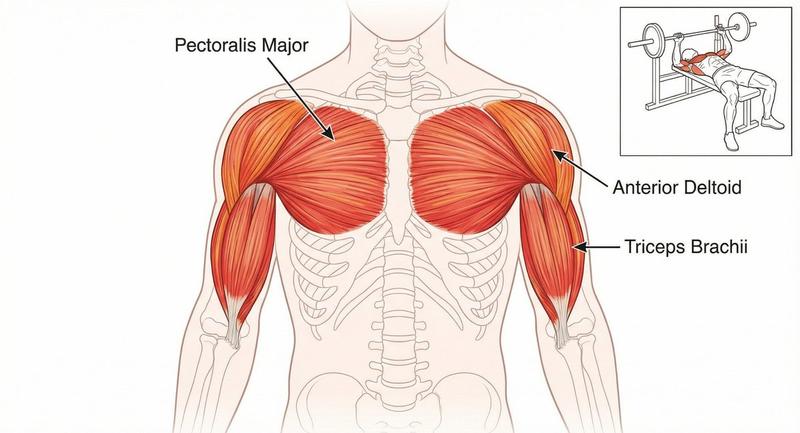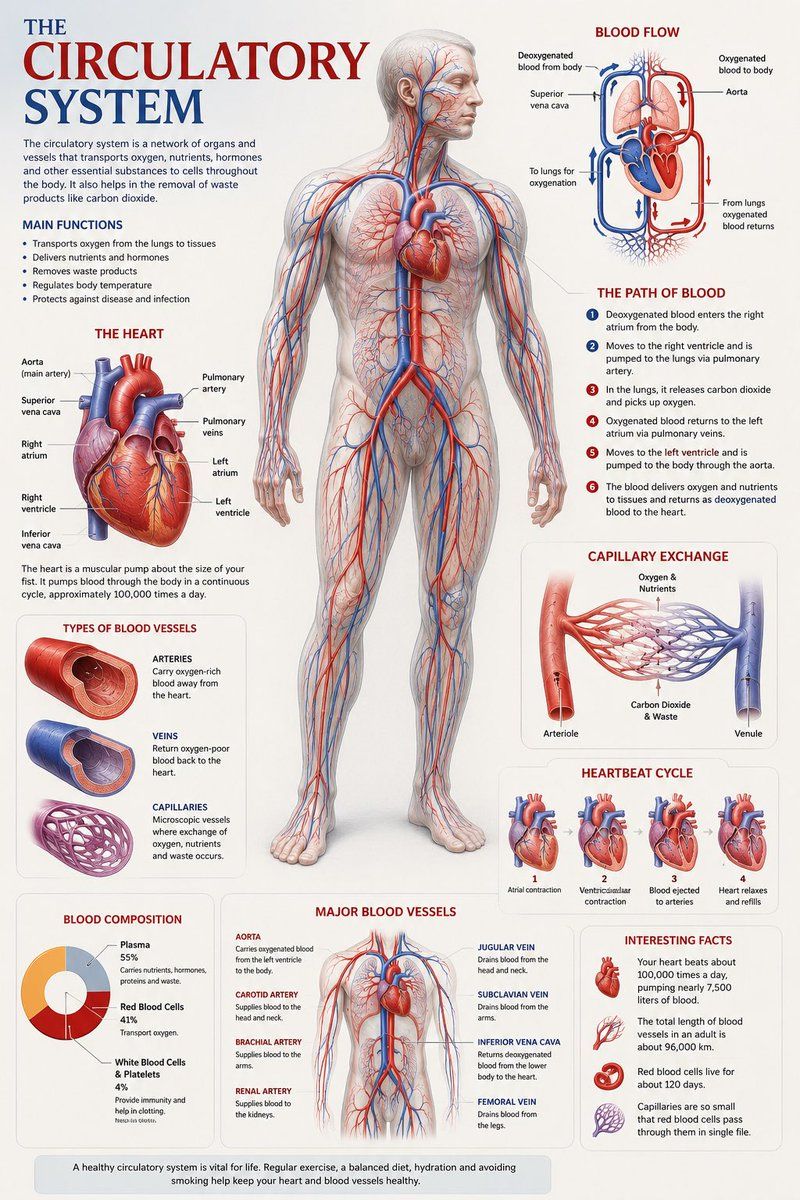
医学解剖可视化海报
Prompt
Create a premium educational “scientific anatomical visualization poster” focused on the {argument name="subject" default="human circulatory system"}, designed more like a modern medical museum display and biological atlas page rather than a typical infographic.

The composition should feel elegant, immersive, and medically artistic, blending anatomical realism, scientific illustration, and cinematic educational design.

Visual Direction:

• Vertical poster composition or clean square format
• Soft medical-grade background with subtle paper textures, anatomical sketch overlays, and faint scientific grid lines
• Refined medical color palette using ivory white, deep crimson red, arterial blue, soft pink tissue tones, muted gray, and subtle gold accents
• Clean editorial typography with elegant anatomical labeling
• Minimal UI-style information panels — focus more on visual storytelling and anatomical beauty
• Thin precision annotation lines with museum-style labels
• Soft realistic lighting and premium biological rendering
• Highly detailed semi-transparent human body illustration revealing the circulatory network beneath the skin
• Realistic vascular textures with glowing arteries and veins flowing throughout the body
• Sophisticated educational aesthetic inspired by high-end medical textbooks and anatomy exhibitions

Main Subject Presentation:

A breathtaking ultra-detailed anatomical render of the human circulatory system placed centrally, featuring:

• semi-transparent human anatomy
• hyper-detailed arteries and veins
• visible heart chambers and aorta
• capillary branching networks
• realistic blood-flow coloration
• glowing oxygenated vs deoxygenated circulation pathways
• anatomically accurate vessel placement
• subtle organ visibility beneath the vascular system
• premium medical illustration realism

Surround the anatomy with elegant educational visualization modules such as:

• enlarged realistic heart anatomy
• pulmonary circulation diagram
• systemic circulation flow visualization
• artery vs vein comparison
• capillary exchange illustration
• heartbeat cycle sequence
• microscopic blood-cell closeups
• blood composition visualization
• major vessel identification map
• oxygen transport explanation

Add sophisticated scientific visual elements like:

• blood-flow directional arrows
• vascular cross-section diagrams
• anatomical side callouts
• circulation pathway diagrams
• microscopic tissue exchange visuals
• transparent organ overlays
• ECG/heartbeat waveform accents
• subtle medical chart graphics
• biological texture overlays
• anatomical scale comparisons

Style Keywords:

“museum-quality anatomical poster”
“scientific medical atlas page”
“premium biology visualization”
“high-end anatomy illustration”
“medical education artwork”
“editorial anatomical design”
“cinematic biological rendering”
“ultra-detailed circulatory anatomy”
“luxury medical textbook aesthetic- Category
- Charts & Infographics
- Model
- GPT Image 2
- Creator
- Jack
- Source ID
- 21482
- Published
- May 19, 2026
Views5