19

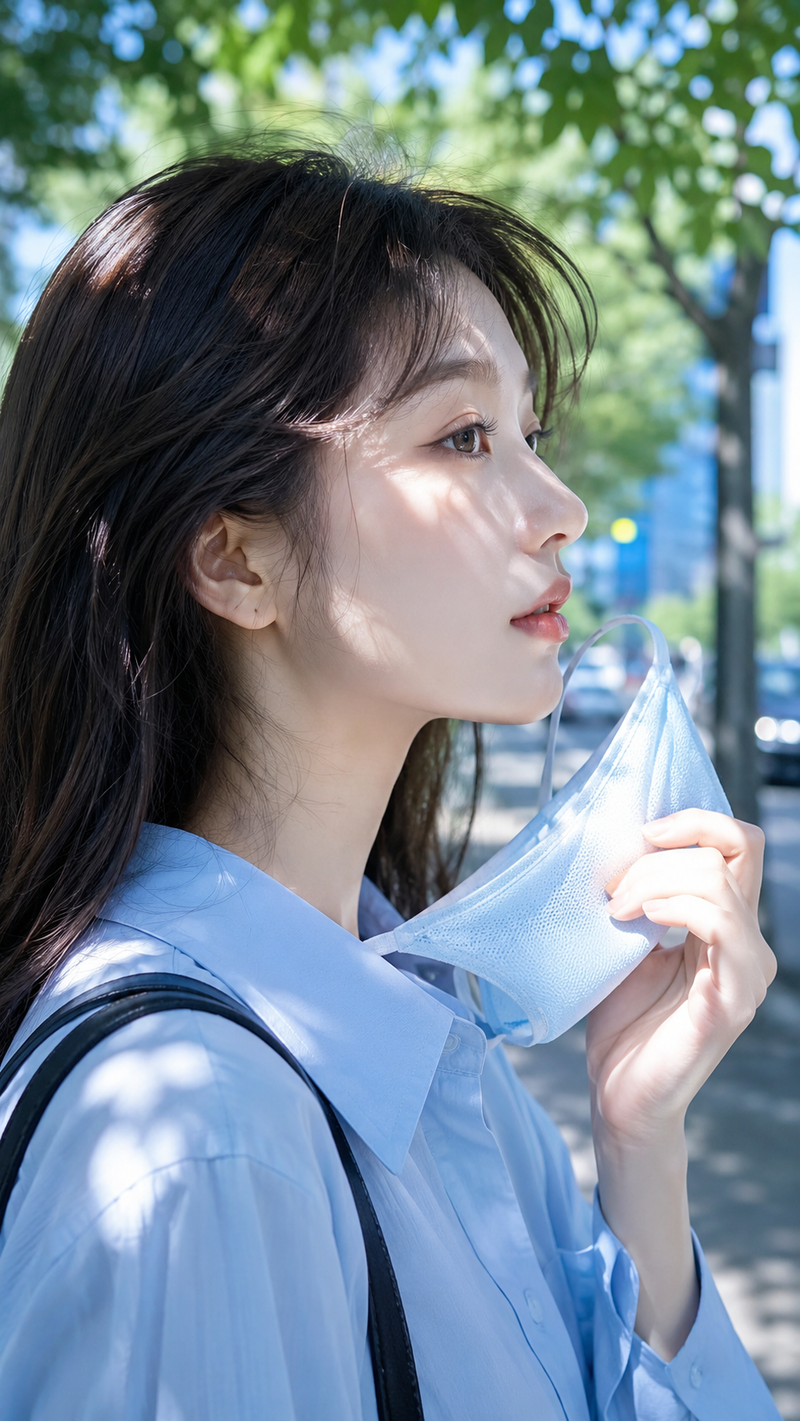
户外清扫落叶的日本女性全身写真
Enlarge

户外清扫落叶的日本女性全身写真

Prompt
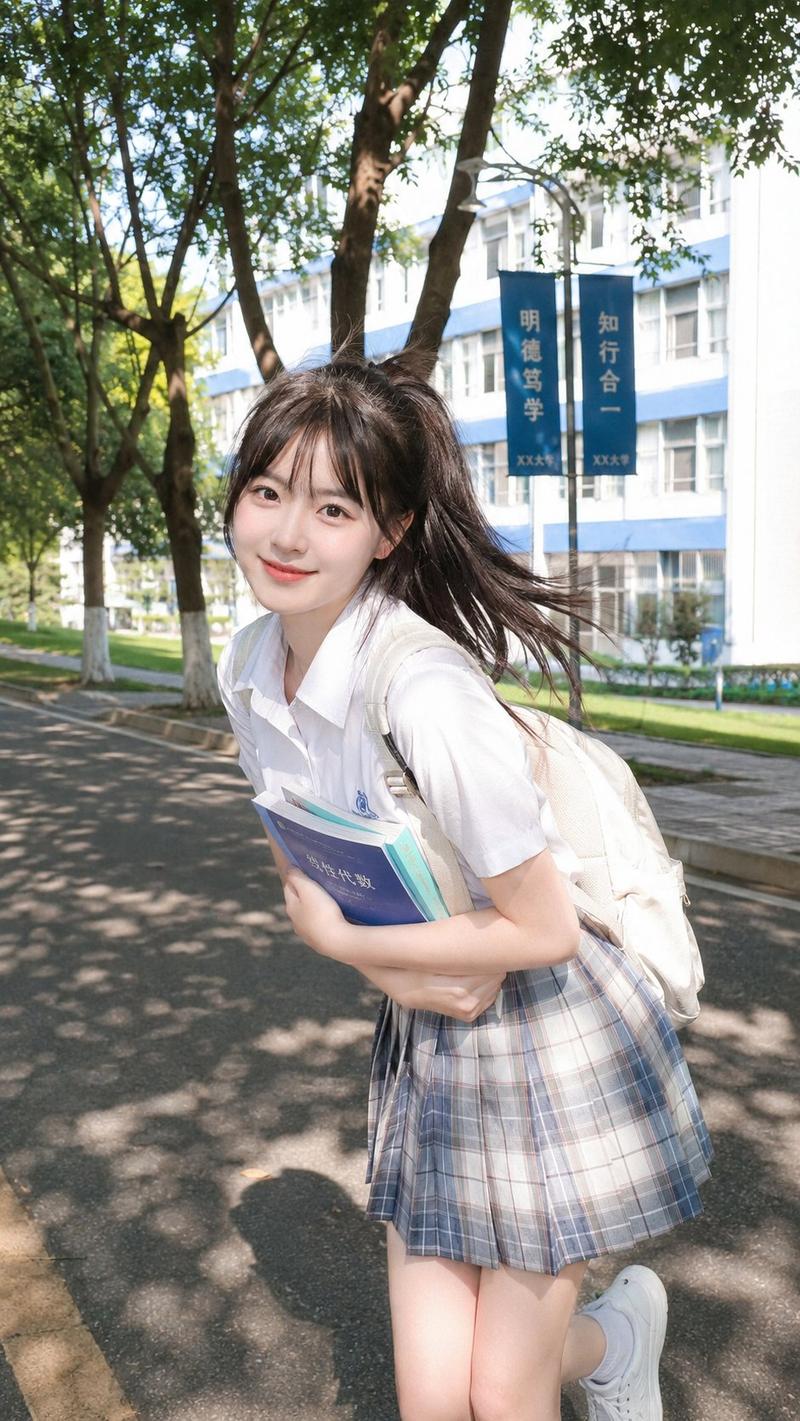
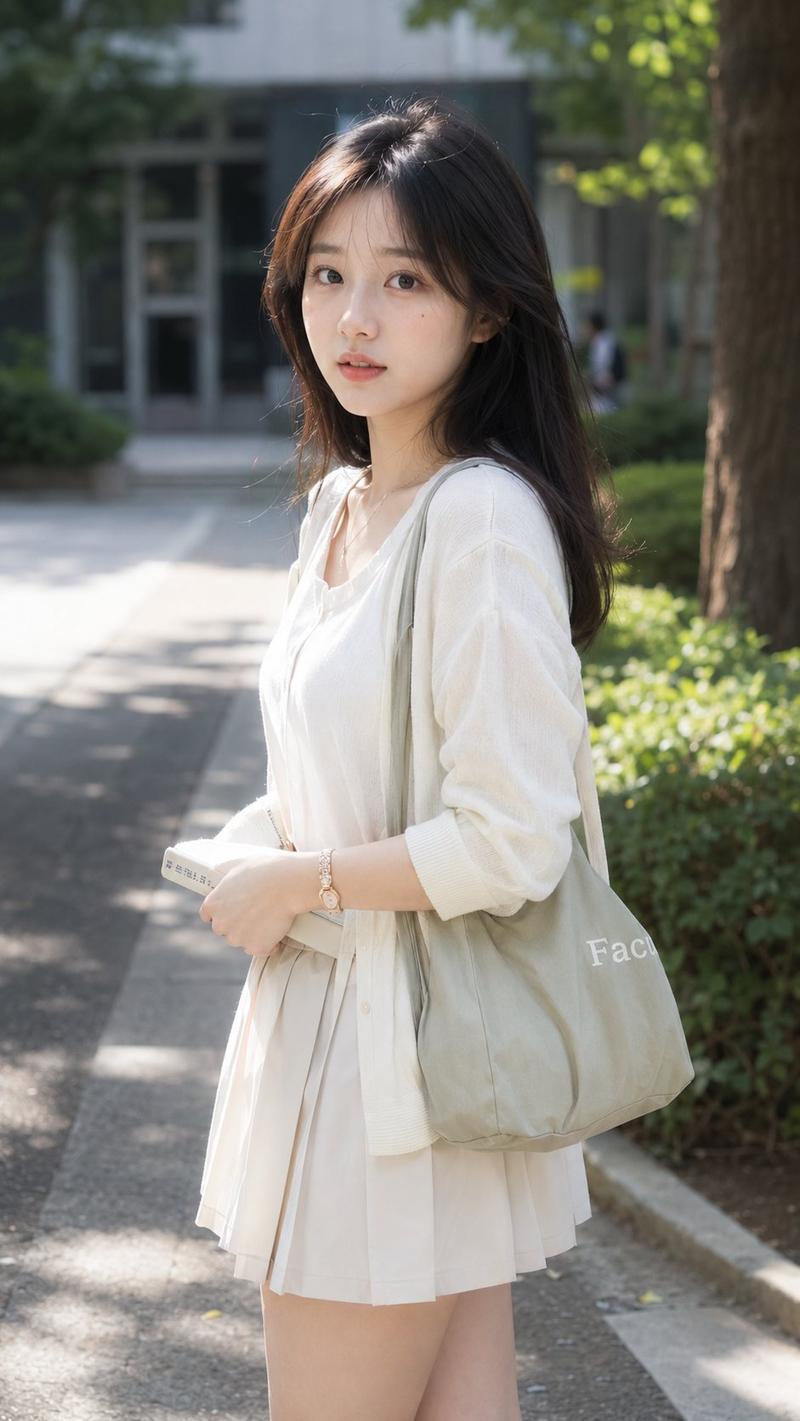
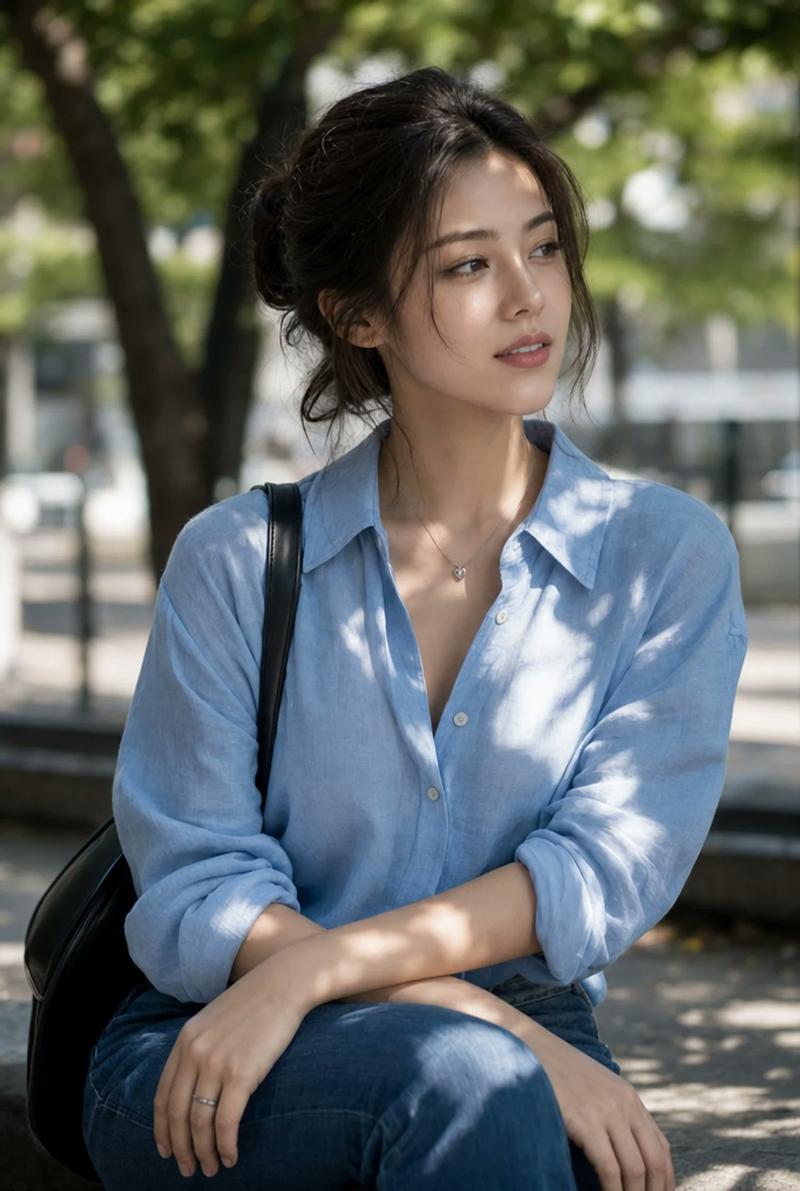
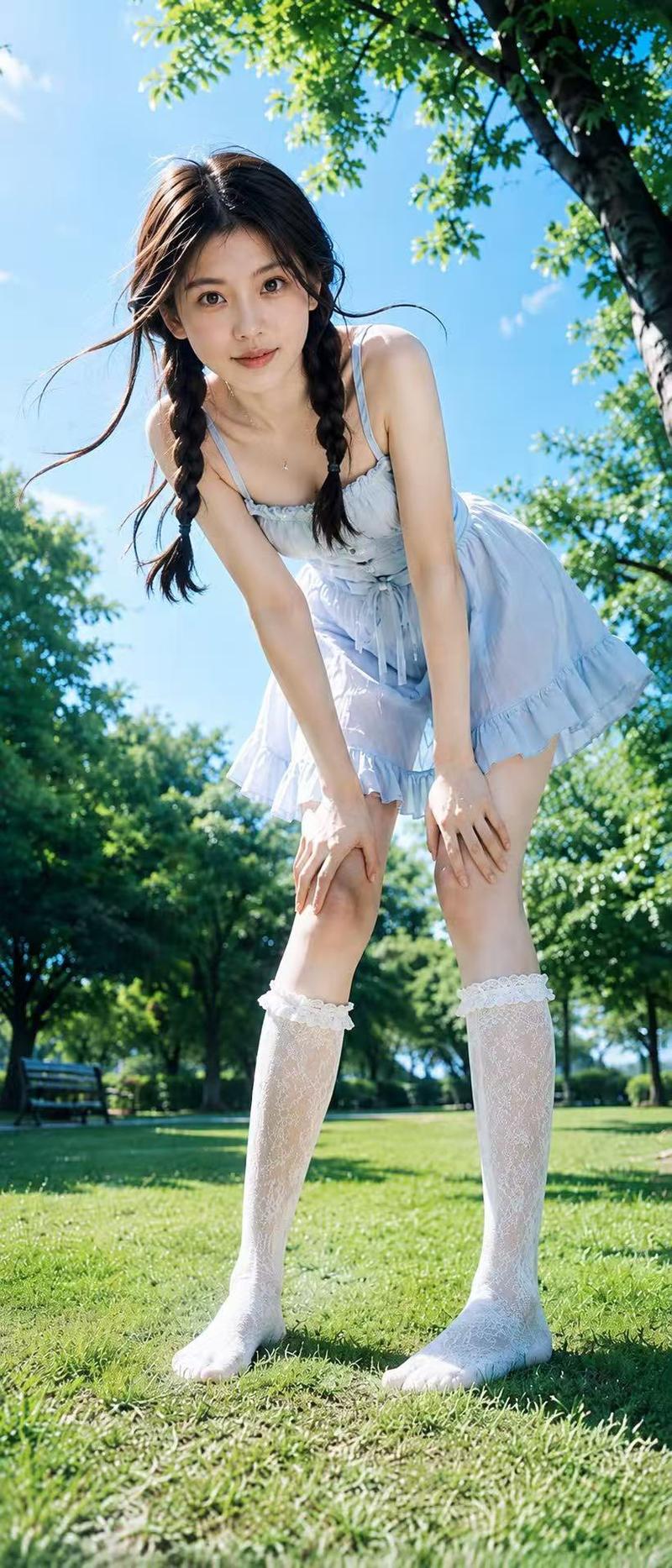
Photorealistic full-body portrait of a beautiful young Japanese woman with long brown hair and bangs, standing outdoors on a paved path. She has fair skin and is looking directly at the camera with a neutral expression.

She is wearing a white long-sleeve button-up shirt unbuttoned quite low at the chest, a tight navy blue mini skirt, and glossy black high heels. She is holding a litter picker tool in one hand and a large transparent plastic trash bag filled with leaves and debris in the other hand.

Pose: slightly bent forward while using the litter picker, body angled toward the camera, confident stance.

Setting: outdoor pathway with trees, green bushes, a green fence on the left, and buildings in the background. Natural daylight, realistic outdoor lighting, highly detailed fabric and skin texture, sharp focus, photorealistic, 8k resolution --ar 2:3 --stylize 200
Category
Architecture & Spaces
Model
Grok
Views95
Source ID
17599
Published
Jul 9, 2026

Guide

About "户外清扫落叶的日本女性全身写真"

What is this prompt for?

"户外清扫落叶的日本女性全身写真" AI image prompt for Grok (Architecture & Spaces). 一位留着棕色长发和刘海的年轻漂亮日本女性的写实全身肖像,站在户外的铺路小径上。她皮肤白皙,表情自然地直视镜头。她穿着一件胸口开得很低的白色长袖纽扣衬衫,一条紧身海军蓝迷你裙,以及亮面…

The full copyable prompt and example visuals above are ready for AI image generation or one-click recreate in Picva.

How to use this prompt

  1. Step 1

    Open the prompt detail

    Review the example visuals, category, and full prompt text for "户外清扫落叶的日本女性全身写真".

  2. Step 2

    Copy the prompt

    Copy the prompt body from this page, or load it directly in Studio.

  3. Step 3

    Pick a model (Grok)

    Prefer Grok. If you switch models, keep subject and composition and tweak style terms.

  4. Step 4

    Generate and export

    Recreate the look in Picva, or export into your workflow for editing and publishing.

FAQ

What is the "户外清扫落叶的日本女性全身写真" prompt?
It is an AI image-generation prompt for Grok in the Architecture & Spaces category. This page includes the full prompt text, example visuals, and a one-click recreate path in Picva.
How do I use this prompt to generate an image?
Copy the prompt from this page, or use Generate / Studio. Paste it into a compatible image model, or recreate the look in Picva with optional reference images.
Which model is this prompt for?
This page lists Grok. Most descriptive prompts also transfer to nearby image models such as GPT Image, Flux, or Midjourney with light style tweaks.
Can I use the result commercially?
You can usually copy the prompt for creation, but commercial use of the final image depends on the model terms, reference-image rights, and the generated content. Follow the source author and platform rules.