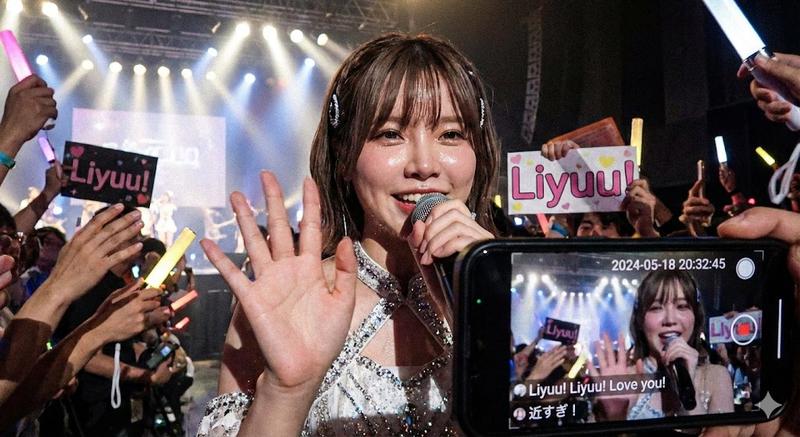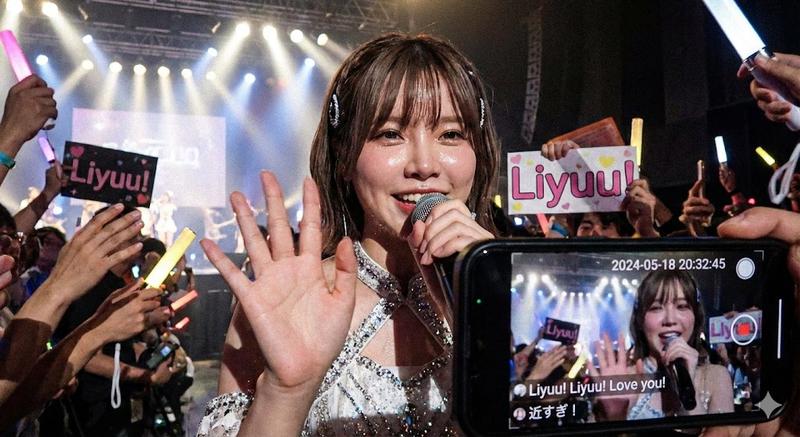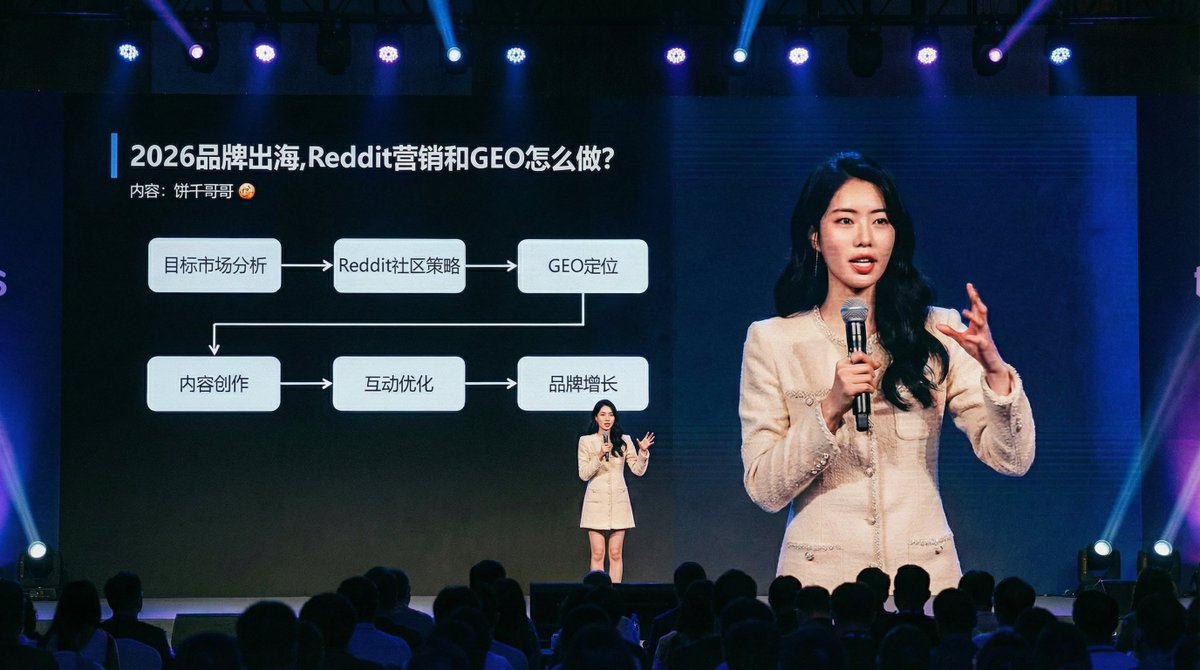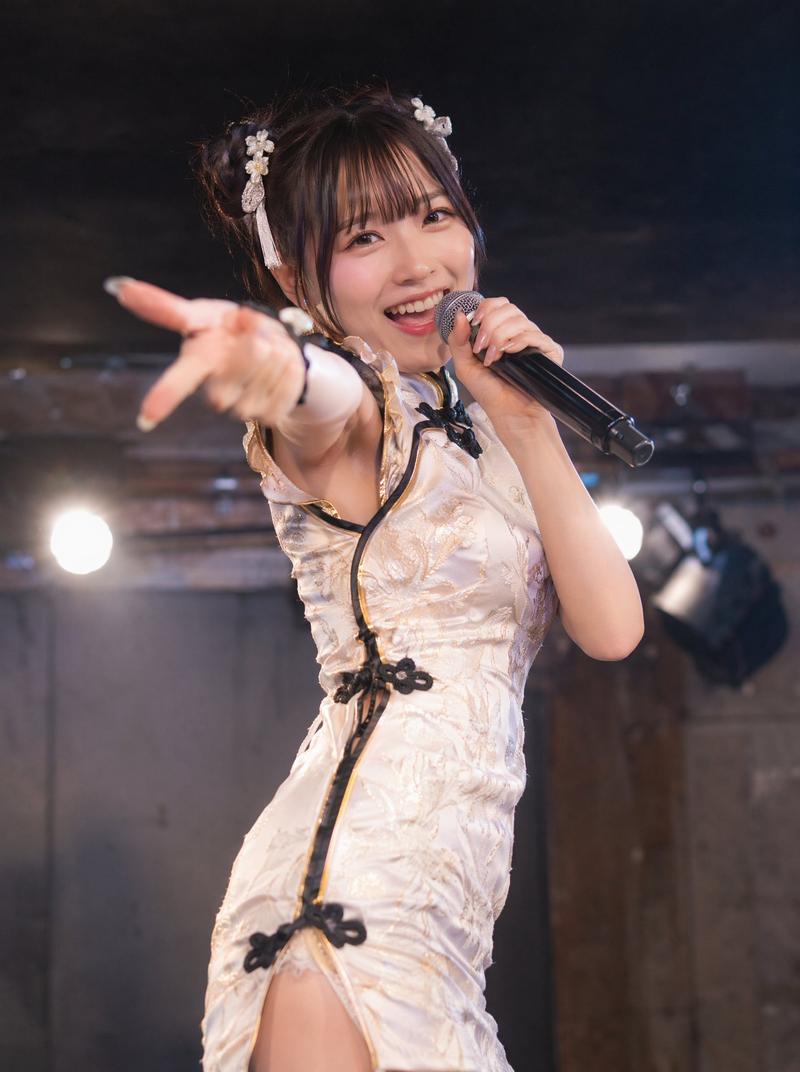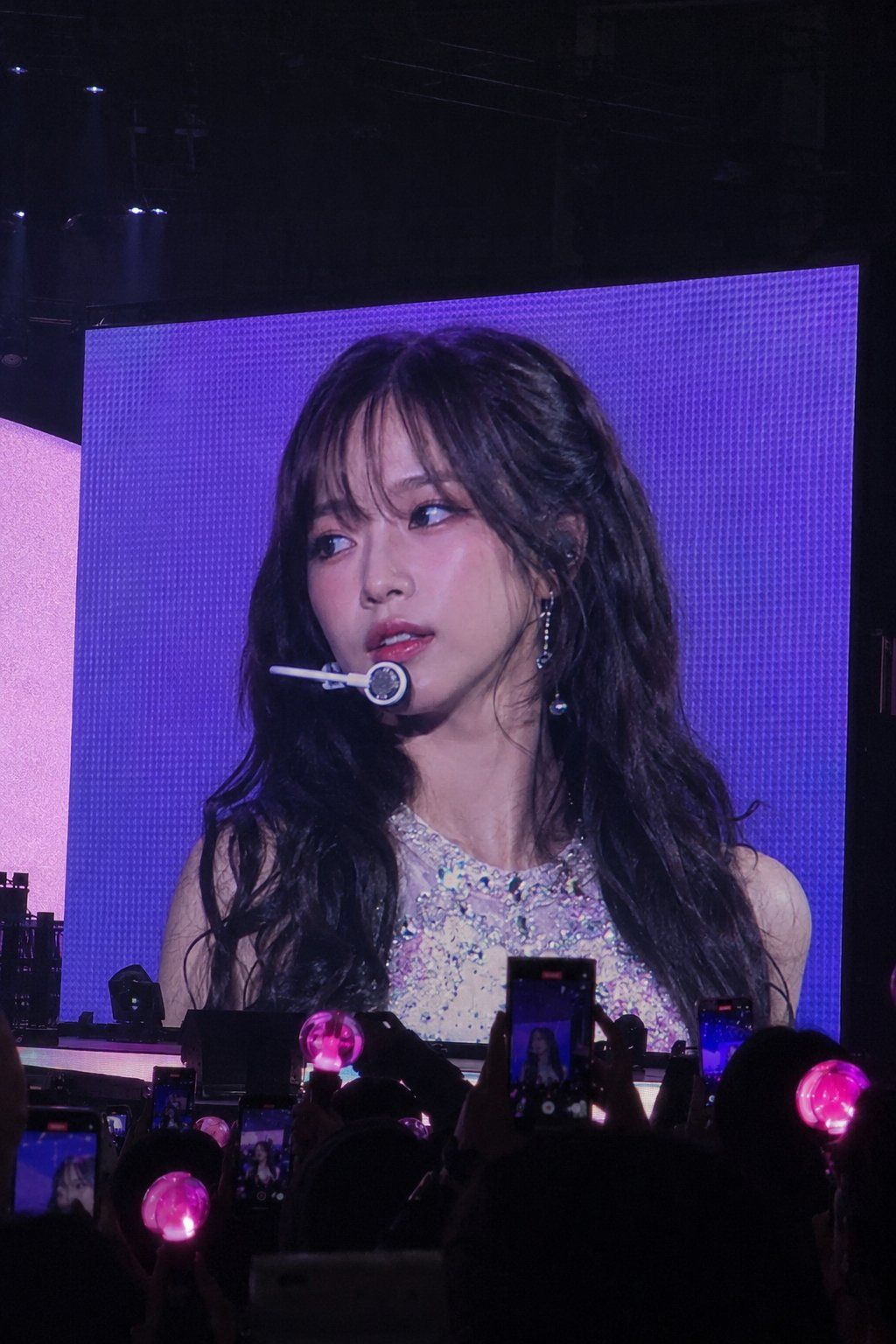
韩国偶像演唱会大屏幕转播效果
Prompt
portrait photo of a person [CORE OBJECTIVE “REALISTIC K-POP CONCERT JUMBOTRON LIVE FEED”] Transform the input person into a famous K-pop idol performing at a massive sold-out concert. The final image must look like: a real fan secretly taking an iPhone photo during a live concert, where ONLY the giant concert jumbotron screen is showing the idol close-up.
IMPORTANT: - the actual performer standing on the stage should NOT be visible - ONLY the huge LED concert screen should contain the idol - the image must feel like the audience is watching the giant screen during the performance The key is: “REALISTIC LIVE CONCERT SCREEN CAPTURE” NOT a studio portrait.
[ABSOLUTE IDENTITY LOCK VERY IMPORTANT] Preserve the input person’s: - facial structure - eyes - nose - lips - hairstyle - hair color - bangs/framing hair - overall face proportions - recognizable identity The person must still clearly look like the SAME PERSON from the input image.
DO NOT: - change ethnicity - generate a random idol face - overly stylize into anime - distort facial proportions - create uncanny AI beauty [SCENE COMPOSITION VERY IMPORTANT] Camera viewpoint: - audience perspective from concert seats - slightly far away - realistic iPhone zoom photo - handheld concert snapshot feeling - subtle candid framing - slight tilt allowed Composition: - gigantic LED concert screen dominates almost the entire image - dark concert arena surrounding the screen -
silhouettes of audience at the bottom - glowing pink lightsticks throughout crowd - several audience phones recording the screen - realistic arena depth and darkness VERY IMPORTANT: - NO visible performer on stage - the idol appears ONLY on the LED screen - the screen should feel like a real live broadcast feed [FACE / GAZE DIRECTION EXTREMELY IMPORTANT] The idol should NOT stare directly into the camera.
Instead: - slightly looking somewhere off-camera - subtle side gaze - soft unfocused concert-stage eye direction - natural “caught during performance” feeling - realistic candid idol.
- Category
- Brand & Logos
- Model
- ChatGPT
- Creator
- @MissDelulu9
- Source ID
- 14675
- Published
- May 19, 2026
Views221