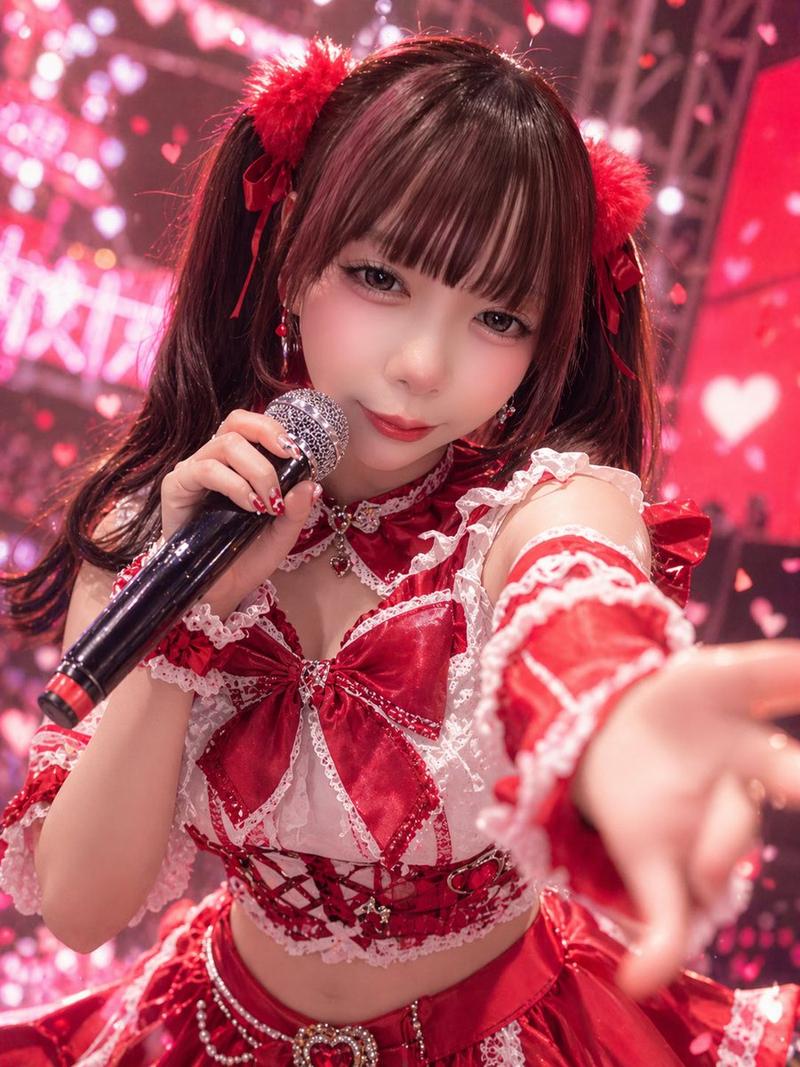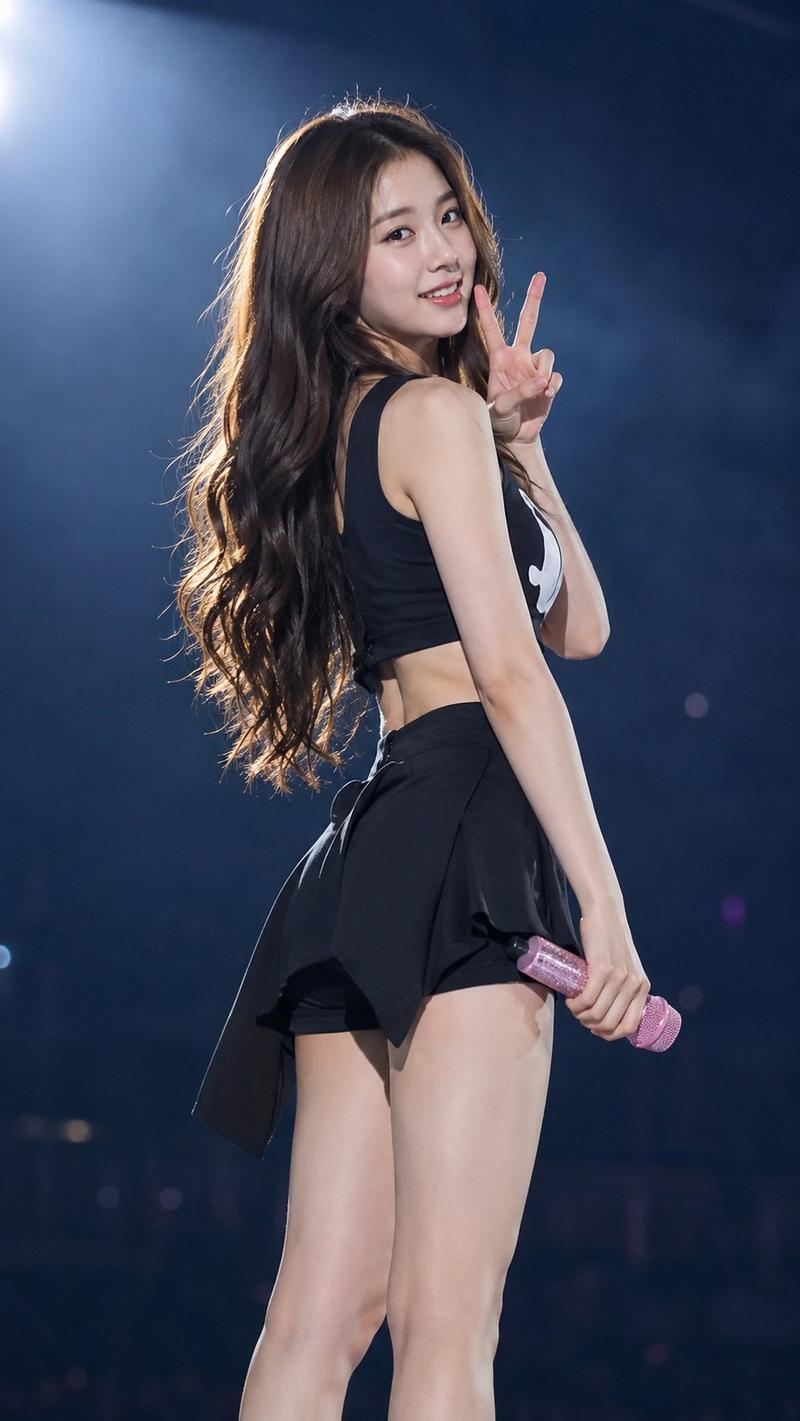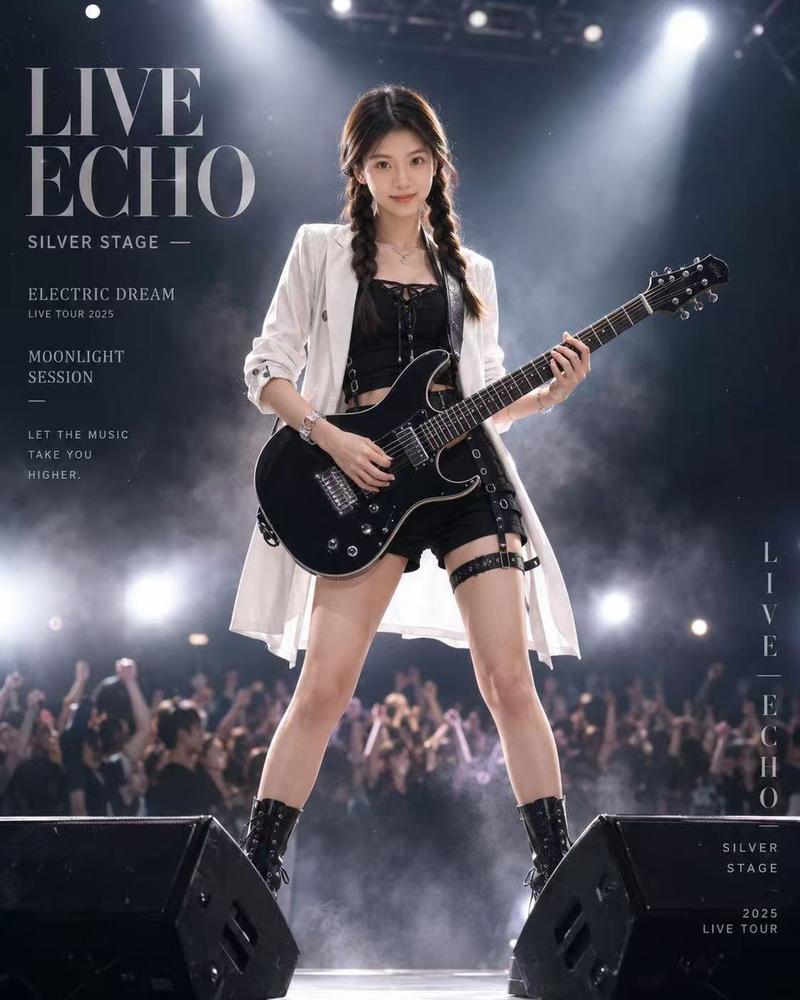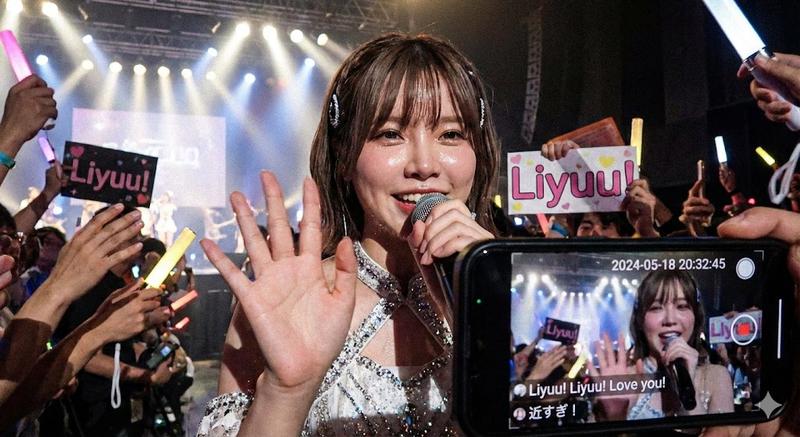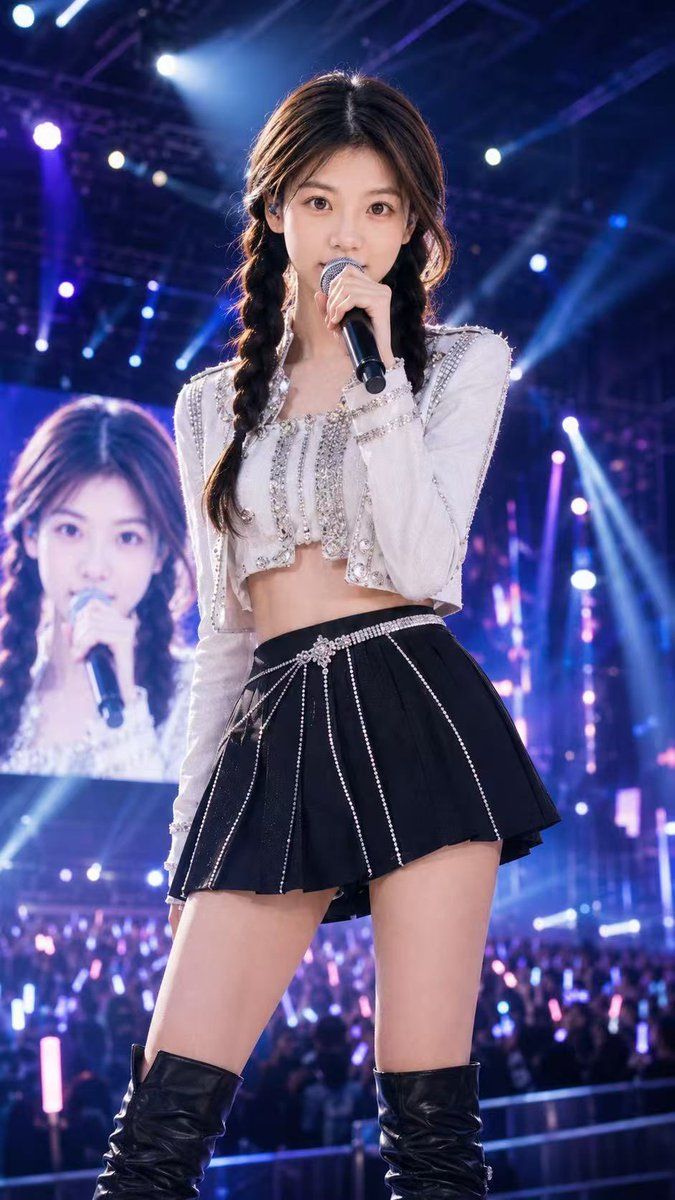
演唱会舞台流行歌星肖像
Prompt
Create a vertical 9:16 ultra-realistic concert-stage photograph of a young female K-pop style pop star named {argument name="character name" default="Sheena"} standing center stage in a powerful front-facing pose, holding a black handheld microphone close to her mouth with one hand. Her face is intentionally covered by a flat opaque square privacy block, and a second smaller opaque square privacy block covers the face on the large LED screen behind her. She has long dark brown hair parted in the middle and styled into two loose braids, with soft stage-lit strands around the face. She wears a sparkling white cropped long-sleeve performance jacket with rhinestones, pearls, silver trim, and structured shoulders, paired with a high-waisted black pleated mini skirt decorated with vertical rhinestone chains and a jeweled belt detail, plus black thigh-high leather boots. The scene is a huge live arena concert with a bright LED backdrop showing her enlarged silhouette, a cheering crowd below holding pink and blue glow sticks, and dramatic blue, purple, and white spotlights, beams, haze, truss rigging, and bokeh lights filling the background. Use cinematic concert photography, shallow depth of field, high detail fabric textures, glossy leather, glittering rhinestones, energetic pop-star atmosphere, realistic skin and lighting, shot from a slightly low angle as if by a professional stage photographer. Add subtle visible stage text or branding reading {argument name="stage title" default="SHEENA LIVE"} only if it fits naturally on the LED environment, not as a poster overlay.- Category
- Charts & Infographics
- Model
- GPT Image 2
- Creator
- Shinning
- Source ID
- 19287
- Published
- May 9, 2026
Views4