16

奢华时尚大片双模特高定礼服
Enlarge

奢华时尚大片双模特高定礼服

Prompt
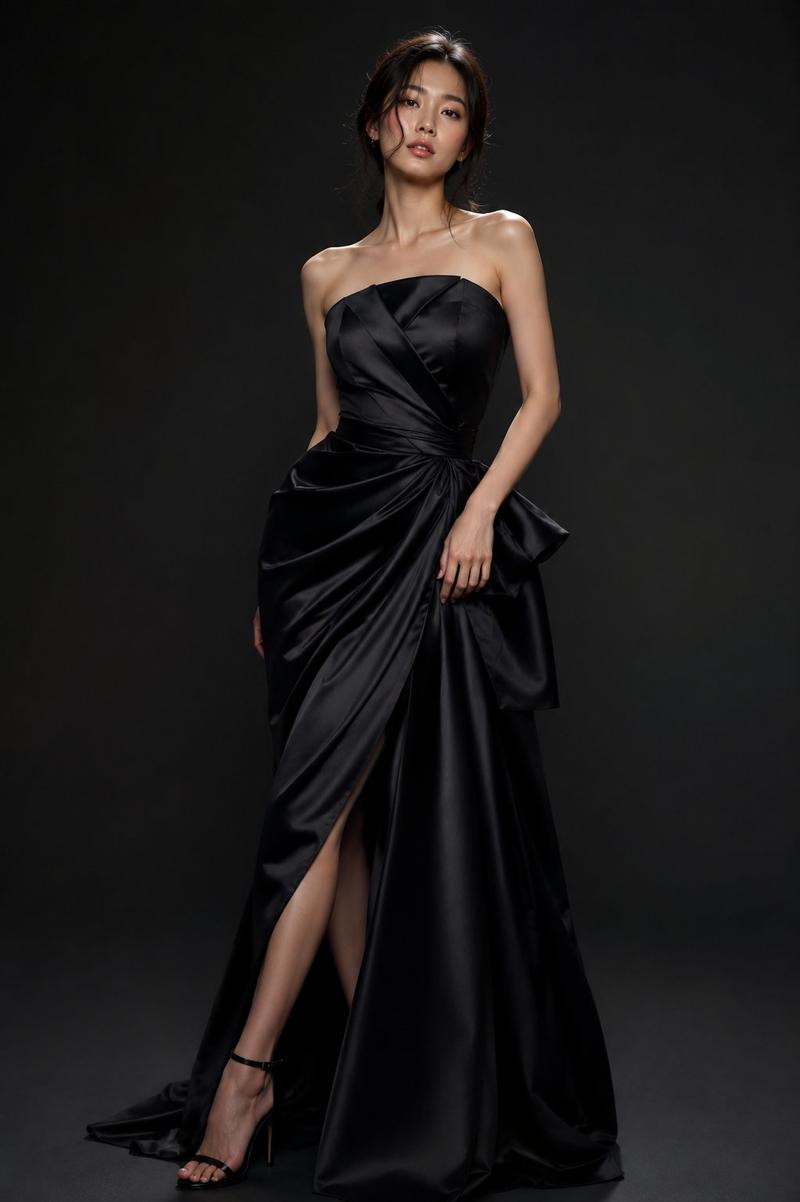
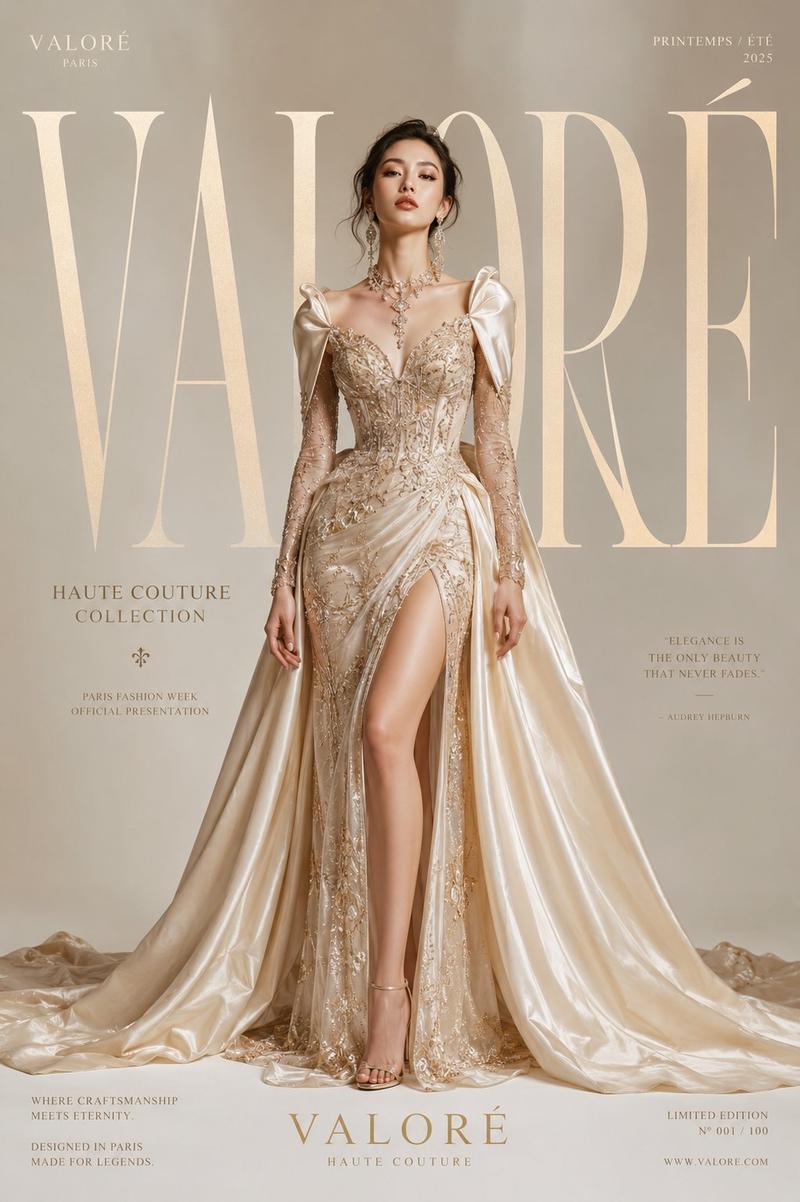
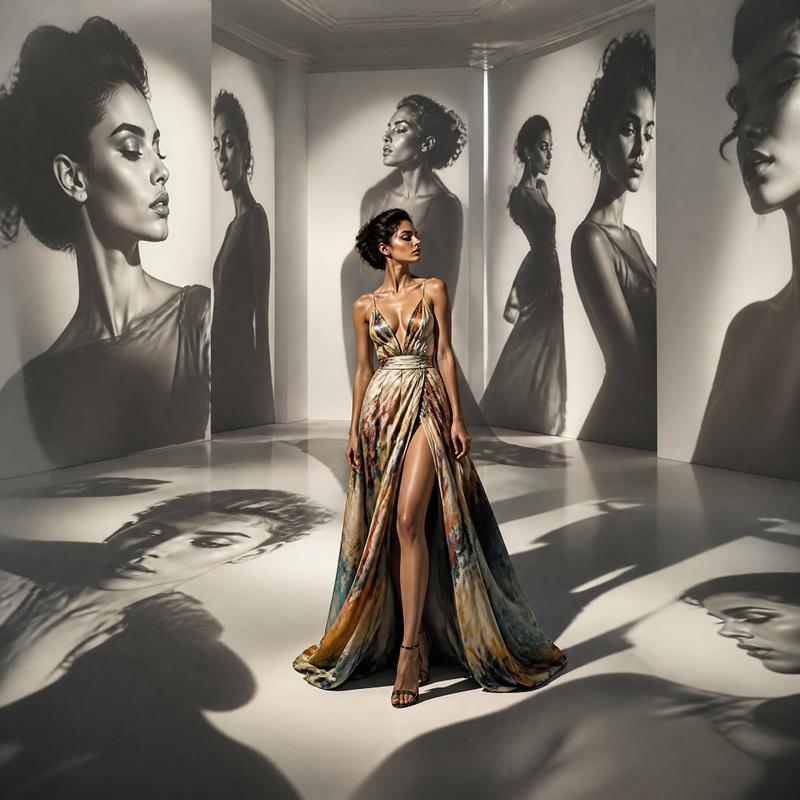
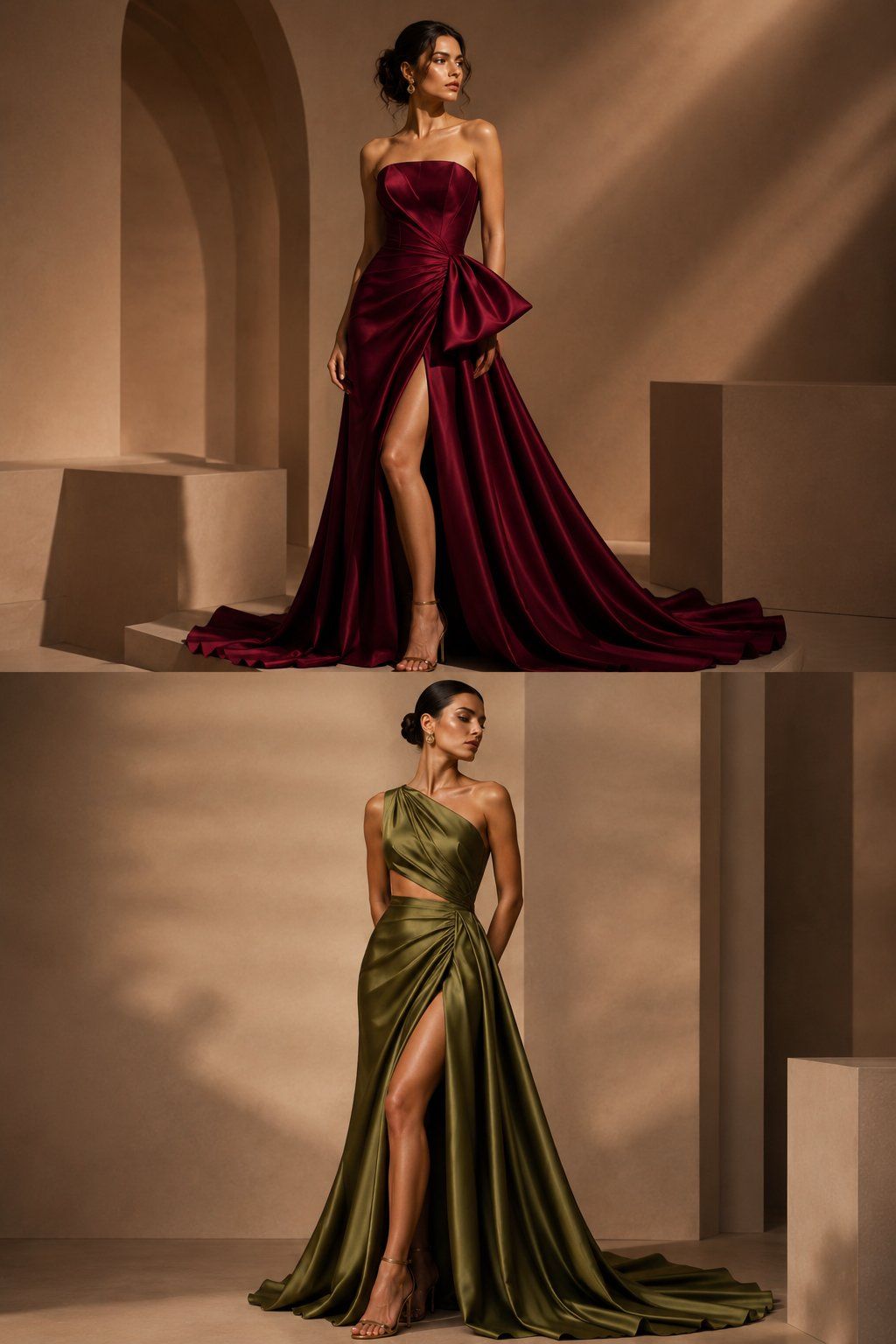
Luxury fashion editorial featuring two beautiful female models.

Top model wearing a rich burgundy satin couture gown with a dramatic bow detail, elegant loose updo hairstyle, confident pose, thigh-high slit.

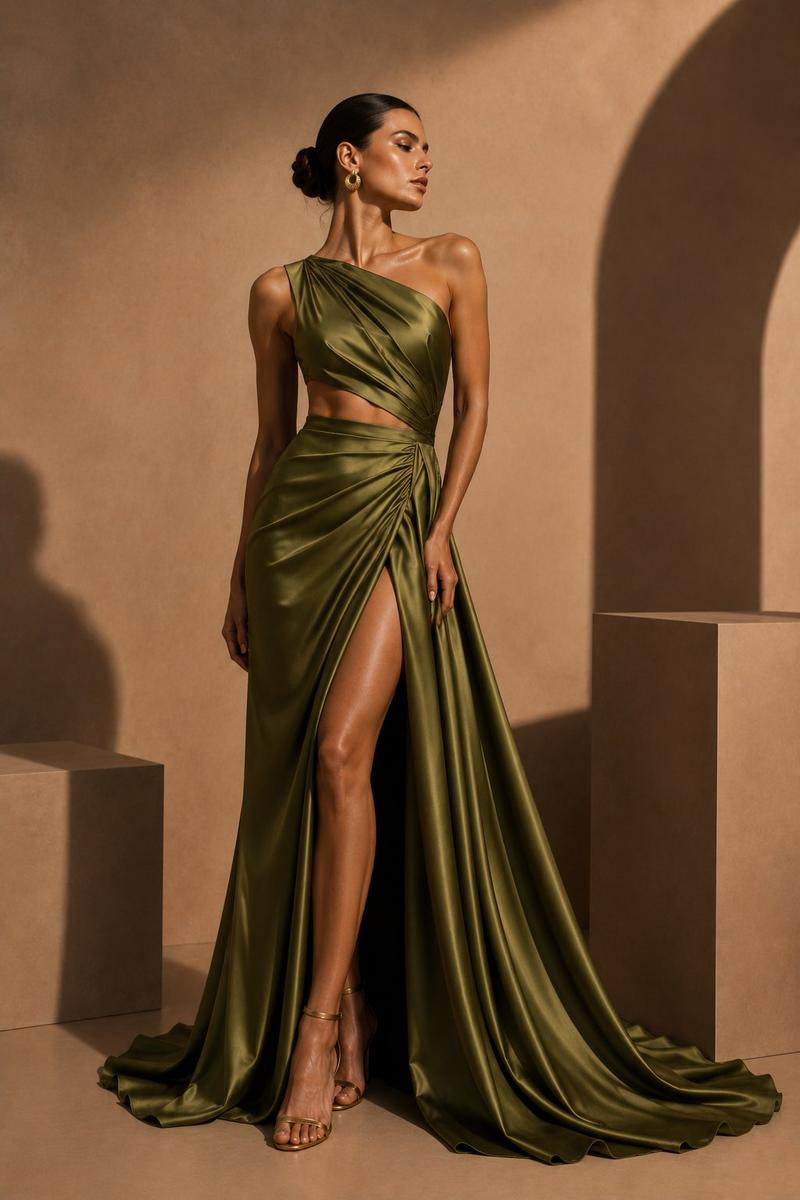
Bottom model wearing an olive green asymmetrical satin couture gown, sleek low bun hairstyle, sculpted draping, graceful pose, thigh-high slit.

Both models displayed in the same composition, one above and one below, luxury beige architectural backdrop, geometric structures, warm cinematic sunlight, sophisticated shadows, premium fashion house campaign, elegant gold accessories, Vogue-inspired editorial photography, luxury couture styling, ultra realistic, photorealistic, 8K masterpiece.

Color palette:
(Burgundy Red), (Olive Green), (Champagne Beige), (Warm Gold)

Negative Prompt:
low quality, blurry, duplicate faces, same dress, same hairstyle, watermark, logo, text, cartoon, CGI, bad anatomy.
Category
Posters & Typography
Model
ChatGPT
Creator
@sha_zdiii
Views4
Source ID
15475
Published
Jun 8, 2026

Guide

About "奢华时尚大片双模特高定礼服"

What is this prompt for?

"奢华时尚大片双模特高定礼服" AI image prompt for ChatGPT (Posters & Typography). 奢侈时尚社论,由两位美丽的女性模特出镜。 上方模特穿着一件浓郁的酒红色绸缎高定礼服,带有戏剧性的蝴蝶结细节,优雅的松散盘发发型,自信的姿势,大腿高开叉。 下方模特穿着一件橄榄绿不对称…

The full copyable prompt and example visuals above are ready for AI image generation or one-click recreate in Picva.

How to use this prompt

  1. Step 1

    Open the prompt detail

    Review the example visuals, category, and full prompt text for "奢华时尚大片双模特高定礼服".

  2. Step 2

    Copy the prompt

    Copy the prompt body from this page, or load it directly in Studio.

  3. Step 3

    Pick a model (ChatGPT)

    Prefer ChatGPT. If you switch models, keep subject and composition and tweak style terms.

  4. Step 4

    Generate and export

    Recreate the look in Picva, or export into your workflow for editing and publishing.

FAQ

What is the "奢华时尚大片双模特高定礼服" prompt?
It is an AI image-generation prompt for ChatGPT in the Posters & Typography category. This page includes the full prompt text, example visuals, and a one-click recreate path in Picva.
How do I use this prompt to generate an image?
Copy the prompt from this page, or use Generate / Studio. Paste it into a compatible image model, or recreate the look in Picva with optional reference images.
Which model is this prompt for?
This page lists ChatGPT. Most descriptive prompts also transfer to nearby image models such as GPT Image, Flux, or Midjourney with light style tweaks.
Can I use the result commercially?
You can usually copy the prompt for creation, but commercial use of the final image depends on the model terms, reference-image rights, and the generated content. Follow the source author and platform rules.