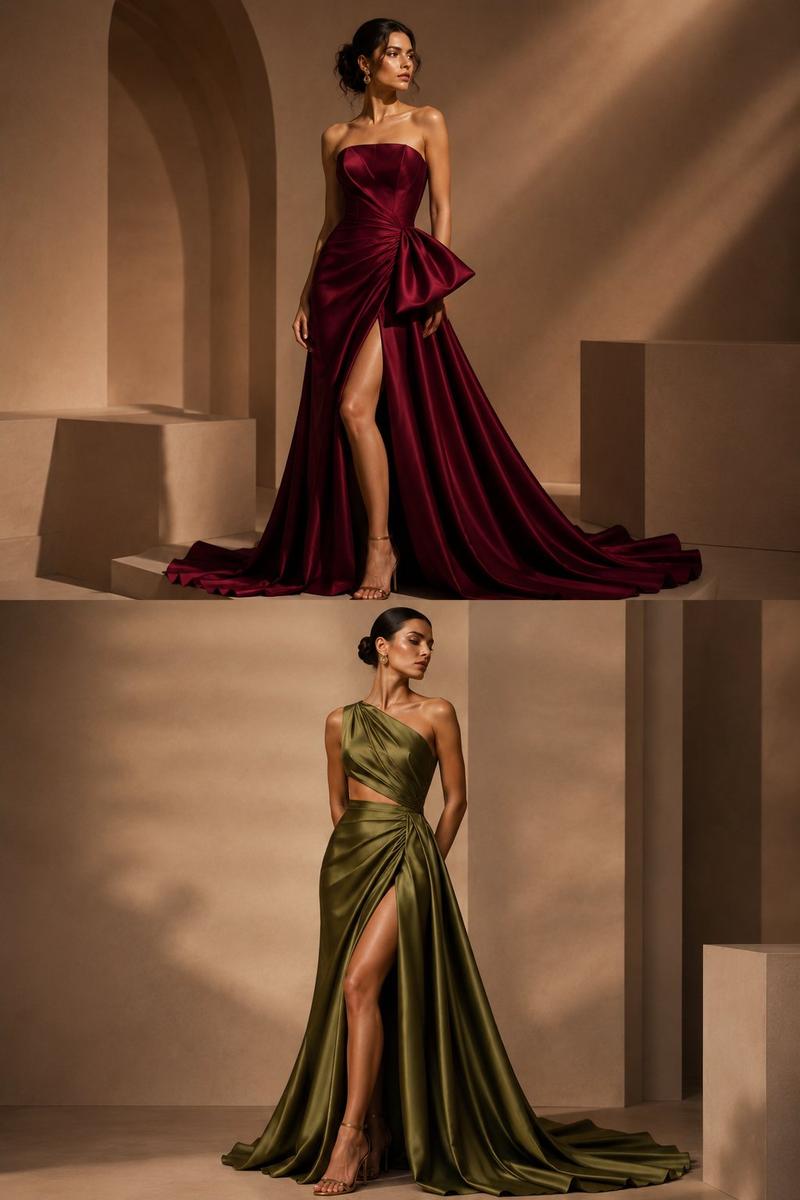
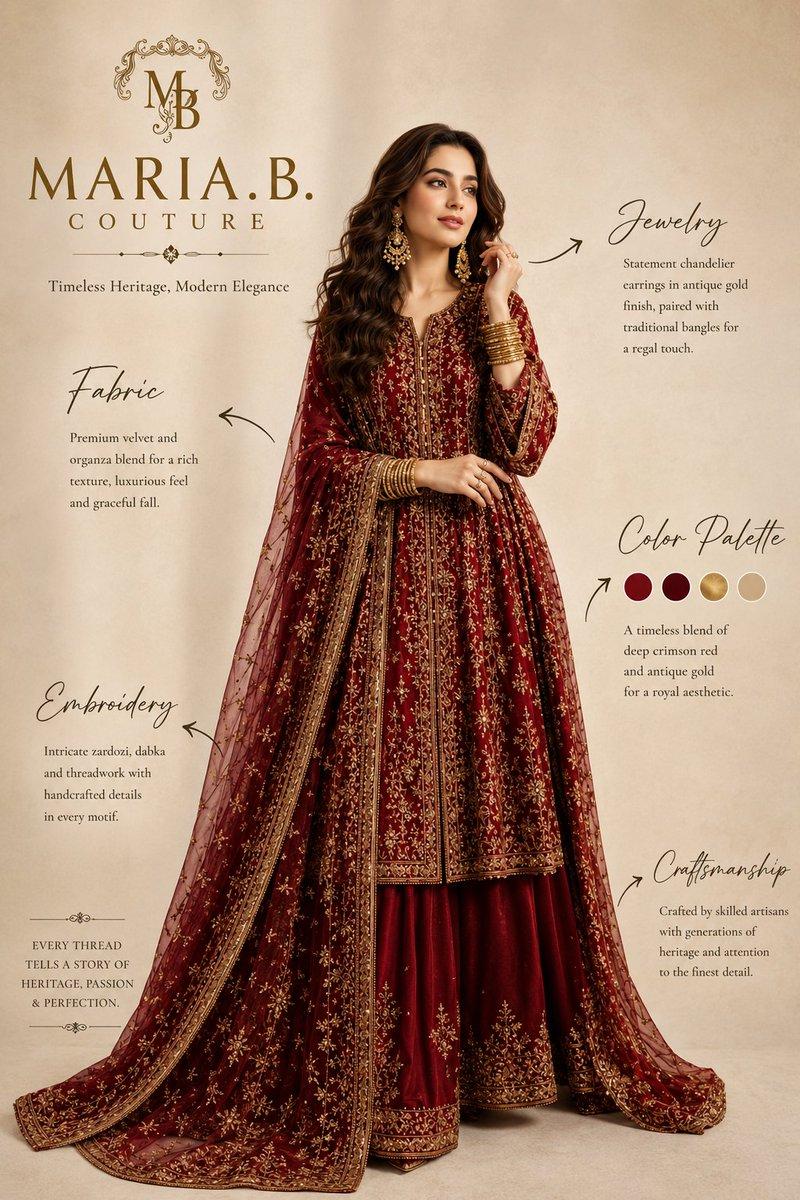
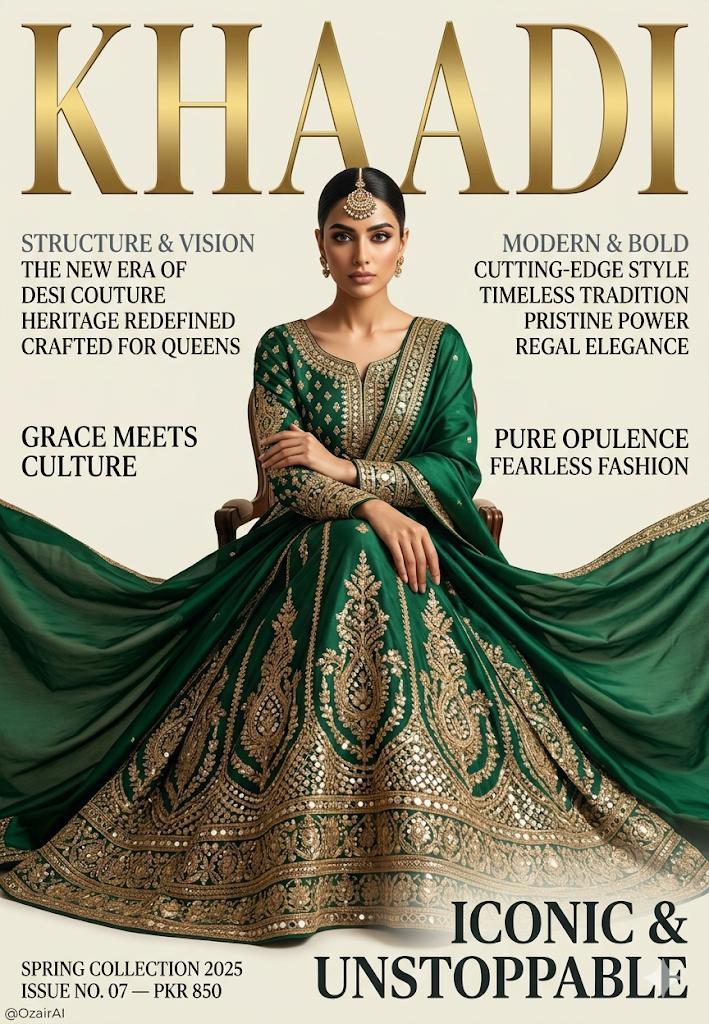
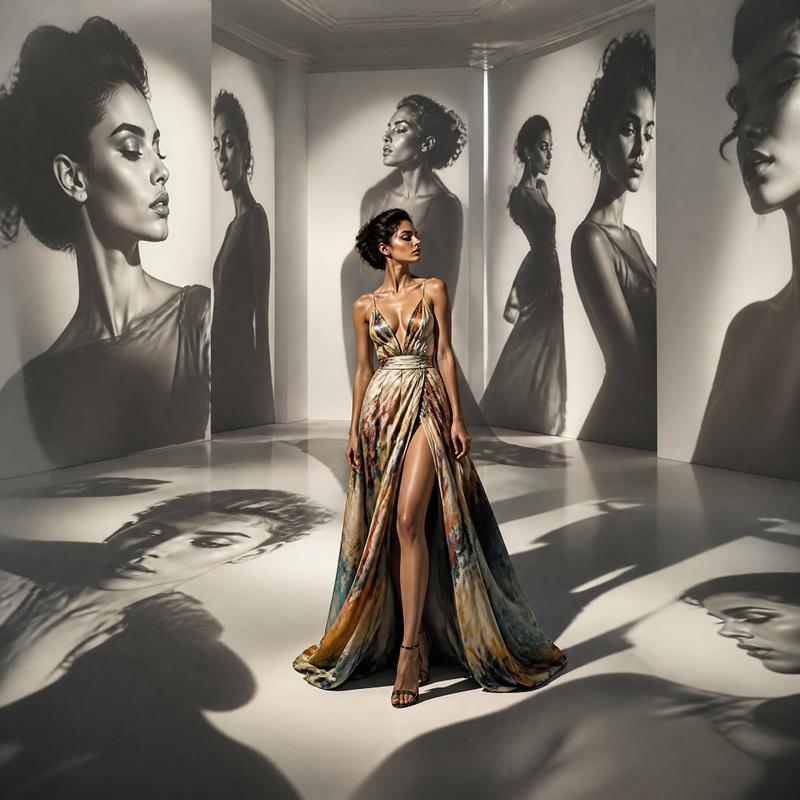
酒红色礼服时尚参考网格
Prompt
Goal: Create a fashion design reference sheet for {argument name="dress style" default="an ornate burgundy velvet off-the-shoulder fantasy evening gown with gold embroidery"}, shown as a studio lookbook/contact sheet.

Canvas: Vertical 9:16 image, arranged as an exact 3×3 grid with 9 panels, thin invisible or minimal seams between panels, neutral gray photography studio background in every panel, realistic high-end fashion photography lighting.

Subject: One adult female model with long wavy {argument name="hair color" default="black hair"}, medium/tan skin tone, wearing the same gown in every panel. The face is intentionally obscured by a soft rectangular blur block in each view, while the outfit remains sharply detailed.

Dress details: Deep burgundy velvet or satin-velvet gown with a structured sweetheart bodice, off-the-shoulder embroidered sleeves, fitted waist, full floor-length skirt, long trailing train, high front slit in the front view, and dense antique-gold baroque embroidery. Gold motifs include symmetrical bodice filigree, vertical embroidered panels down the skirt, ornate border trim along the hem and train, and large medallion-like appliqués near the lower skirt. Elegant formal sandals are visible in the front slit view.

Layout: Use exactly 9 discrete panels. Panel 1: full-body front view, standing centered, slit open to show one leg. Panel 2: full-body three-quarter side view, train flowing behind. Panel 3: full-body back view, long hair down the back, wide skirt and train visible. Panel 4: full-body left side profile, hand relaxed, long train spread along the floor. Panel 5: full-body clean side profile, upright pose, skirt falling vertically. Panel 6: full-body three-quarter front/side view, showing bodice and skirt embroidery. Panel 7: close-up front crop from head to waist, emphasizing neckline, off-shoulder sleeves, bodice embroidery, and face blur. Panel 8: close-up side crop from head to hips, showing sleeve detail, bodice side seam, hair texture, and face blur. Panel 9: close-up rear three-quarter crop from head to upper torso, showing hair, shoulder, sleeve embroidery, and face blur.

Visual style: Photorealistic editorial catalog photography, crisp fabric texture, rich velvet sheen, dramatic but even studio lighting, muted gray background, luxurious medieval-inspired couture aesthetic, realistic anatomy and proportions, no text, no logos, no watermark.

Constraints: Maintain the exact 3×3 grid and the exact 9 listed views. Keep the model clothed in the gown in all panels. Do not add extra garments, props, captions, mirrors, mannequins, or additional people. Emphasize the ornate gold embroidery and the burgundy fabric consistently across all panels.- Category
- Charts & Infographics
- Model
- GPT Image 2
- Creator
- Jennifer 🇺🇸 🦅
- Source ID
- 23063
- Published
- May 28, 2026
Views6