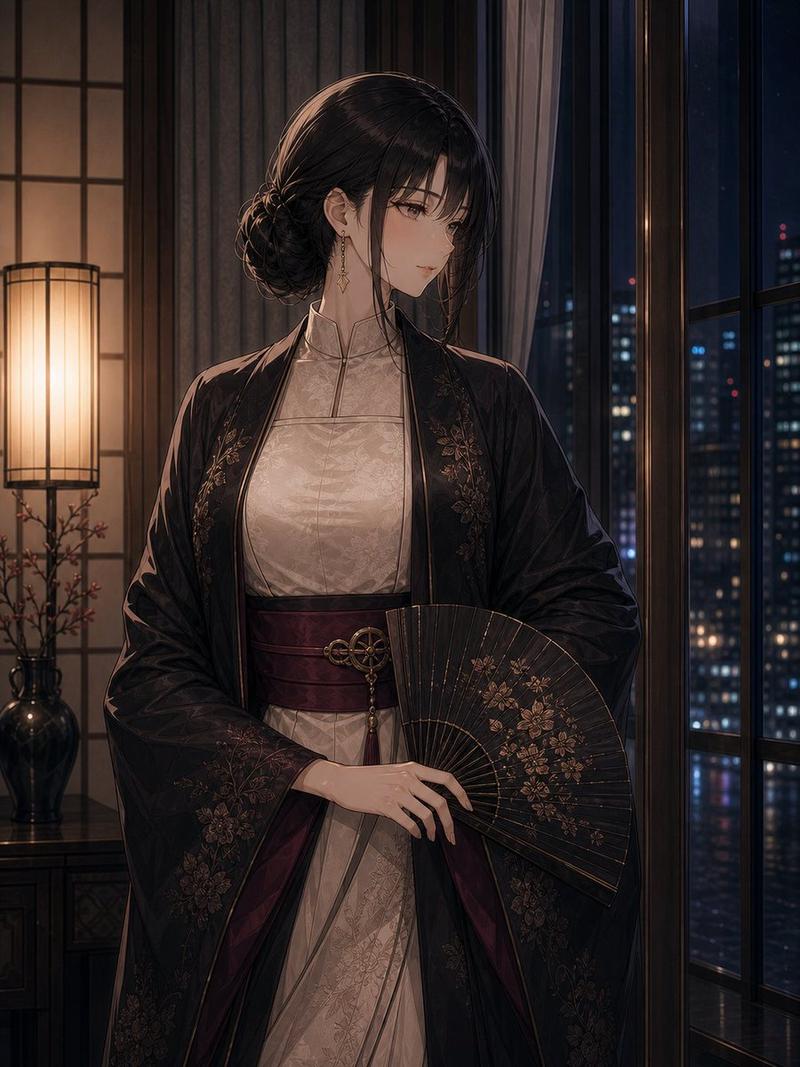
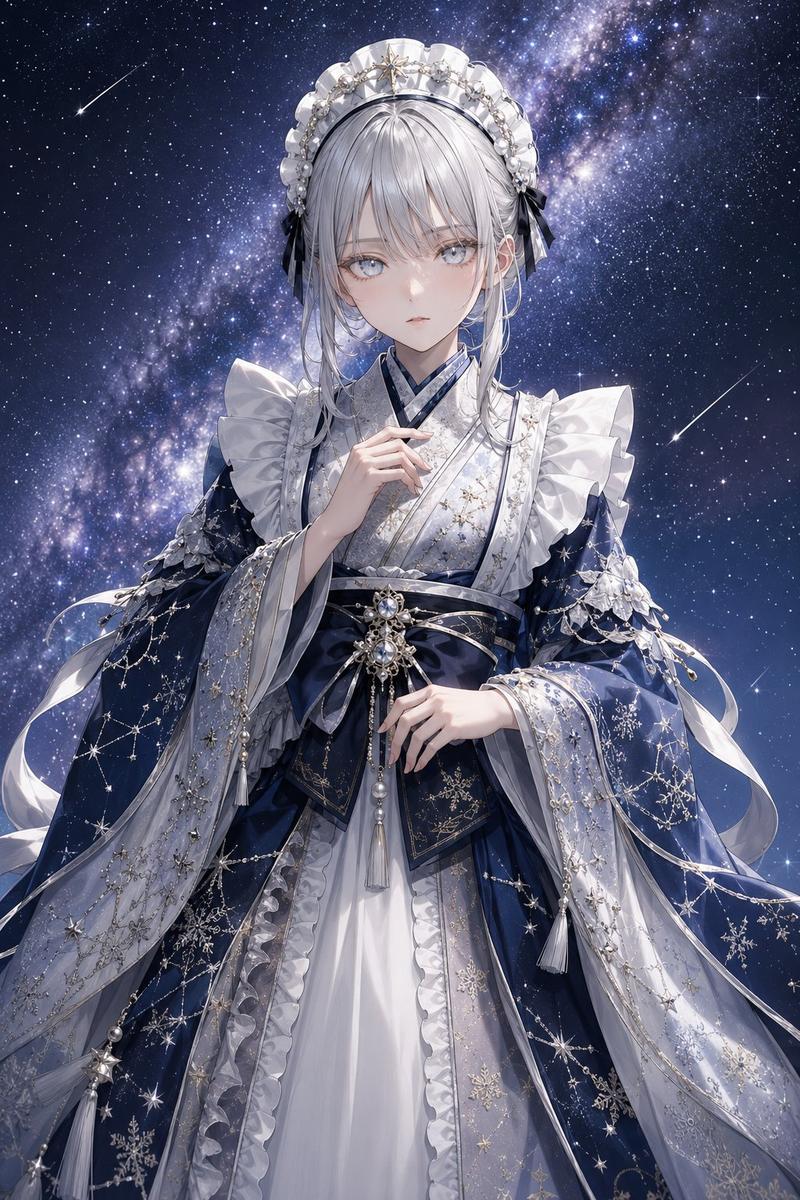
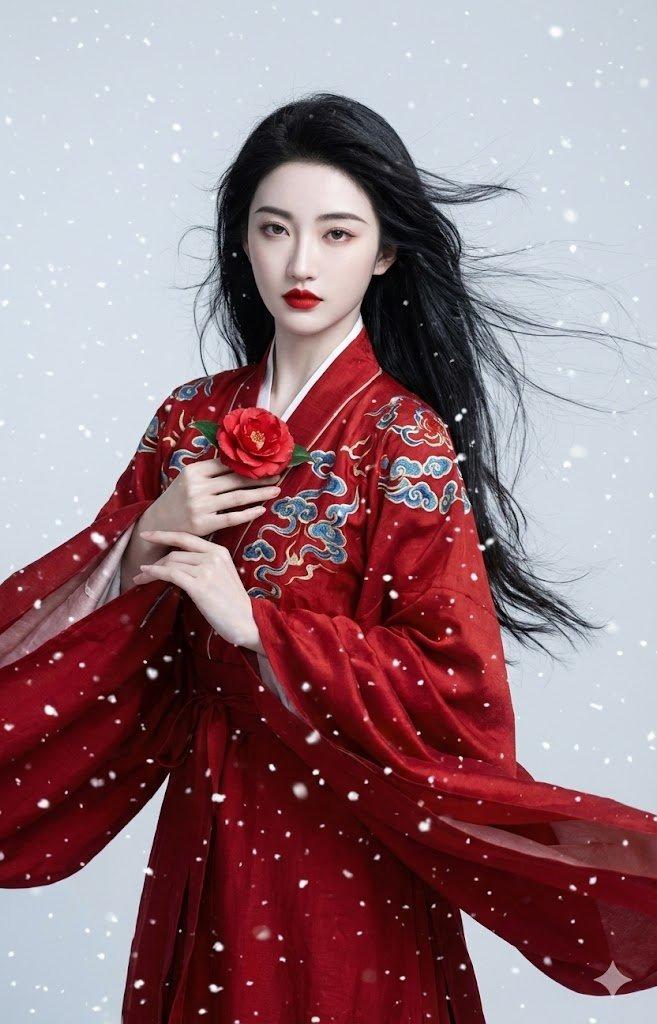
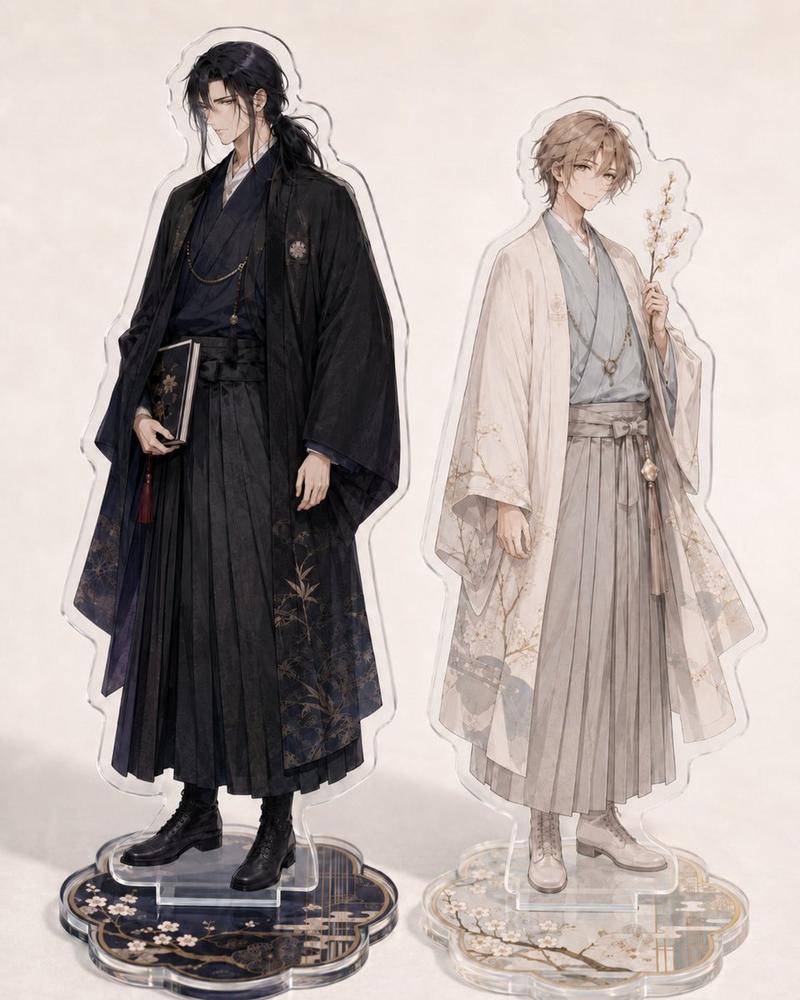
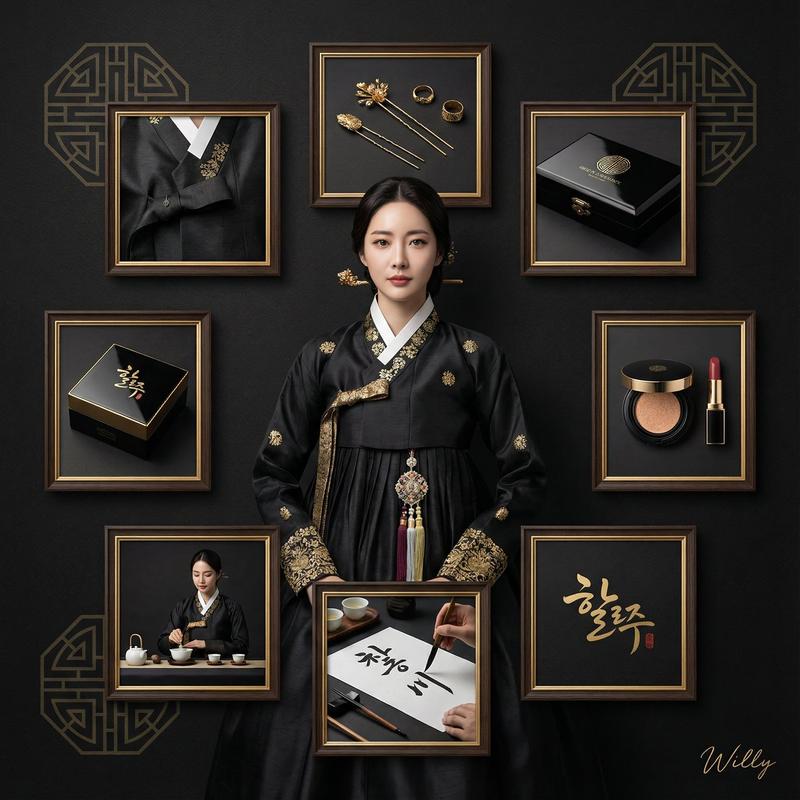
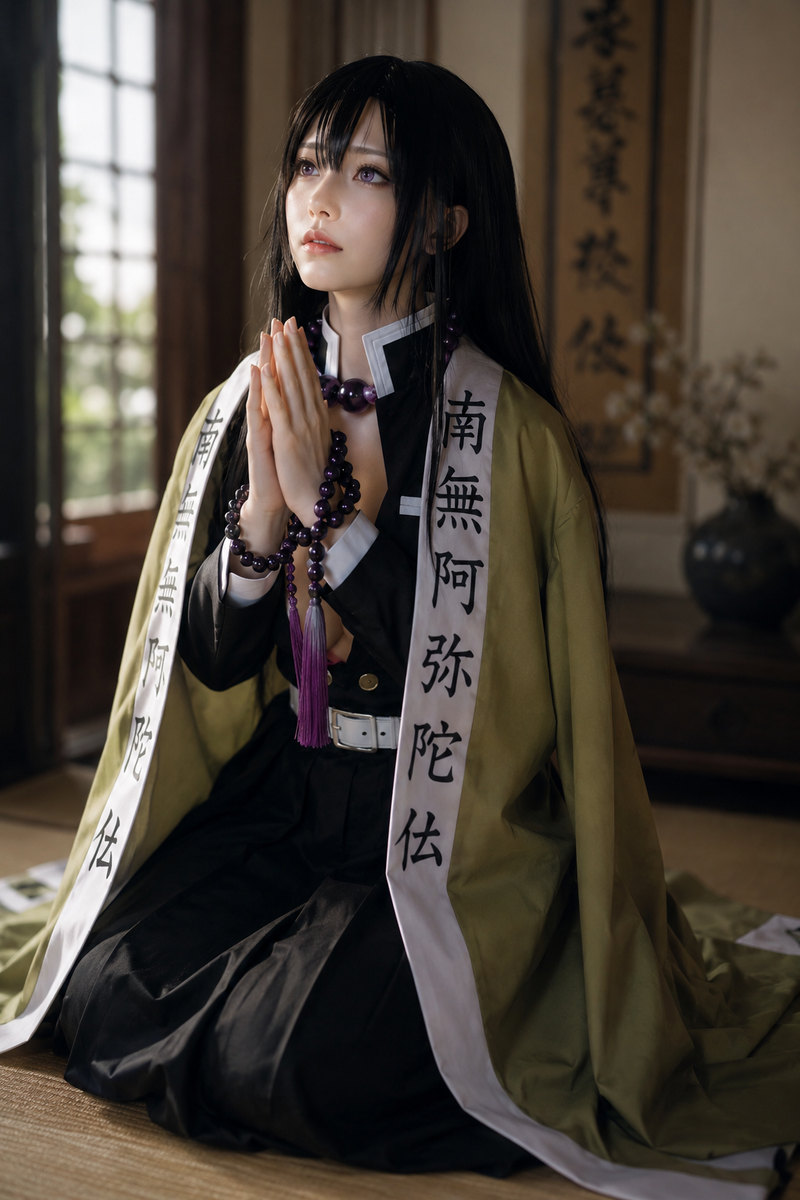
千年官仪十二瞬国潮变装
Prompt
12-second fast-paced Guochao atmospheric beat-change video, showcasing the characteristics of official robes and headwear of the five dynasties: Han, Tang, Song, Ming, and Qing, video theme "Millennium Official Etiquette: Twelve Moments"; complete dynasty transition within 0.5 seconds, use lighting color temperature to distinguish dynasties (Han cold light, Tang warm light, etc.), fixed camera position/movement shooting + fast editing; 0-2s [Han · Mighty]: Wearing black Han-style official robes, wearing Jinxian crown, holding a jade tablet with a solemn expression, subtitle "Han · Majesty", sound effect heavy drum beats; 3-4s [Tang · Prosperous]: Instant costume change, wearing red round-collar Lan robe, waist tied with a leather belt, wearing Tang dynasty Putou, turning around and swinging sleeves, subtitle "Tang · Splendor", sound effect Pipa strumming; 5-6s [Song · Elegant]: Instant costume change, wearing crimson public service robes, wearing Song dynasty long-wing unfolded Putou, holding a court tablet with elegant movements, subtitle "Song · Refinement", sound effect crisp Jade Chime stone; 7-9s [Ming · Dignified]: Instant costume change, wearing bright red bestowed robes (chest gold-woven rank badge clearly visible), wearing Ming dynasty Wusha hat, adjusting hat brim with sharp eyes, subtitle "Ming · Integrity", sound effect heavy palace horn; 10-12s [Qing · Luxurious]: Instant costume change, wearing slate blue court robes, wearing court beads, wearing red-tasseled summer hat with button and peacock feather, freezing frame then looking deep into the lens, subtitle "Qing · Magnificence", sound effect long sound of brass gong stopping abruptly.
- Category
- Video Prompts
- Model
- Seedance 2.0
- Creator
- @johnAGI168
- Source ID
- 7178
- Published
- Mar 13, 2026
Views471