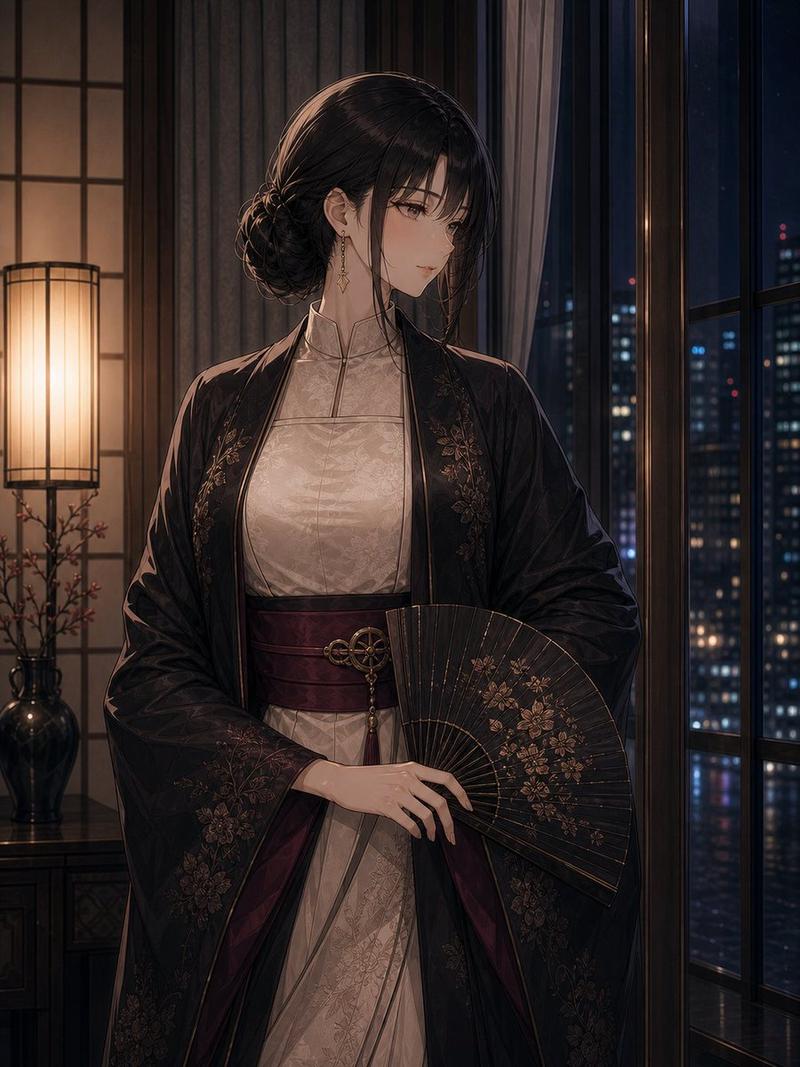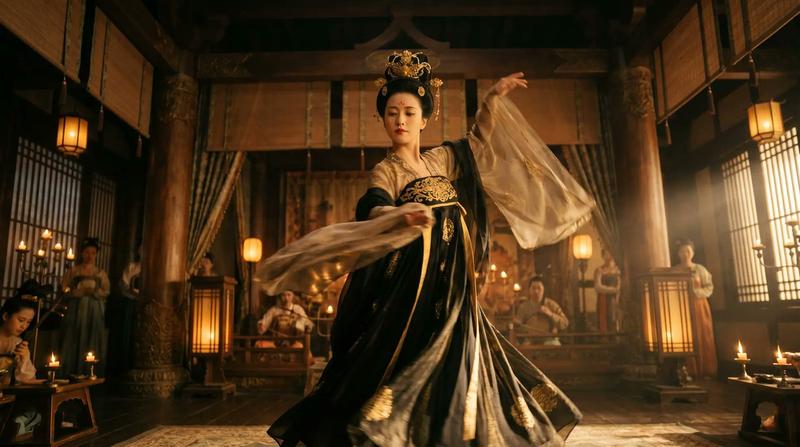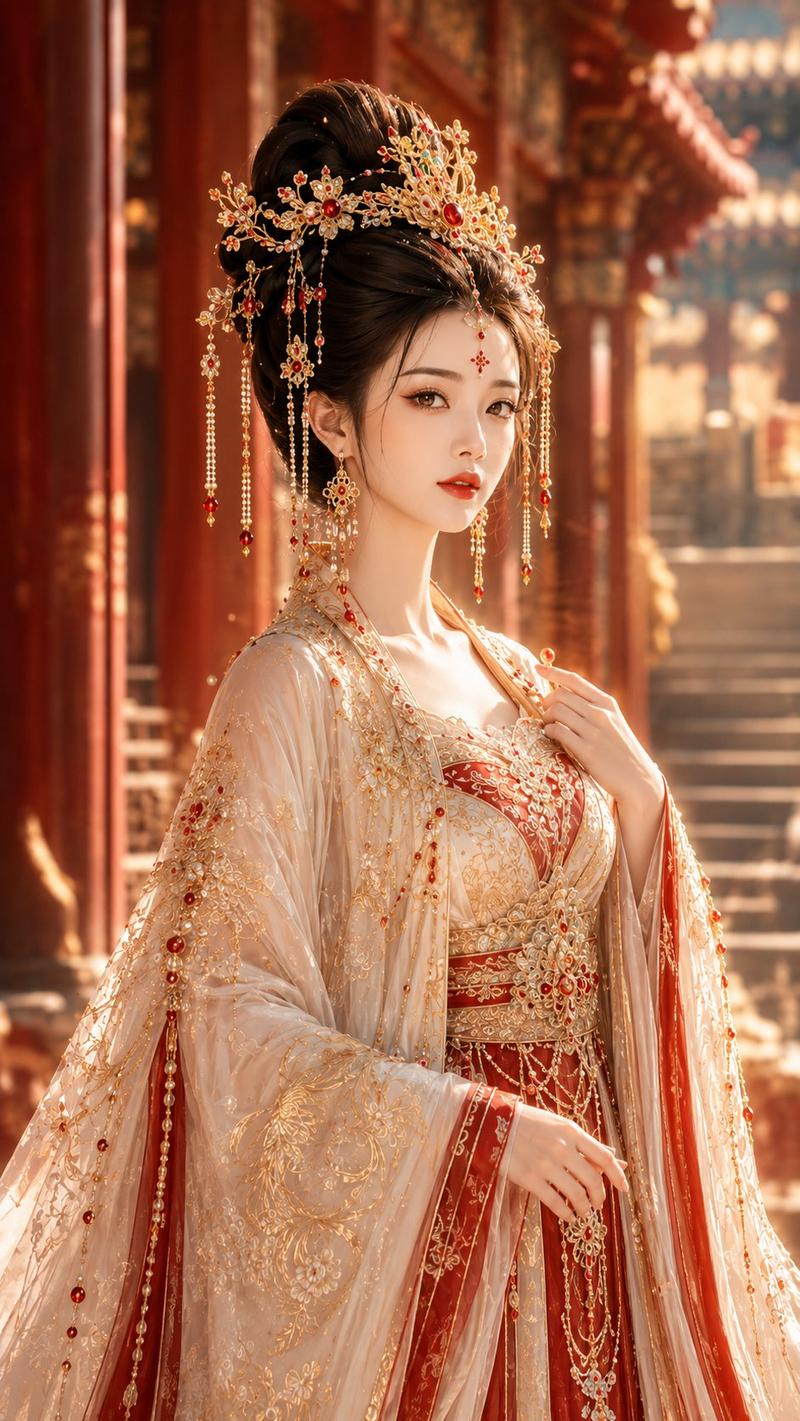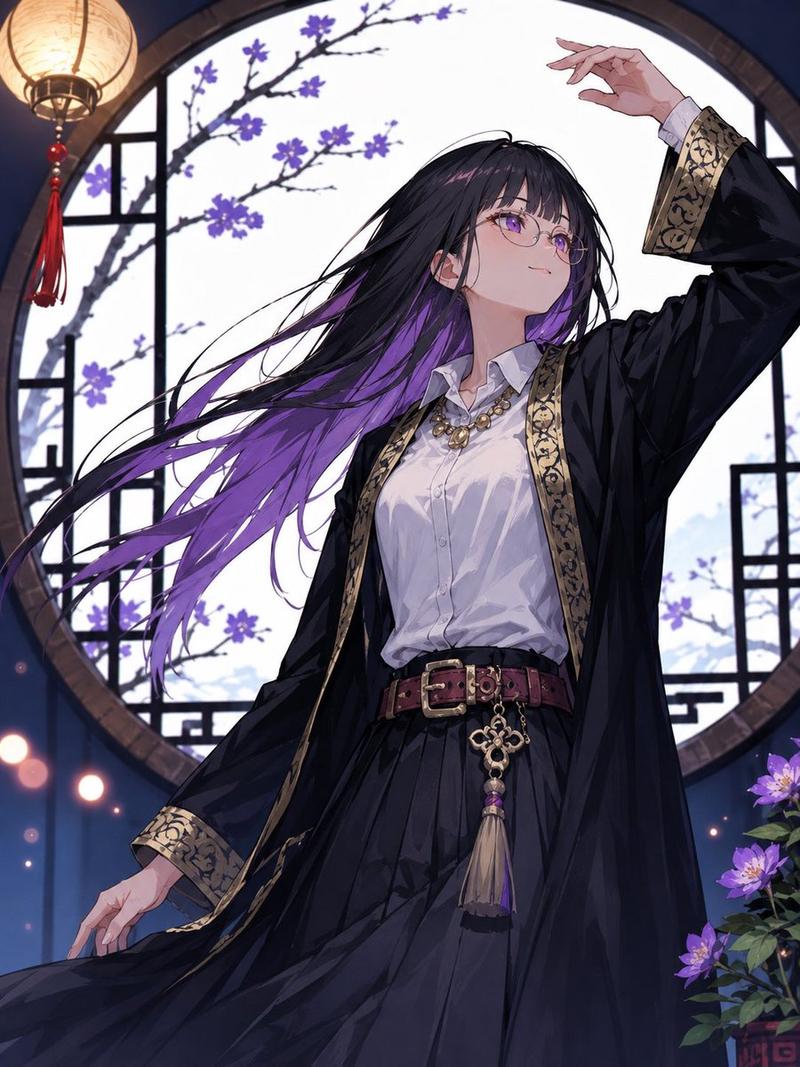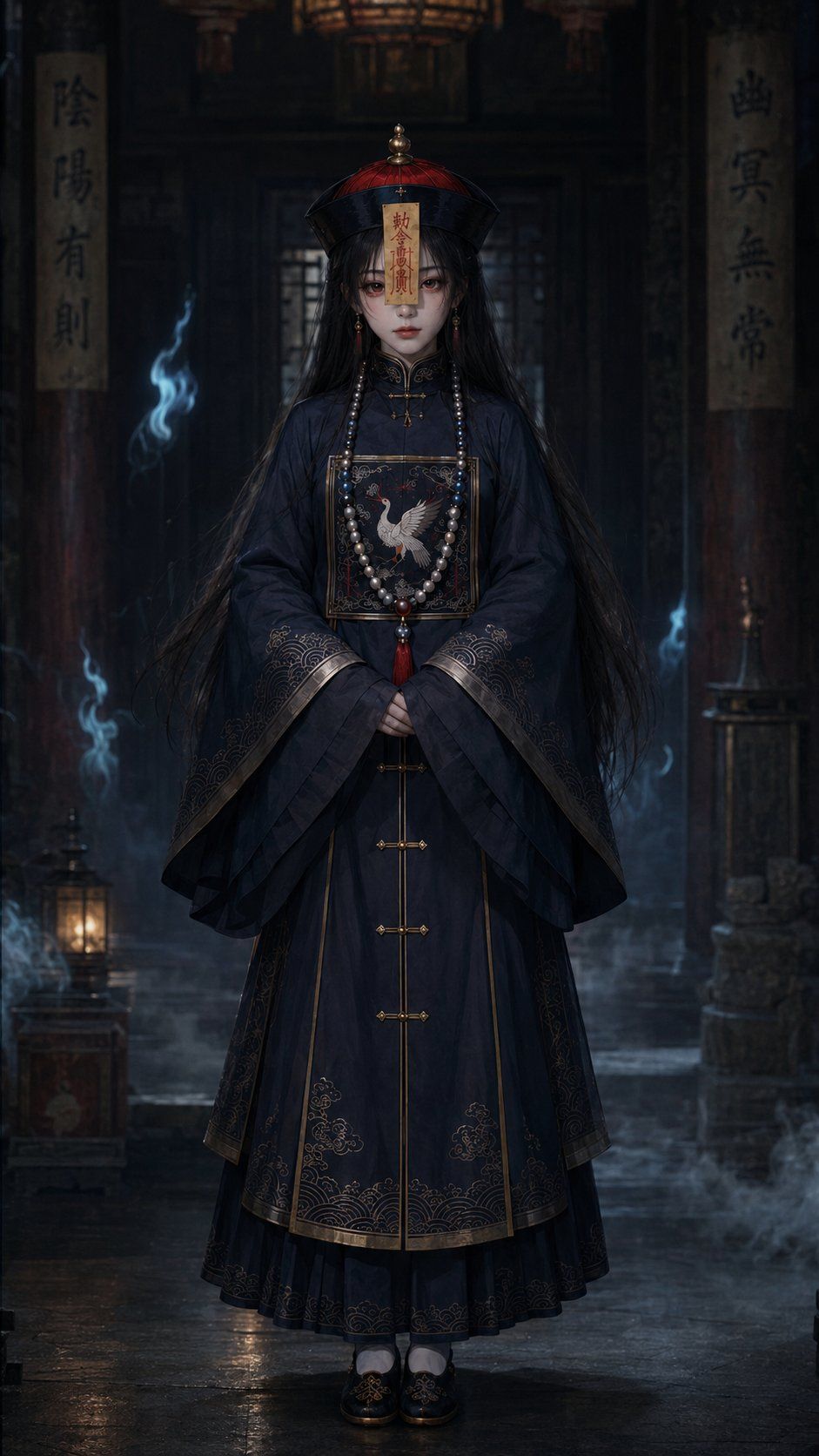
暗黑僵尸寺庙肖像
Prompt
Create a dark cinematic full-body portrait of {argument name="character name" default="a young female jiangshi"} standing centered in an ancient Chinese ancestral hall at night. She has an ethereal porcelain-pale face, large melancholy eyes, subtle red eye makeup, straight black bangs, and extremely long loose {argument name="hair color" default="black hair"} falling past her waist. She wears a traditional Qing dynasty-inspired jiangshi outfit: a deep navy-black robe with wide layered sleeves, gold trim, ornate embroidered wave patterns at the cuffs and hem, a square chest panel embroidered with a white crane, vertical gold frog-button closures down the front, black embroidered shoes, and a long pearl prayer-bead necklace with a red tassel. On her head is a black-and-red Qing official hat with a small gold finial, and a yellow talisman paper hangs over the center of her forehead with red Chinese calligraphy. Her hands are folded calmly in front of her body, expression still and haunting. The environment is a shadowy temple interior with wet reflective stone flooring, old wooden pillars, a large dim lantern overhead, two vertical hanging calligraphy banners in the background, one small floor lantern glowing at lower left, an altar or candle stand at lower right, drifting blue ghost flames and low mist around her. Use a vertical 9:16 composition, symmetrical framing, gothic Chinese fantasy atmosphere, muted blue-black palette with warm amber lantern highlights, highly detailed fabric embroidery, realistic-anime dark fantasy rendering, soft volumetric light, shallow depth of field, no modern objects, no extra characters, no watermark.- Category
- Photography & Realism
- Model
- GPT Image 2
- Creator
- 阿山
- Source ID
- 28277
- Published
- Jul 10, 2026
Views1