16

极简高端字母光学错觉标志设计
Enlarge

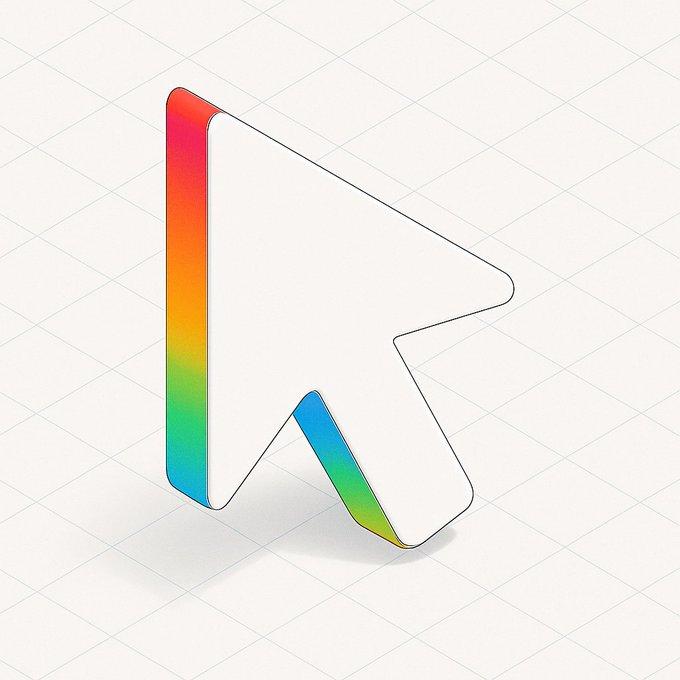
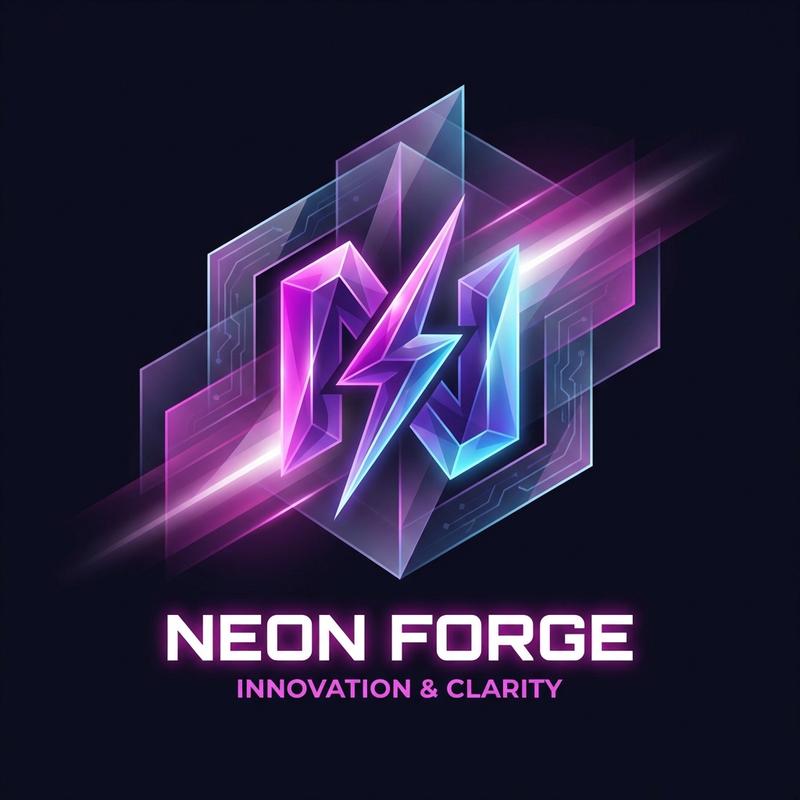
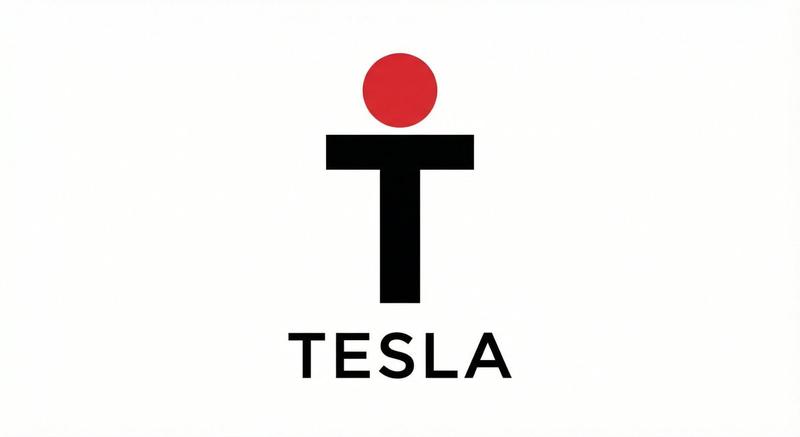
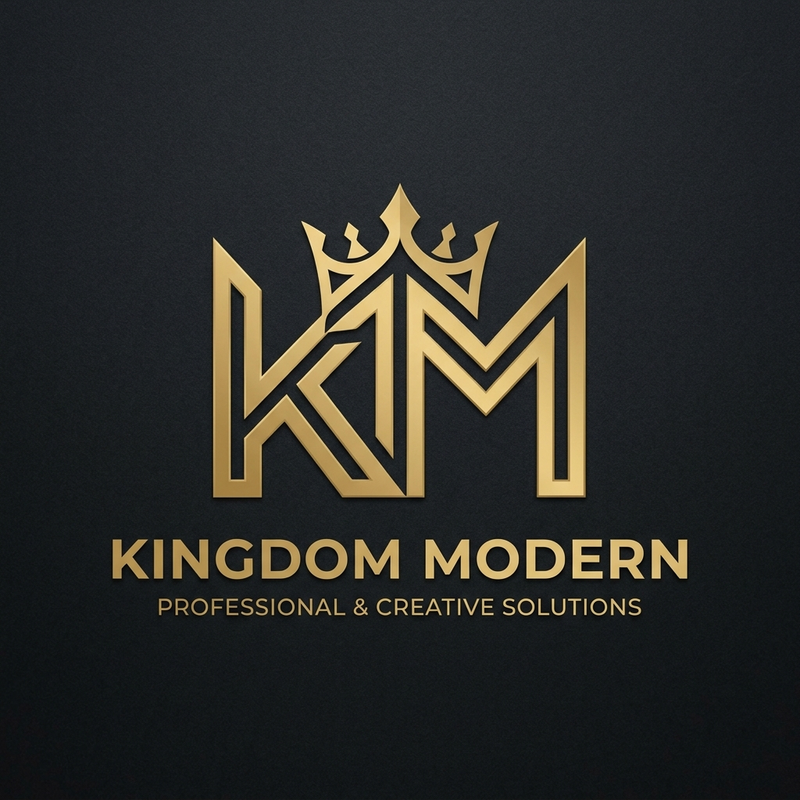
Example images

极简高端字母光学错觉标志设计

Prompt
Design a simple and high-end logo for [Brand Name], based on the letter [Core Letter]. Transform that letter into an optical illusion brand identity using folded geometric shapes, spatial depth, precise edges, and strong negative space. The logo should convey [Symbolic Meaning] while maintaining readability, simplicity, and memorability. Center a large logo mark on a clean warm ivory or soft light grey background. Below, add only the brand name "[Brand Name]" and optionally add a short subtitle "[Subtitle]". Use a minimalist black, white, and grey palette to create a high-end modern brand identity design. Do not use poster layouts, construction grids, annotations, extra icons, decorative small text, mockup clutter, messy 3D effects, or distorted fonts.
Category
UI & Interfaces
Model
ChatGPT
Creator
@MrLarus
Views38
Source ID
16355
Published
Jun 20, 2026

Guide

About "极简高端字母光学错觉标志设计"

What is this prompt for?

"极简高端字母光学错觉标志设计" AI image prompt for ChatGPT (UI & Interfaces). 为【品牌名称】设计一个简洁高端的标志,基于字母【核心字母】。 将该字母转化为一个光学错觉品牌标识,使用折叠几何形状、空间深度、精确边缘和强烈的负空间。标志应传达【象征意义】,同时保持可读性、…

The full copyable prompt and example visuals above are ready for AI image generation or one-click recreate in Picva.

How to use this prompt

  1. Step 1

    Open the prompt detail

    Review the example visuals, category, and full prompt text for "极简高端字母光学错觉标志设计".

  2. Step 2

    Copy the prompt

    Copy the prompt body from this page, or load it directly in Studio.

  3. Step 3

    Pick a model (ChatGPT)

    Prefer ChatGPT. If you switch models, keep subject and composition and tweak style terms.

  4. Step 4

    Generate and export

    Recreate the look in Picva, or export into your workflow for editing and publishing.

FAQ

What is the "极简高端字母光学错觉标志设计" prompt?
It is an AI image-generation prompt for ChatGPT in the UI & Interfaces category. This page includes the full prompt text, example visuals, and a one-click recreate path in Picva.
How do I use this prompt to generate an image?
Copy the prompt from this page, or use Generate / Studio. Paste it into a compatible image model, or recreate the look in Picva with optional reference images.
Which model is this prompt for?
This page lists ChatGPT. Most descriptive prompts also transfer to nearby image models such as GPT Image, Flux, or Midjourney with light style tweaks.
Can I use the result commercially?
You can usually copy the prompt for creation, but commercial use of the final image depends on the model terms, reference-image rights, and the generated content. Follow the source author and platform rules.