20

极简抽象科技风海报
Enlarge

极简抽象科技风海报

Prompt
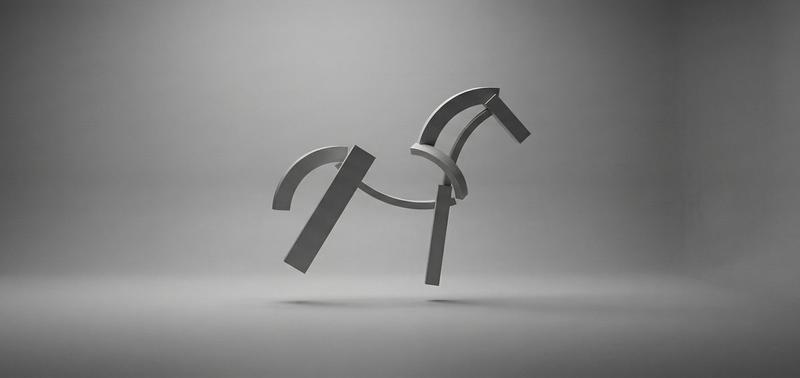
A minimalist abstract graphic poster with a wide 16:9 composition, featuring a soft pastel lavender and pale gray background made of 6 broad horizontal bands with subtle left-to-right gradient shifts. Place a single bold black abstract symbol in the exact center, resembling a stylized curved geometric mark or cropped ribbon-like logo, with a flat top, a sweeping downward curve, and a compact base. Keep the design extremely clean and sparse, with no text, no shadows, no texture, and no extra elements. Use smooth vector-style edges, muted modern branding aesthetics, and a calm contemporary tech visual language.
Category
Charts & Infographics
Model
GPT Image 2
Creator
Shadowed
Views4
Source ID
16424
Published
Apr 26, 2026

Guide

About "极简抽象科技风海报"

What is this prompt for?

"极简抽象科技风海报" AI image prompt for GPT Image 2 (Charts & Infographics). 一款简洁的抽象品牌风格图像,适用于现代科技海报、启动页或极简社交媒体配图。 Copy it on Picva and recreate the look in one click.

The full copyable prompt and example visuals above are ready for AI image generation or one-click recreate in Picva.

How to use this prompt

  1. Step 1

    Open the prompt detail

    Review the example visuals, category, and full prompt text for "极简抽象科技风海报".

  2. Step 2

    Copy the prompt

    Copy the prompt body from this page, or load it directly in Studio.

  3. Step 3

    Pick a model (GPT Image 2)

    Prefer GPT Image 2. If you switch models, keep subject and composition and tweak style terms.

  4. Step 4

    Generate and export

    Recreate the look in Picva, or export into your workflow for editing and publishing.

FAQ

What is the "极简抽象科技风海报" prompt?
It is an AI image-generation prompt for GPT Image 2 in the Charts & Infographics category. This page includes the full prompt text, example visuals, and a one-click recreate path in Picva.
How do I use this prompt to generate an image?
Copy the prompt from this page, or use Generate / Studio. Paste it into a compatible image model, or recreate the look in Picva with optional reference images.
Which model is this prompt for?
This page lists GPT Image 2. Most descriptive prompts also transfer to nearby image models such as GPT Image, Flux, or Midjourney with light style tweaks.
Can I use the result commercially?
You can usually copy the prompt for creation, but commercial use of the final image depends on the model terms, reference-image rights, and the generated content. Follow the source author and platform rules.