20

现代巫女服东亚美女和风神社写真
Enlarge

现代巫女服东亚美女和风神社写真

Prompt
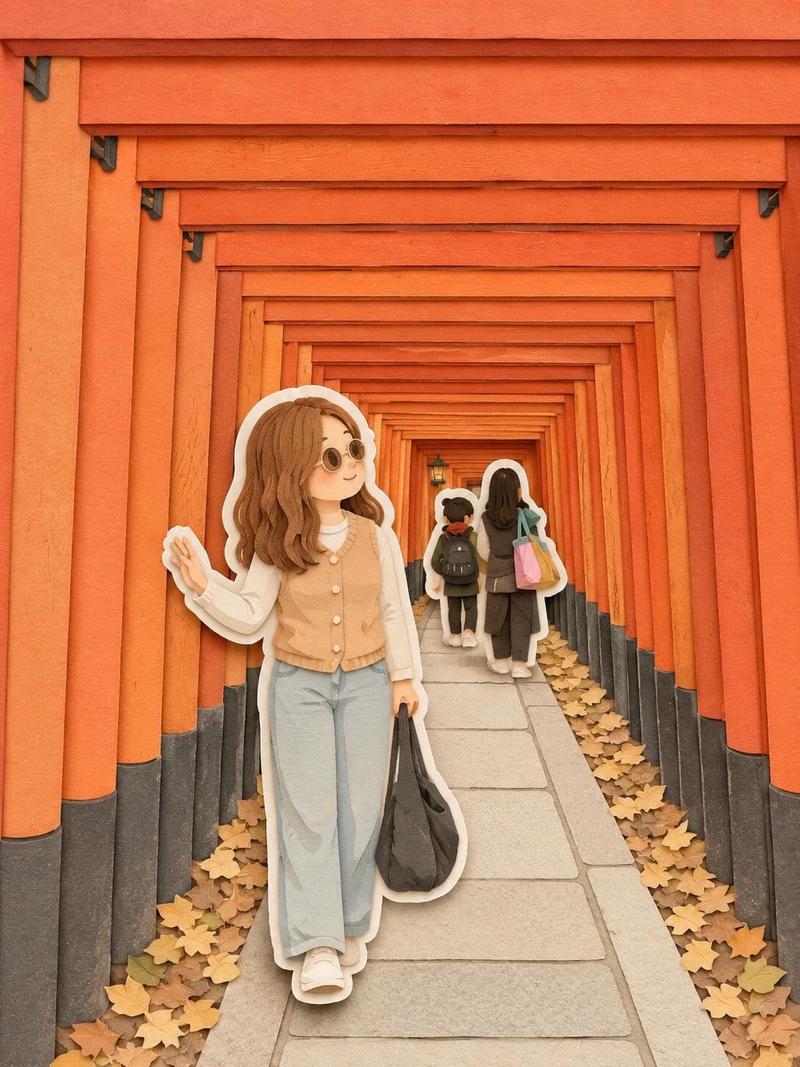
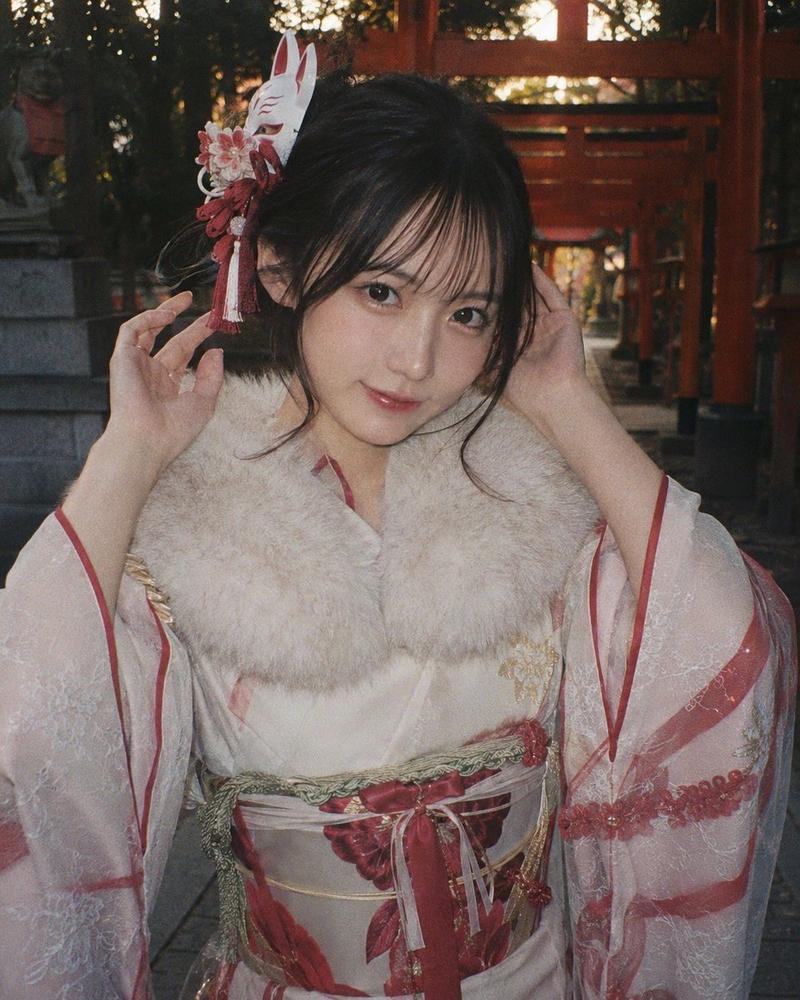
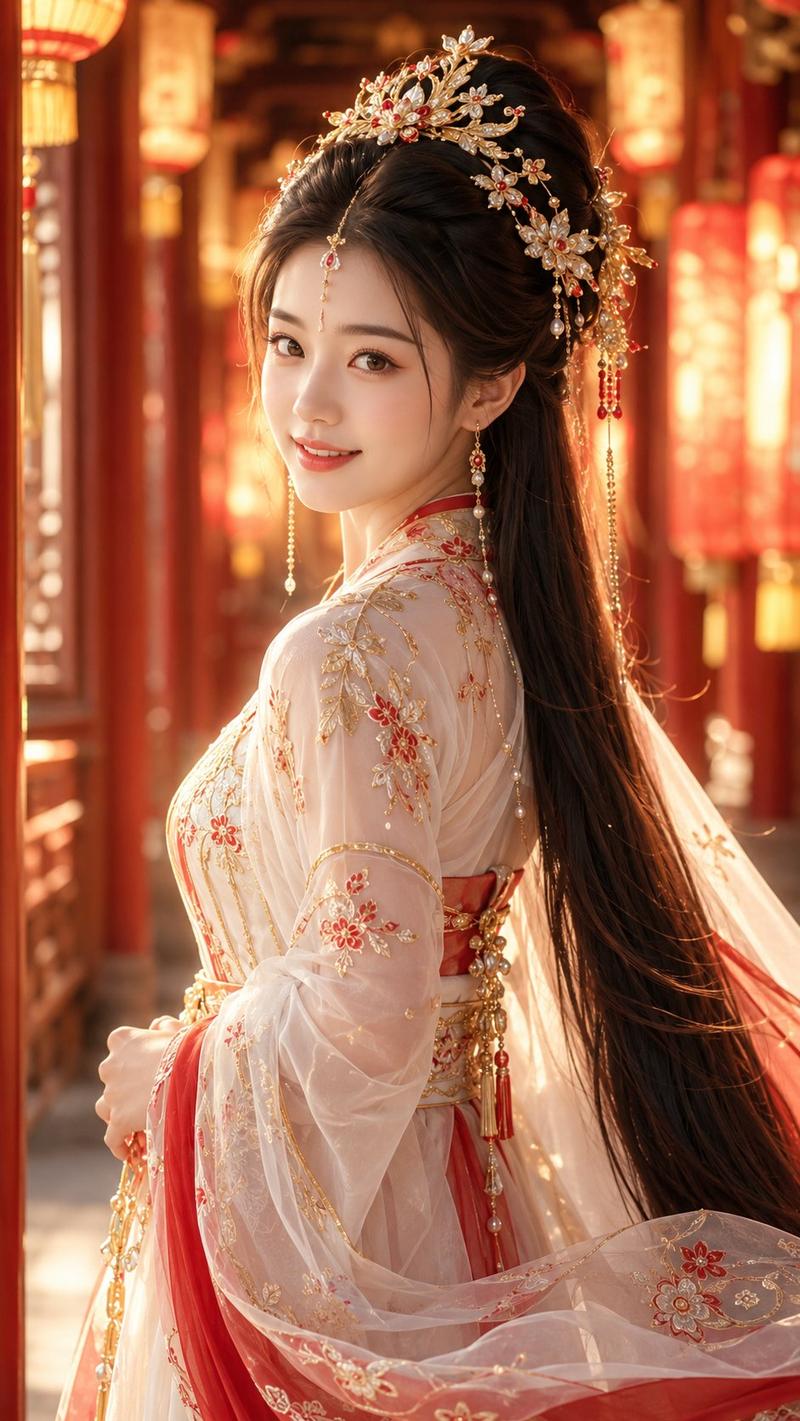
Photorealistic full-body portrait of a beautiful young East Asian woman in her early 20s at a traditional Japanese shrine. She has long black hair with bangs, elegant traditional hairstyle with red and gold accessories, soft serene expression looking at camera. 

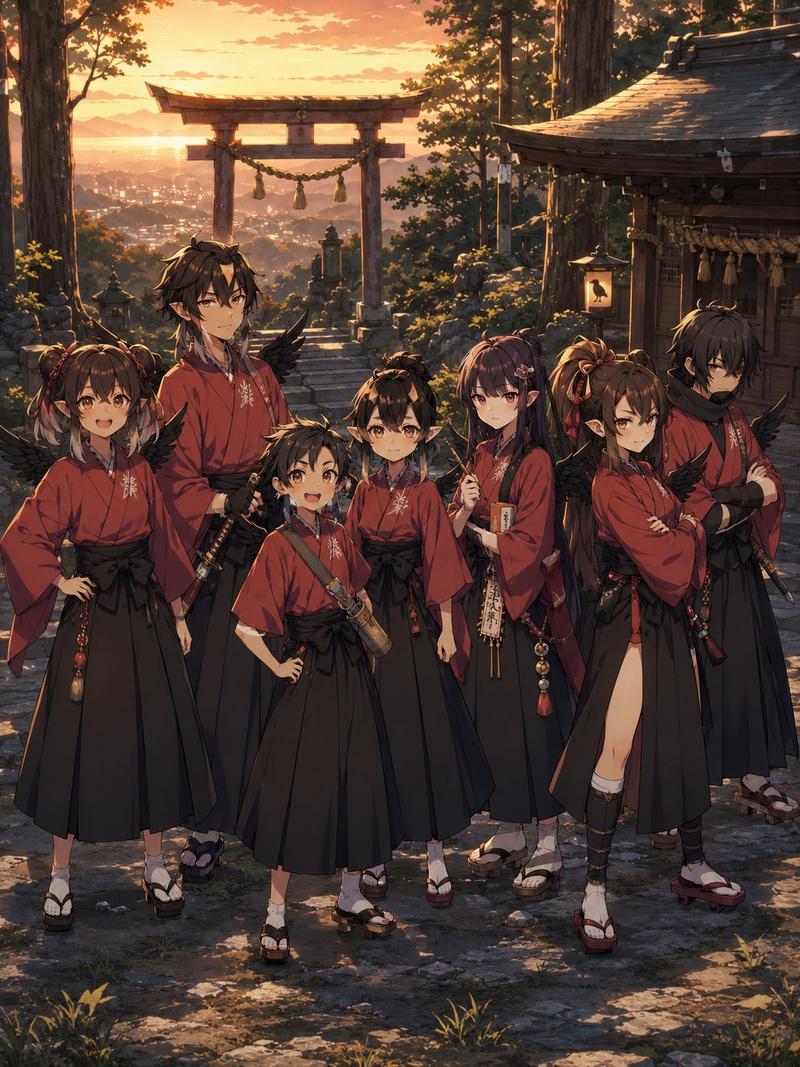
Wearing a stylish modern interpretation of miko attire: white off-shoulder kimono-style top with red trim and gold embroidery, short pleated red skirt with matching patterns, white tabi socks, and red-black geta platform sandals. One hand gently touching her collar, the other slightly extended, graceful pose. 

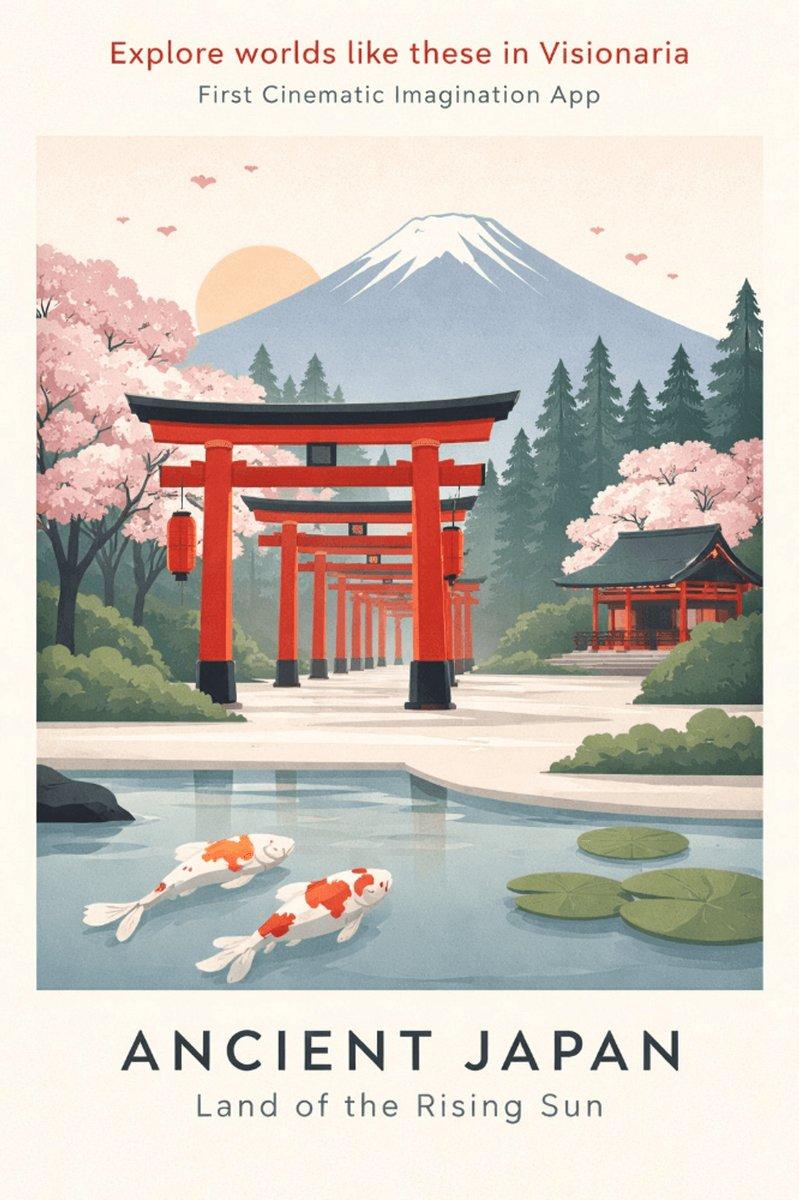
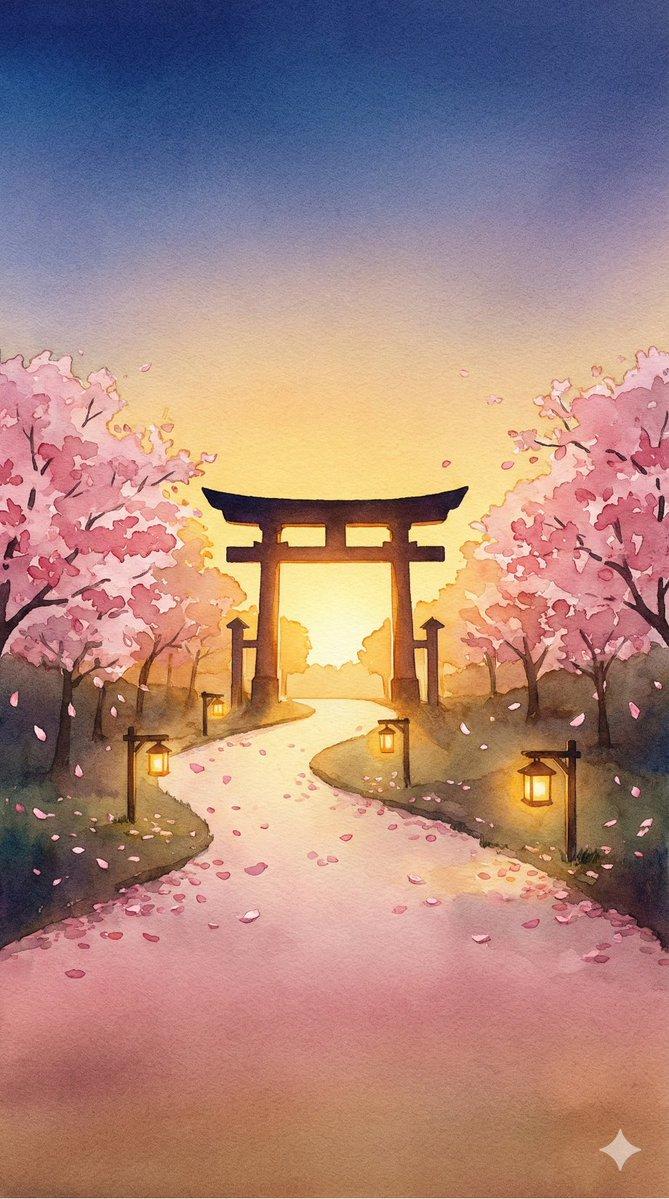
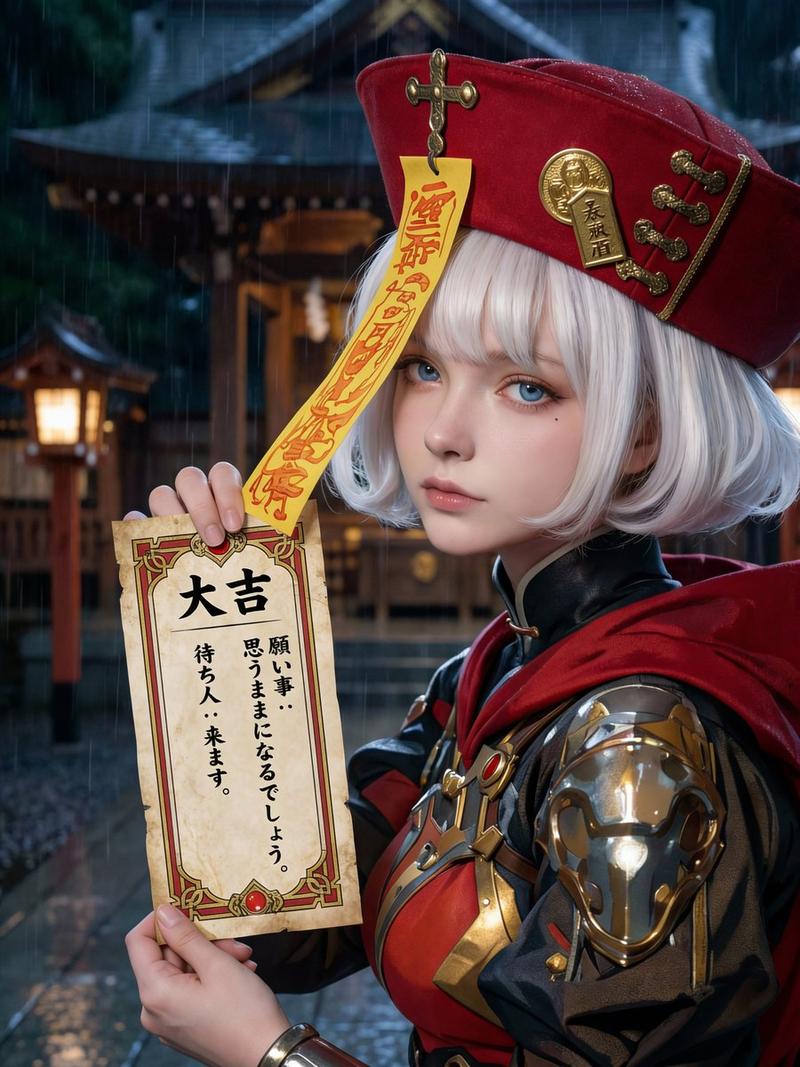
Background: iconic red torii gates corridor stretching into the distance, wooden ema (wish plaques) hanging on the left, stone pavement, lush green trees, natural daylight with soft sunlight and gentle shadows. Highly detailed fabric textures, realistic skin, intricate embroidery, cinematic composition, 8k photorealistic, elegant and atmospheric.
Category
Brand & Logos
Model
Grok
Views1
Source ID
17553
Published
Jul 8, 2026

Guide

About "现代巫女服东亚美女和风神社写真"

What is this prompt for?

"现代巫女服东亚美女和风神社写真" AI image prompt for Grok (Brand & Logos). 在一座传统日本神社里,一位20岁出头的东亚美女的写实全身肖像。她留着带刘海的黑色长发,优雅的传统发型配有红金色的饰品,神情柔和宁静地注视着镜头。穿着一套时尚现代诠释的巫女服:带有红色边饰和金色刺绣的…

The full copyable prompt and example visuals above are ready for AI image generation or one-click recreate in Picva.

How to use this prompt

  1. Step 1

    Open the prompt detail

    Review the example visuals, category, and full prompt text for "现代巫女服东亚美女和风神社写真".

  2. Step 2

    Copy the prompt

    Copy the prompt body from this page, or load it directly in Studio.

  3. Step 3

    Pick a model (Grok)

    Prefer Grok. If you switch models, keep subject and composition and tweak style terms.

  4. Step 4

    Generate and export

    Recreate the look in Picva, or export into your workflow for editing and publishing.

FAQ

What is the "现代巫女服东亚美女和风神社写真" prompt?
It is an AI image-generation prompt for Grok in the Brand & Logos category. This page includes the full prompt text, example visuals, and a one-click recreate path in Picva.
How do I use this prompt to generate an image?
Copy the prompt from this page, or use Generate / Studio. Paste it into a compatible image model, or recreate the look in Picva with optional reference images.
Which model is this prompt for?
This page lists Grok. Most descriptive prompts also transfer to nearby image models such as GPT Image, Flux, or Midjourney with light style tweaks.
Can I use the result commercially?
You can usually copy the prompt for creation, but commercial use of the final image depends on the model terms, reference-image rights, and the generated content. Follow the source author and platform rules.