14

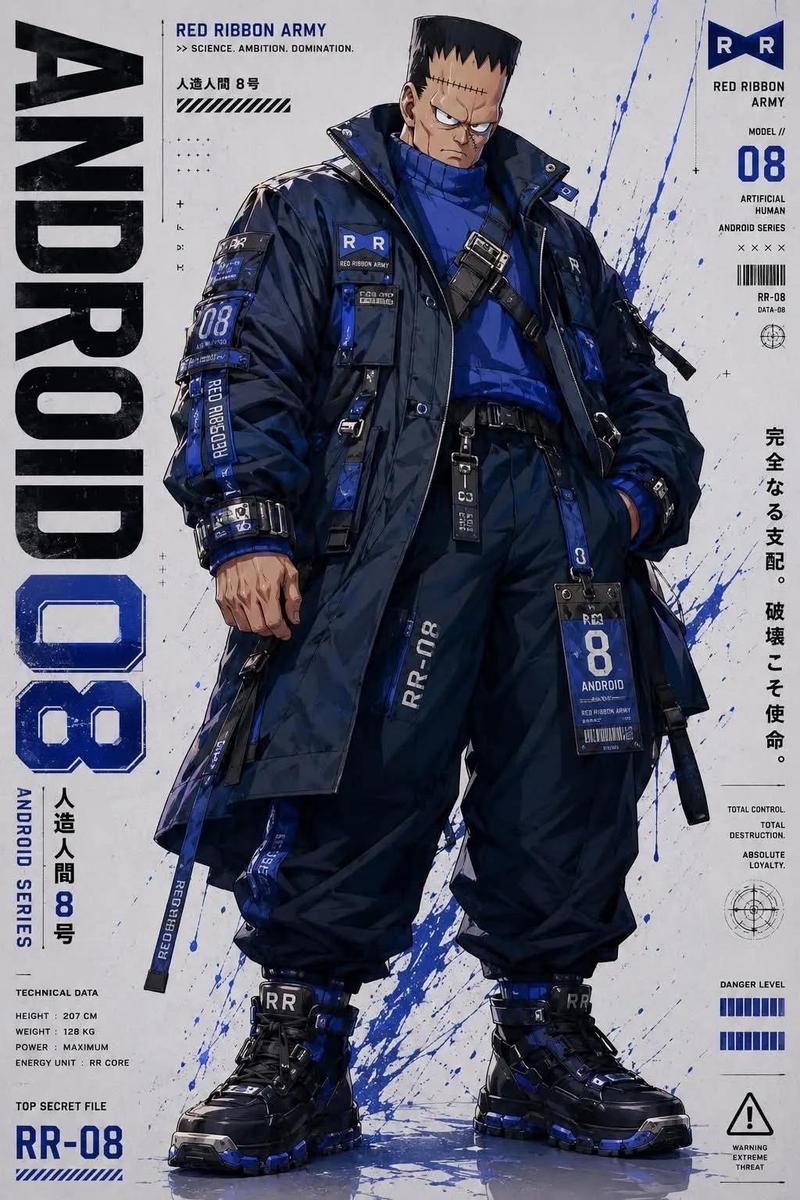
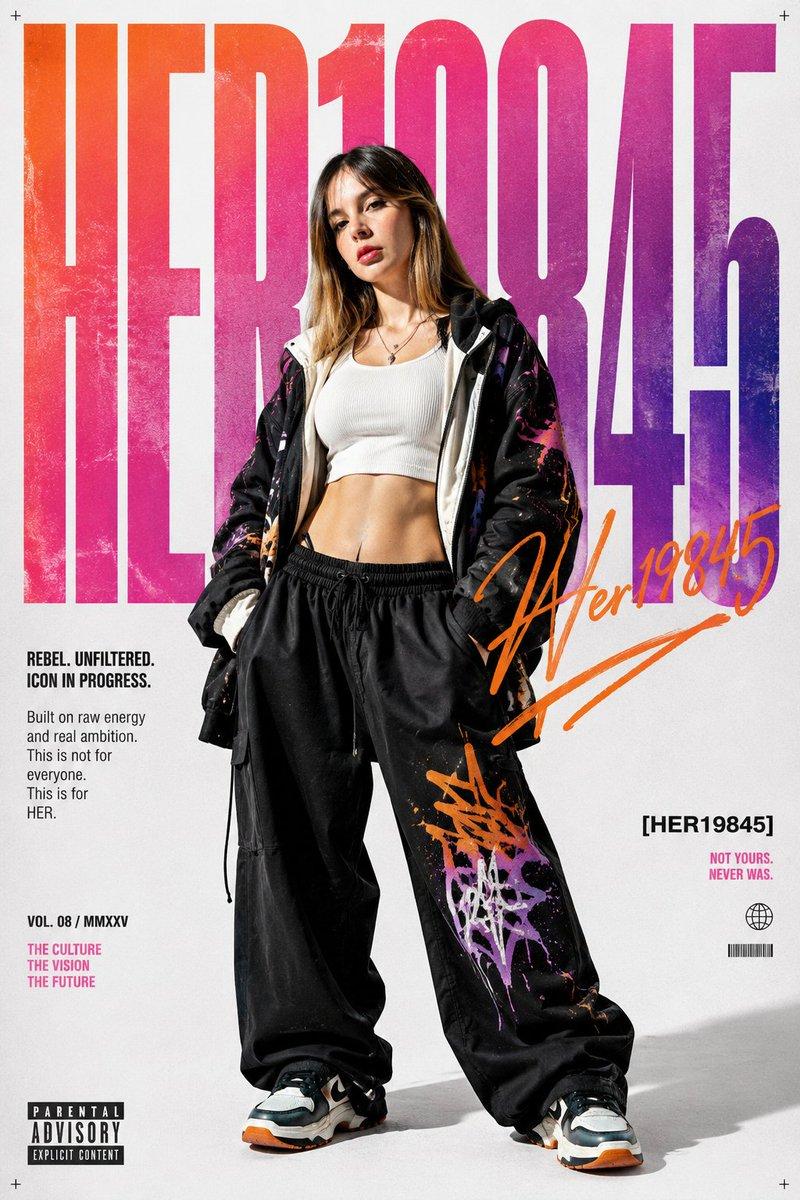
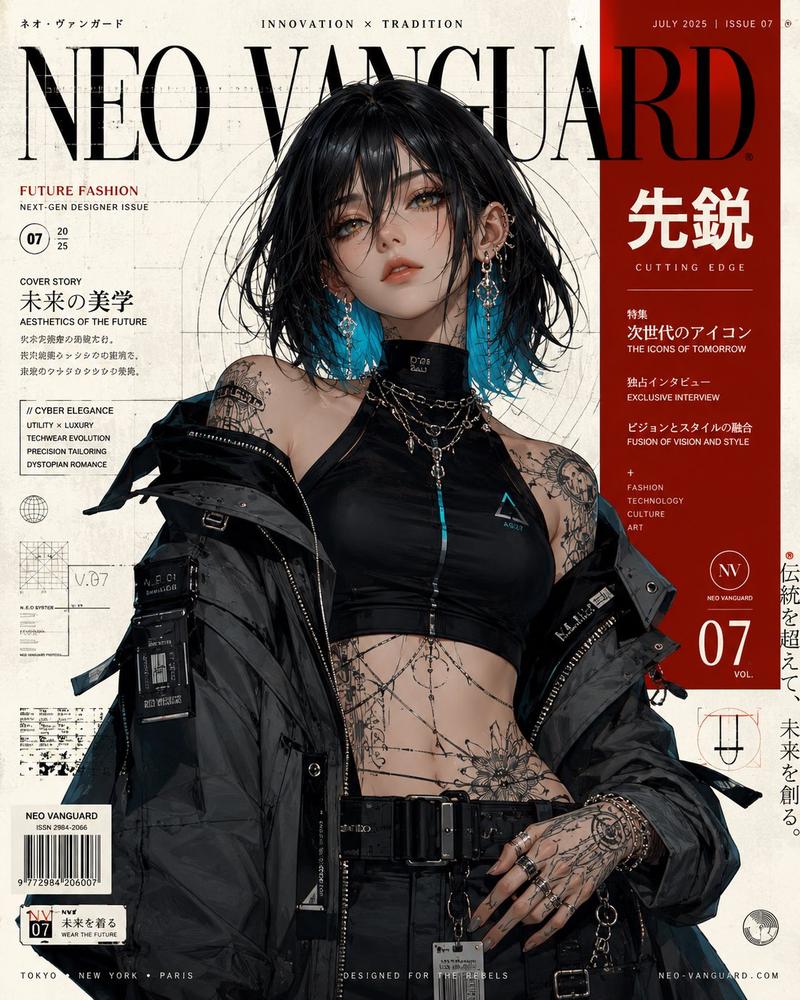
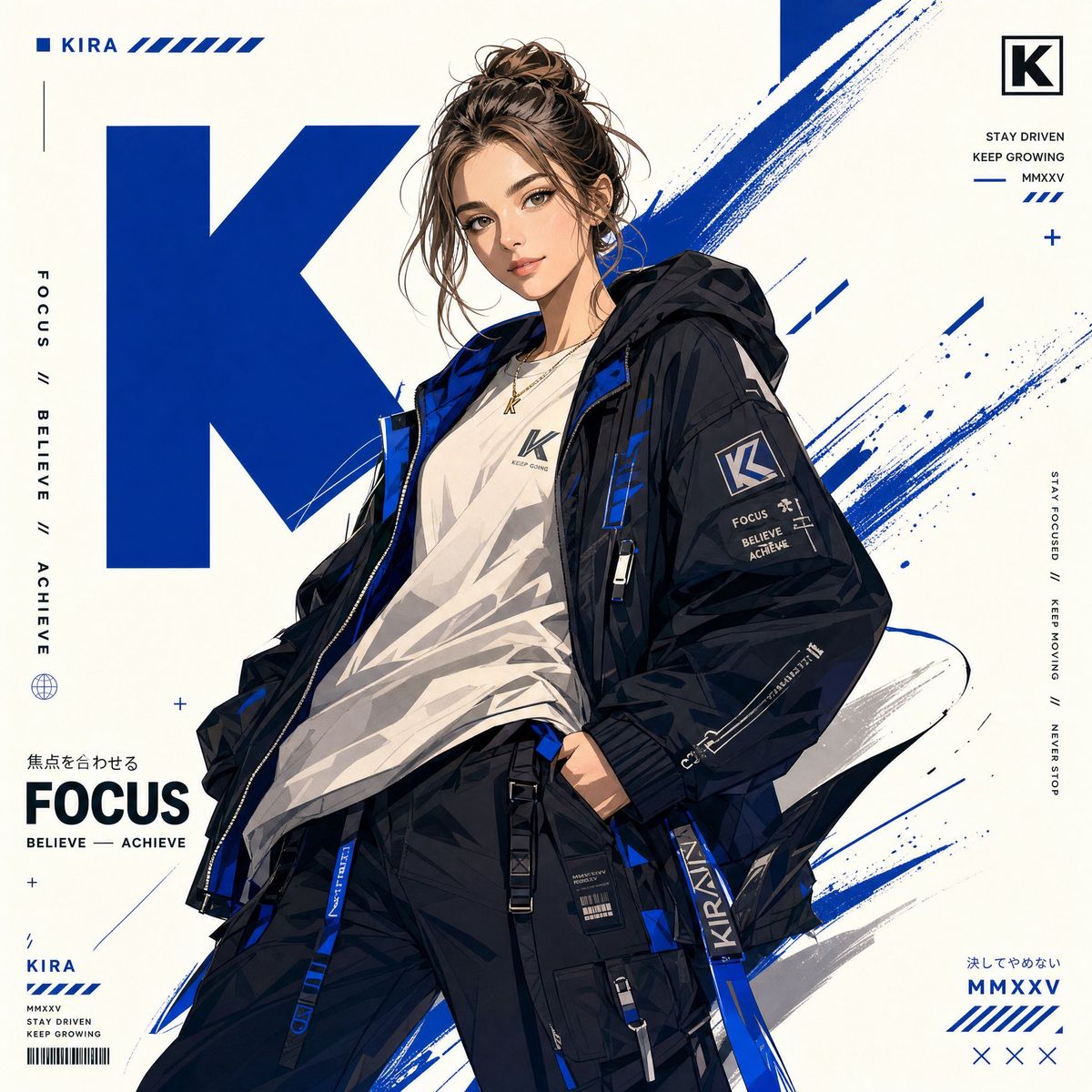
现代潮流街头风动漫海报
Enlarge

现代潮流街头风动漫海报

Prompt
Create a stylized anime poster of {character_name} from {franchise}. Analyze the character’s canon personality and signature color, then build the design around them. Style: anime × streetwear × graphic poster, clean lineart, semi-flat shading, high contrast, modern minimal look. Pose and expression should match the character archetype (heroic, calm, mysterious, aggressive). Reimagine the outfit as modern streetwear/techwear while keeping iconic identity elements. Composition: vertical ({aspect_ratio}), off-center placement, strong diagonal flow, layered depth. Colors: mostly white background, signature color as main accent plus one complementary accent. Use abstract geometric shapes, negative space, energy strokes, paint lines, and motion effects. Lighting: sharp directional light, crisp shadows, subtle colored glow. Ultra-clean vector-style rendering, poster-quality, 4K detail.
Category
Posters & Typography
Model
ChatGPT
Views92
Source ID
14144
Published
May 11, 2026

Guide

About "现代潮流街头风动漫海报"

What is this prompt for?

"现代潮流街头风动漫海报" AI image prompt for ChatGPT (Posters & Typography). 为来自{franchise}的{character_name}创作一张风格化的动漫海报。分析角色的原作性格和代表色,并围绕其进行设计。风格:动漫、街头服饰与平面海报的结合,干净的线条,半…

The full copyable prompt and example visuals above are ready for AI image generation or one-click recreate in Picva.

How to use this prompt

  1. Step 1

    Open the prompt detail

    Review the example visuals, category, and full prompt text for "现代潮流街头风动漫海报".

  2. Step 2

    Copy the prompt

    Copy the prompt body from this page, or load it directly in Studio.

  3. Step 3

    Pick a model (ChatGPT)

    Prefer ChatGPT. If you switch models, keep subject and composition and tweak style terms.

  4. Step 4

    Generate and export

    Recreate the look in Picva, or export into your workflow for editing and publishing.

FAQ

What is the "现代潮流街头风动漫海报" prompt?
It is an AI image-generation prompt for ChatGPT in the Posters & Typography category. This page includes the full prompt text, example visuals, and a one-click recreate path in Picva.
How do I use this prompt to generate an image?
Copy the prompt from this page, or use Generate / Studio. Paste it into a compatible image model, or recreate the look in Picva with optional reference images.
Which model is this prompt for?
This page lists ChatGPT. Most descriptive prompts also transfer to nearby image models such as GPT Image, Flux, or Midjourney with light style tweaks.
Can I use the result commercially?
You can usually copy the prompt for creation, but commercial use of the final image depends on the model terms, reference-image rights, and the generated content. Follow the source author and platform rules.