18

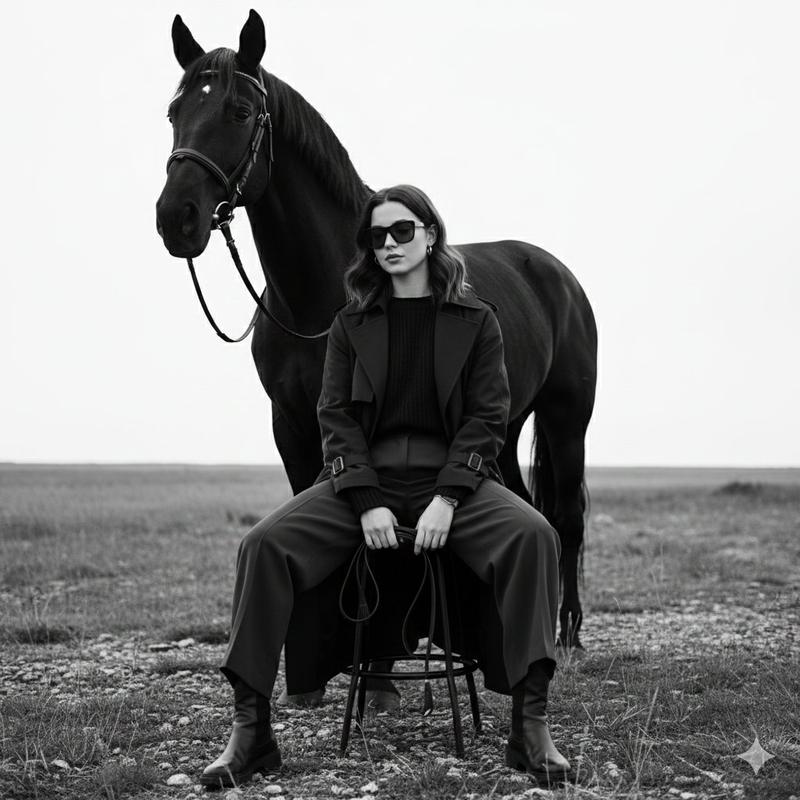
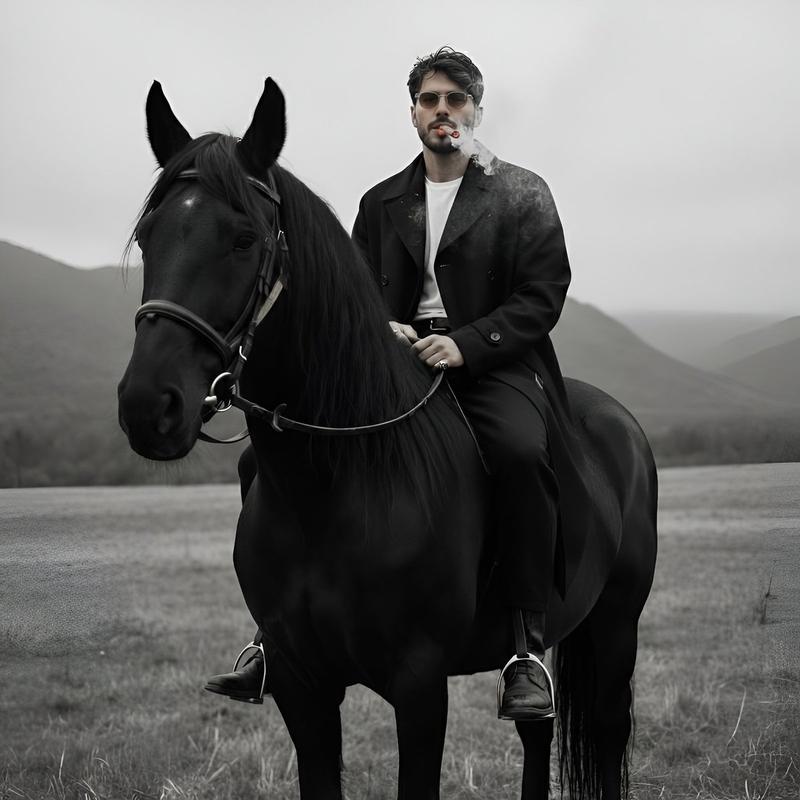
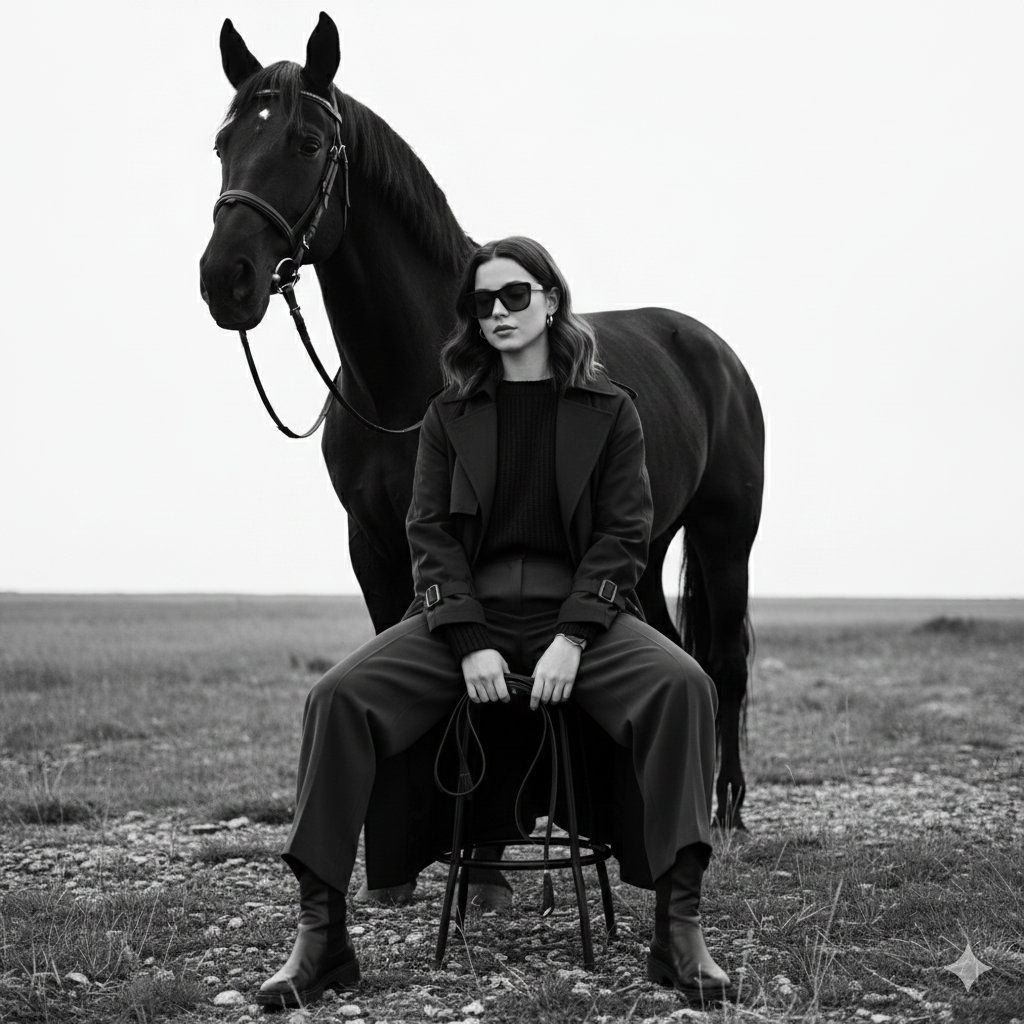
黑白光影中的酷帅女郎与黑马时尚大片
Enlarge

黑白光影中的酷帅女郎与黑马时尚大片

Prompt
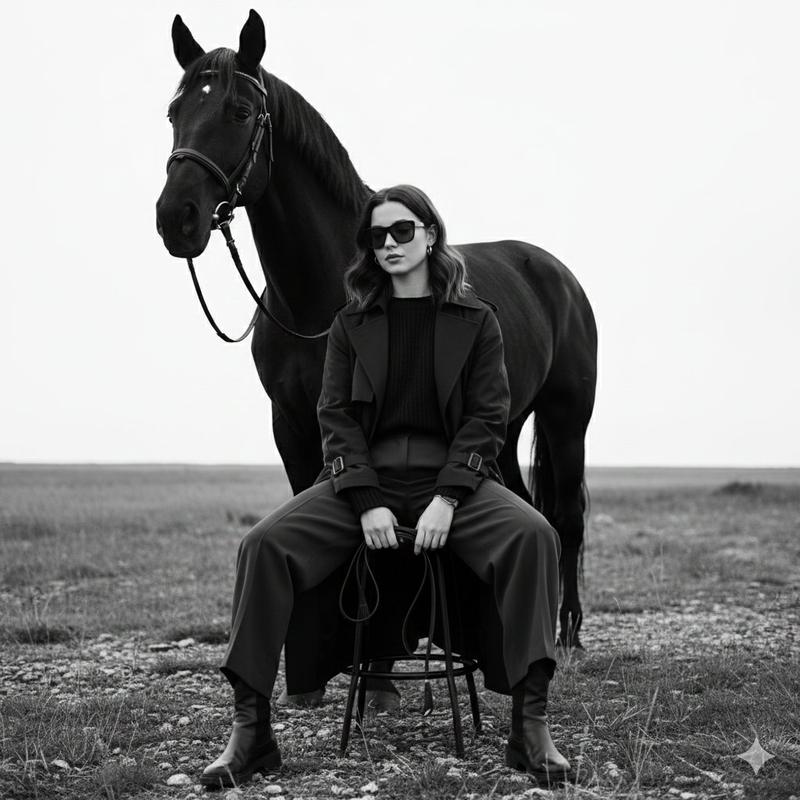
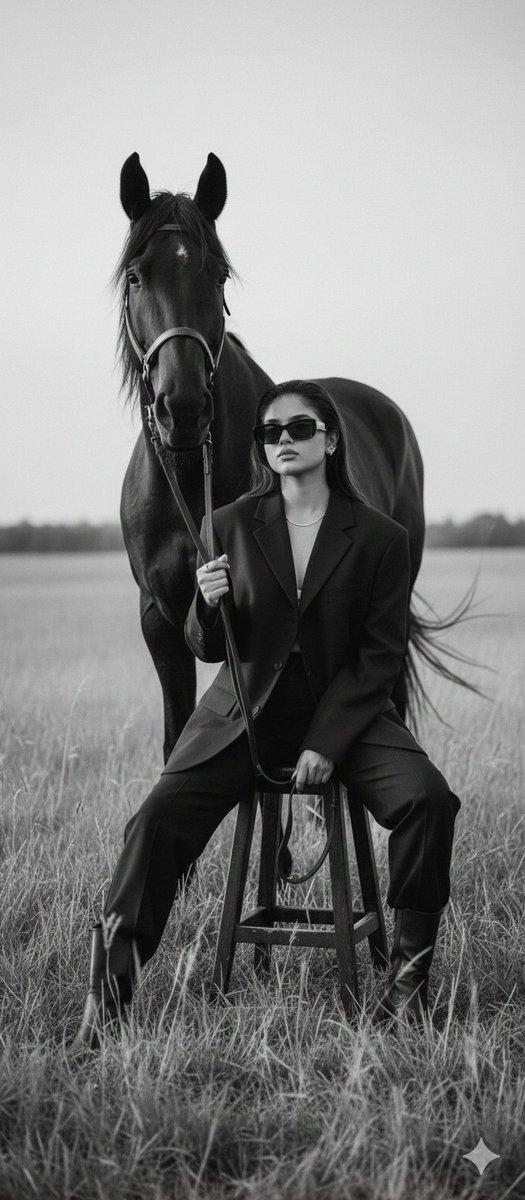
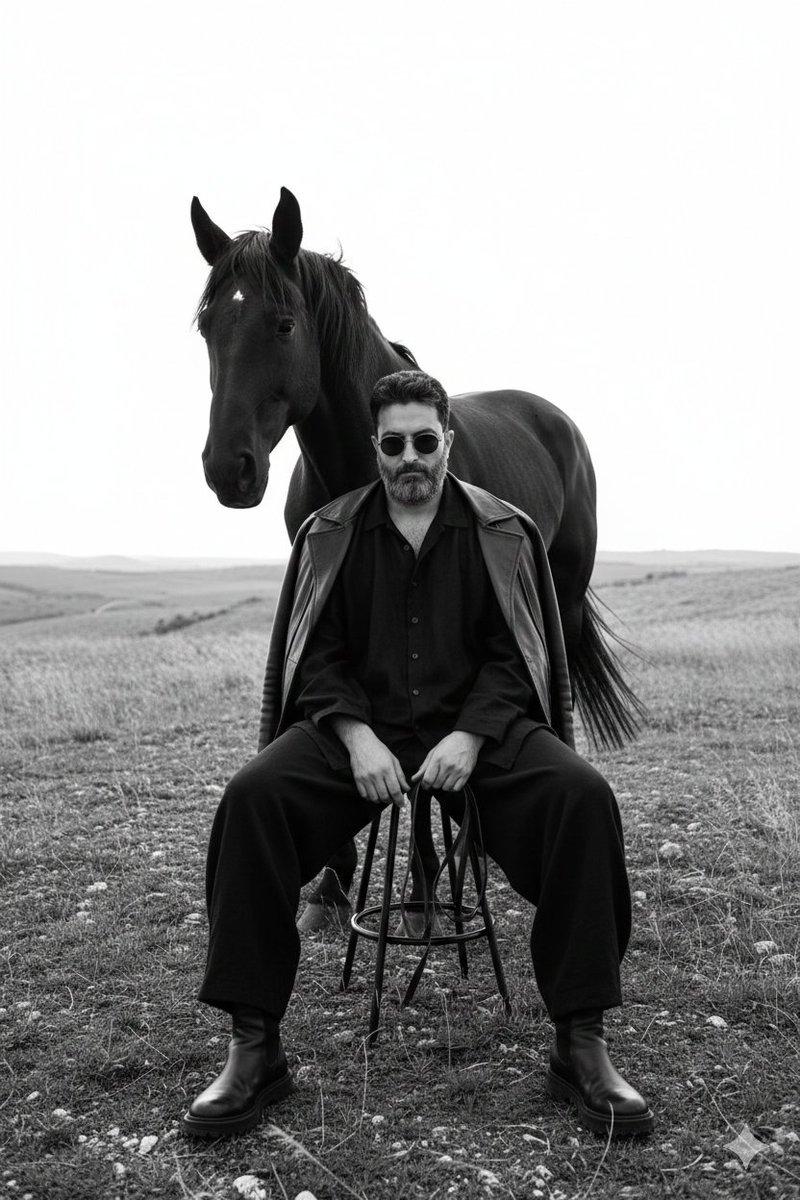
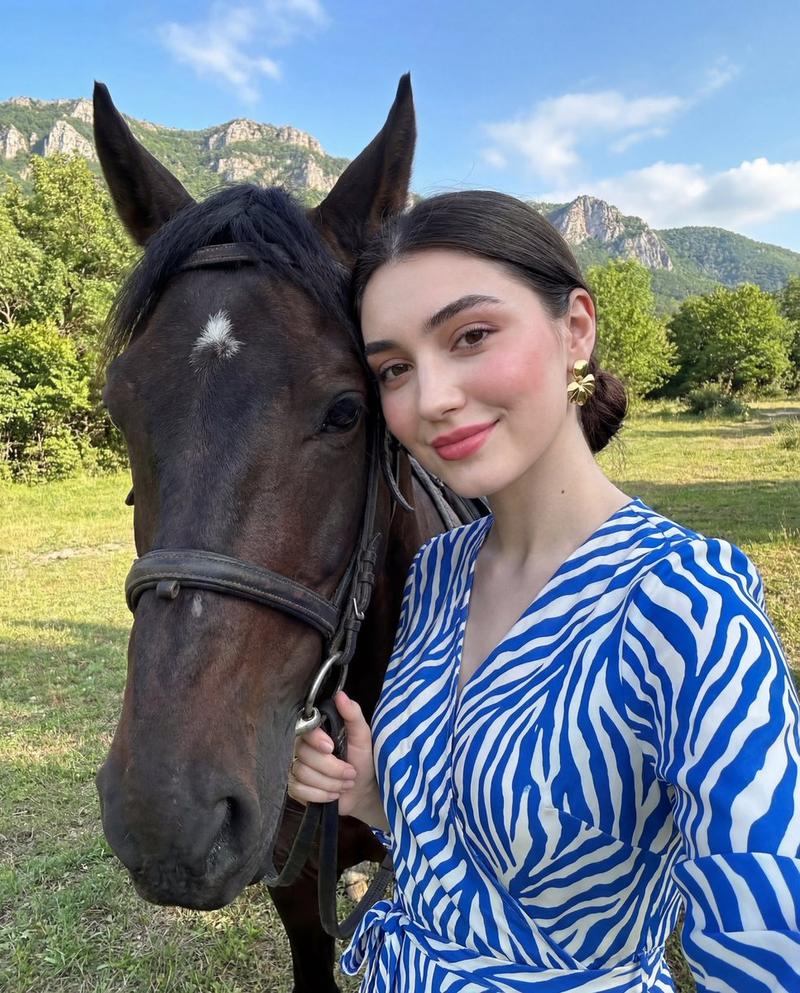
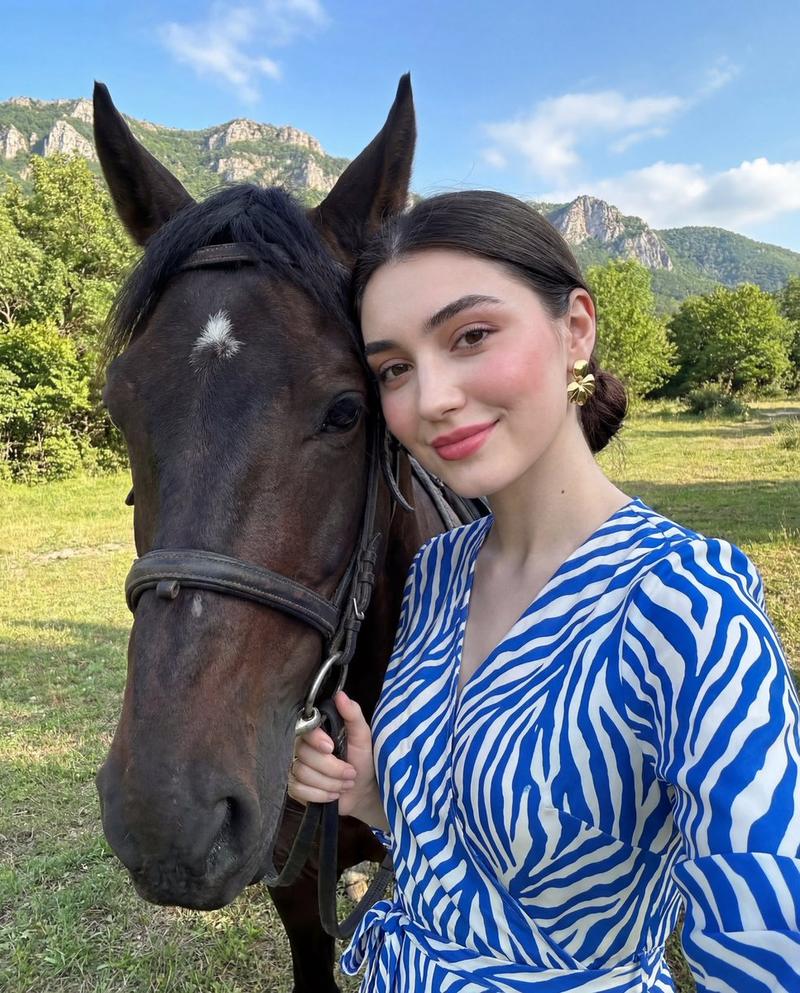
Without changing the face from the reference image. Monochrome fine-art fashion editorial photograph of the woman with wavy hair, now wearing dark sunglasses and dark oversized layered clothing with wide-leg trousers and leather boots. She is sitting low on a minimalist metal stool, legs spread forward in a relaxed, grounded pose, with one hand loosely resting between her knees holding thin leather reins. A strong black horse stands closely behind her, partially overlapping her silhouette. The setting is an open natural landscape with rough ground, wild grass, and a bright overexposed sky creating strong negative space. High contrast lighting with deep blacks, soft highlights, and a matte texture. Timeless cinematic mood, medium-format film look with subtle grain.
Category
Posters & Typography
Model
Nano Banana Pro
Creator
@Vishnudxe
Views46
Source ID
9199
Published
May 22, 2026

Guide

About "黑白光影中的酷帅女郎与黑马时尚大片"

What is this prompt for?

"黑白光影中的酷帅女郎与黑马时尚大片" AI image prompt for Nano Banana Pro (Posters & Typography). 不改变参考图像中的面部。一张波浪发女性的单色艺术时尚编辑照片,她戴着深色太阳镜和深色宽松叠穿服装,搭配阔腿裤和皮靴。她低坐在一张极简主义金属凳上,双腿向前伸展…

The full copyable prompt and example visuals above are ready for AI image generation or one-click recreate in Picva.

How to use this prompt

  1. Step 1

    Open the prompt detail

    Review the example visuals, category, and full prompt text for "黑白光影中的酷帅女郎与黑马时尚大片".

  2. Step 2

    Copy the prompt

    Copy the prompt body from this page, or load it directly in Studio.

  3. Step 3

    Pick a model (Nano Banana Pro)

    Prefer Nano Banana Pro. If you switch models, keep subject and composition and tweak style terms.

  4. Step 4

    Generate and export

    Recreate the look in Picva, or export into your workflow for editing and publishing.

FAQ

What is the "黑白光影中的酷帅女郎与黑马时尚大片" prompt?
It is an AI image-generation prompt for Nano Banana Pro in the Posters & Typography category. This page includes the full prompt text, example visuals, and a one-click recreate path in Picva.
How do I use this prompt to generate an image?
Copy the prompt from this page, or use Generate / Studio. Paste it into a compatible image model, or recreate the look in Picva with optional reference images.
Which model is this prompt for?
This page lists Nano Banana Pro. Most descriptive prompts also transfer to nearby image models such as GPT Image, Flux, or Midjourney with light style tweaks.
Can I use the result commercially?
You can usually copy the prompt for creation, but commercial use of the final image depends on the model terms, reference-image rights, and the generated content. Follow the source author and platform rules.