17

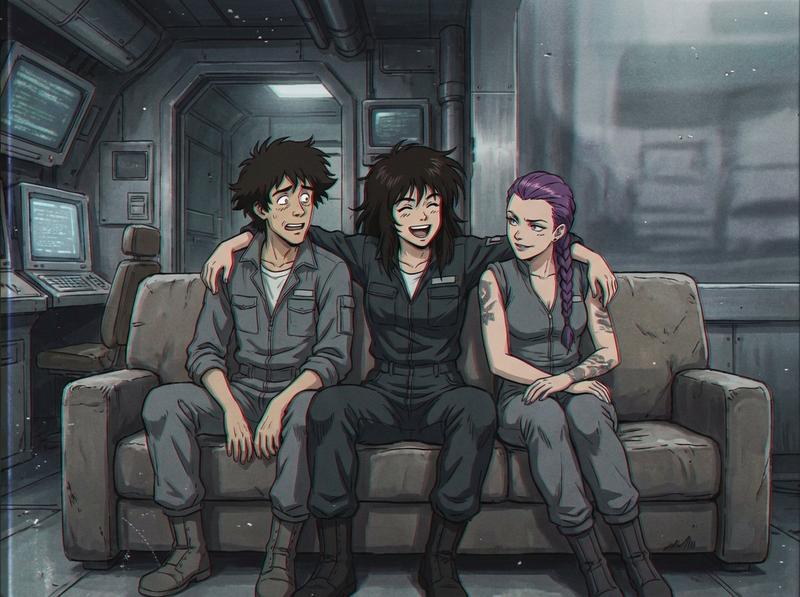
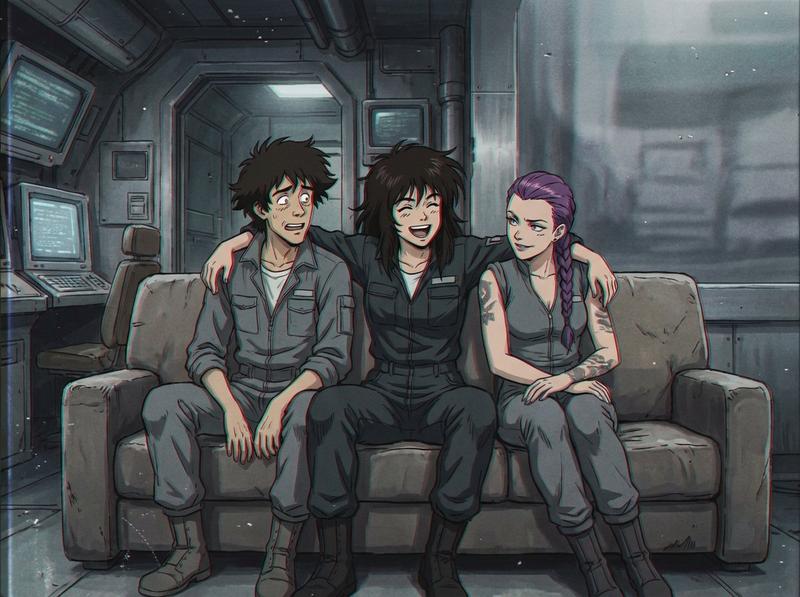
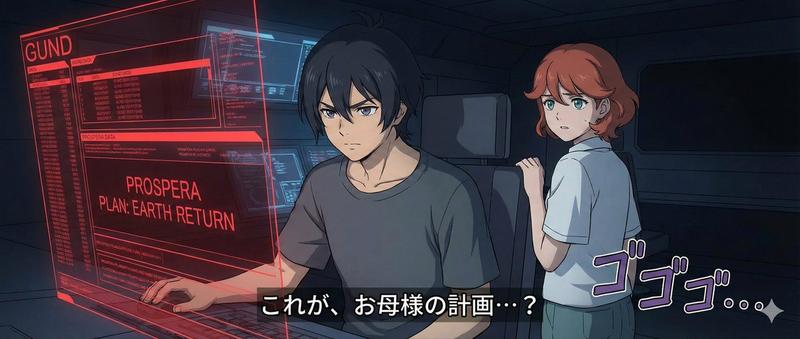
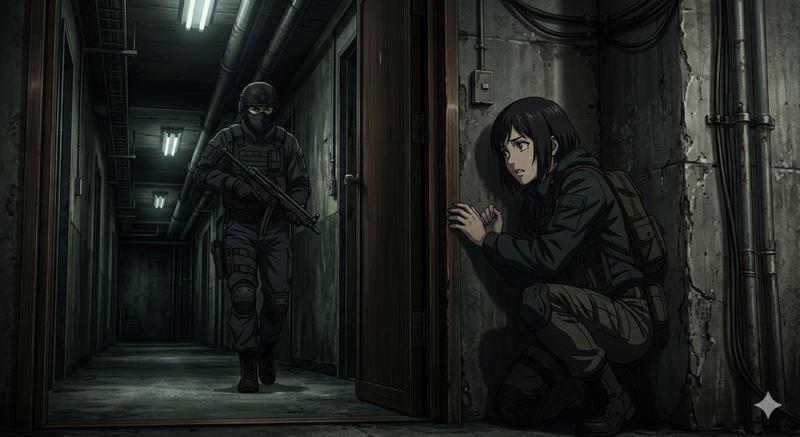
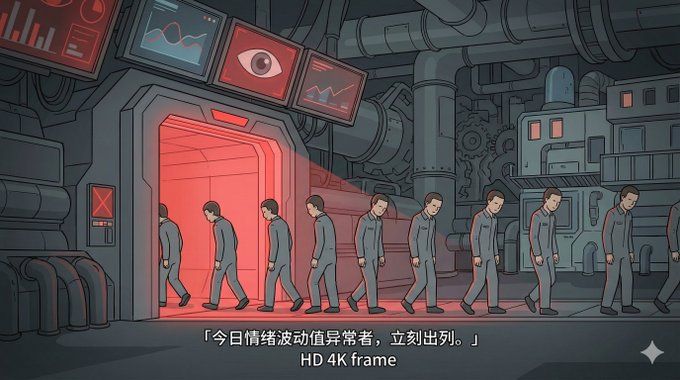
灰暗MG风定格画面
Enlarge

灰暗MG风定格画面

Prompt
Generate a 2D flat narrative illustration of 「(主题/剧情一句话描述)」, overall style mimicking a Flash/MG storyboard screenshot: clean vector strokes (slightly thicker outer contour, crisp lines), large flat color blocks, only a few soft gradients for shadows, no complex materials or realistic textures; the scene is a medium-to-long shot set in (地点/时代/环境), the main subject is (人物/物体) in the act of (动作/状态), facial expression clear but features simplified; colors low-saturation and slightly gray, atmosphere (悬疑/压抑/温暖/荒诞), slight vignette and spotlight, background generalized so it doesn’t steal focus; a line of Simplified Chinese subtitle 「(字幕内容)」 is kept at the bottom, aspect ratio (16:9/9:16/4:3), HD output.
Category
Photography & Realism
Model
GPT Image 2
Creator
@VoxcatAI
Views58
Source ID
1934
Published
Jan 10, 2026

Guide

About "灰暗MG风定格画面"

What is this prompt for?

"灰暗MG风定格画面" AI image prompt for GPT Image 2 (Photography & Realism). 生成一张「(主题/剧情一句话描述)」的二维扁平叙事插画,整体为 Flash/MG 动画分镜截图风:干净矢量描边(外轮廓略粗、线条利落),大色块平涂为主,阴影仅用少量柔和渐变,不做复…

The full copyable prompt and example visuals above are ready for AI image generation or one-click recreate in Picva.

How to use this prompt

  1. Step 1

    Open the prompt detail

    Review the example visuals, category, and full prompt text for "灰暗MG风定格画面".

  2. Step 2

    Copy the prompt

    Copy the prompt body from this page, or load it directly in Studio.

  3. Step 3

    Pick a model (GPT Image 2)

    Prefer GPT Image 2. If you switch models, keep subject and composition and tweak style terms.

  4. Step 4

    Generate and export

    Recreate the look in Picva, or export into your workflow for editing and publishing.

FAQ

What is the "灰暗MG风定格画面" prompt?
It is an AI image-generation prompt for GPT Image 2 in the Photography & Realism category. This page includes the full prompt text, example visuals, and a one-click recreate path in Picva.
How do I use this prompt to generate an image?
Copy the prompt from this page, or use Generate / Studio. Paste it into a compatible image model, or recreate the look in Picva with optional reference images.
Which model is this prompt for?
This page lists GPT Image 2. Most descriptive prompts also transfer to nearby image models such as GPT Image, Flux, or Midjourney with light style tweaks.
Can I use the result commercially?
You can usually copy the prompt for creation, but commercial use of the final image depends on the model terms, reference-image rights, and the generated content. Follow the source author and platform rules.