科幻走廊潜行伏击
Prompt
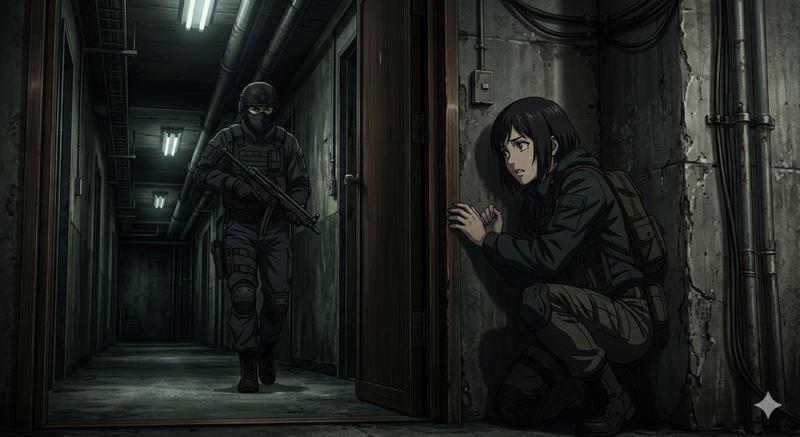
Create a cinematic anime-style sci-fi action scene in a dim industrial facility corridor. The composition is wide, with a concrete pillar dividing the image: on the far left foreground, a tense young woman named {argument name="character name" default="blonde covert operative"} hides behind the wall, leaning out cautiously while gripping one black semi-automatic pistol with both hands pointed upward; she has {argument name="hair color" default="blonde"} hair tied in a low ponytail with loose bangs, wears a black sleeveless crop tank top and black tactical shorts, and has visible sweat on her arms and shoulders. Her face is intentionally obscured by a flat opaque beige square censor block. In the mid-background on the right side of the corridor stand exactly two uniformed security officers: one brown-haired male officer pointing at one handheld tablet, and one blond officer holding that tablet; both wear dark navy futuristic combat uniforms with light blue piping, armored shoulders, tall black boots, and their faces are also obscured by matching opaque beige square censor blocks. The environment is a long underground military or research-base hallway with polished reflective concrete floor, raw concrete walls, exposed ceiling pipes, bright white fluorescent strip lights, blue glowing access panels, one heavy metal door on the right, and cool blue-gray lighting. Mood is stealthy, suspenseful, and tactical, as if the woman is ambushing or spying on the two guards. Use highly detailed Japanese anime illustration, sharp linework, realistic perspective, dramatic depth, moody shadows, glossy floor reflections, cyberpunk military ambience, widescreen 16:9 framing, no readable text.- Category
- Charts & Infographics
- Model
- GPT Image 2
- Creator
- Shadow Sync
- Source ID
- 18420
- Published
- May 4, 2026
Views4