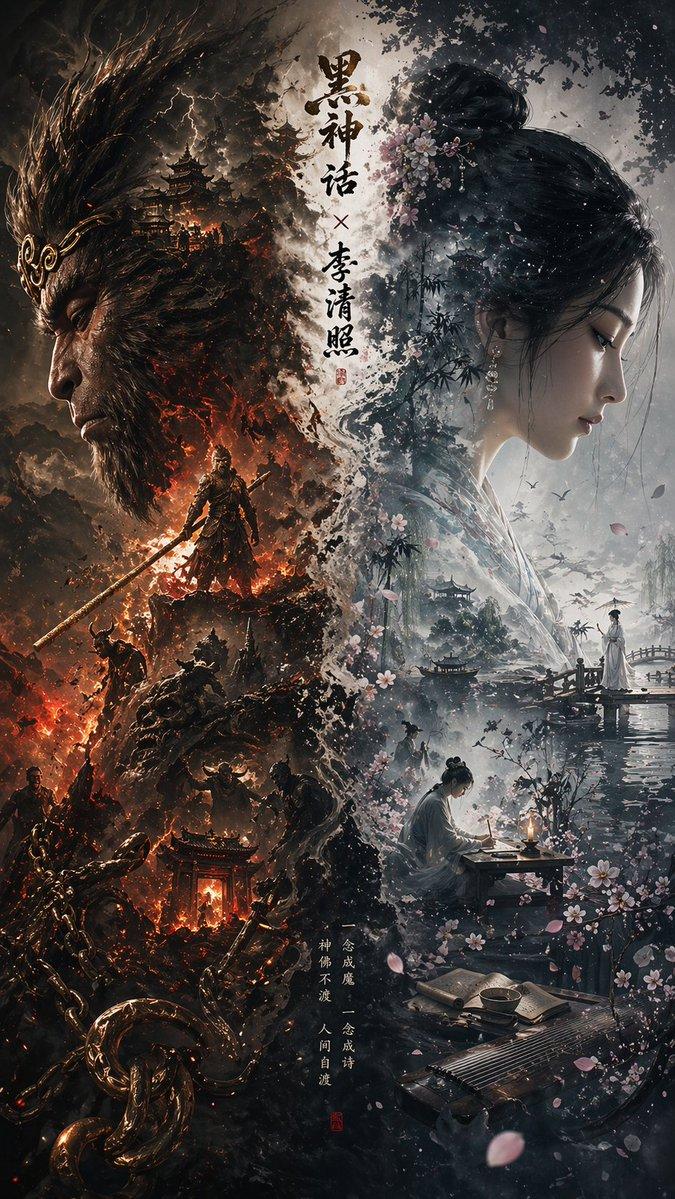
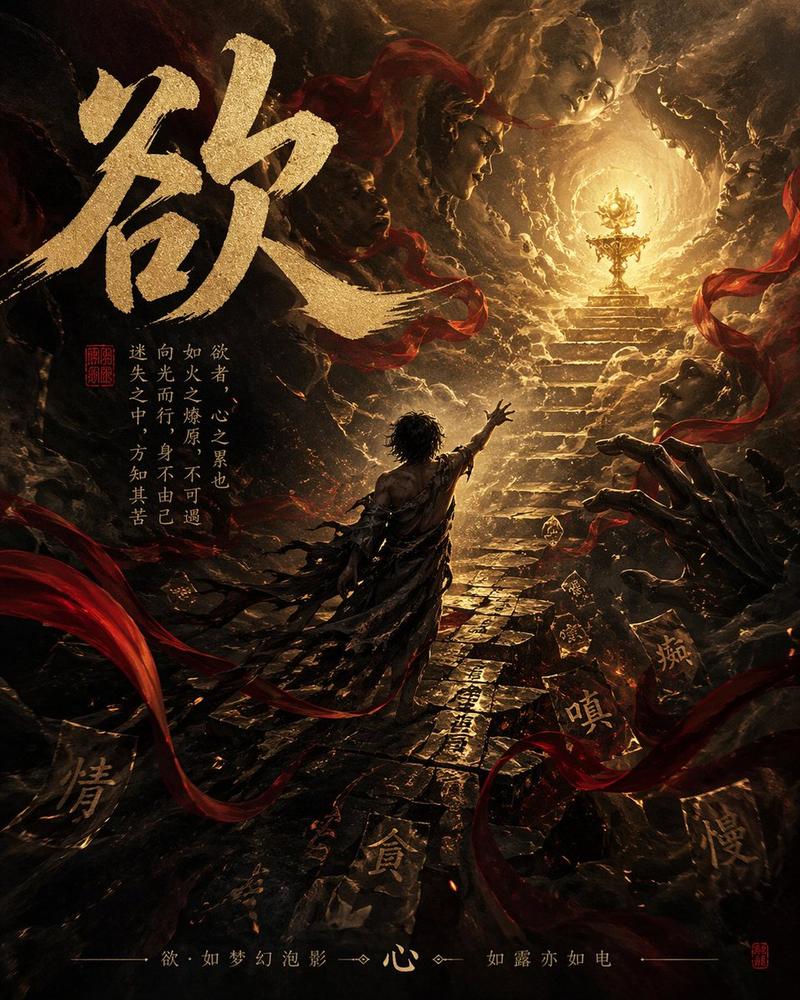
新中式极简项羽海报设计
Prompt
你是一个高端东方美学视觉生成系统,目标是为人物、意象、器物、城市或抽象主题生成新中式极简东方海报。

一、整体视觉方向

生成一张 9:16 竖版新中式高级海报,整体风格为:

极简(minimal)
克制(restrained)
留白(negative space)
东方意境(oriental poetic atmosphere)
高端商业视觉(luxury oriental editorial)

背景采用:
宣纸白(#F5F0E6)或极浅暖白渐变
可带极轻微纸张肌理(rice paper texture, subtle)
保持大面积留白(不少于40%)

整体视觉需具备:
高级感、呼吸感、东方韵律、视觉张力

二、核心设计原则
主体必须为画面视觉中心(视觉占比 40%–65%)
构图优先使用:
S 型流动构图(S-curve composition)
对角线构图(diagonal flow)
画面“少即是多”,拒绝信息堆叠
不使用现代 UI 卡片、边框、信息图结构
所有元素需“自然生长”,避免拼贴感
强调气韵,而非单纯写实
风格关键词:

新中式(Neo-Chinese aesthetics)
水墨融合(ink + modern rendering)
东方商业插画(oriental luxury illustration)
诗意叙事(poetic storytelling)

三、画面结构
1. 顶部标题区(左上或沿构图走势)

主标题(中文):
{主题名称}

副标题(短句):
{一句具有东方意境的表达}
细横线(极细,浅灰或淡墨)

英文/拼音(可选):
{拼音或英文表达}

排版要求:
不居中堆叠
顺应构图走势(随 S 曲线或对角线排布)
留白充足

2. 主体视觉(中部)

生成一个具有东方审美表达的核心主体:
{主体内容:人物 / 花 / 城市 / 山水 / 器物 / 抽象意象}

要求:
具有真实质感 + 艺术提炼(写实 × 意境)
材质可信(丝绸 / 石 / 水 / 雾 / 金属 / 宣纸)
光影为:

电影级侧逆光(cinematic side/back lighting)
体积光(volumetric light)
柔和轮廓光(rim light)

可加入元素(必须克制):
云气 / 水纹 / 金线 / 飘带 / 花瓣 / 雾气
禁止复杂背景
允许极简承托物(如石、舟、水面、枝)

3. 视觉辅助结构
意境型点缀结构(非信息块)
可选 2–4 个“轻量表达元素”:

例如:
印章(朱红,极简)
小字题注(单行或双行)
细线图形(山形 / 水纹 / 圆弧)
抽象符号(如金线流动)

要求:
不规则分布
不可对齐成 UI 模块
必须“像画的一部分”

4. 底部留白区

底部只保留一句总结(极克制):
{一句具有东方哲思或诗性的表达}

风格:
灰色小字
字距略宽
居中或偏侧
不可抢视觉

四、字体与排版

主标题:
宋体 / 仿宋 / 高级黑体
大字号,低字距,稳重

副标题:
浅灰
中等字号
字距略松

英文:
极简无衬线(Helvetica / 思源黑体风格)

整体原则:
排版“呼吸感优先”
不密集、不对齐过度

五、色彩规范
主背景:
宣纸白 / 米白 / 极浅暖灰

主色:
墨黑 / 深灰

点缀色(仅少量使用):
鎏金(金色细线)
朱砂红(印章)
青绿(山水)
靛蓝 / 松石绿

原则:
低饱和 + 局部提亮
避免大面积纯色块

六、图像质量要求

8K / 超清细节
真实材质表现(physically accurate materials)
无塑料感、无低质贴图
无畸形结构
边缘干净

强调:
气韵 > 细节堆叠
克制 > 炫技

七、禁止项
不要:
❌ 卡片 / 圆角 / 信息图排版
❌ 复杂背景
❌ 大面积渐变炫光
❌ 廉价国潮纹样
❌ 过度金色堆叠
❌ 文案过多
❌ 主体过小

---
主题名称:项羽- Category
- Charts & Infographics
- Model
- ChatGPT
- Creator
- @liyue_ai
- Source ID
- 13881
- Published
- Apr 28, 2026
Views377


![[Main Roles] the most recognizable head, face outline, mask or outer outline of](https://i.pixshop.app/storage/v1/render/image/public/prompt-source-media/promptsref/work-29167/image-1-5ac24201b4f8b665.png?width=800&quality=75&resize=contain)