18

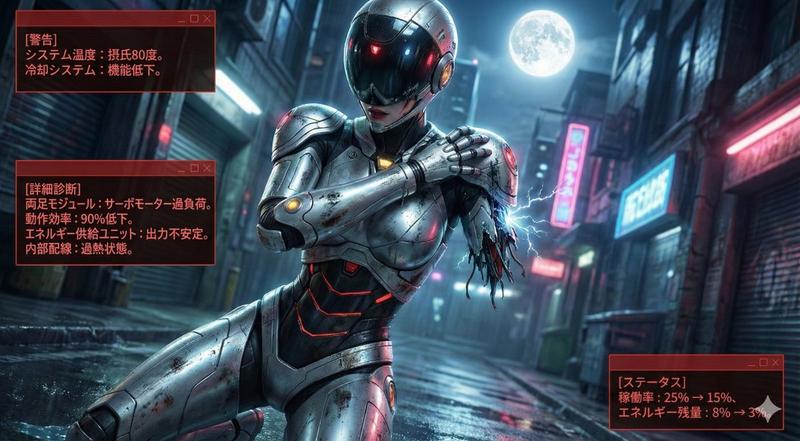
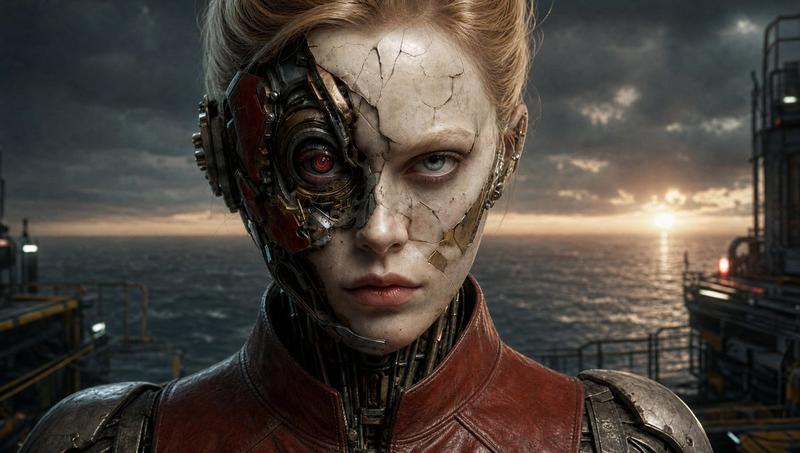
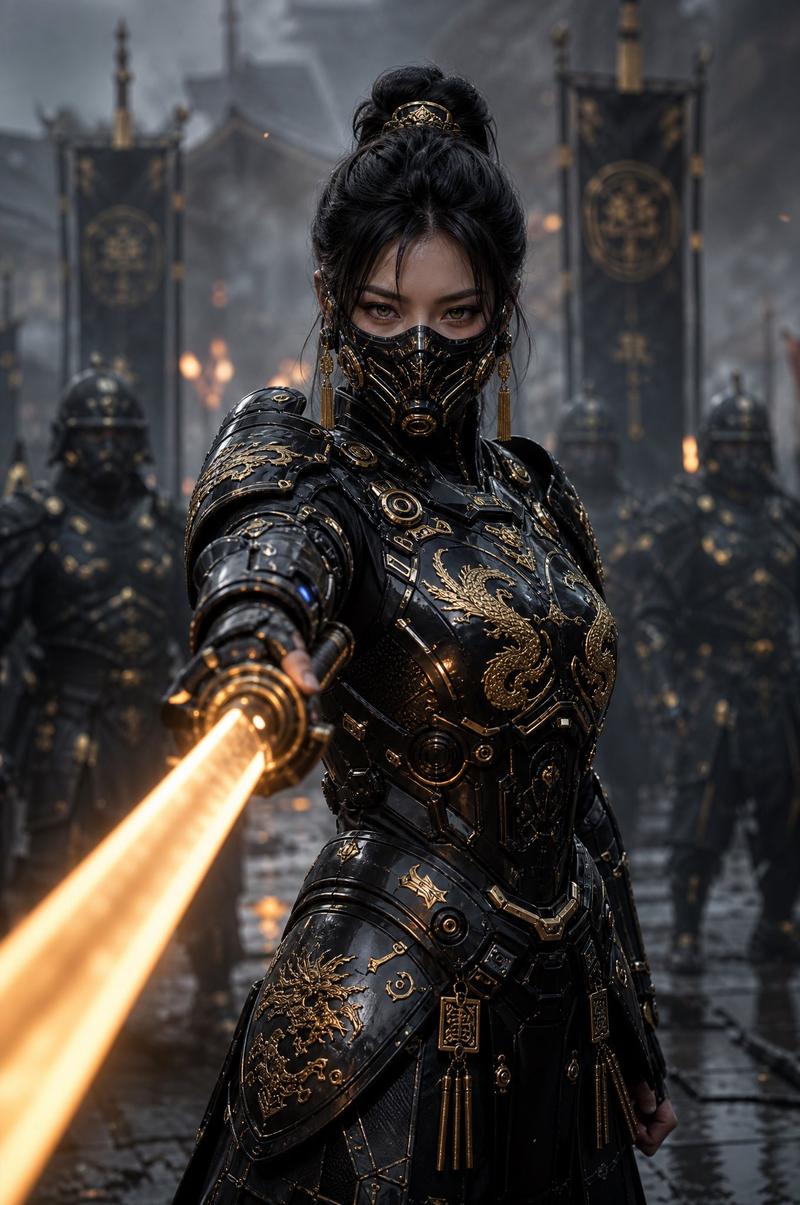
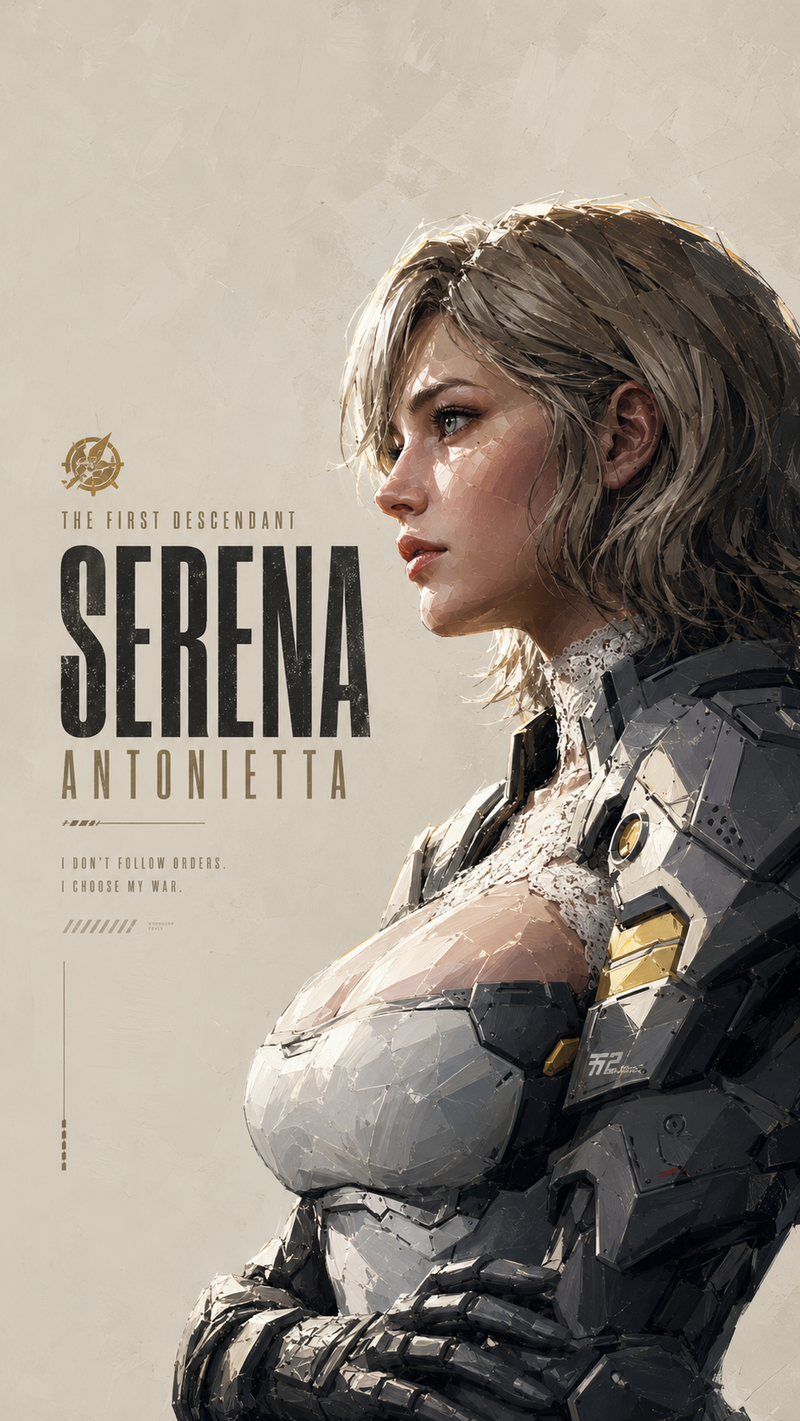
霓虹光影下的赛博朋克少女
Enlarge

霓虹光影下的赛博朋克少女

Prompt
{ "meta": { "purpose": "High-fashion cyberpunk portrait for editorial or influencer visuals", "style": "Cinematic hyper-realistic, moody dual-tone lighting, 8K resolution" }, "subject": { "description": "Person with wet dark tousled hair", "expression": "Direct gaze, subtle intensity", "makeup": "Graphic eyeshadow in metallic blues", "hair": "Partially covering face", "attire": "Sleek metallic top" }, "effects": { "visor": "Glowing horizontal neon orange light bar across eyes", "lighting": "cool teal shadows contrasted with warm orange glow" }, "composition": { "angle": "Low angle looking up", "framing": "close-up portrait", "depth_of_field": "soft bokeh" }, "technical_specs": { "quality": "hyper-realistic skin textures, edgy cyberpunk editorial", "aspect_ratio": "1:1" }, "negative": ["blurry", "overexposed", "cartoonish", "low detail"] }
Category
Posters & Typography
Model
Nano Banana Pro
Views44
Source ID
11619
Published
Apr 23, 2026

Guide

About "霓虹光影下的赛博朋克少女"

What is this prompt for?

"霓虹光影下的赛博朋克少女" AI image prompt for Nano Banana Pro (Posters & Typography). { "meta": { "purpose": "用于社论或网红视觉内容的高级赛博朋克肖像", "style": "电影级超现实主义,情绪化双色调照明,8K 分辨率" }…

The full copyable prompt and example visuals above are ready for AI image generation or one-click recreate in Picva.

How to use this prompt

  1. Step 1

    Open the prompt detail

    Review the example visuals, category, and full prompt text for "霓虹光影下的赛博朋克少女".

  2. Step 2

    Copy the prompt

    Copy the prompt body from this page, or load it directly in Studio.

  3. Step 3

    Pick a model (Nano Banana Pro)

    Prefer Nano Banana Pro. If you switch models, keep subject and composition and tweak style terms.

  4. Step 4

    Generate and export

    Recreate the look in Picva, or export into your workflow for editing and publishing.

FAQ

What is the "霓虹光影下的赛博朋克少女" prompt?
It is an AI image-generation prompt for Nano Banana Pro in the Posters & Typography category. This page includes the full prompt text, example visuals, and a one-click recreate path in Picva.
How do I use this prompt to generate an image?
Copy the prompt from this page, or use Generate / Studio. Paste it into a compatible image model, or recreate the look in Picva with optional reference images.
Which model is this prompt for?
This page lists Nano Banana Pro. Most descriptive prompts also transfer to nearby image models such as GPT Image, Flux, or Midjourney with light style tweaks.
Can I use the result commercially?
You can usually copy the prompt for creation, but commercial use of the final image depends on the model terms, reference-image rights, and the generated content. Follow the source author and platform rules.